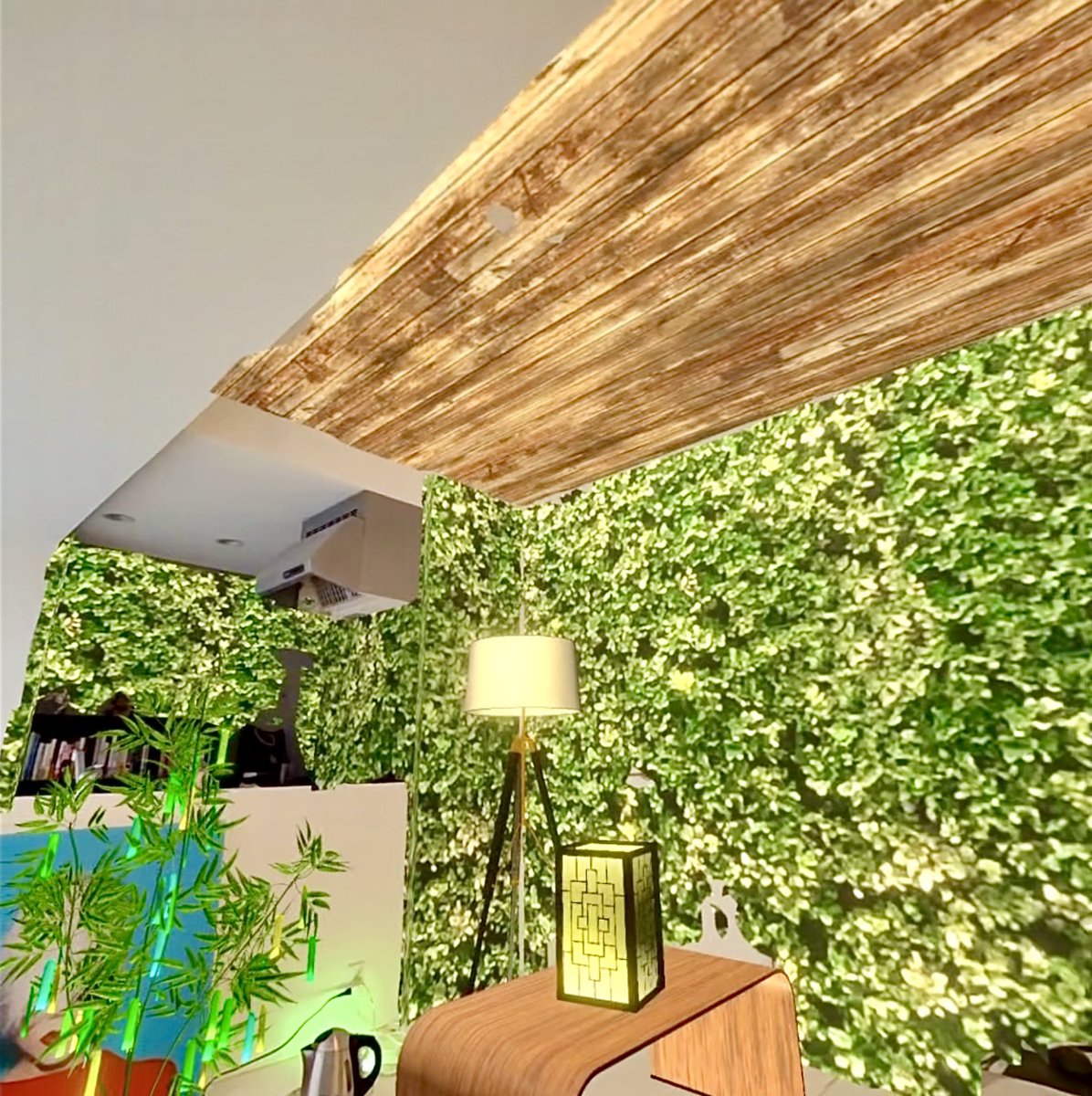
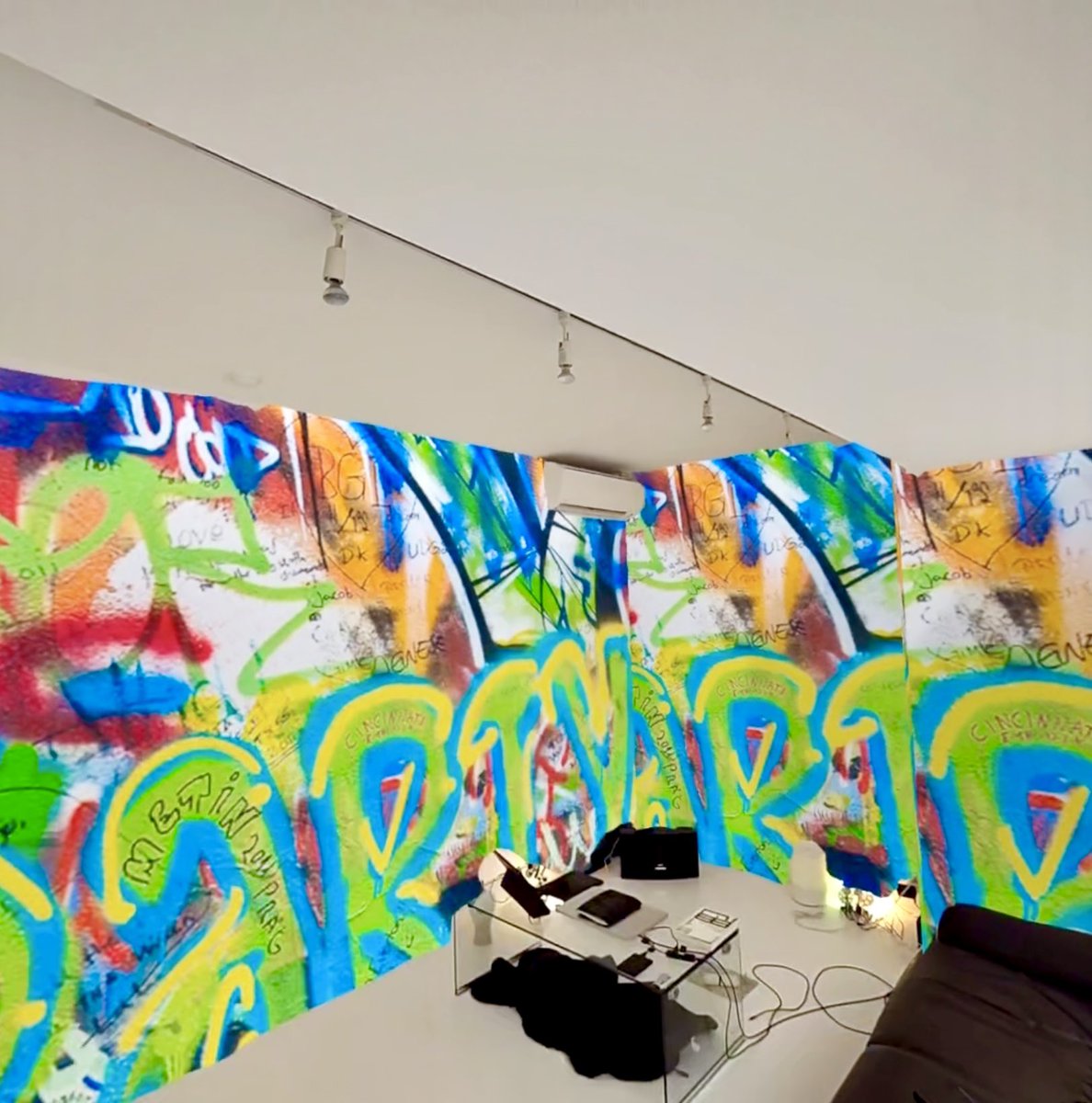
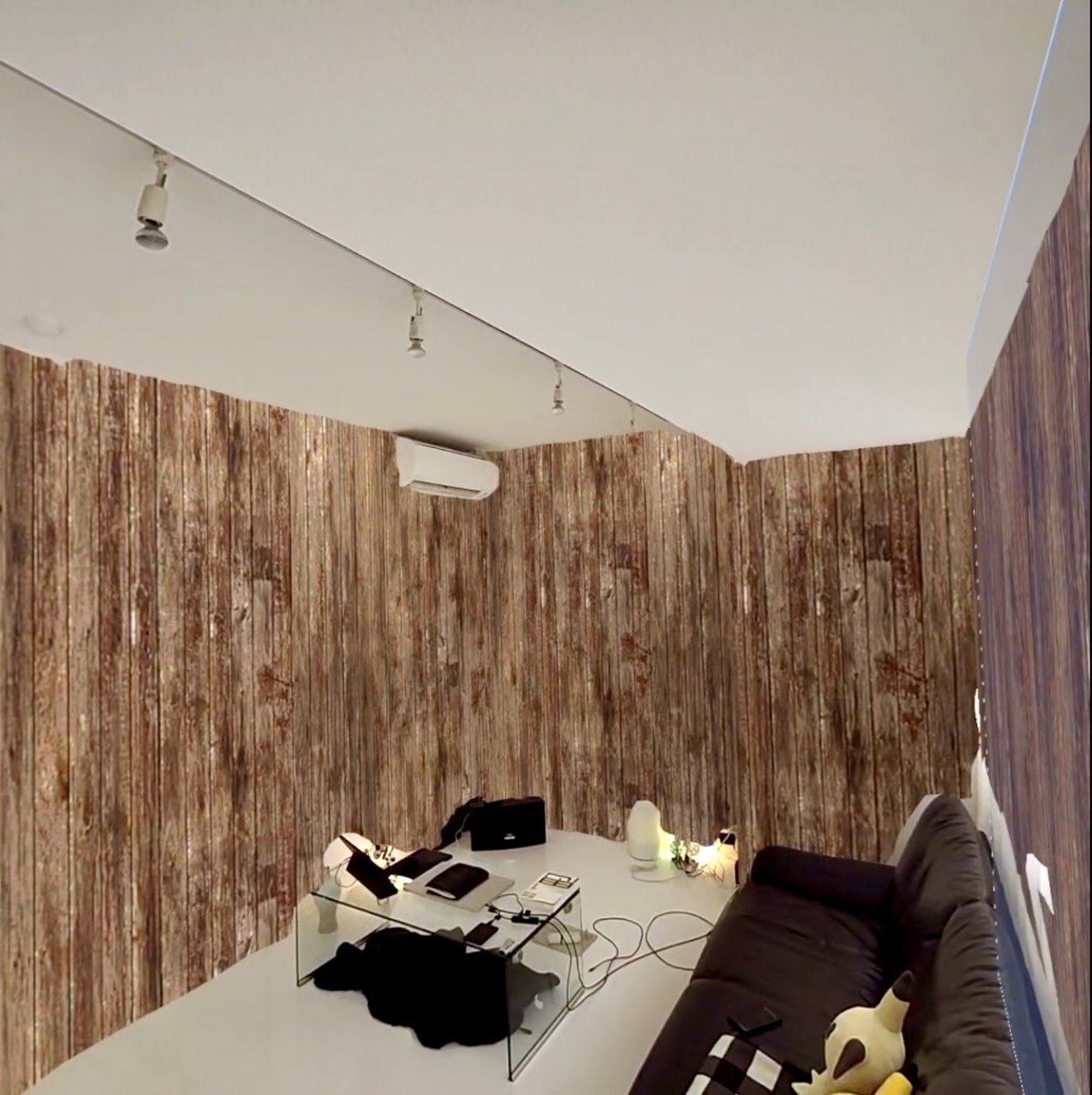
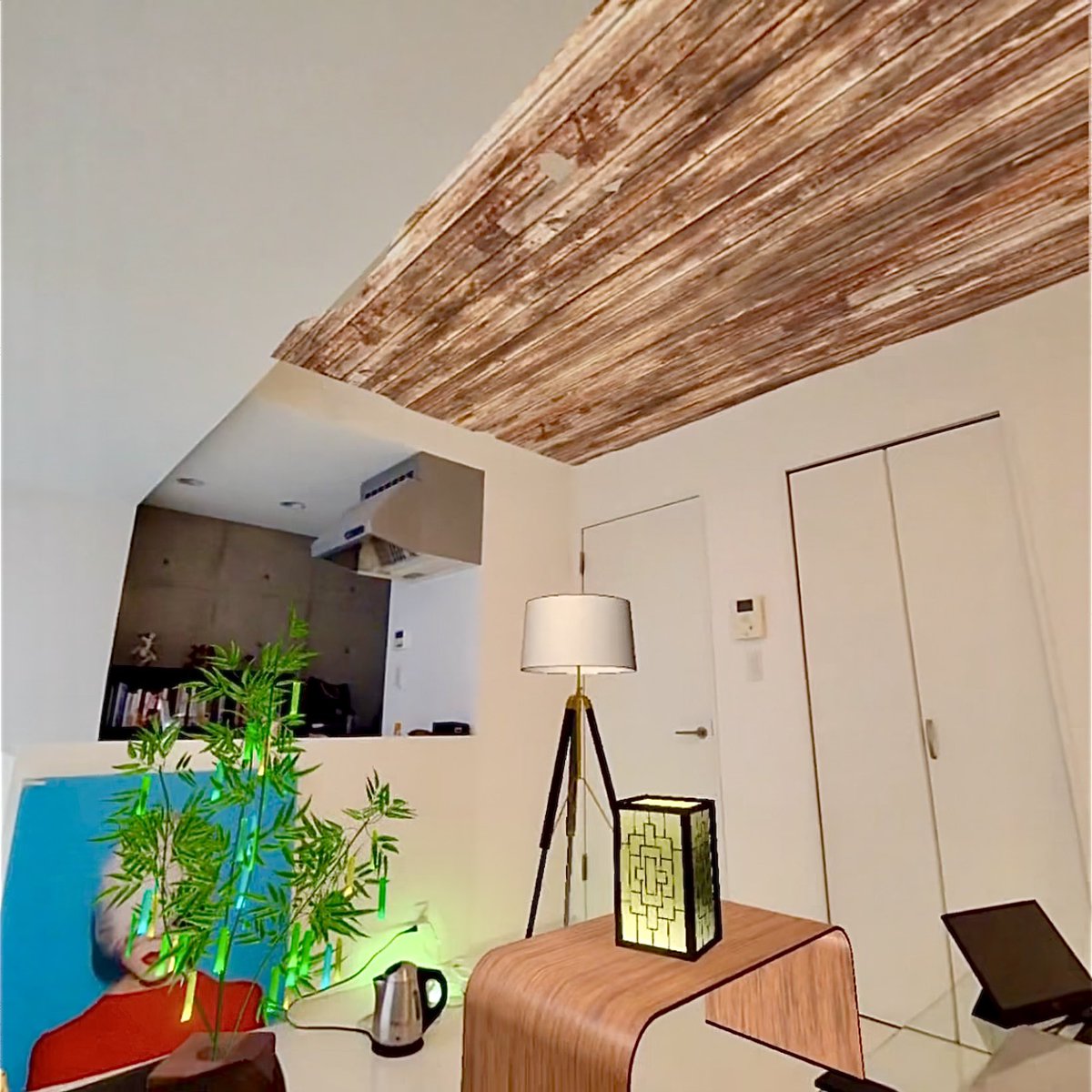
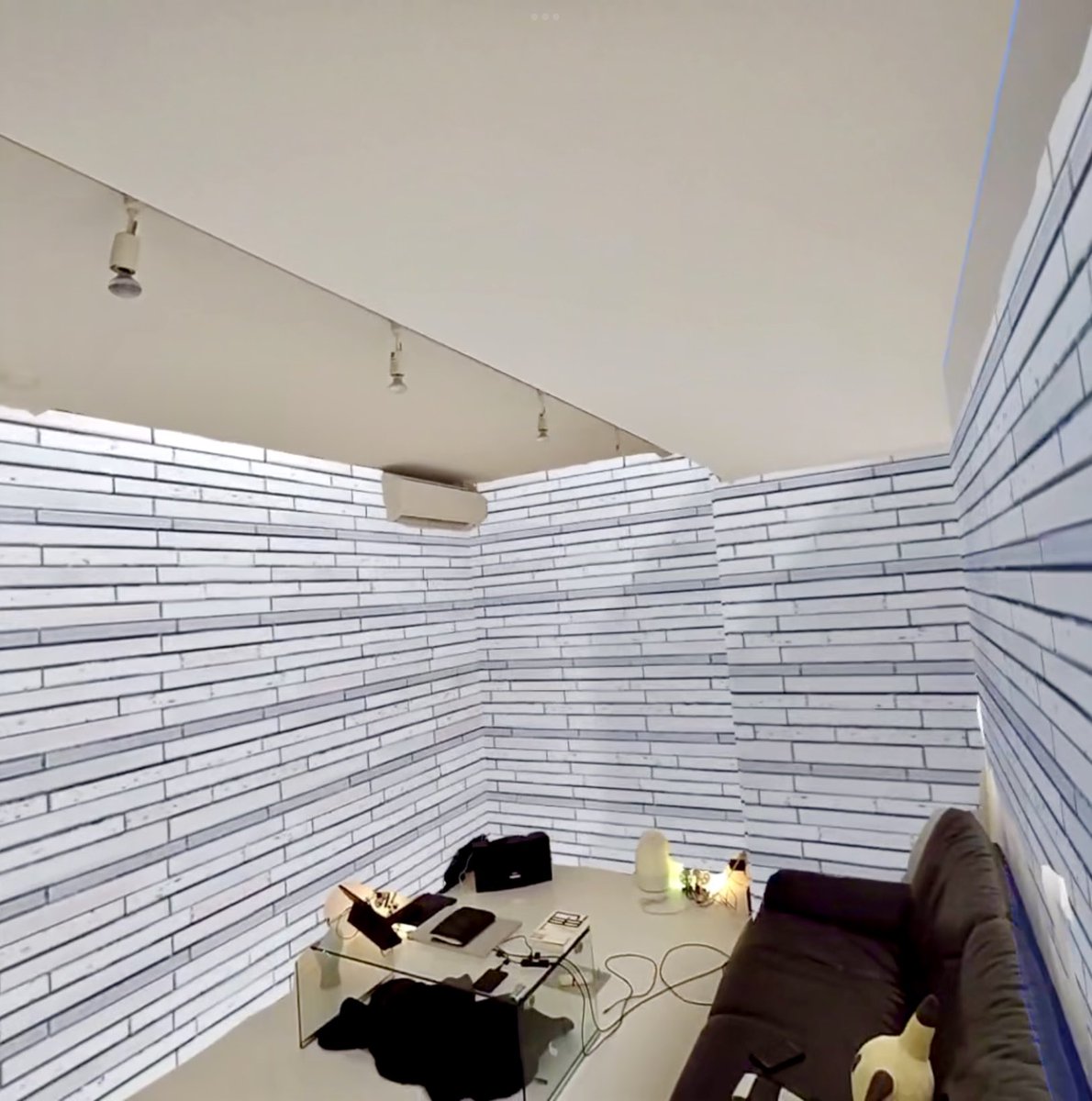
MR application "XR Layout" has been released!🎉
You can use 3D models and wallpapers to arrange and redecorate.
You can also use your own 3D models and wallpapers.
Please try to find cool and fascinating layouts.
Download from the reply section below👇
#IndieDevs#Quest3
5. If "Space setup" is not yet completed, press "Start over" to scan the room.
After completing the "Space Settings," launch the application in the space you have set.
That is all. Thank you.
Please note that the MR application (XR Layout) will not work properly without the "Space Settings".
I will show you the procedure below.
1. To perform Space setup, press the "Settings" button that appears when you press the "Oculus button" on the controller.
I have created a new PV for ”XR Designer, a game for Quest. You can easily create and share rooms using your own 3D models.
For more information on downloading the app, etc., please see the commentary 👇
#Quest3#indiegamedeveloper
This is the second half of the short version video of the recently released MR application "XR Layout" for Quest3.
You can also decorate your own room with your own blender 3D models.
It is now available for free, so please download it.
#Quest3#VisionPro
I made a 3D model of the poster and made it compatible with AR, VR and MR.
XRSNS only needs to upload one model to support all of XR.
Please see the profile for details.
#blender#b3d
Instructions for using XR Layout
https://t.co/1YGoOBGlgm
Download XR Layout
https://t.co/X2LZIfMEmy
Upload 3D models and wallpapers
https://t.co/qhxDJjTacO
MR application "XR Layout" has been released!🎉
You can use 3D models and wallpapers to arrange and redecorate.
You can also use your own 3D models and wallpapers.
Please try to find cool and fascinating layouts.
Download from the reply section below👇
#IndieDevs#Quest3