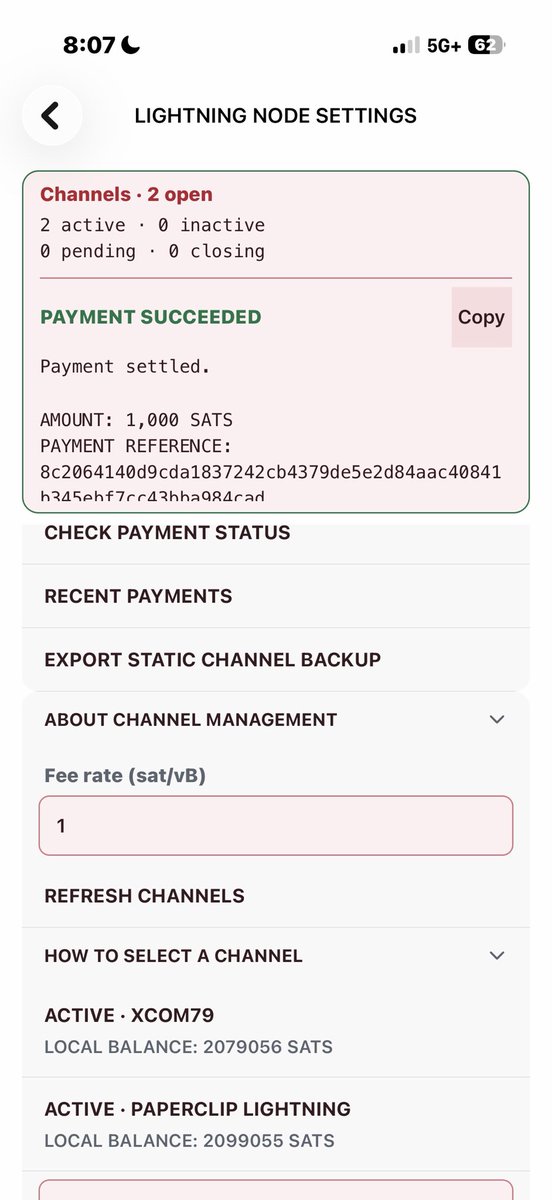
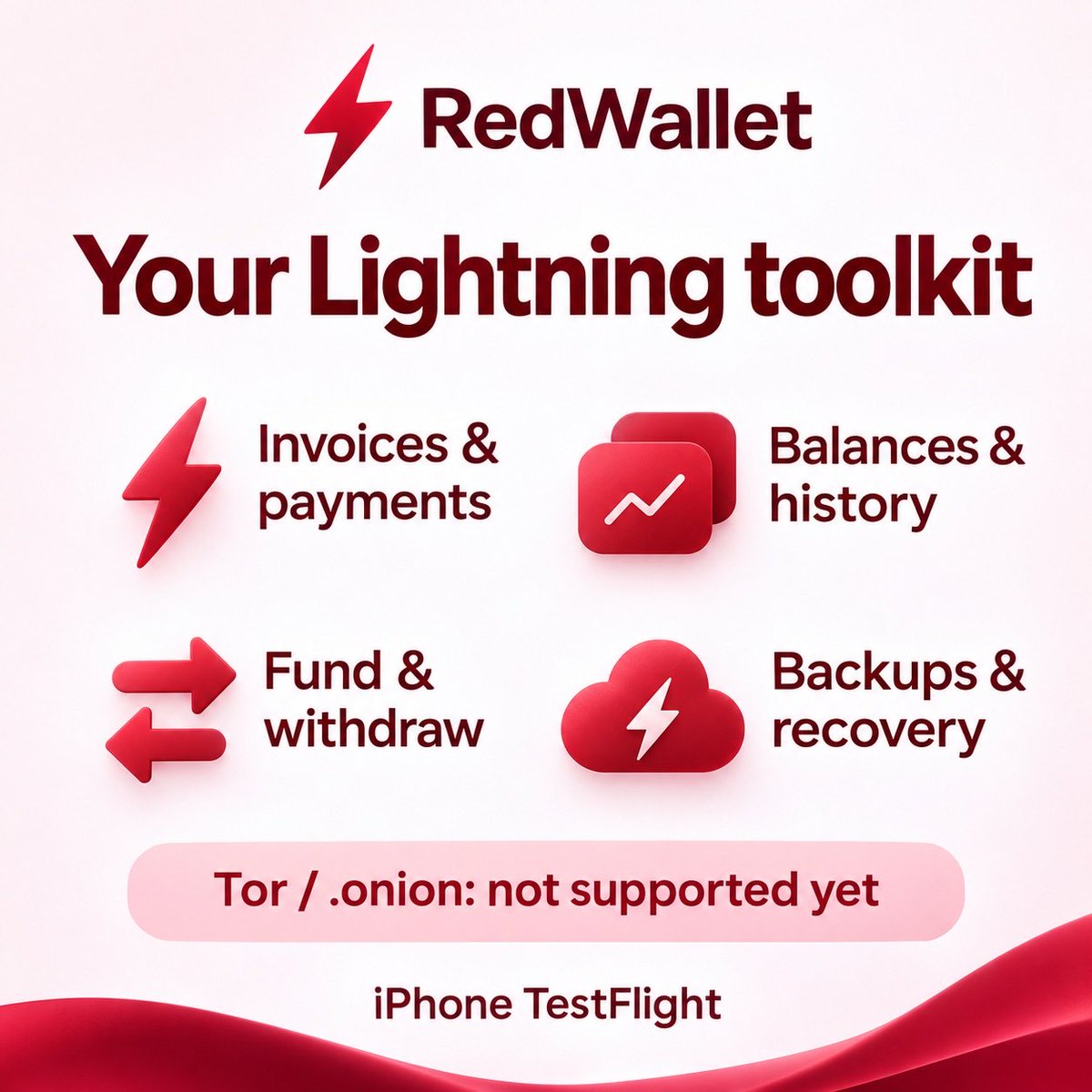
Got a BTC SHA256 Lightning invoice and an XBT BLAKE2b balance? You can now pay that invoice from your iPhone in RedWallet XBT 8.0.1. Build 1795014651 is on internal TestFlight.
Scan or paste the invoice in Lightning > Pay. XBT invoices take the usual route. For SHA256, choose Kilombino, the first supported bridge, then tap “Get quote”. See what the recipient gets, the exchange rate, bridge spread and charge, routing estimate when available, fee cap, maximum XBT total and time left to confirm.
Thank you, Kilombino, for providing the Lightning bridge between the chains. Kilombino is RedWallet’s first processor. We’ll add other processors as they become available and pass testing.
Your built-in XBT node pays only when you confirm. Cross-chain history keeps the invoice, fees and status together. If the app restarts mid-payment, RedWallet checks the original payment, blocks duplicate attempts and verifies settlement before marking it paid. Bridge tests used simulated payments.
BOLT12 offers give you one reusable QR for tips or repeat payments. Set a fixed price or let the payer choose. Save an offer, switch it off or turn it back on. You can also scan someone else’s XBT offer and review it before paying. Keep RedWallet open to receive.
Rename your Lightning node in Settings. It takes effect at the next restart. When you switch apps, RedWallet asks iOS for up to 25 seconds to finish Lightning activity.
On-chain, group matching Native SegWit and Taproot accounts for a combined balance and history. Receive defaults to Native SegWit. Switch to Taproot on the same screen.
Settings > Tools adds an offline hardware signing check. Scan your public Native SegWit account QR, sign a test QR on your device, then scan the reply. The test cannot spend funds. A Keystone 3 Pro on Cypherpunk 3.0.2 in Sparrow mode produced a verified signature.
Copy an unsigned PSBT above its QR code. RedWallet also retries fee lookups over Tor and flags malformed transactions before broadcast.
We patched the iOS crash seen when leaving Lightning Settings. Internal testers, update in TestFlight, open XBT Lightning Settings and tap Back. Let us know how it goes. #RedWallet #Lightning
Luke is technically right, and I agree with him. Most of us don’t have the perseverance. That’s what Saylor and Co were counting on. Most of us just say ��fuck it.”
My ex girlfriend used to say: “It’s easier just to “give” it to you than to explain why she shouldn’t…”
If Luke has the energy, the least I can do is try to help.
RedWallet XBT 8.0.1 is available in internal TestFlight. ⚡
A correction to my earlier post: the destination chain for cross-chain Lightning payments is Spamcoin (SHA256). I incorrectly called it BTC. The payment direction is XBT (BLAKE2b) → Spamcoin (SHA256).
Here’s how it works. Scan or paste a Lightning invoice in RedWallet. An XBT invoice uses your normal Lightning route. For a Spamcoin invoice, select a processor and review its quote. RedWallet shows the recipient amount, exchange rate, bridge spread, estimated routing fees and total XBT payable before you press Pay.
Your XBT Lightning node pays the bridge invoice only after you approve. RedWallet tracks settlement and keeps the cross-chain payment in your history. If you leave the app mid-payment, you can check its status when you return without starting a second payment.
Thanks to Kilombino for providing the bridge between the two chains. Kilombino is the first independent processor supported in RedWallet. We’ll add other processors as they become available and pass testing.
There’s also an offline hardware signing check. You can use a test QR to see whether RedWallet can verify the signature returned by your device, without spending funds.
Next up, currently in testing: share a Lightning invoice as a QR image by default or switch to text before sending it on X. The Pay screen also has a slightly larger invoice field with a soft red glow.
⚡ RedWallet now has XBT Lightning!
You guys believe Lightning will become a major part of Bitcoin’s future—and an essential feature for wallets. So I decided to add it to RedWallet.
The latest iPhone TestFlight build brings embedded LND directly to your phone, for the XBT/BLAKE2b network. No home node required.
What’s new:
• Automatic connections to public XBT chain peers, with an optional custom peer.
• Connect to Lightning peers and open private, unannounced channels.
• Generate an on-chain address to fund your Lightning node.
• View confirmed funding balances and local/remote channel balances.
• Create Lightning invoices to receive payments.
• Review invoices and confirm payments before sending.
• View recent Lightning payments.
• Cooperatively close channels and return funds on-chain.
• Review on-chain withdrawals and choose the fee rate.
• Withdraw to SegWit and Taproot addresses.
• View on-chain transactions and confirmation counts.
• Export static channel backups.
• Export a password-encrypted recovery file containing the Lightning wallet seed and channel backup.
• Restore from a recovery file.
• Automatic startup and synchronization status updates.
All shamelessly “stolen” from Kilombino 😄 Seriously—huge credit to him and the Kilowallet project for the open-source groundwork!
Next update: a red LCD-style activity panel, clearer controls, and visible open/active/pending channel counts.
⚠️ Tor-only Lightning peers are NOT supported in this build yet. Please don’t attempt .onion connections for now. Work on Tor support has started.
Available now to our iPhone TestFlight testers.
#RedWallet #XBT #LightningNetwork