Modify Xojo Android’s MobileTabPanel to behave more like the PagePanel found in Xojo Desktop and Web. Using PagePanel can be very useful in situations where you need greater freedom in designing your UI...
https://t.co/VgV3cUi5K6
If you ask him, Martin will say designing clean, intuitive user interfaces is one of his favorite parts of development. Though he’s also a Xojo MVP, he’s probably best know as the developer behind Android Design Extensions. https://t.co/Q8BuBBorA5
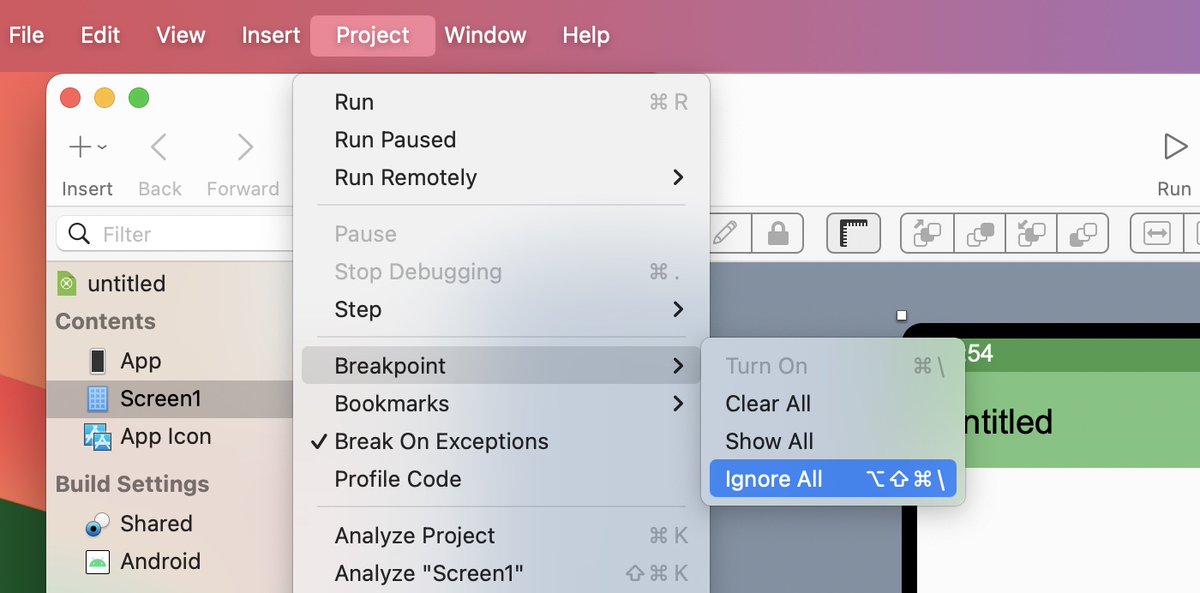
📲Want to run your Xojo Android projects faster in the Android Emulator? Ignore all Breakpoints by setting Project > Breakpoint > Ignore All. You can still debug your projects with System.DebugLog().
#Xojo@xojo#xojodevelopers#Android#mobiledevelopement@AprendeXojo
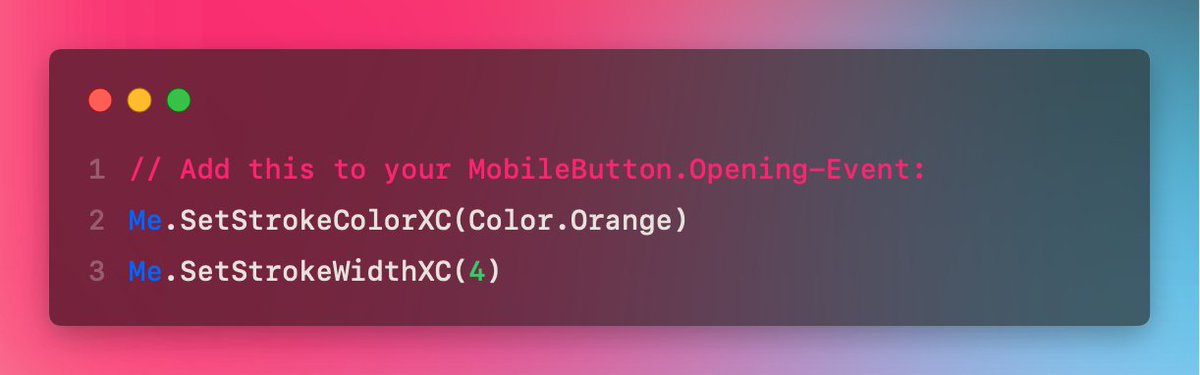
Add a border of any color and width to your MobileButton! With the Android Design Extensions and these lines of code...
#Xojo@xojo#MobileDevelopement#Android
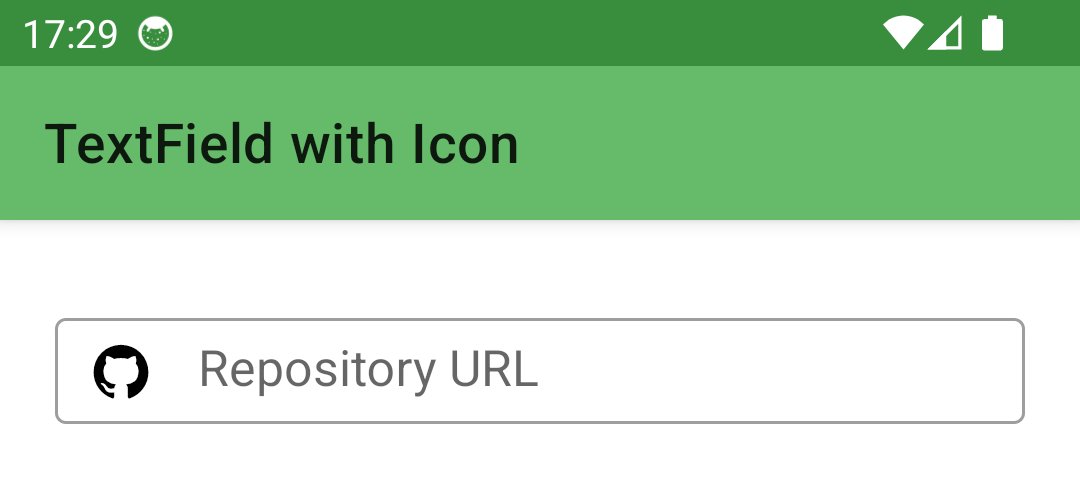
Add image icons to MobileTextFields in your Android app. How? Use the Android Design Extensions 3.0 and these two lines of code:
Me.SetStartIconXC(Picture.SystemImage("github_circle"))
Me.SetStartIconTintModeXC(PorterDuffModesXC.DST)
#Xojo@xojo#MobileDevelopement#Android
Add badges to a MobileTabPanel of your Android App. How? With the Android Design Extensions 3.0 and this line of code.
MyTabPanel.SetBadgeTextAtXC(0, "Exclusive")
#Xojo@xojo#MobileDevelopement#Android
Add a Picture to MobileButtons of your Xojo Android App. How? With the Android Design Extensions 3.0 and these two lines of code.
MyButton.SetIconXC(Picture.SystemImage("camera")) MyButton.SetIconGravityXC(IconGravity.TextStart)
#Xojo@xojo#MobileDevelopement#Android
StackView 3.2 enables a StackView, similar to Apple's NSStackView, to be used natively across platforms (macOS, Windows, Linux) with the help of DesktopContainers or ContainerControls.
Read more about at https://t.co/dhFftsNnJF
#Xojo@xojo#StackView#Windows#MACOS#Linux