Day 8 rewards are unlocked, waiting for you to claim!🚀
How to join:
💚 Share a screenshot of your WFCT event pieces in the comments
💚 Leave your #Websea UID
Today’s Lucky Reward: 1 WFCT Gift Box 🎁
Show off your collection and grab your lucky gift!
The Websea Bingo Continues! ❄️🔔
The holiday map is expanding! We’re looking for today’s lucky winners to grab their festive rewards. 🗺️
To Participate:
✅ Share a screenshot of your WFCT Christmas Carnival team (created or joined) below.
✅ Drop your Websea UID.
Reward: 10 WBS 🎁
Catch the holiday rewards before Santa heads home! 👇
Today, we unveil Nemesis Tickets, a 2,100 limited edition NFT collection✦
Each ticket is your key to the $NEMESIS whitelist (0.05 ETH allocation). Programmatically generated. Greek-Roman aesthetics. Zero duplicates.
Let's dive into the traits and rarity tiers🧵
TreasureX S1 kicks off in Japan!
ShareX proudly launches the first season of its TreasureX campaign series — a Web3-powered treasure hunt bringing real rewards to everyday sharing. All new users get a welcome pack — mystery boxes included!🎁
🔍 Scan the code or tap to enter now:
https://t.co/s7aU6EhnOl
More details:
https://t.co/Rqnw7hIbx1
Mises X NAWS Joint Giveaway Campaign
To celebrate the partnership between @Mises001 and @NAWS_Official , we have launched this campaing with 1000$ worth of NAWS token as the reward for 10 lucky participants!
Rules: Complete all folllowing tasks, winners will be chosen randomly in 11th Nov.
Tasks:
1. Follow @Mises001
2. Follow @NAWS_Official
3. Quote RT this post and tag 3 friends
4. RT and like https://t.co/iR9vF6Y5CL
To help you better use NAWS on Mises iOS, here's the tutorial:
1. Download iOS version of Mises from https://t.co/MpzH7uXhct
2. Download the CRX-Extactor Extension from: https://t.co/rM3ydP9Zob
3. Install CRX-Extactor Extension to your Mises
4. Enter the download page of the extension you want to install on Google Web Store
5. Activate the CRX-Extactor Extension, select Download CRX, and wait for the CRX package to download
6. Open the Wallet Settings to install the extension you want to use
#Mises $NAWS #Web3 #Giveaway
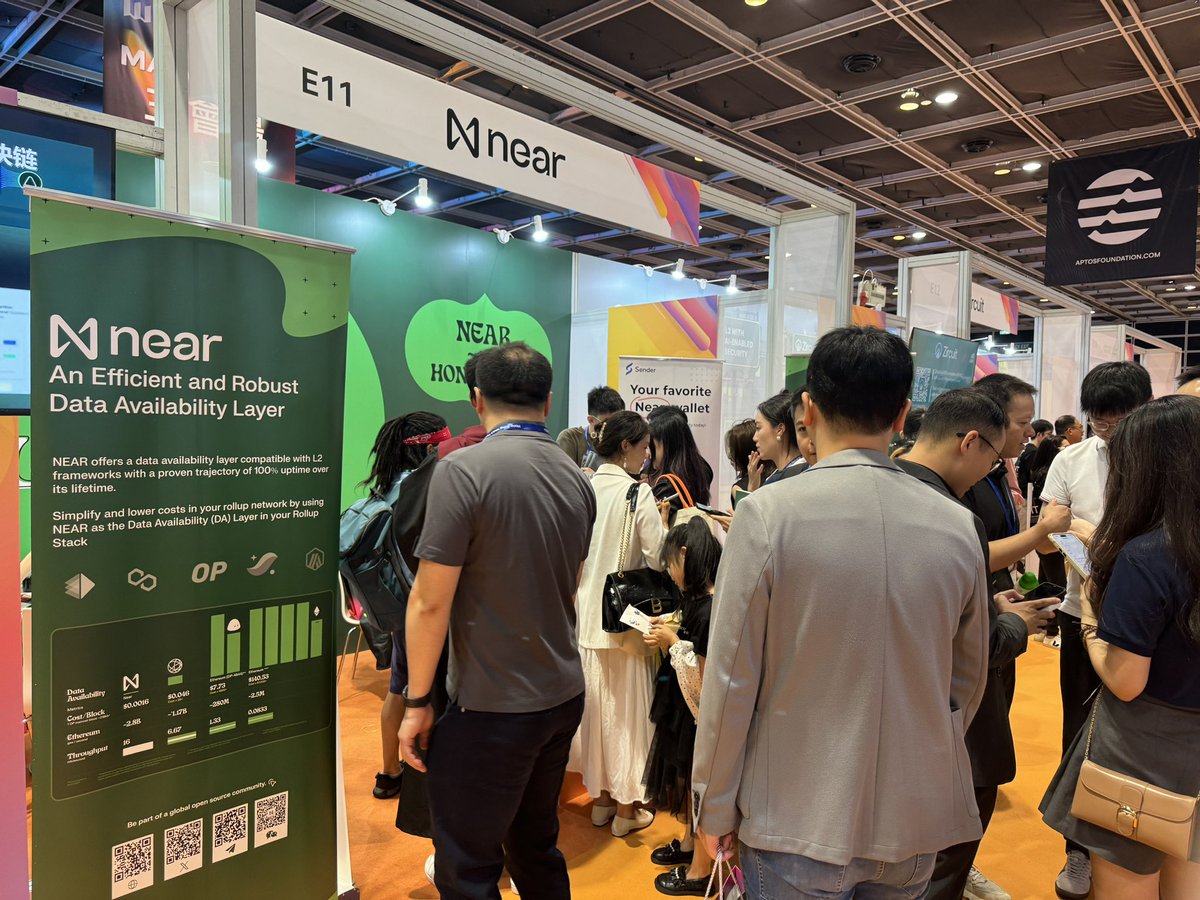
Exciting airdrops to anticipate in 2024 @SenderLabs
Final round, easy task and get $NEAR
10x winner well get 0.69$NEAR Each
Rule 👉LIKE ,RT & tag fri
⏱24hr
$BUBBLE @Imaginary_Ones@ParamLaboratory@PlayOverTrip
$RICY @ricyofficial