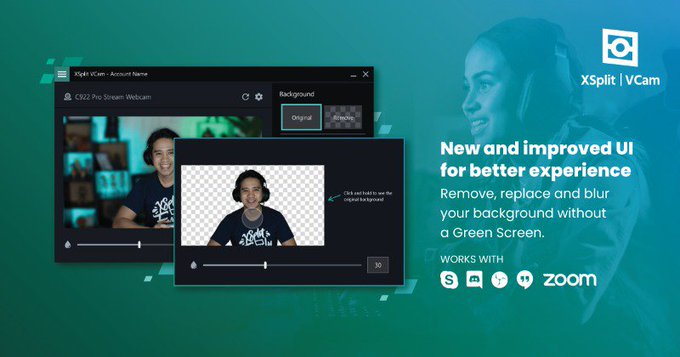
XSplit VCam 4.0 is here!
✨ Redesigned UI
🏷 Multiple Custom Watermark Support
☀️ Enhanced Lighting
And much more! Head to https://t.co/Yd7aXSsPuK to download and try for free today!
With the whiteboard plugin for XSplit Broadcaster, you can easily add on-screen annotations to your streams. So, like a live sports broadcast, you can add highlights to a replay and much more! ↗ → ⭕️
@nikkatsu No problem! Sorry, I used Google Translate! So yes, you need to determine what the delay is for the game and add that in the ms box as you have pictured there for your capture card.
📸 Did you know custom filters and LUTs are built right into XSplit Broadcaster? Here's how easy it is to change the color of your multimedia sources.
Full written guide: https://t.co/tmaXBA4oSA
Our Black Friday Sale is here! Upgrade to XSplit Premium and get 25% off your purchase for LIFE. Available for all licenses and durations for a limited time only.
Use 'bf25' on checkout or go here: https://t.co/H3MAwya9XQ
Engaging with your community through the chat box is one fun way to create content. Play a variety of games with your audience while you stream. Have you done this with your Twitch chat? We'd love to know.
Watch more: https://t.co/qccsu3JtYy
We have an exciting update for XSplit Broadcaster & we can’t wait for you to get your hands on it! Here are the key features
🪄New layout wizard
📃Overhauled sources menu
🎨Customizable lower thirds
🖼️New background source
Update to version 4.3 today!
▶️ https://t.co/aRjU8XsrJY
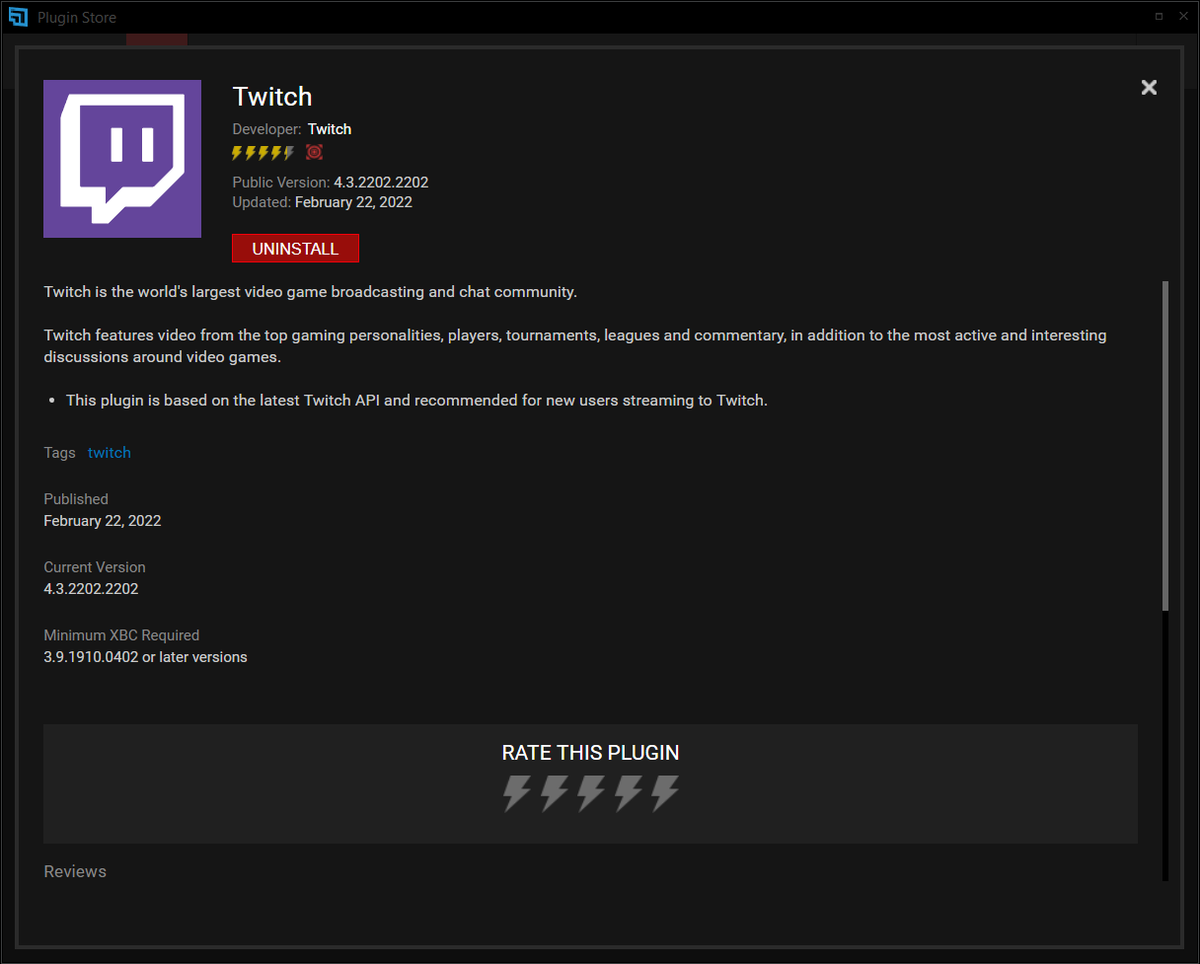
📢Twitch users, please make sure to update to the latest version of our Twitch output plugin to continue streaming and avoid interruption from the scheduled shutdown of their old API.
Go to the plugin store, click on Twitch, hit the update button and you're good to go! 👏