How I use ChatGPT and Figma make to visualize and understand a product better.
Especially when the flow and the process. It gives me content as well
You can also copy the design to your file and edit it there. (Premium users)
So even if it’s personal project. A dashboard, website you need a visual understanding for. ChatGPT and Figma make is your friend.
FYI this is just a snippet of what it can do
My 100 Days of Ui/Ux 🙏🏼
Day 30
Still building a design system
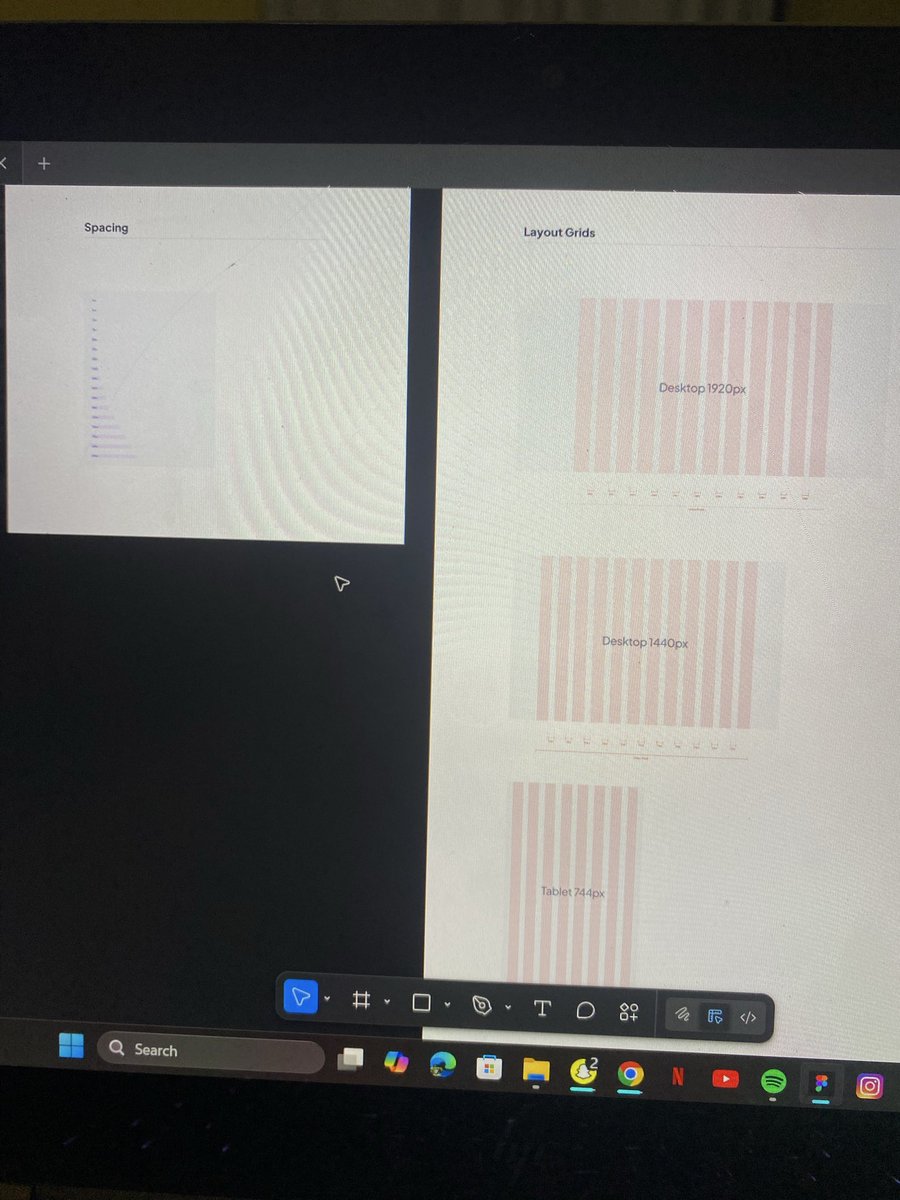
Focused on Icons, spacing, and Grids today🫠
P.S. This design system is general and not focused on the landing page design 🙂
#100DaysOfdesign#UIUXDesign
My 100 Days of Ui/Ux 🙏🏼
Day 29
Still building my first landing page
Started with the design system
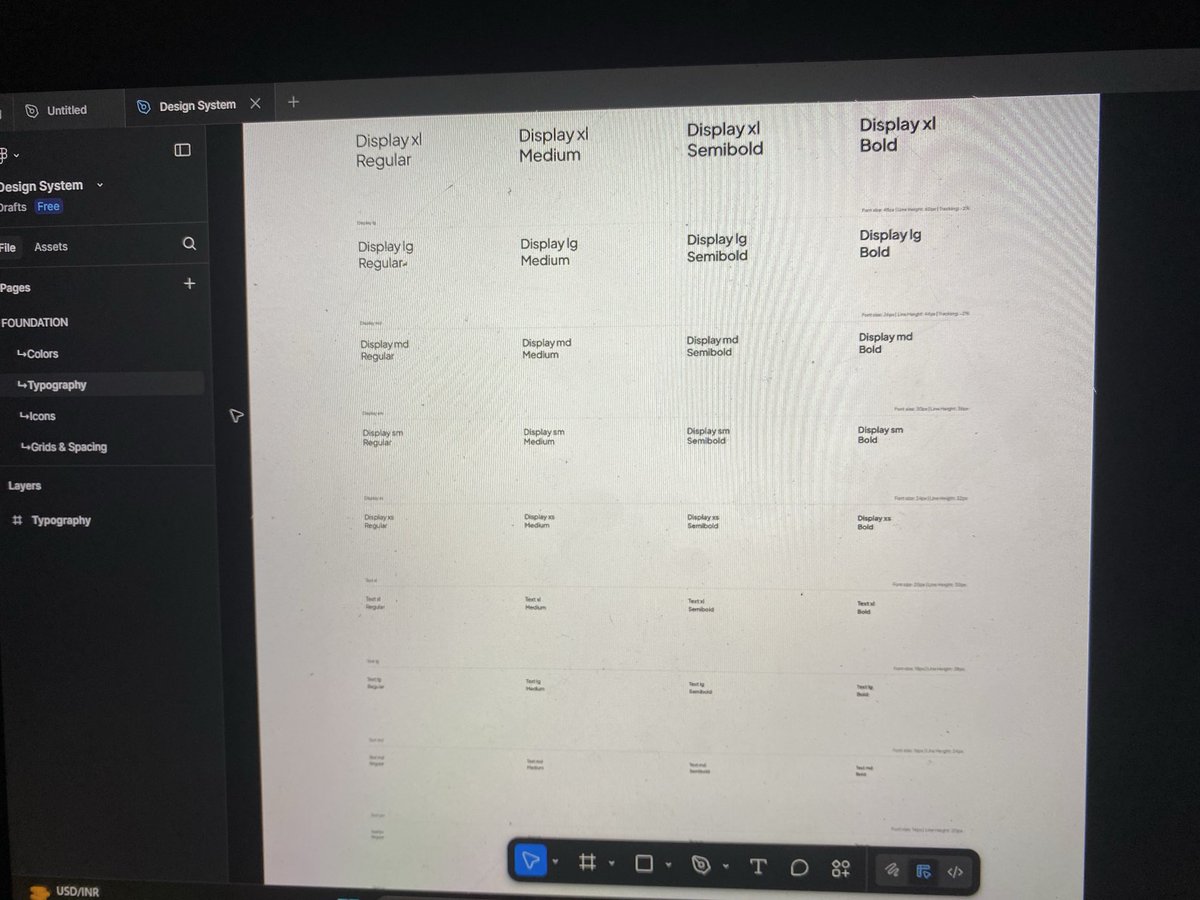
Created a standard design system, from colors 🎨 to text sizes to layout and grids 😌.
#100Daysofdesign#UIUXDesign
My 100 Days of Ui/Ux 🙏🏼
Day 22
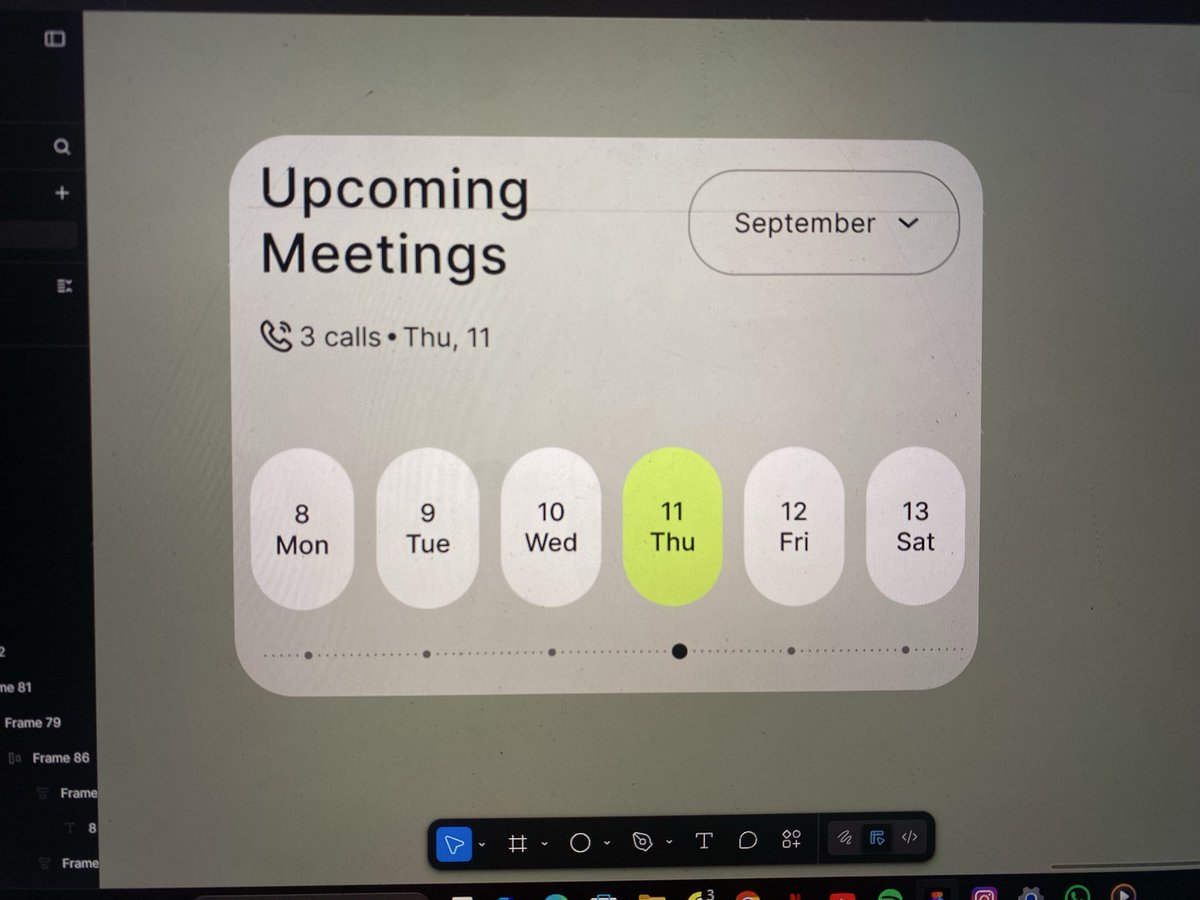
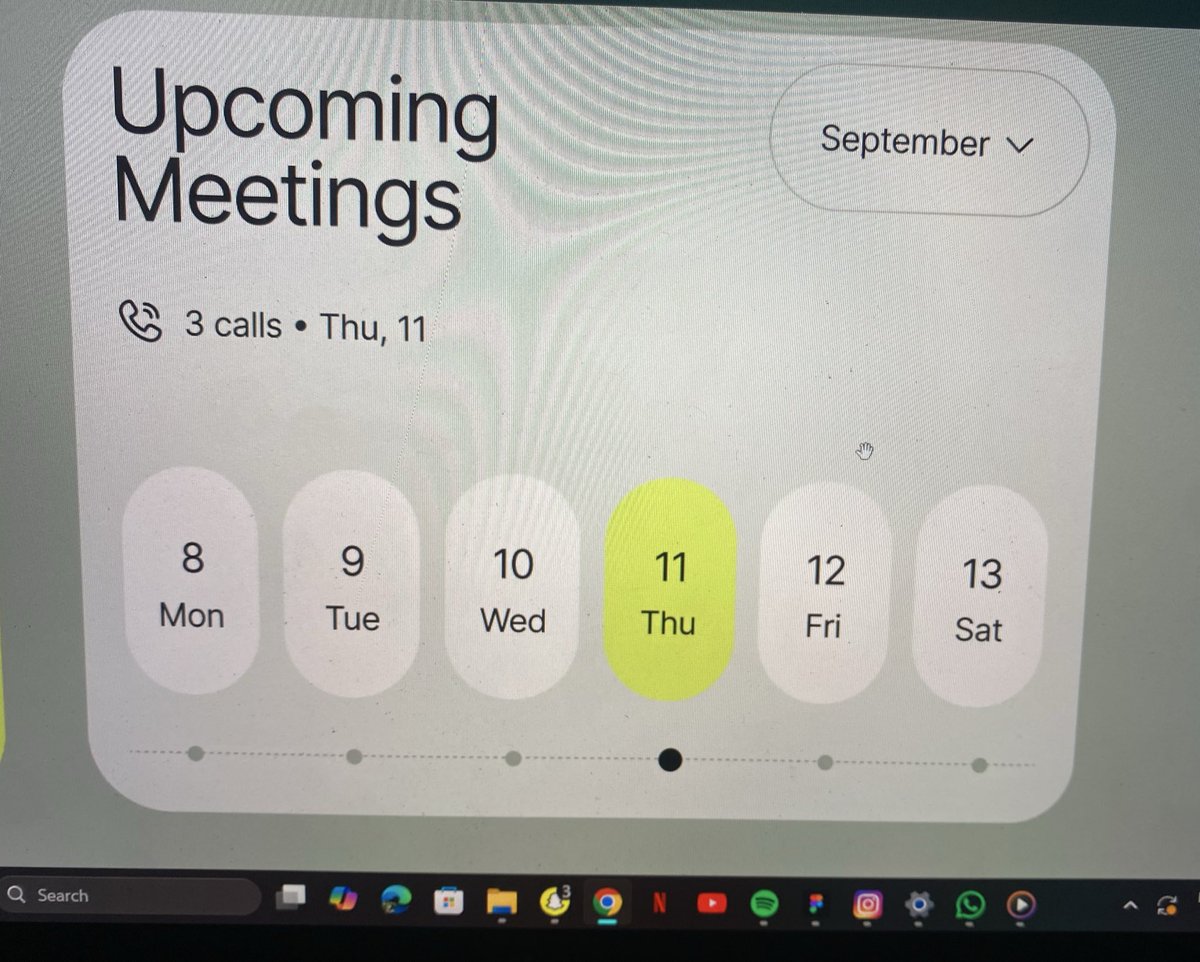
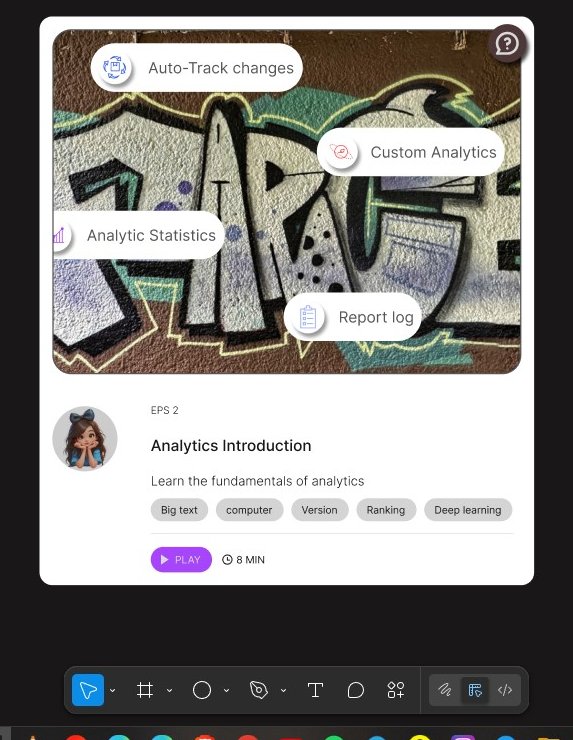
Cloned a Dribble card Ui today 🙂↕️🙂↕️
Really needed the practice.
The first image is the Original 😌
#100Daysofdesign#UIUXDesign
I know videos don’t get much interaction on here 😅 but if you get the chance to check out the user flow, I’d really appreciate it. I’d love your feedback on what I could improve and how — so I can go back and iterate on the design later on 🙏��
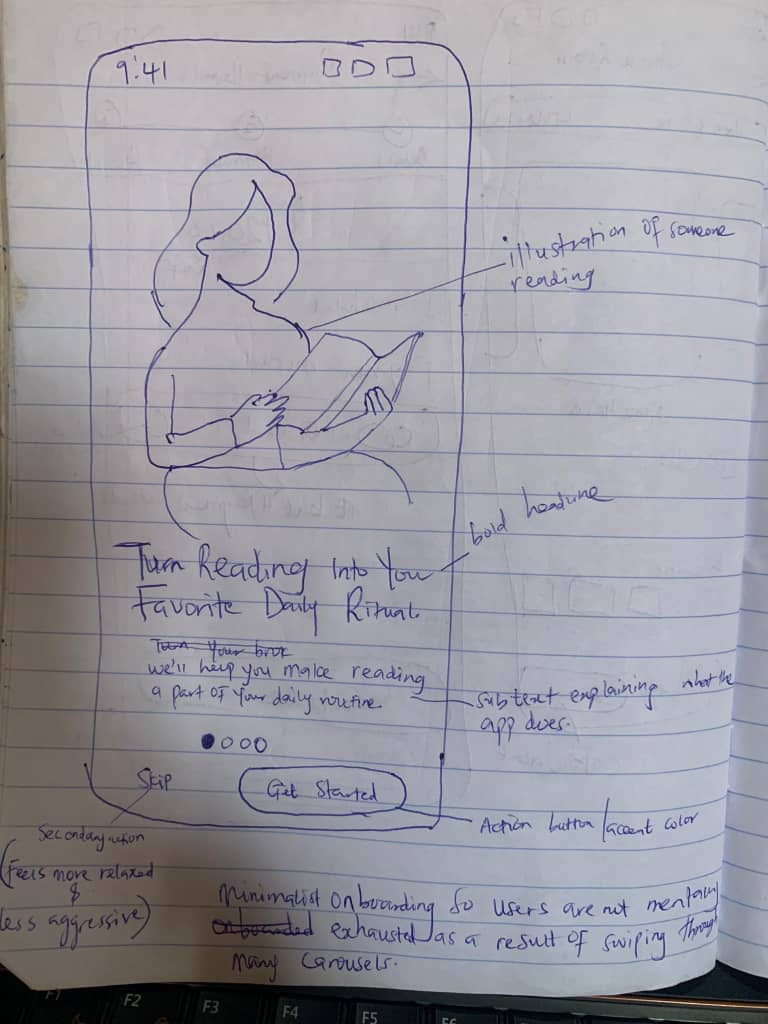
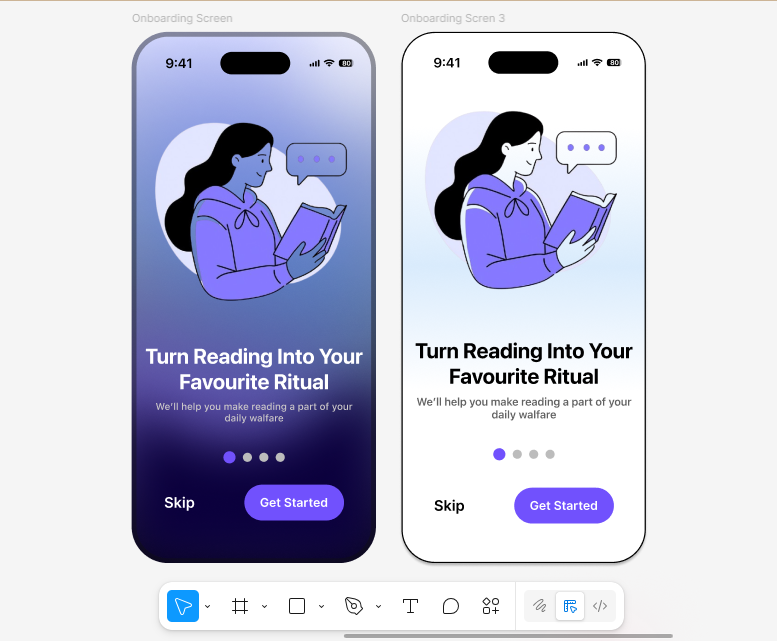
Saw @osehfavvy’s hand-drawn app UI on paper, and I couldn’t sleep knowing I hadn’t “stolen” the design like a true artist 😭 Got up in the middle of the night, studied the genius himself, and pulled off the heist. Now I’m finally at peace 😌
Rate my theft — did I execute it well?
Today....I stole like an artist!!
I saw this wire frame earlier on an amazing designer's post and I decided to bring it to life.....
Did I steal well??😅
By the way which on do you prefer the right or the left
Burnout hits harder than deadlines sometimes. 🥲
I’m learning to pause, reset, and come back stronger instead of forcing it.
How do you deal with burnout?
My 100 Days of Ui/Ux 🙏🏼
Day 3
Let's open a new chapter; UI Design Principles
Iconography, Layout, Color palette, and other design principles
#100Daysofdesign#UIUXDesign
Do yourself a favor:
• Open your laptop
• Open YouTube
• Type "UI/UX Design Basics"
• Start learning
• Learn about design tools like Figma and Adobe XD alongside
• Ask questions to design communities or forums
• Build UI/UX projects
• Push your designs to platforms like Behance or Dribbble
• Share your progress on 𝕏
Don't think much.
This is the right time.