Cross ZGB v2026.1 is out!
CrossZGB is a multi-platform game engine that lets you write your own games in C or assembly for the several popular consoles. This version offers a lot of new features and improvements and examples! More details by the link: https://t.co/2BZ2E3Dk2G
New version of QR-Paint with some fun features:
- Draw with #SNES Mouse when plugged into a Super #GameBoy (building on demo by vinheim3)
- Windows XP desktop themed SGB Border
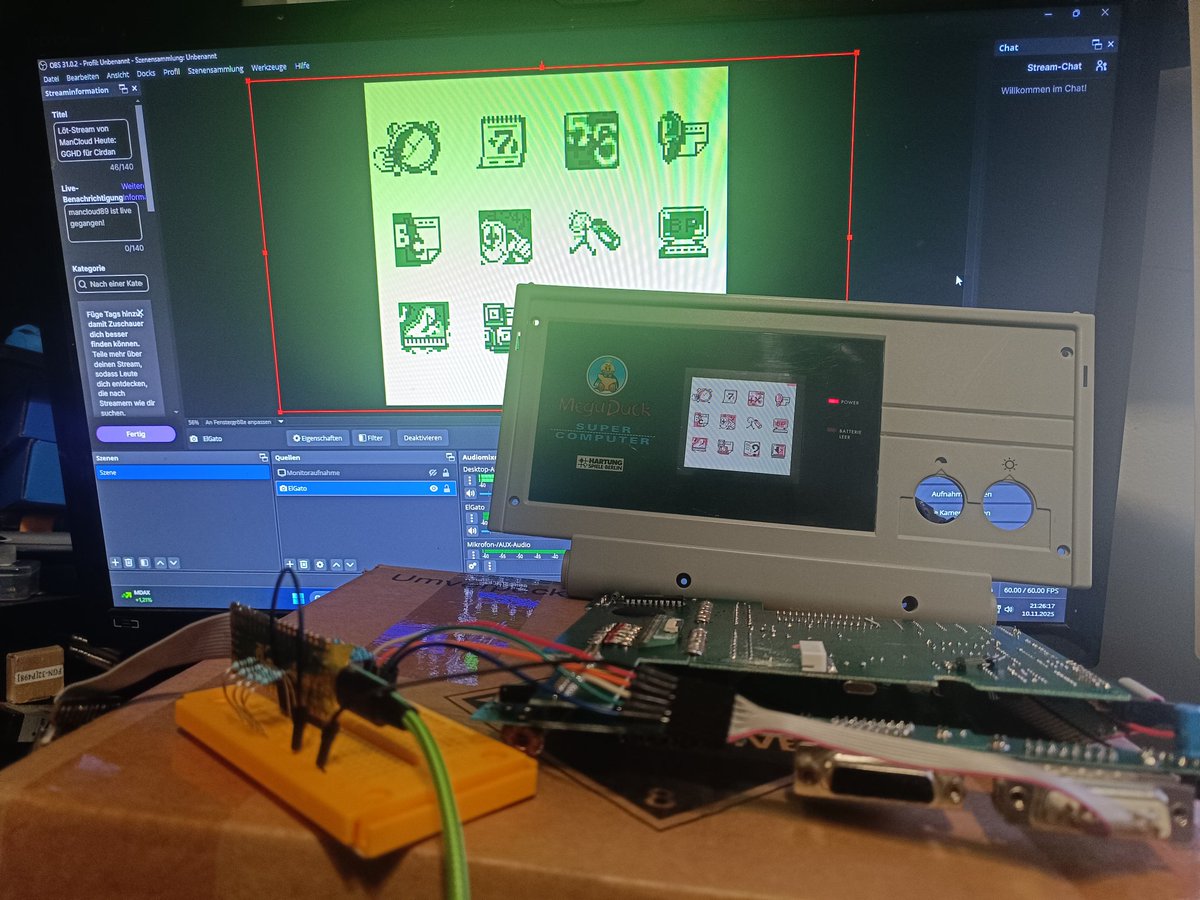
- #MegaDuck build with Printer support
https://t.co/O2zIkAbbJr
#retrogaming#pixelart#qrpaint
Draw on the Game Boy and share direct to your phone with a #QRCode! No extra hardware and without the internet.
QR-Paint is a small paint program for the #GameBoy with a fun way to export drawings.
https://t.co/O2zIkAbbJr
#GBDK#RetroGaming#PixelArt#GameBoyColor
Draw on the Game Boy and share direct to your phone with a #QRCode! No extra hardware and without the internet.
QR-Paint is a small paint program for the #GameBoy with a fun way to export drawings.
https://t.co/O2zIkAbbJr
#GBDK#RetroGaming#PixelArt#GameBoyColor
- 96x96, B&W due to QRCode size and no PNG compression yet
- Emulator .sav file can be opened in paint programs as a png (last drawing exported as QRCode)
- Cursor movement could still use improving
- Open Source :)
Meet the new version of CrossZGB - the multi-platform game engine that lets you write your own games in C or assembly for the several popular consoles, such as Game Boy, Master System, Game Gear!
https://t.co/bhST8cg0Qr
#GBDK 2020 4.5.0 is out!
- HRAM allocation + example
- SRAM Bank new # pragma_dataseg
- zx0 compression
- png2asset fixes and features
- Many other fixes & features
New examples!
-MBC5 Rumble
- SNES NMI handler
- #MegaDuck Printer
https://t.co/n3qDywWI9m
#gbdev#smsdev#nesdev
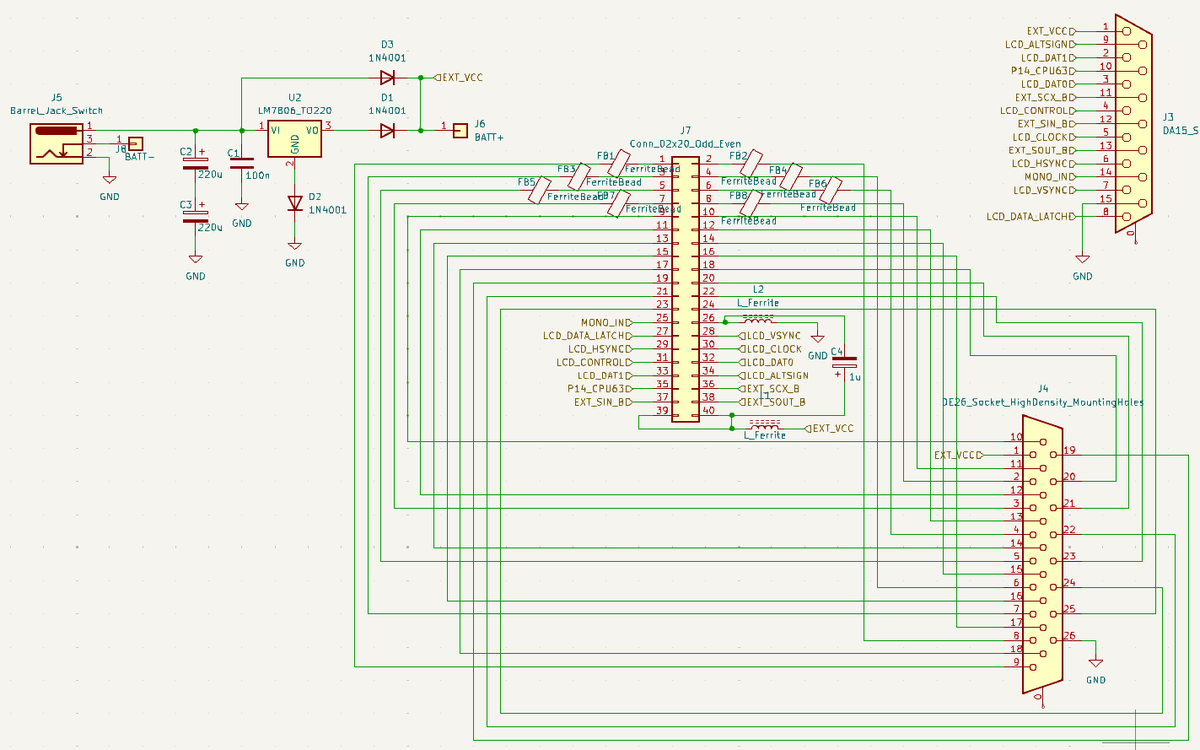
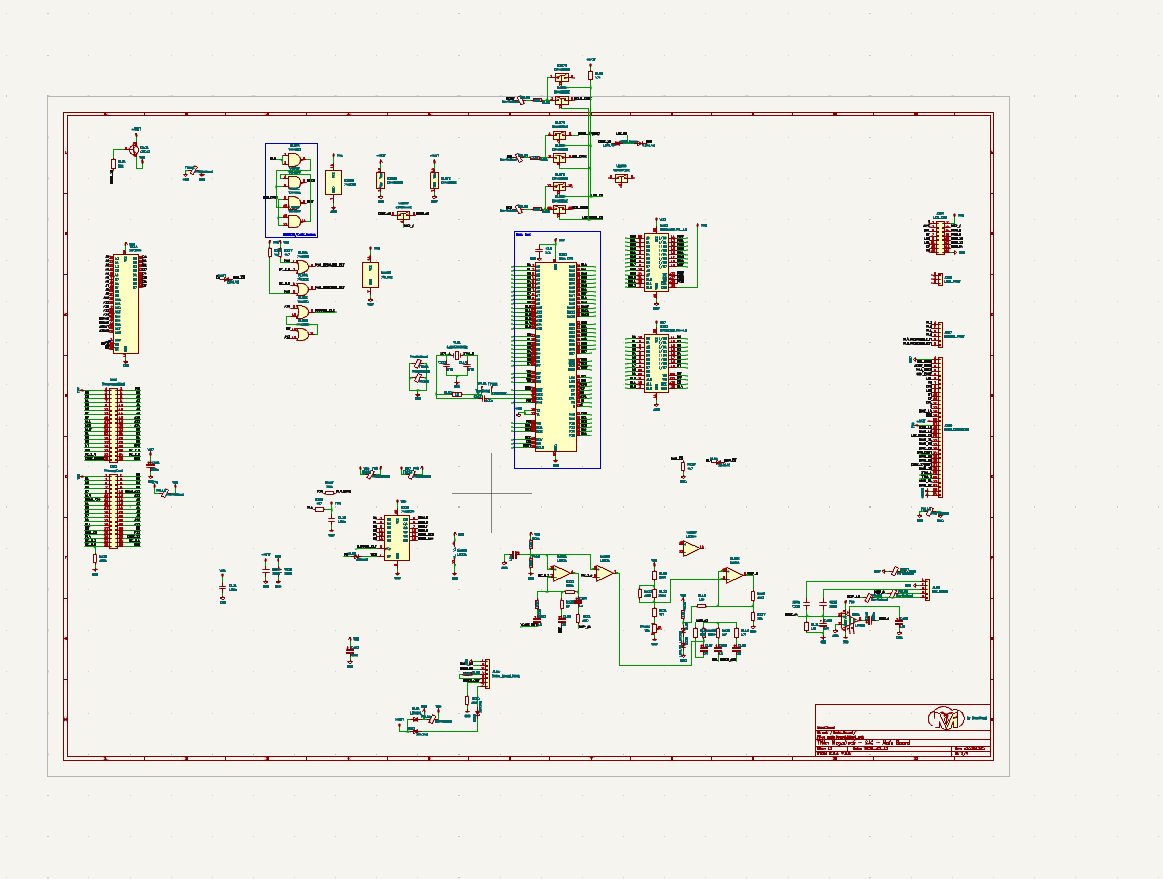
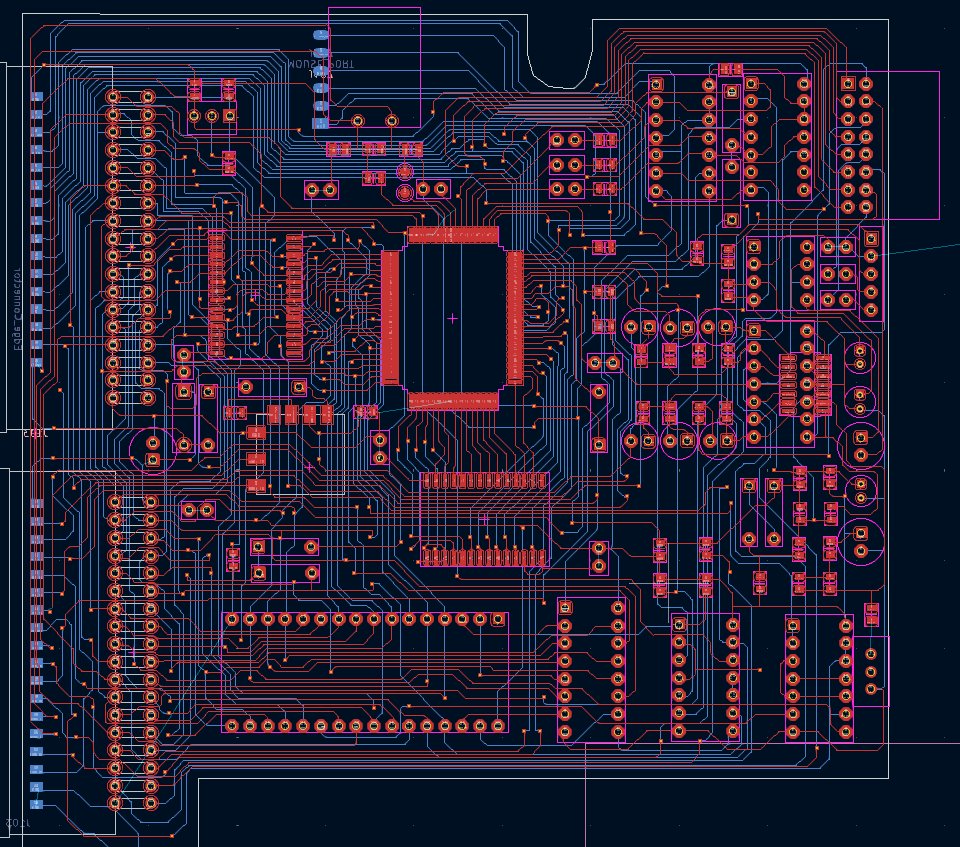
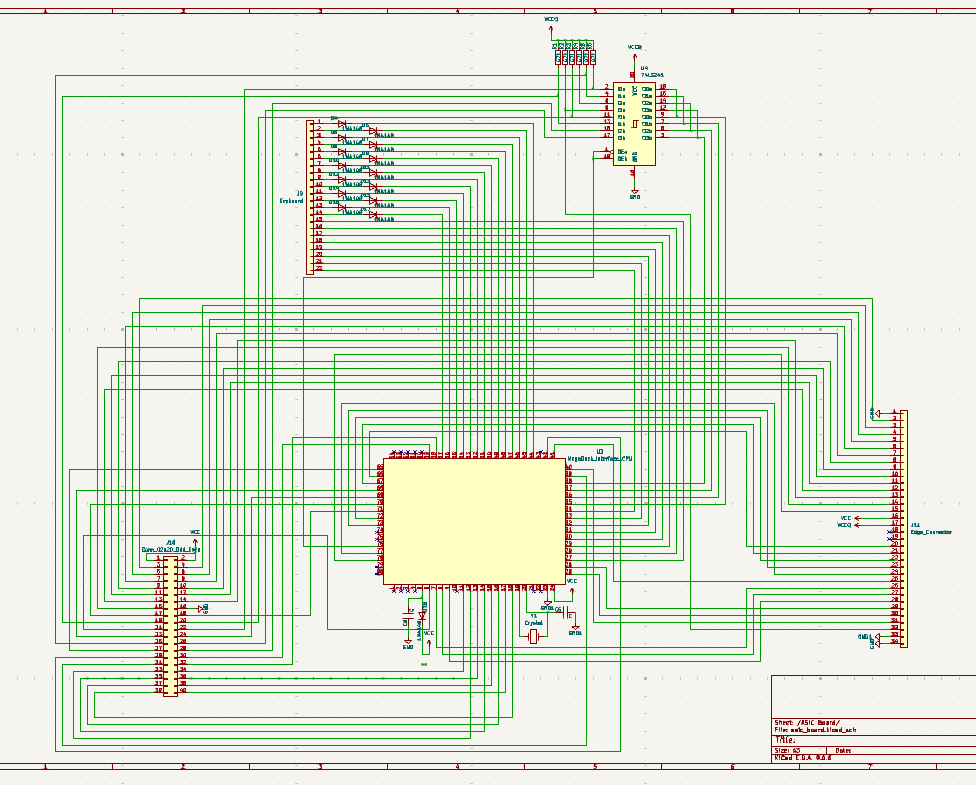
#MegaDuck Super Junior Computer gets reversed! I invested several hours to pull "proper" schematics out of the PCBs and shared them on GitHub.
During the process I also completely redrew the MainBaord PCB surrounding the CPU.
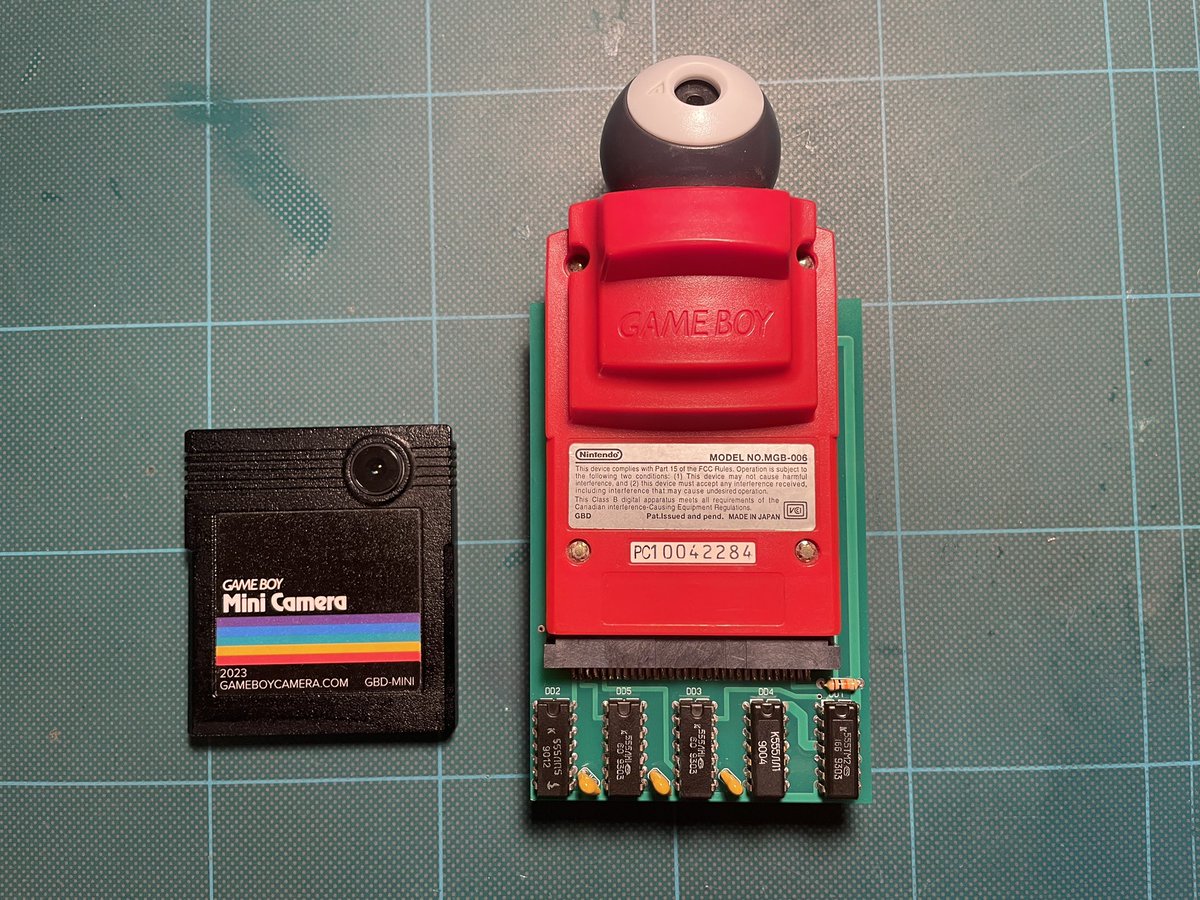
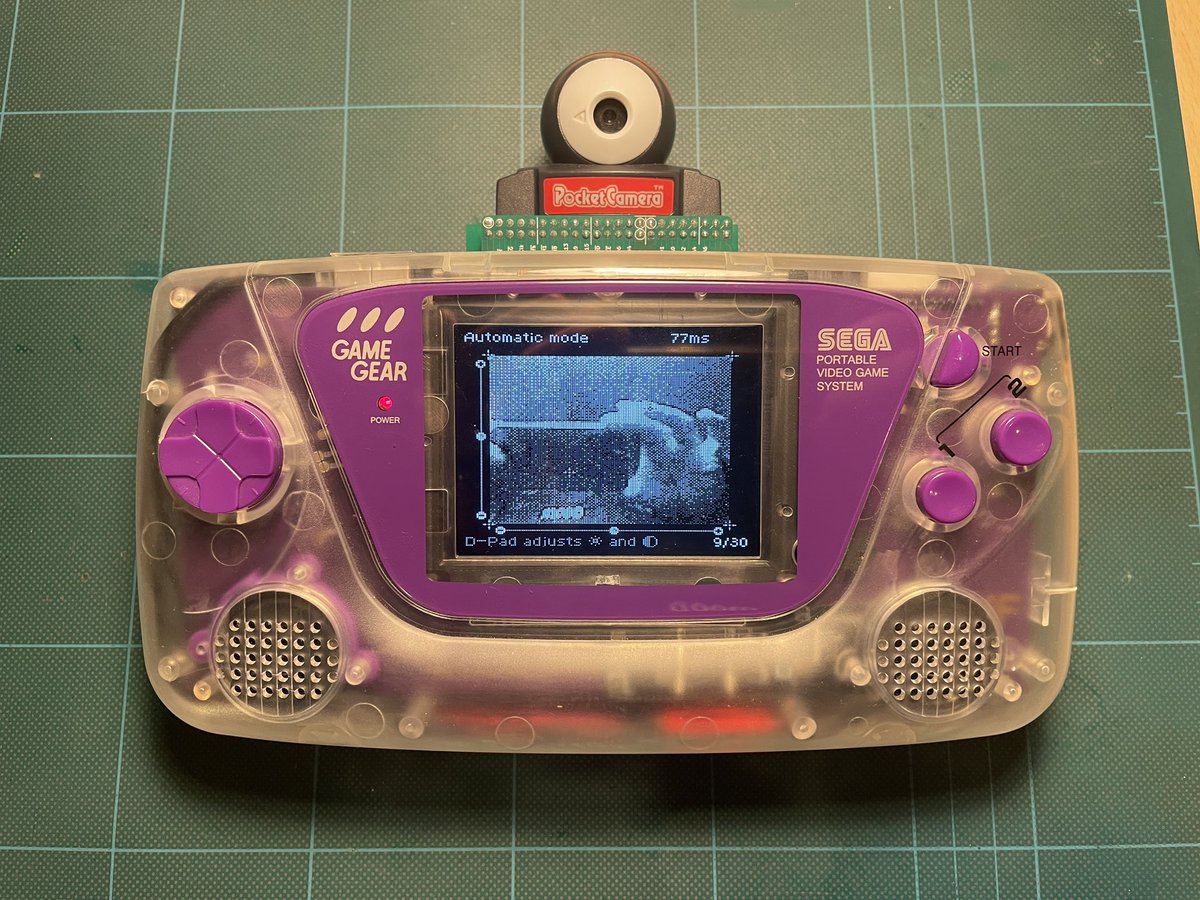
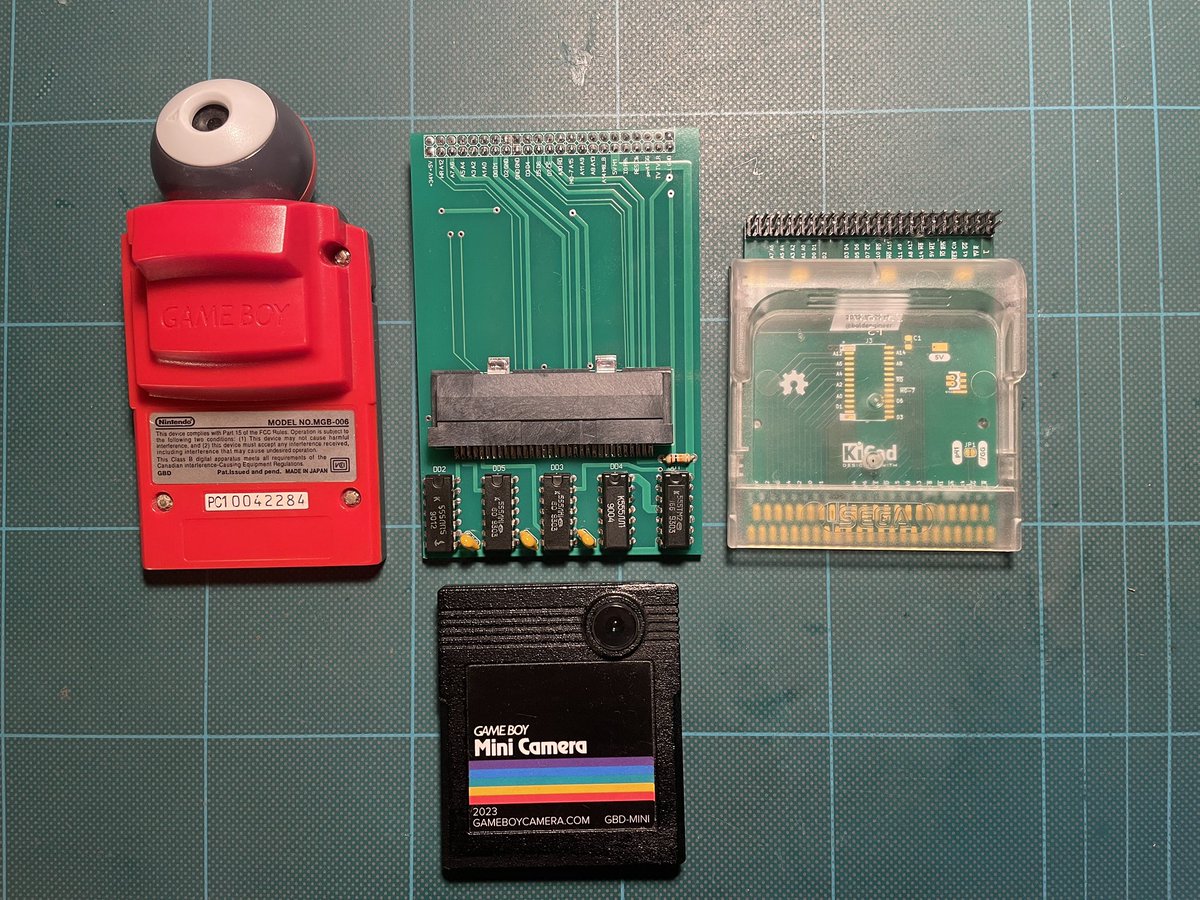
The Game Gear camera adapter update: i put schematic, PCB sources and gerber files into the free repository, so you can download them here: https://t.co/vjglKhXFKJ and build adapter yourself! #sega#nintendo#gbcamera
Finally! External #MegaDuck Laptop HDMI based on #PicoDVI is working.
This is pulled directly from Remy Sharps pico-dmg-arcade as I'm currently unable to compile working code myself. Need to figure out how, to add audio support though 😁
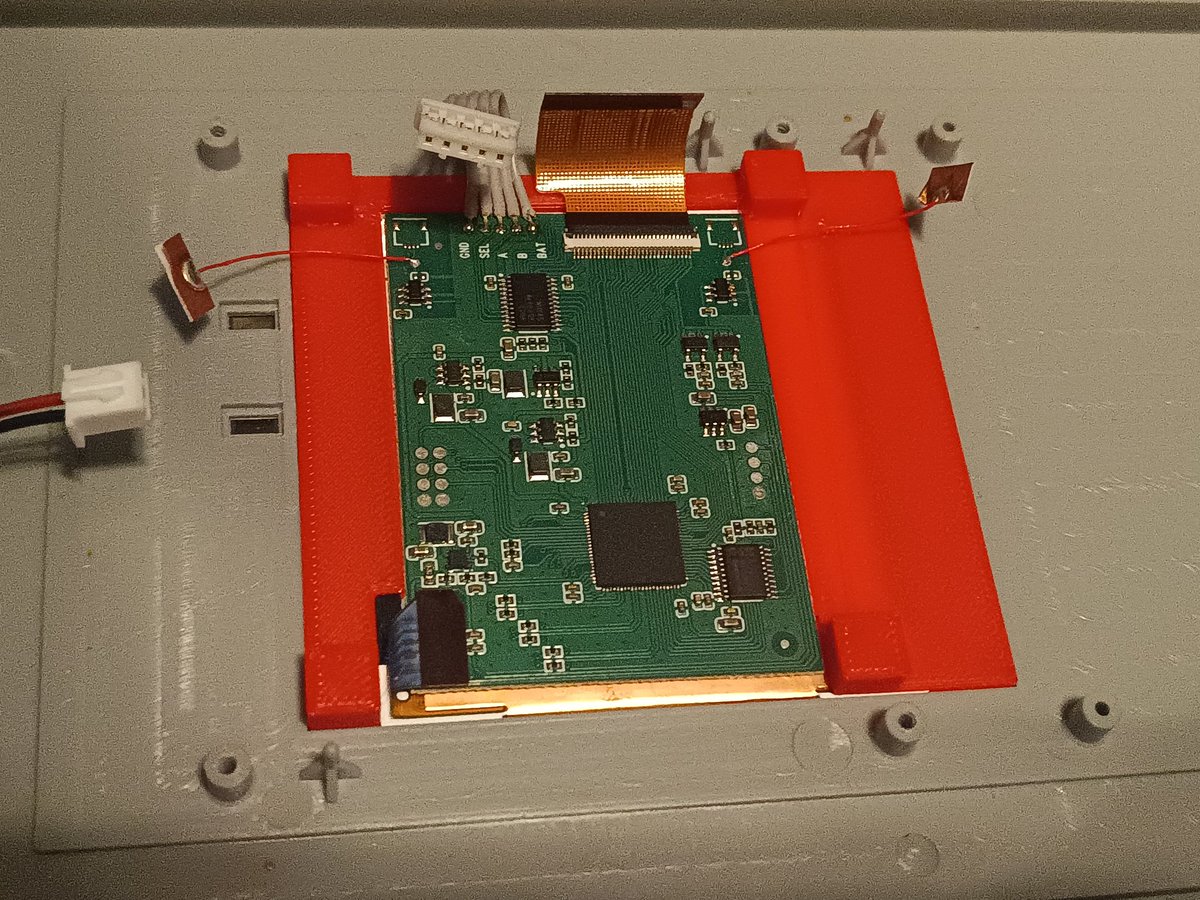
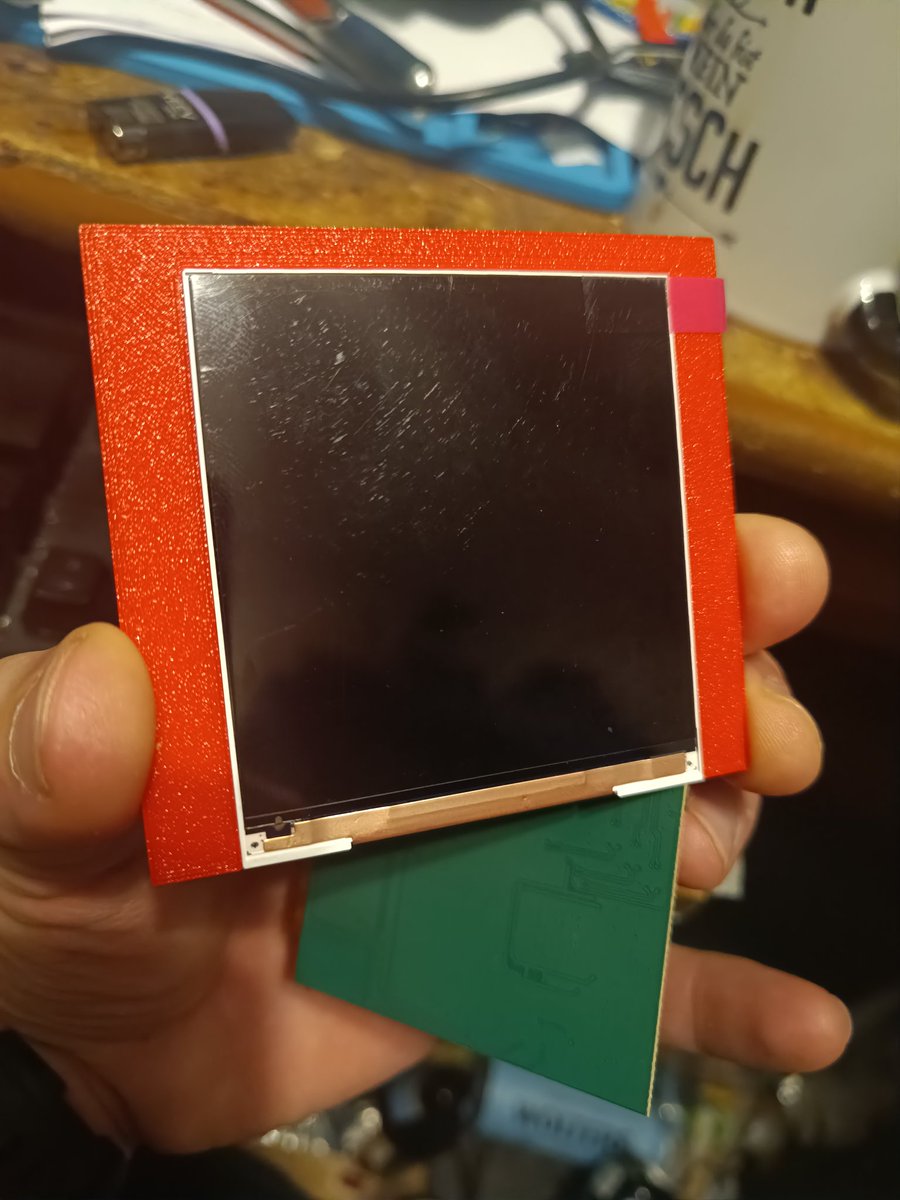
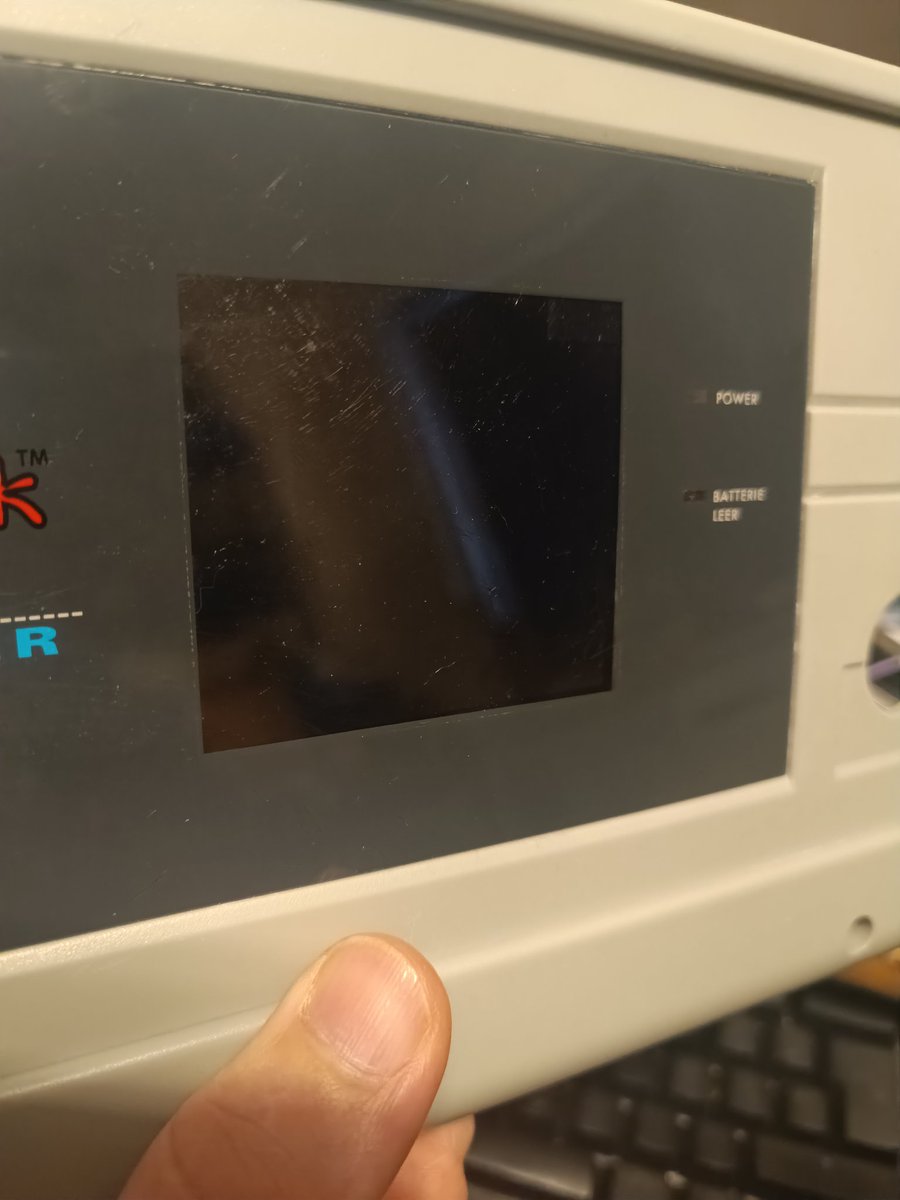
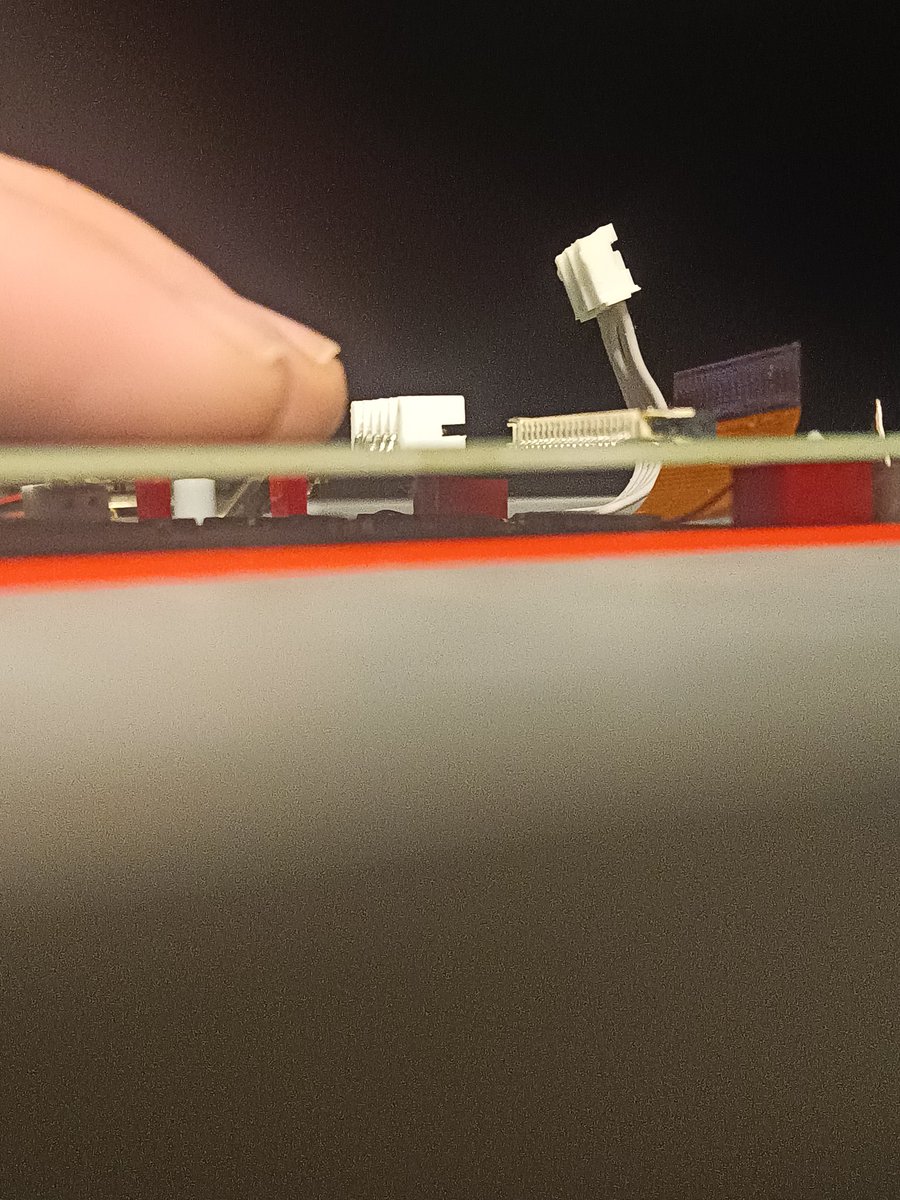
My IPS mod for the #MegaDuck Super Junior Computer finally got a frame to hold the GBP Q5 display.
It also locks against the adapter PCB and creates a good tight fit ^^
Now I need to find a nice way to access the OSD without the capacitive-pads (inconvenient)
@retroboybr Great MegaDuck thread!
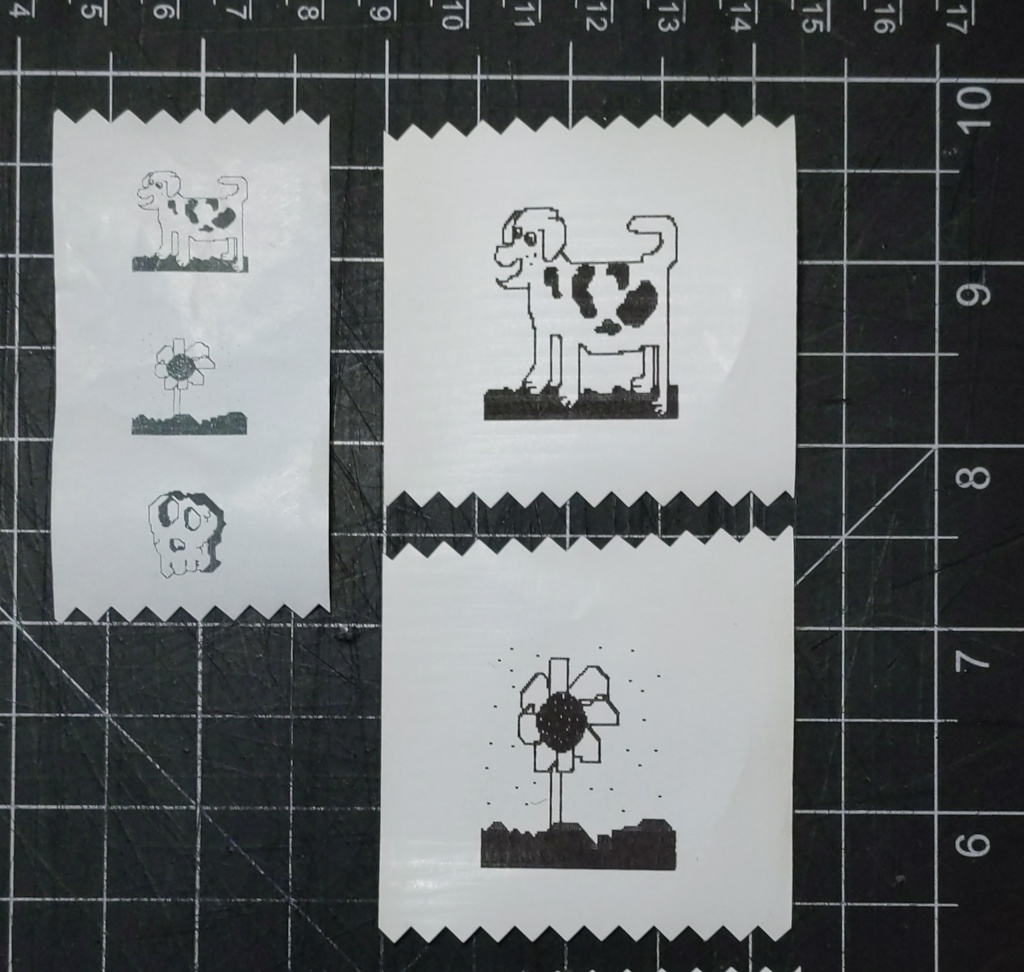
Thanks to @ManCloud89 I am lucky to have a printer and was able to reverse engineer it's protocol. Now my port of wordle to the MegaDuck can print results on it (also added a printer example to the #GBDK dev kit)
https://t.co/8dICNmiFWW
Wait's over. We're about to reveal, entry by entry (and in no particular order), the final #gbcompo25 shortlist!
Stick around till the end of the thread… we have a special surprise for everyone!
#gbcompo#retrogamedev#gbdev#gamedev
Meet the Game Boy Camera to Game Gear adapter v.1.0. It was primarily made for the Game Boy Camera, but also works with the other Game Boy carts, which is handy for the homebrew projects. Despite the few errors i made in the PCB design, IT WORKS!!!
Now you can print GB-Wordyl results on Mega Duck Laptops!
New release adds #MegaDuck thermal printer support, prob first homebrew to use the printer hardware.
https://t.co/BI4tgmOauW
Can print in #SuperJuniorSameDuck emulator too.
https://t.co/e3tmdJITGZ
#gameboy#wordle
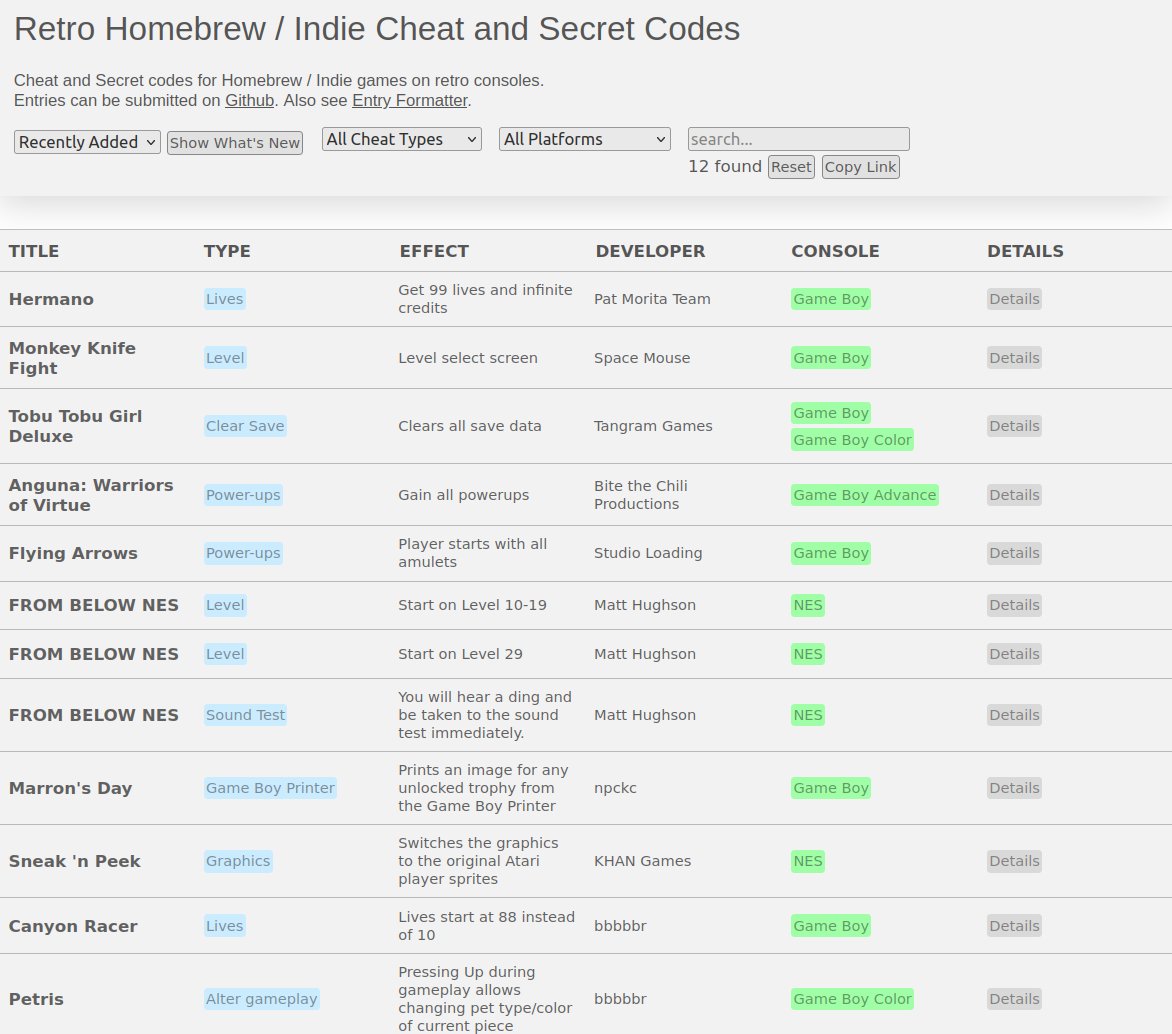
Know of *built-in* cheat/secret codes for *homebrew/indie* games on old consoles? (not game genie/shark codes)
Send them my way, mainly #gameboy, #nes, #gba.
Prefer github PR or issue, replies & DMs ok too.
(Site in reply)
#retrogaming