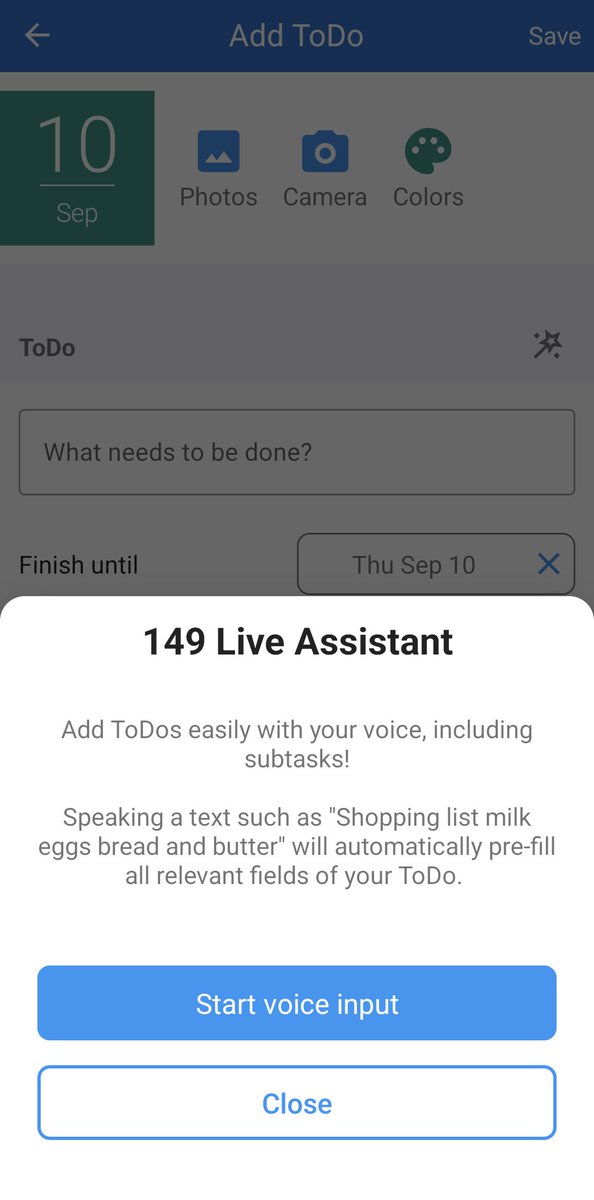
New Pro feature: Add ToDos easily with your voice, including subtasks! When creating a new ToDo, tap the wand icon next to the ToDo header and simply speak what needs to be done.
Accidentally deleted an event or ToDo? You can now restore it using the new Trash bin feature – available for all entries in 149 Live calendars and ToDo lists in our Android app.
Now in Pro Version for Android: Manage events easily with your voice! Tap the wand icon in event detail view and speak a text such as "Copy to next Monday and September 1st" to copy, move or update your event.
New in our Android and iOS app: Create events with your voice, powered by AI and our new 149 Live Assistant!
When creating a new event, tap the wand icon next to the Event header and simply speak your event details.
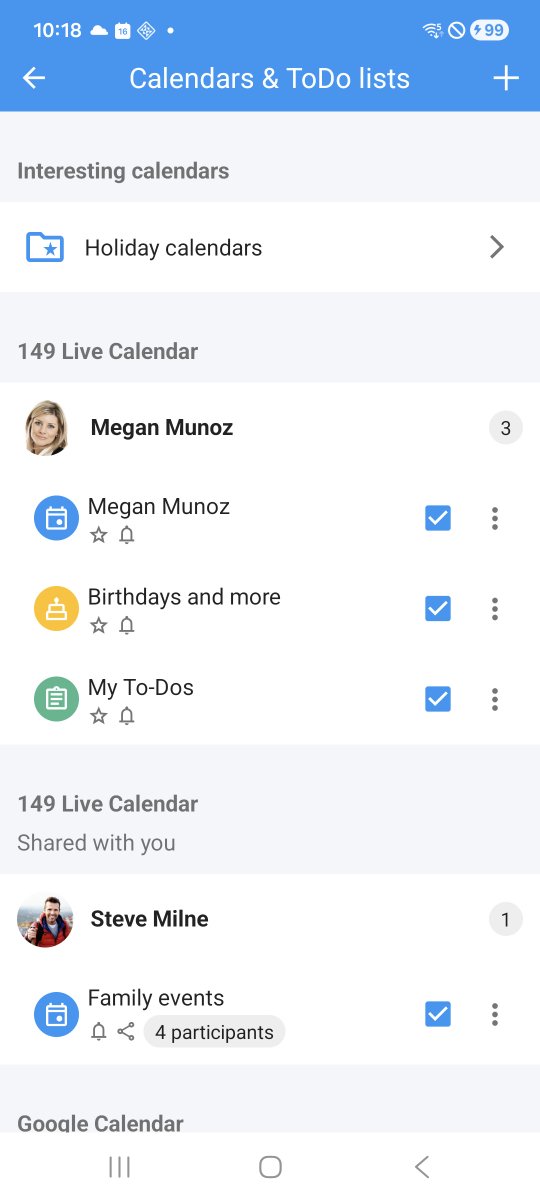
New in 149 Live Calendar for Android: The view for editing and managing the visibility of your calendars and To-do lists has been redesigned with a cleaner layout and improved structure!
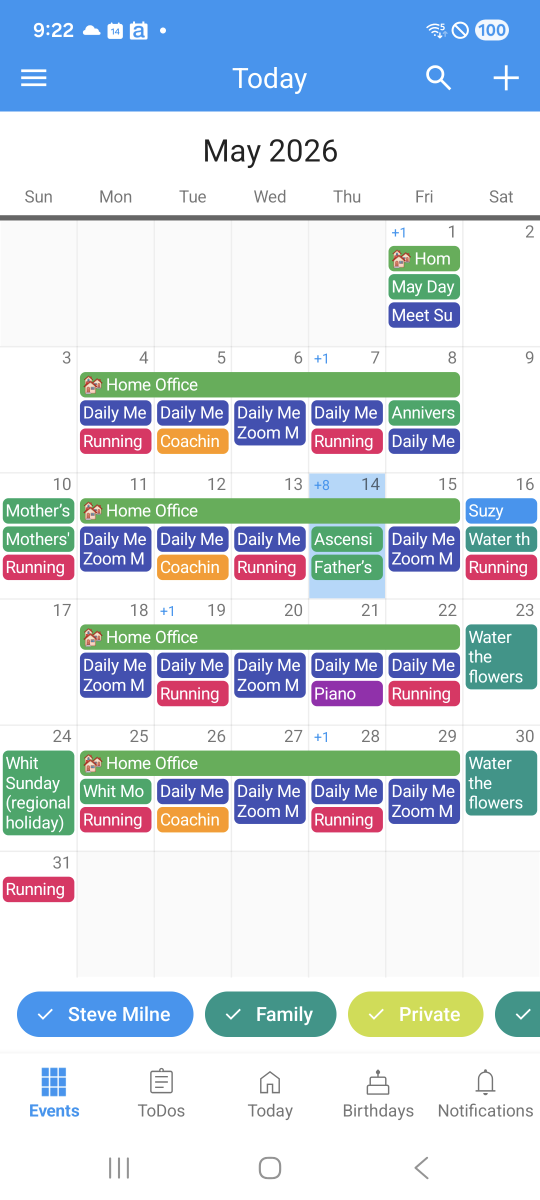
New in our Android app: New customization options for month view and week view widget to perfectly match light or dark home screen themes, and more reliable widget updates!
New in Pro Version for Android and iOS: You can now grant participants of a shared calendar or ToDo list rights to invite new or manage other participants, making it easier to manage calendars with a larger audience.
The view for creating and editing birthdays and anniversaries is now better structured and easier to use. Plus: When a birthday is synchronized from Android contacts, the contact can directly be opened from birthday detail view!
Let customers or prospects directly book appointments in your calendar! Select Booking pages from the app menu, create your page, send a link to anyone interested, and let them easily get an available slot in your calendar via their Web browser.
New in 149 Live Calendar for Android: Select a flexible date range for printing event lists and better control content to be printed - events, birthdays, ToDos or any combination thereof.
All your events, on your home screen: On devices running iOS 17 and above, our interactive month view widget now supports navigating to next and previous months.
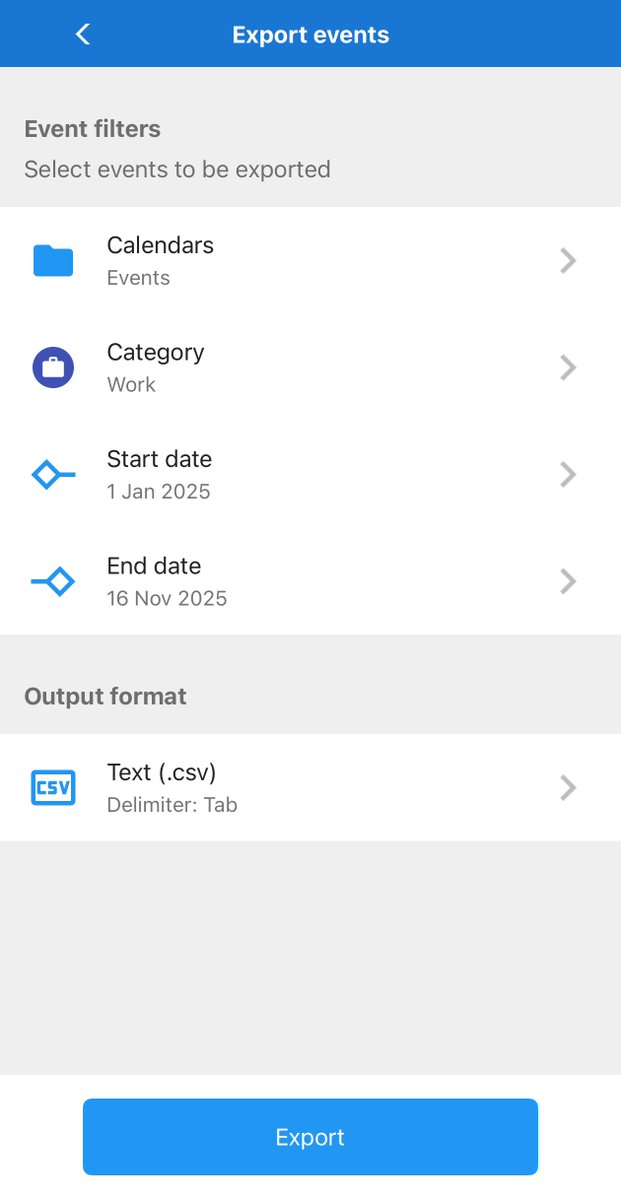
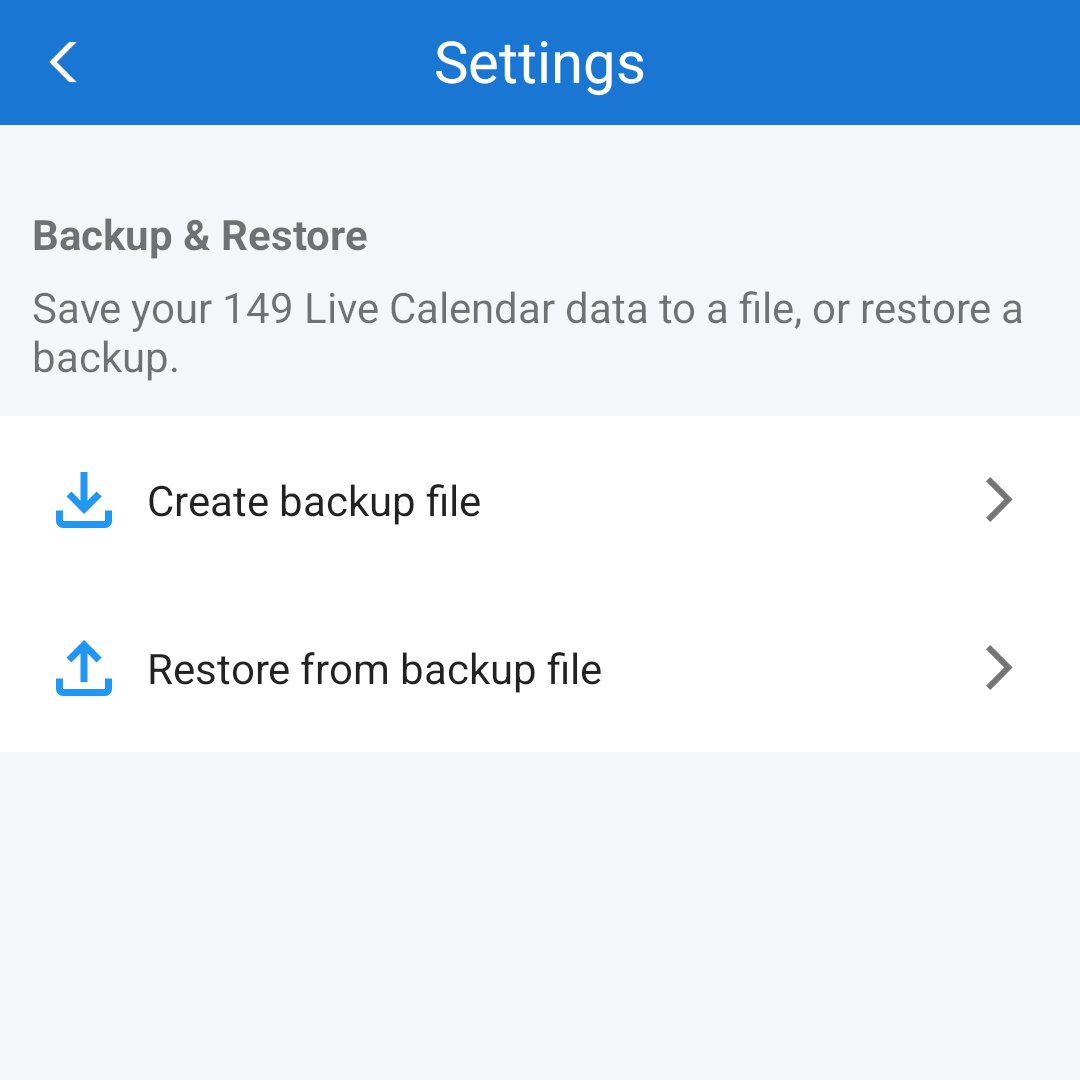
Many users asked us to add a feature for backing up 149 Live calendars and ToDo lists to a local file, so here it is in our Android app! Head to Settings from the app menu and tap on the button next to Backup and Restore to get started.
New in Android Pro Version: Manage 149 Live Calendar proposals for title and location shown when editing events or ToDos to just include the ones most important to you!