Anyone can now build a full website in hours with Google Gemini.
No coding. No design skills. No expensive developers.
Here are 10 prompts to make your site look like a $/5K project:
(Save this before everyone catches on)👇
I paired Google’s NotebookLM with Perplexity—and it feels like they were built for each other.
Here’s the step-by-step workflow to completely level up your AI research: 👇
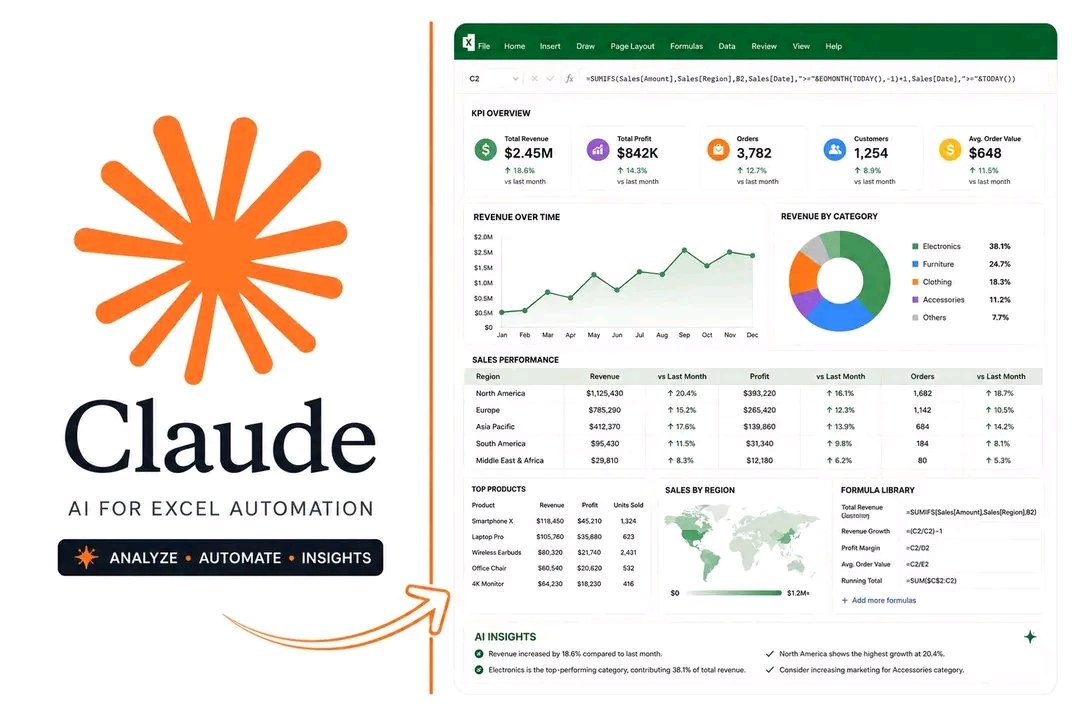
🚨Claude can now do the Excel work most people spend hours doing manually.
Analyze data. Build charts & Dashboards. Generate formulas. Find insights.
All from a simple prompt.
Here’s how: 🧵👇
Anyone can now build a full website in hours with Google Gemini.
No coding. No design skills. No expensive developers.
Here are 10 prompts to make your site look like a $/5K project:
(Save this before everyone catches on)👇
10. The Code Optimization & Upgrade Prompt
“Act as a senior front-end developer and review this website code to improve its overall quality. Fix any errors, clean up the structure, enhance responsiveness across devices, improve accessibility, and optimize performance. As you make changes, explain them in simple language so a beginner can understand what was improved and why, making this both a fix and a learning experience.”
9. The Website UX Upgrade Prompt
“Act as a UX auditor and review my website idea for a [business type], then suggest practical improvements that will make the experience smoother and more effective. Focus on layout, navigation clarity, visual hierarchy, calls to action, readability, and mobile usability. Explain each recommendation in simple terms and include quick, actionable fixes that can immediately improve how the site feels and performs.”