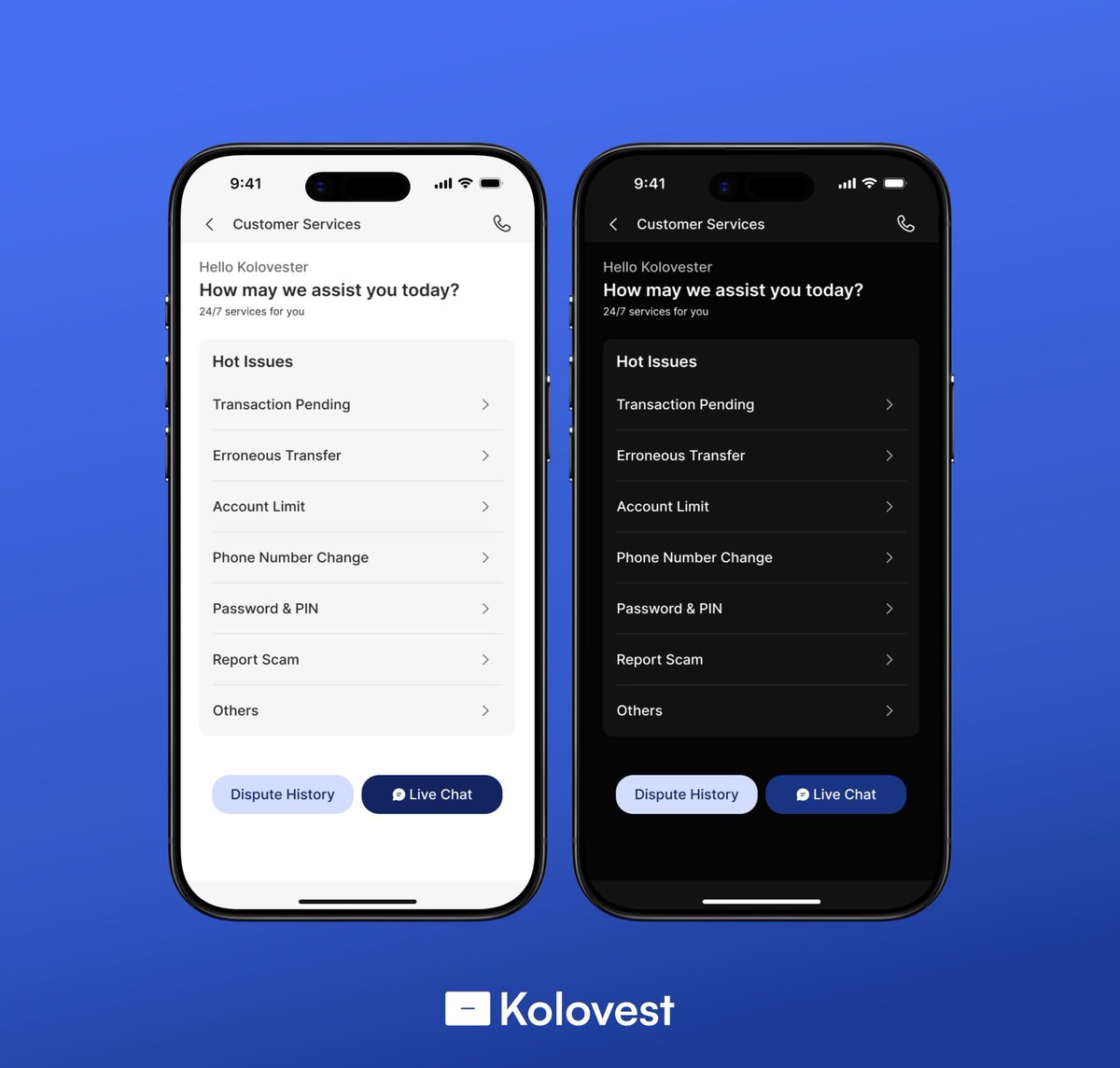
It's open challenge season for myself and other UI/UX Designers out there that wish to join the 40 Days challenge. We're designing one screen per day for a fintech App. Be ready and stay tuned! 💙
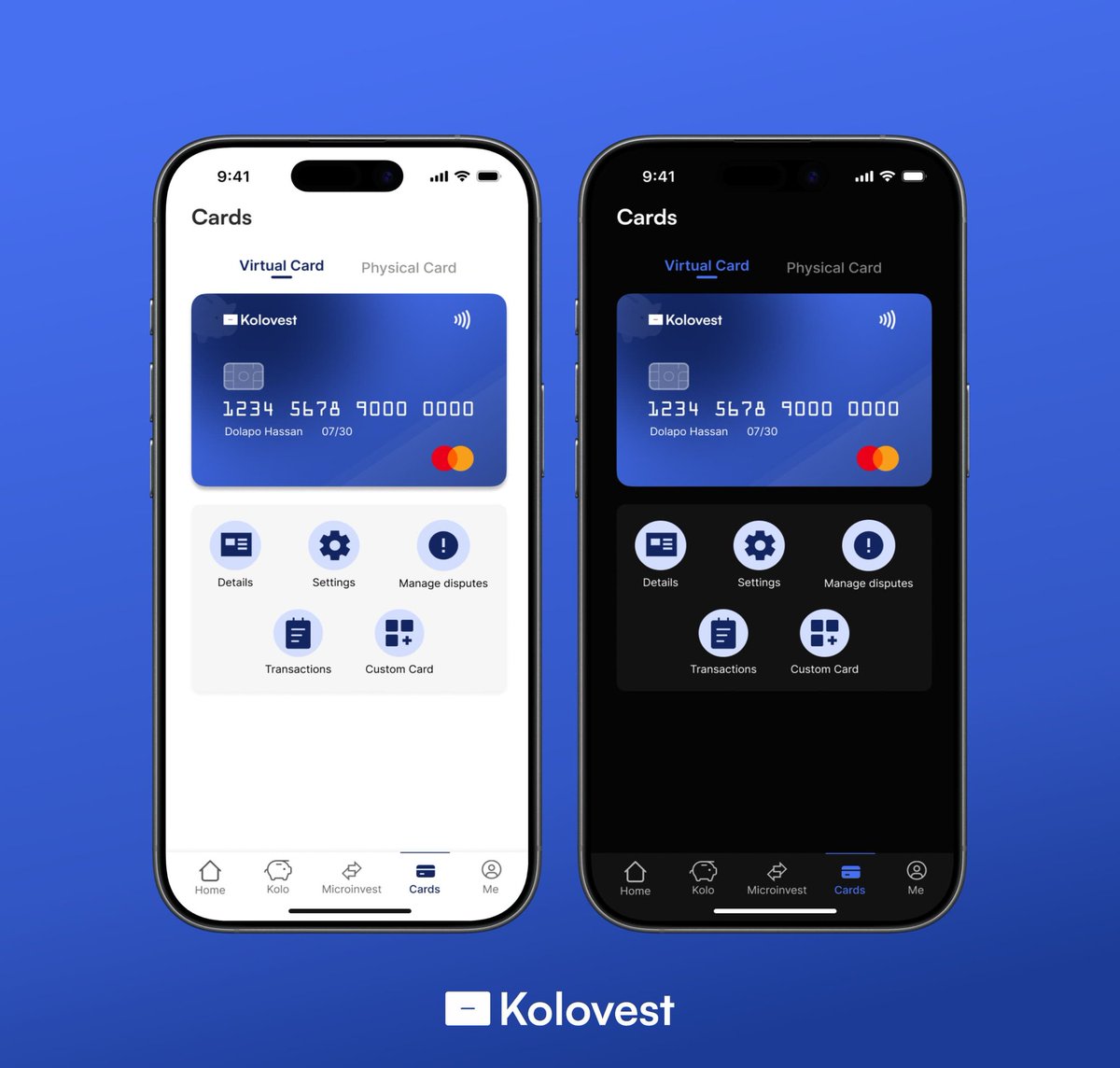
Users can check their card details with further verifications, manage dispute regarding the card payment online, check transactions performed with the card, and also customize the card, as there are different beautiful themes with our brand colour as well...
#UIUX#UI#UIDesign
40 days UI/UX Challenge 💙
Day 19: Kolovest Debit Card & Cards screen
Light and Dark themed versions ✅
We went for a simple and aesthetic design for our debit card 🤩
We want to know your thoughts on the debit card design, kindly share 🙏
The screens are set as well.
- Food Kolo
Basic necessities for a student to live daily. It is essential that these can all be stored in one big vault such as KOLOVEST instead of spreading them out into different banks. It feels like home and gives you control over all your different savings...
#UIUX#UI#UX
40 days UI/UX Challenge 💙
Day 18: Kolo screen
Light and Dark themed versions ✅
This is the Kolo screen, where users will find different Kolo options to start saving up for future purposes. We have:
- Personal Kolo
- Group Kolo
- Emergency Kolo
- Rent Kolo
- School Fees Kolo
40 days UI/UX Challenge 💙
Day 17: Home screen (Kolo dashboard)
Light and Dark themed versions ✅
Swipe the My wallet dashboard to the left and My Kolo dashboard comes up. This is the digital Kolo, the safe, which remains locked until a full verification and security procedure
Is performed on clicking the "Open Kolo" button. Your savings can then be transferred to your wallet before use, the transfer to wallet icon is in place to do that in seconds.
We're getting to the interesting part of the project, stay awake! 😁
#UIUX#UIDesign#furry
Informing if they have spent wisely or wastefully. We have the transaction history, account, notifications and customer service at the top.
We have the bottom navigation bar:
- Home
- Kolo
- Microinvest
- Cards
- Me (Account)
We will be navigating other screens from here. 👆
With features that a regular student will need for daily, weekly or monthly payments.
Money can be transferred directly to Kolo (The piggy) also to save both manually and automatically.
The AI smart spending will also help to give information on how users have spent their money.
40 days UI/UX Challenge 💙
Day 15: Welcome Screen
Light and Dark themed versions ✅
This is the welcome screen after all steps have been completed to sign up for KOLOVEST 🎉
Now by God's grace we move into the main screens, it will be a very busy month ahead and we're excited