Presenters Establishing Rapport @claudynewilder Claudyne Wilder shares Argentine Tango-inspired techniques to help presenters build rapport, trust, and audience engagement. https://t.co/szyP8MCai7
Balanced Scorecard and Strategy Maps on KPI Depot: Conversation with David Tang @kpidepot - Insights from David Tang on Balanced Scorecard, KPI prioritization, and strategy maps to improve strategic clarity and presentations. https://t.co/so1gPNyvEu
Zoom to Success: Conversation with Nancy Ancowitz @NancyAncowitz - Insightful interview with Nancy Ancowitz exploring virtual presence, communication strategies, and key lessons from her book Zoom to Success. https://t.co/ylEI9Mnt3p
Gantt Charts in presentaid: Conversation with Laszlo Diewald - Interview with Laszlo Diewald on presentaid’s new WYSIWYG Gantt chart for PowerPoint, built for speed, clarity, and executive-ready slides.
https://t.co/FrUHgnJU51
Three Simple Rules for Slideshow Animation @SuasiveInc Learn three simple animation rules that enhance clarity, guide audience attention, and make your PowerPoint slides more effective. https://t.co/ZYcTf0qHt8
Looking at officeatwork @officeatworkAG Explore officeatwork’s add-ins that streamline branding, templates, and content management within Microsoft 365 for efficient, consistent communication. https://t.co/Nt02lL5Hbr
KPIs Are Not Scary - @kpidepot Discover how familiar daily habits reveal KPIs as clear, confidence‑building indicators rather than intimidating jargon. https://t.co/Or7O6KrmK9
Why Use Slideshows at All? @SuasiveInc - Jerry Weissman explains why well-designed slideshows remain powerful tools for conveying ideas, insight, and understanding. https://t.co/IlgvT7eAkm
Hierarchical Guide Options in PowerPoint 365 for Windows - Learn about hierarchical guide options in PowerPoint 365 for Windows. Hierarchies differ between guides in slides, slide layouts, and slide masters. https://t.co/DwbguV6L5J
Ampler Charts: The Indezine Review - In-depth review of Ampler Charts, a PowerPoint add-in that streamlines creating, editing, and managing business charts. https://t.co/yYiW5ojneP
Breaking Through Writer’s Block – I @SuasiveInc Breaking writer’s block with practical steps to refocus your message, structure ideas, and craft stronger presentations. https://t.co/hbp3CqqwYl
Breaking Through Writer’s Block – I @SuasiveInc Breaking writer’s block with practical steps to refocus your message, structure ideas, and craft stronger presentations. https://t.co/hbp3CqqwYl
PPTX Toolkit: Conversation with Peter Claus Lamprecht - Interview exploring Peter Claus Lamprecht’s PPTX Toolkit, revealing advanced PowerPoint XML editing features for precise template control. https://t.co/1CLAbTj5rU
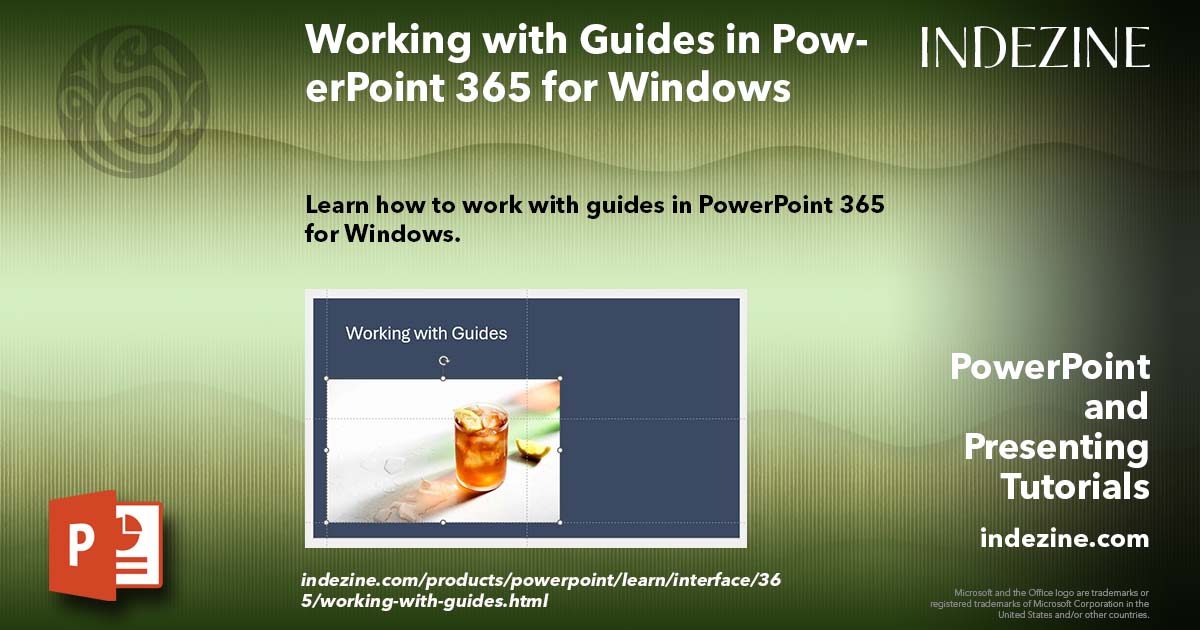
Working with Guides in PowerPoint 365 for Windows - Align and position slide elements precisely in PowerPoint 365 for Windows using customizable Guides for a cleaner, more professional layout. https://t.co/qrG3Xvc19d
Story Business: Conversation with Gavin McMahon - Interview with Gavin McMahon on practical storytelling, leadership communication, and the ideas behind his award‑winning book Story Business. https://t.co/t7i8YOfTT4
AI Club from Presentation Process: Conversation with Ramgopal M. S. - Ramgopal M. S.’s talks about the thinking‑first presentation philosophy and how structured AI tools strengthen clarity. https://t.co/rT84GG0n8D
Creating Waterfall Charts in PowerPoint Using Ampler - Create professional waterfall charts in PowerPoint with Ampler, featuring Excel-linked data, build-up/down views, and expert formatting. https://t.co/0F8inTuB9x
presentaid Design Checker: Conversation with Laszlo Diewald - Laszlo Diewald explores presentaid’s Design Checker, its brand‑consistency features and practical value for PowerPoint users. https://t.co/Lko6FgHyjc
MLC Assets Portal: Conversation with Maurizio La Cava - Maurizio La Cava shares insights on the MLC Assets Portal, its purpose, workflows, and future for presentation creators. https://t.co/dVAOGeu6im
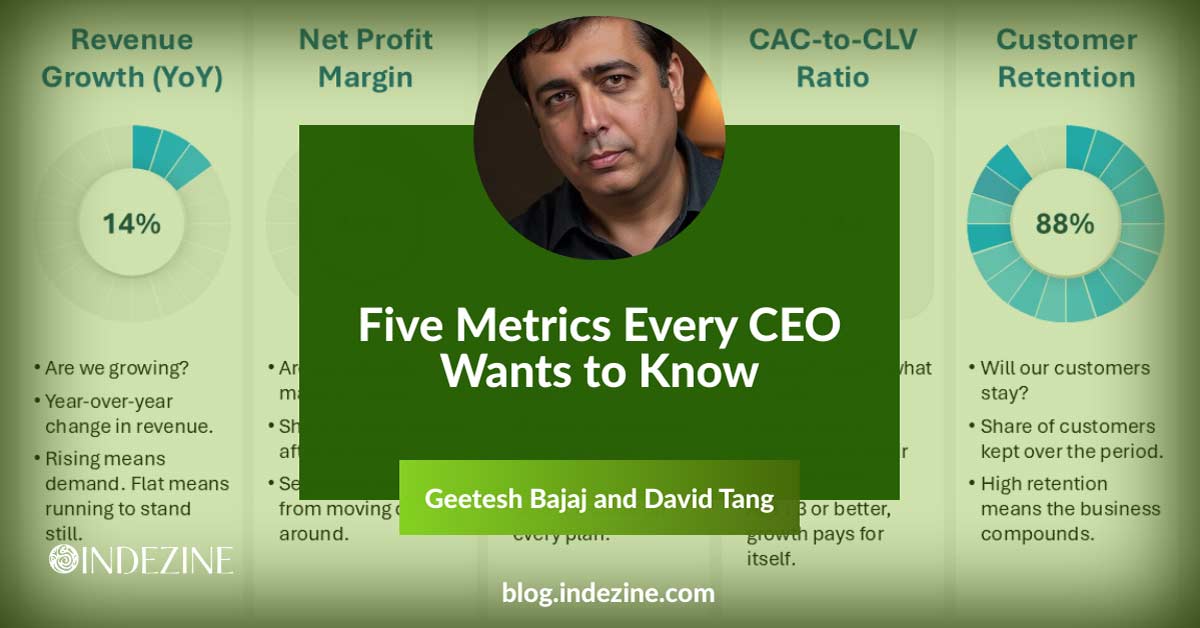
Five Metrics Every CEO Wants to Know - Most dashboards show too much and say too little. You can cut through the noise with five metrics every CEO actually uses. https://t.co/zn5GH5Ft5X