AdaShape Public Alpha 0.1.9 Released!
See the full release blogpost at
https://t.co/sb2KysT9Ct
This release brings in
* Multiple in-document models
* "Bookmarks" - i.e. Tagged versions
* Few more presentation-ready render modes
You can now create endless amounts of variations and checkpoints within your single document file and don't need to create those collections of files with names like model_final_final.ads , model_final_final-PRINT1.ads ... etc to track save your progress.
AdaShape 0.18 landed 🚀 !
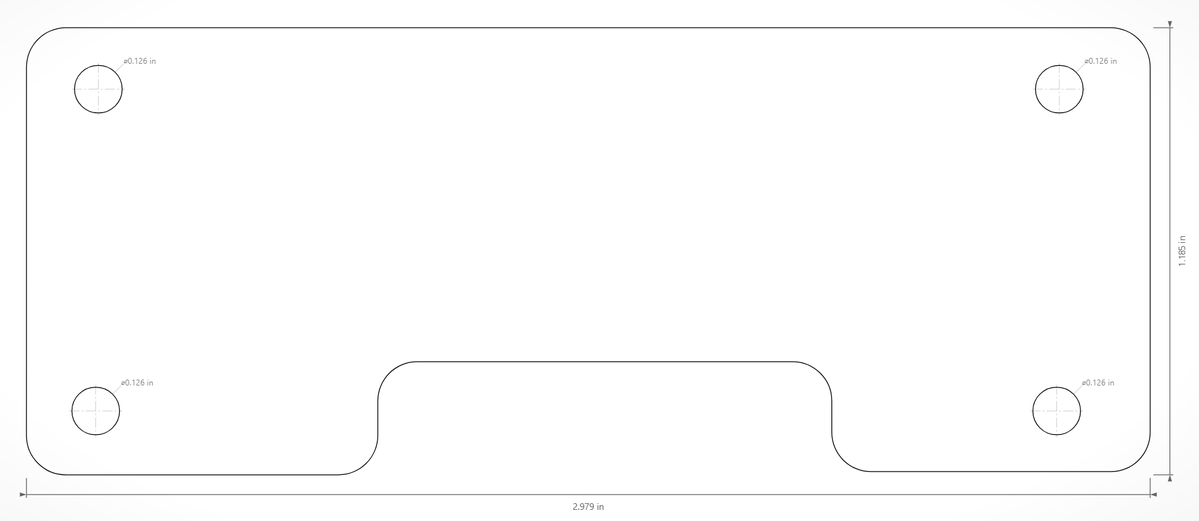
Features include Revolve tool and proper Drawing Browser.
Enjoy!
Read the blogpost: https://t.co/UeN7NmZhQ2
Find the latest release from https://t.co/b3kjLAREYW
We are not dead yet 😅
🪦 AdaShape: SWEATING
Death Score: 28/100
"Turns out 'Make 3D things fast' is a lot harder when the 3D things need to actually exist in three dimensions and not just in a markdown file."
Cause of death: Not dead yet — but mildly anxious that Claude can now write the OpenSCAD code their users would have struggled with anyway
Are YOU just a .md file? https://t.co/DIIOhgAD41
New modeler demo🚀!
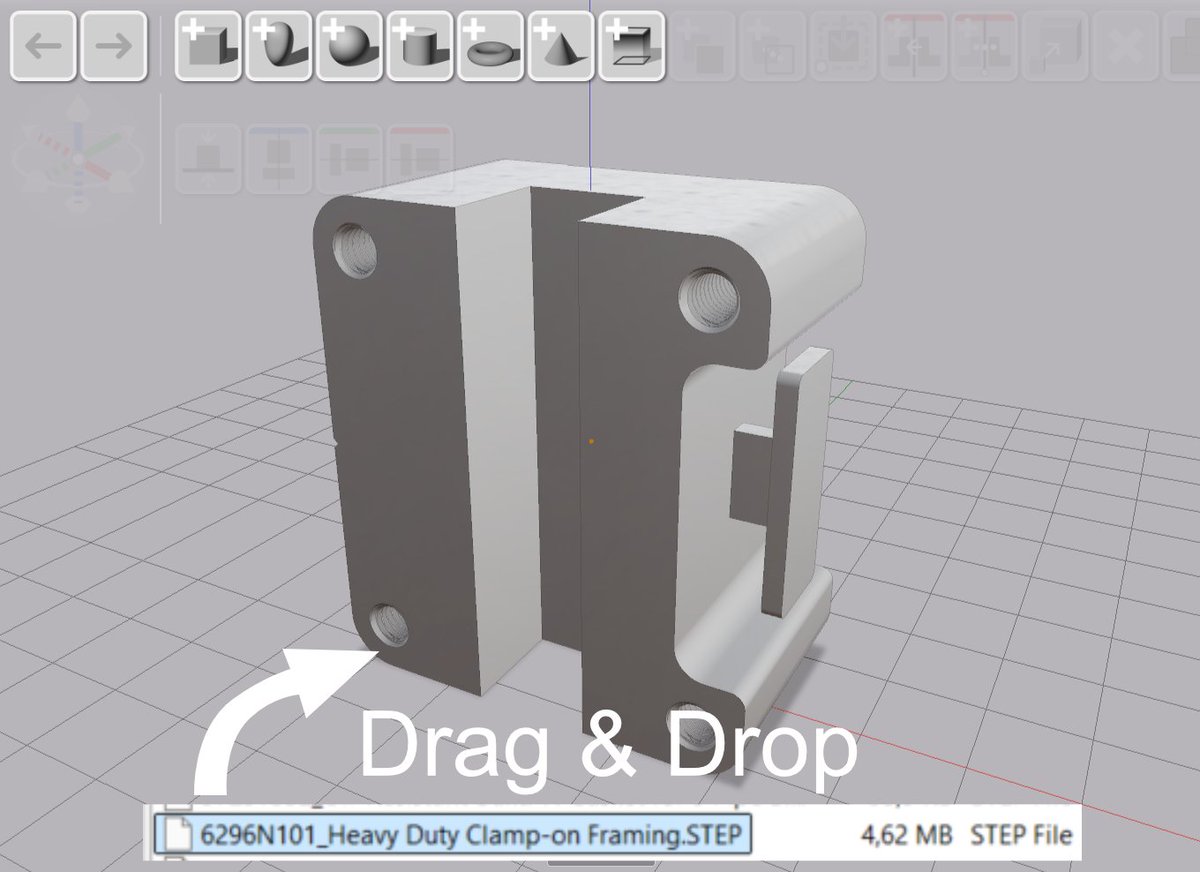
Import STL, STEP or other 3D formats. If it loads, it's ready for cutting and joining.
An imported mesh that breaks at modeling stage is one of the most annoying parts of remix workflows. We've been working on a modeler that solves this at the import stage. If we can't import the mesh so it supports further cuts and joins, we won't import it at all.
After combining shapes you can still move the pieces around non-destructively. Click the combined mesh, the operation tree opens, reposition the hole, done.
Video shows modeling workflow (just fooling around) with STEP file from McMaster-Carr catalogue plus the printed result that goes brr at the end.
You can try the free alpha from https://t.co/j43iaml9ZK for Windows.
Alpha 0.1.7 released 🚀!
- Deep edit
- Non-destructive profile editing
- Choose your display units: mm, cm or inches
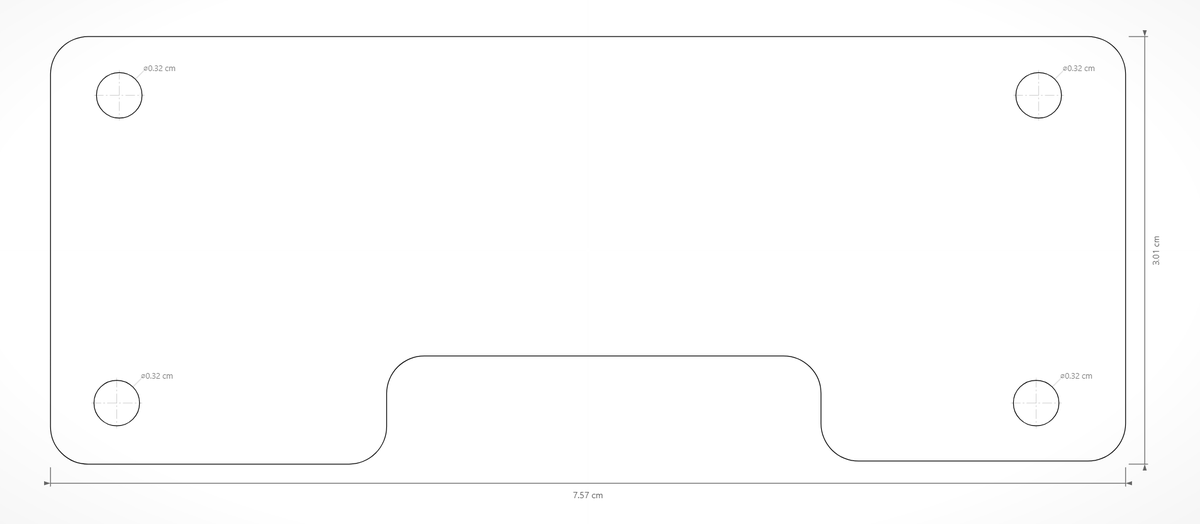
- Dimensions
- STEP import!
Get the free alpha version
https://t.co/2SZdXcKAOU
or
https://t.co/fEBgRvRICO
AdaShape is a "mesh" based tool as that is appropriate for 3D printing. The model itself is parametric - meaning the mesh is a discretized from parametric shapes on the fly. Here are "Preview", "Medium" and "Ultra" precisions.
Full model tree editing in the next public alpha 🚀
Technically we're now "parametric CAD" but we'd rather be known as the relaxing modeler for shapes that are fun to build and print.
Grab a part, move, cut, undo. No regrets. ☺️
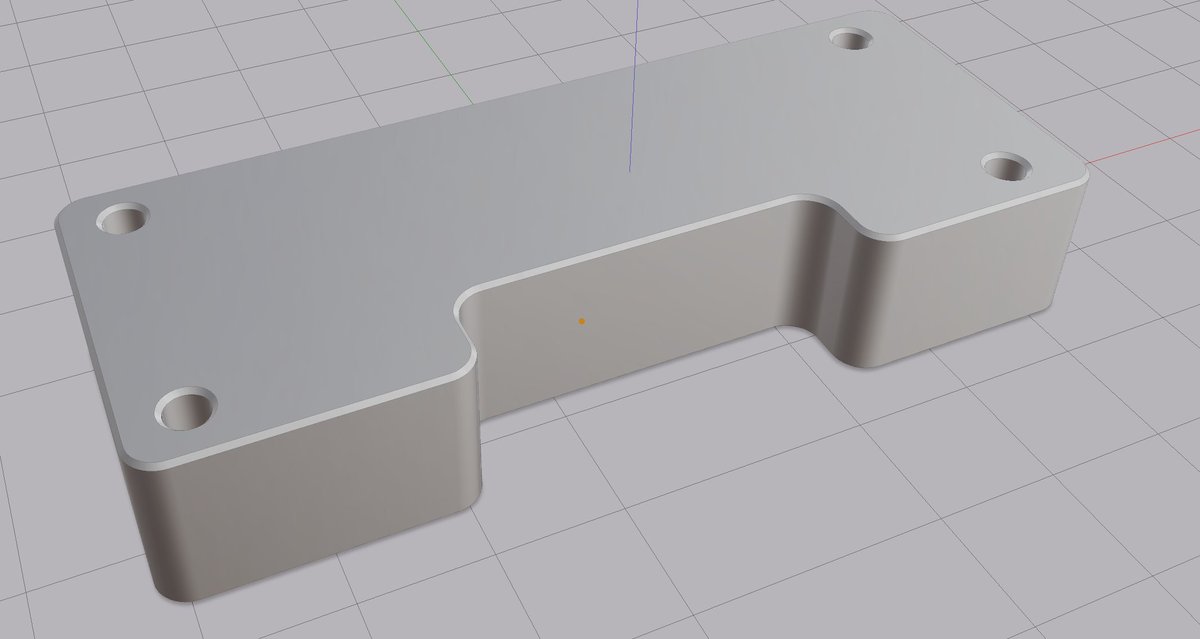
AdaShape alpha 0.1.6 is out - and this one's a fun one.
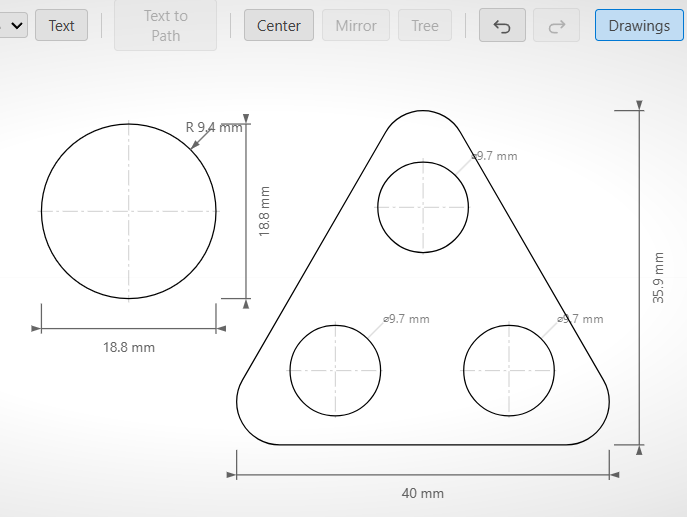
The Shape Editor is here. Draw any outline you like and AdaShape turns it into a real 3D object. Resize it, combine it with other shapes, send it to your printer. Full walkthrough in the video.