Bro to Bro :
Make I cast this update fast fast.
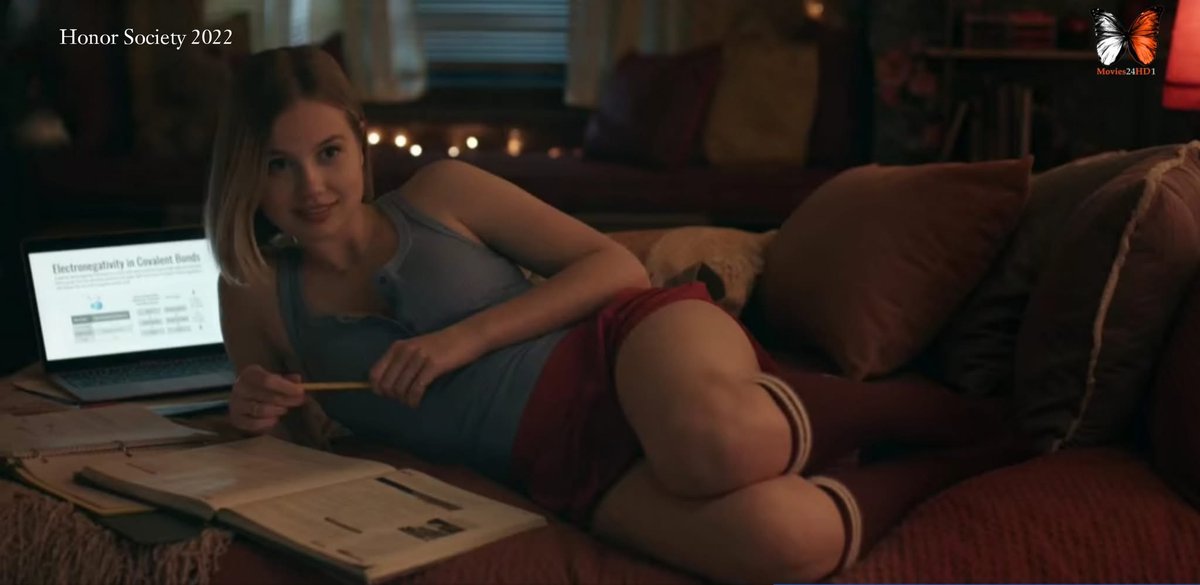
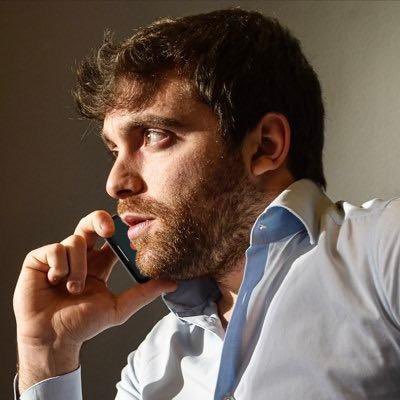
This guy swapped his face to any celebrity but didn’t share the tool
Here is the tool , steps and prompt :
Site : openart.)ai
Steps :
•Sign Up
•Go to Video Mode: On the main dashboard, click the Video tab (highlighted in green in your screenshot).
•Step 2: Set Up Your Project
>Select "Modify Video": Make sure the green button labeled Modify Video is active. This is the mode that keeps the original video's motion while changing the details.
>Pick the Model: In the dropdown menu, ensure Kling 01 is selected. This is currently the best model for keeping movements "exactly" the same.
•Step 3: Upload Your video
1. Upload the "your" Video: Click box #1 (Upload Video to Edit) and select the video of the person talking.
• Tip: Keep the video between 3 and 10 seconds.
2. Upload the "New Face": Click box #2 (Reference Image) and upload a clear photo of the face you want to use.
• Tip: Use an image where the face is looking forward and well-lit
Replace the face in this video with the person
This is the prompt he used though :
"Face swap the input photo of a young Black man in a beige cap and black t-shirt onto Keanu Reeves: long dark hair, beard, serious expression, gray shirt, indoor setting. High detail, realistic lighting, seamless blend.
For Tyla: Swap to South African singer Tyla, braided hair, light blue top, expressive pose.
For Billie Eilish: Green-black hair, casual black shirt, pouting expression."