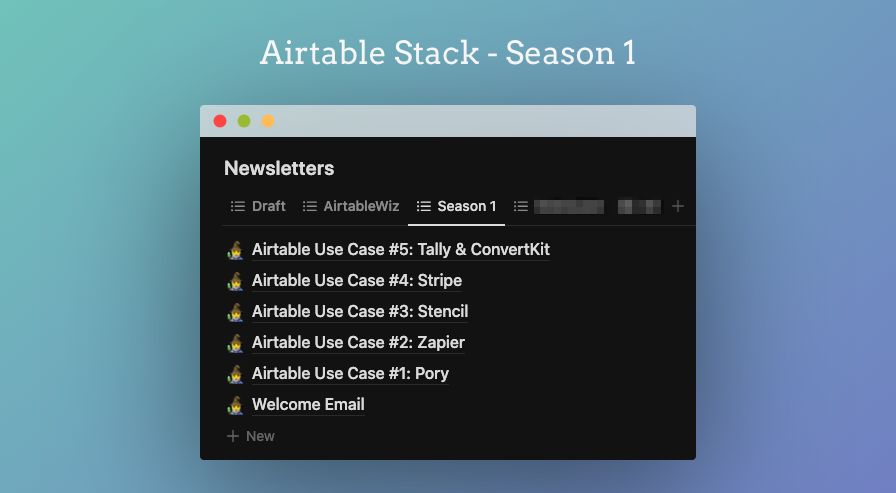
I’ve been talking a lot about @AirtableWiz, but I never really introduced it properly.
So, what is https://t.co/dINux700pM?
• It’s a newsletter.
• It has real-life use-cases, tips & tricks, all that jazz.
• Also, calling the whole thing #AirtableStack
Here’s the S1 line-up.
I wasn't sure what @AirtableWiz was going to be when I first launched it.
After 3 months of sending email newsletters, I decided to pivot.
I will restart it as a seasonal newsletter called #AirtableStack Use-Case Newsletter. Season 1 starts this week.
@AirtableWiz’s Use Case #1: Create Directory w/ Pory is now OUT!
The use-cases are the products that I built using #AirtableStack.
TLDR:
1. The Idea
2. The Flow+FrontEnd
3. BackEnd+Automation
4. Takeaways
5. Learn more
Read ⤵
#buildinpublic#nocode
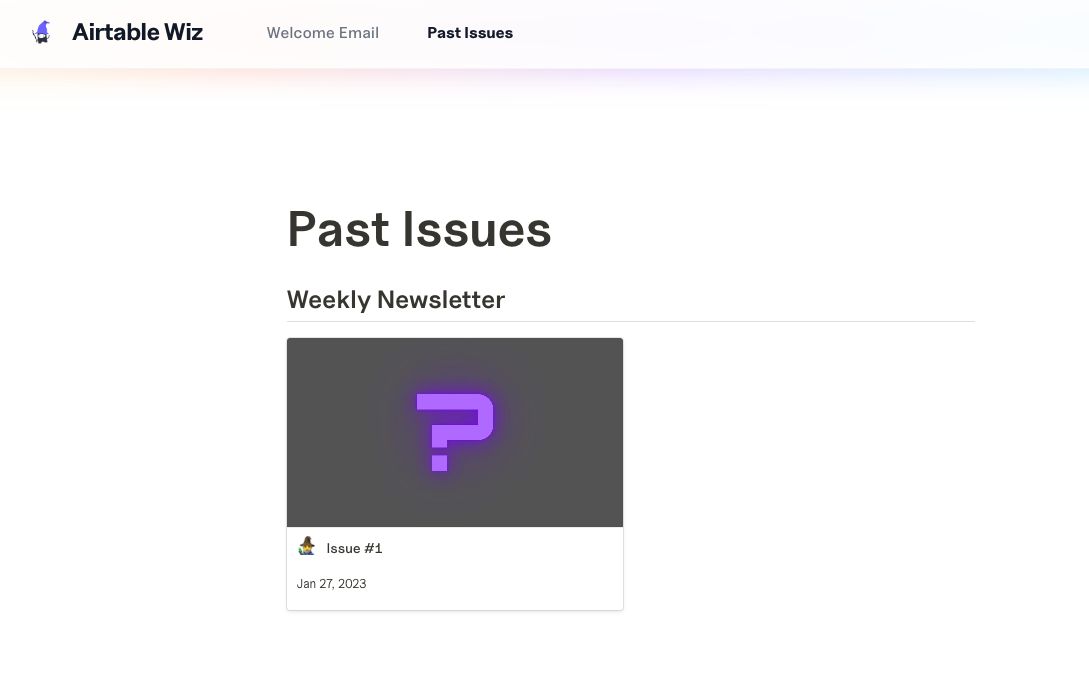
I’ve created a dedicated page for my new newsletter for @AirtableWiz.
It’s on @NotionHQ with @Feather_Blogs (of course😉).
Can’t go wrong with Feather.🥰
Here’s the link to view & subscribe:
https://t.co/UlxfCLHQGK
#buildinpublic#nocode
I’ve sent the welcome email to @AirtableWiz early supporters last week.
You may view it here, & subscribe to:
https://t.co/lq3VpMn93H
But here’s the TLDR:
• Reintroduction to @AirtableWiz
• What is Airtable-Stack?
• What you’ll get from @AirtableWiz?
#buildinpublic#nocode
The first @AirtableWiz’s use-case using #AirtableStack will be published this week.
Huh, Airtable-Stack?
If you’re interested in learning more, subscribe to my newsletter here:
https://t.co/UlxfCLHQGK
Can’t wait to share my first content for 2023.
#buildinpublic#nocode
@airtable I wrote this blog post, created my first online store with @PoryHQ and @Airtable. Learned about tables, automations, etc, while making it.
https://t.co/r4fEbVGemU (2020)
How to create your newsletter banner with @Usestencil & @Airtable that looks like this?
Set it up once, and you don’t have to log in into your Canva / Figma account again.
🧵Part One:
1. Planning, & setting up tools:
2. Airtable
3. Stencil