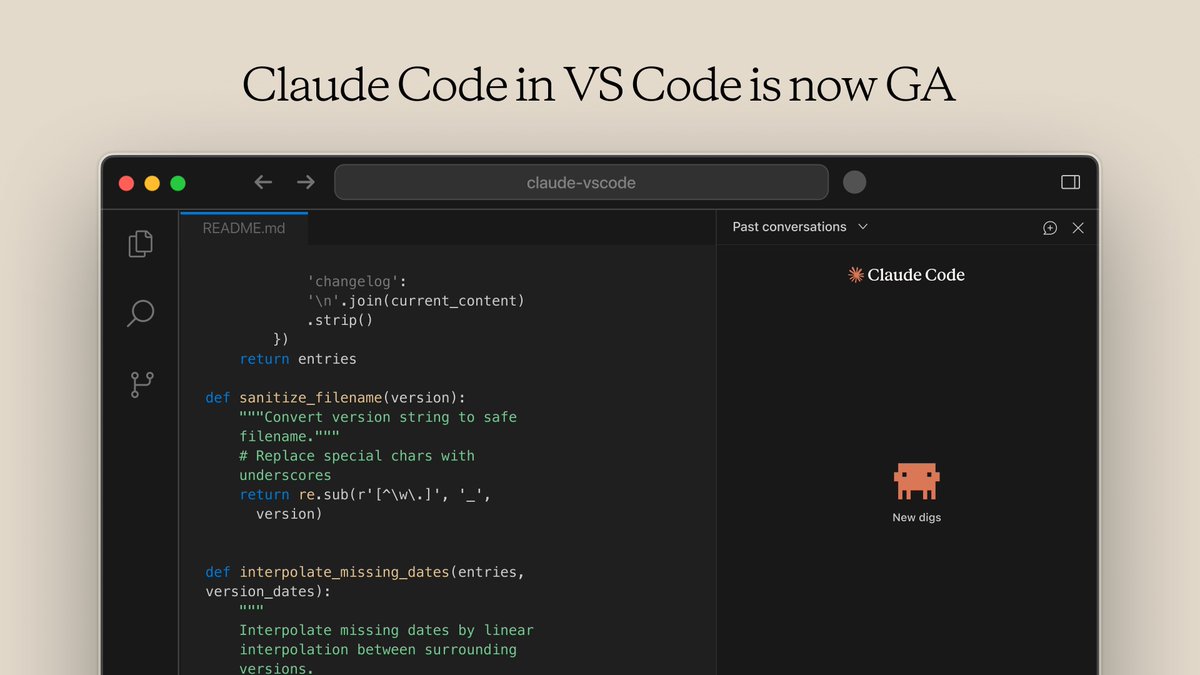
The VS Code extension for Claude Code is now generally available.
It’s now much closer to the CLI experience: @-mention files for context, use familiar slash commands (/model, /mcp, /context), and more.
Download it here: https://t.co/q95Cw4soMk
Microsoft's free "Generative AI for Beginners" series is legit:
18 episodes on LLMs, prompt engineering, RAG, agents, fine-tuning & more. Perfect for newbies to build AI skills.
Check it out on https://t.co/kewaMrep9i! #Microsoft#learning
OpenAI-Cerebras $10B deal is legit: 750MW for blazing-fast inference. Cerebras hits 1K-3K tps on 200B+ models like GLM-4.7 & Llama 405B—making 2K tps for future GPT-5.3-Codex realistic.
Claude Opus 4.5 ~100 tps.
Game-changer for agentic coding!
#OpenAI
Prompt: “DeepSearch mode: [topic] → Return ONLY verified facts + primary sources + one contrarian view. No fluff.”
I ran it on "AI healthcare breakthroughs" — got a clean thread in 12s.
The era of quality over quantity just leveled up.
Who's noticing less bots already?
🚨 Trending now: X just banned "infofi" apps that pay for AI slop & spam — and devs are scrambling to Bluesky/Threads.
Here's the real hook: This cleanup means your timeline gets smarter overnight
Quick tip to ride the wave: Use Grok 4's new "DeepSearch" for zero-slop research
Final rule (tattoo this):
Treat Cursor credits like capital, not coffee.
Use it to prevent expensive mistakes — not to save keystrokes.
Follow @AiverseDaily for practical AI workflows that actually work. 🚀
4️⃣ DEBUG mode = Fix what’s already broken
Use DEBUG when you have:
• Errors
• Stack traces
• Build failures
• “Worked yesterday, broken today” issues
DEBUG finds the root cause and applies the smallest fix.
Much safer than AGENT for failures.
8️⃣ The only workflow you should remember
ASK → understand
PLAN → design
DEBUG → fix
AGENT → execute
Most frustration comes from using AGENT when DEBUG or PLAN was needed.
3️⃣ AGENT mode = Fast execution (dangerous if misused)
AGENT:
• Writes code
• Edits multiple files
• Runs commands
• Iterates fast
Use it ONLY when the plan is clear.
AGENT without PLAN = hallucinated architecture + broken apps.
Think: fast junior dev, needs supervision.
2️⃣ PLAN mode = Design before damage
PLAN is for big or risky changes.
Use it for:
• Architecture decisions
• Refactors
• DB migrations
• Multi-file features
PLAN gives you:
• Steps
• File structure
• Risks
What NOT to do
Skipping PLAN = future rewrites.