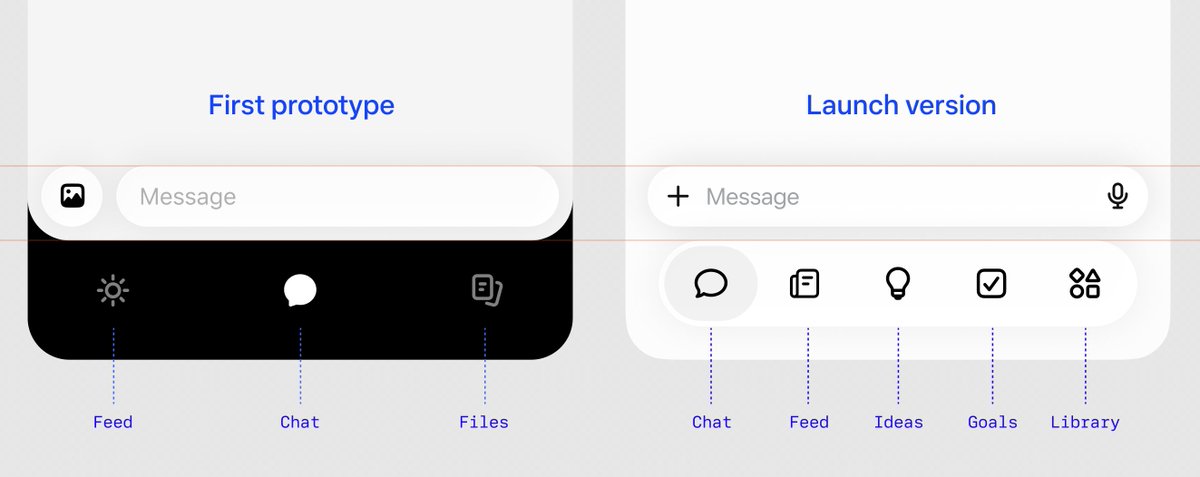
A distinctive feature of Muse is the tab bar. It was one of the first things in the initial prototype, and it felt like a foreign addition for an AI app. So foreign that I recall leaving on PTO early on and leaving one instruction: "do not remove the tab bar," knowing how tantalizing it would be to simplify the app by removing it.
Beyond ergonomics, the tab bar’s core benefit is framing. Agents are capable of more than people realize – the tab bar provides the surface area to expose that functionality and make it conceptually (and physically) accessible. Each tab does this in its own way.
Ideas is the most literal example. True to its name, the Ideas tab lists ideas from your Muse about how it can help you. This is a great way to learn about the many things Muse can do, especially for people who aren’t technical. At first the ideas are universal, but as your Muse gets to know you, its ideas become much more personalized and update frequently.
If Ideas shows you what Muse could do, the Goals tab shows you what Muse is doing – whether it’s helping you with a goal or keeping track of something. Muse does so many things that it helps to visualize it all as a kind of mutual to-do list where you can monitor status. Again this serves both a practical and conceptual benefit.
More thoughts to come, but I’m glad we kept the tab bar and I’m excited about how it will evolve time.
You can design the entire Muse app just for you. With last week’s launch, you can make a space for anything you care about. And you can rearrange the app’s core navigation to create your perfect app.
Personal software.
I’ve got mine set up to support different personal gears: I have the app orientated around family and golf on the weekends, and work and news during the week. You don’t need to do anything fancy to get this working – just ask your Muse to set things up how you like. You can even ask for the tab bar to be removed, if you prefer.
In this video, you can see one of my spaces which I set up around memories. I wanted a place to reminisce and just asked for a daily grid of my Instagram stories. Simple, but it makes me smile every day.
I remember when we first prototyped this idea of a malleable app back in March. It was one of the most excited I’ve ever been about product development and it remains so.
My biggest takeaways from @mona_sarantakos, Head of Product for @Muse, the most successful AI consumer product of the year:
1. The first Muse prototype broke an hour before the board meeting pitch. Lead designer @AlexCornell built the working prototype in a few days, and the team decided at the last minute to show it at a board meeting. An hour before, it broke. Alex and an engineer raced to fix it, and it came back five minutes before the meeting started. “In some alternate universe we didn’t figure this out and maybe Muse was never born.”
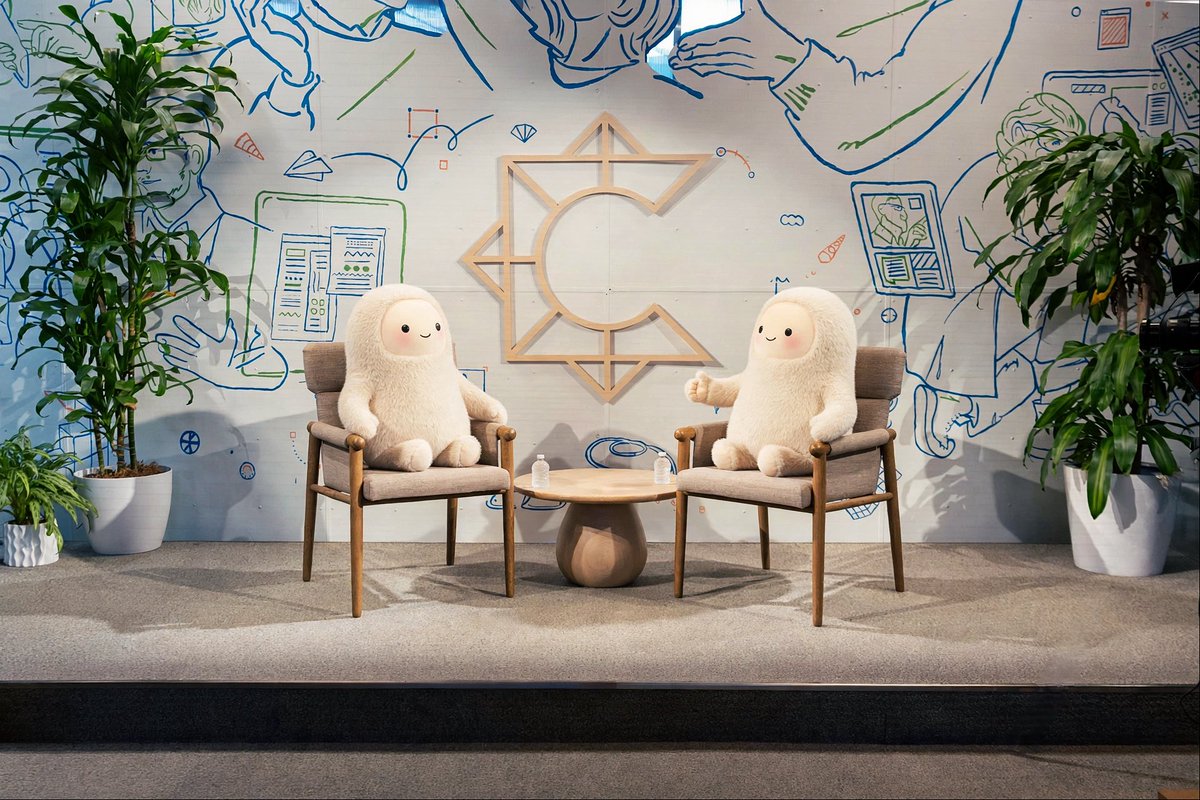
2. Jolly, the now-iconic Muse avatar, was just a placeholder. Alex created the character for the first prototype and called it Jolly Bot, after his nickname for his daughter. Every few months, someone said they could never launch with a stuffed animal as the logo. “Jolly’s like our cockroach. It just never dies.” A week before launch, the team and Mark Zuckerberg made the call: “Jolly stays.” Mona’s reasoning: “When you’re talking to something that feels so personal, the last thing you want to talk to is a corporate logo.”
3. Muse began with a ping from @natfriedman. On a Thursday in late January, Nat messaged a few people internally: OpenClaw was changing his whole view of what’s possible, and they needed to try it. Mona spent the weekend setting it up on a Raspberry Pi (Mac Minis were sold out) and gave it access to her email, calendar, and home automation. On Monday morning it sent her a summary of what was coming up that week, pulled from the school emails she never keeps up with. She pinged Nat back: “This is it.”
4. Muse took seven months to launch, even though work started before every other AI assistant. After figuring out what the product was going to be, and building a fully functioning end-to-end version in a few months, the team spent the rest of the time on reliability, safety, and security. Their internal motto was “Trust is a must.”
5. The original Muse team was just 10 people. The core team stayed small on purpose, to keep communication and decisions tight. They worked out of a library-like common area in a Menlo Park building and ate all three meals together each day. “It was like lightning in a bottle. I couldn’t have imagined this product being built with any other team.”
6. The team didn't expect shopping to be one of Muse’s top use cases. Mona predicted that personal productivity, health, and personal finance would be the primary use cases. Others bet on home automation, which was big with OpenClaw users. Then internal testers started shopping. Engineering manager @christinesed became the top dogfooder, sending shopping bug reports every morning. “All of our evals have been somewhere else,” so the team started building shopping evals.
7. The team uses “agent swarms” to surface user insights at scale. Muse conversations are long and multi-turn, and no existing tool could analyze them. So the team sends swarms of custom-built agents through anonymized conversations and feedback. The swarms report back what’s working and what’s breaking, down to the 10 people who tried to shop on one site and got blocked. Mona said, “It makes me wonder how we even built products before.”
8. Muse’s system prompt has to be written by a person. “You cannot use an AI to write a system prompt, any part of it.” The team uses agents everywhere else, including to help write evals. But a human always reviews the data, because “when we don’t, we always have issues.”
9. Product taste is now the first thing Mona looks for in a PM. She agrees that the PM role has changed more in the past two years than in the two decades before. She can now come up with an idea, build it herself, and have a real conversation about it “in a 24-hour cycle.” What sets a PM apart is representing the customer, holding a high bar, and telling an engineer who loves their own idea: “That’s really cool. I’m glad you really like it. I don’t think anyone else will.”
10. The next frontier for Muse is ambient presence. Near term, Mona wants to cut the babysitting (“At the point where I’m babysitting an agent, I might as well do it myself”) and move Muse beyond the app into glasses and other devices. But she doesn’t claim to know where this goes: “A year ago, I would’ve never explained Muse to you the way that I did.”
Watch the conversation: https://t.co/y2Jp67p3pT
Announcing the next round of speakers for Orbit (by Linear):
> Carl Pei (@getpeid)
> Alex Cornell (@alexcornell)
> Michelle Bu (@hazelcough)
> Zack Reneau-Wedeen (@ZackRW)
See the full agenda and request your ticket: https://t.co/ZuhzWvFOJ9
This Tuesday at @SPC San Francisco
Design Chat X with @alexcornell at 5pm
Alex Cornell leads design of @Muse at @Meta Superintelligence Lab. A repeat founder and a design pioneer, Alex will share his unique vantage on the future of consumer agents.
Request access below.
@RealVicHere Yep you can put any space you make into the tab bar. Just drag it to the top section (Tabs) in the sidebar. Or tell your muse to put it where you want it.
Build a space for anything, plop it into your tab bar…with this update, you can completely reshape the app around what you care about.
You can customize each new space, and also the app’s structure itself. 🎨🛠️
Spaces are here. Describe a planner, a tracker, a game, whatever you need, and Muse builds it right into the app. Pin it to your tabs, come back anytime, and it’ll already be up to date.
This Tuesday at @SPC San Francisco
Design Chat X with @alexcornell at 5pm
Alex Cornell leads design of @Muse at @Meta Superintelligence Lab. A repeat founder and a design pioneer, Alex will share his unique vantage on the future of consumer agents.
Request access below.
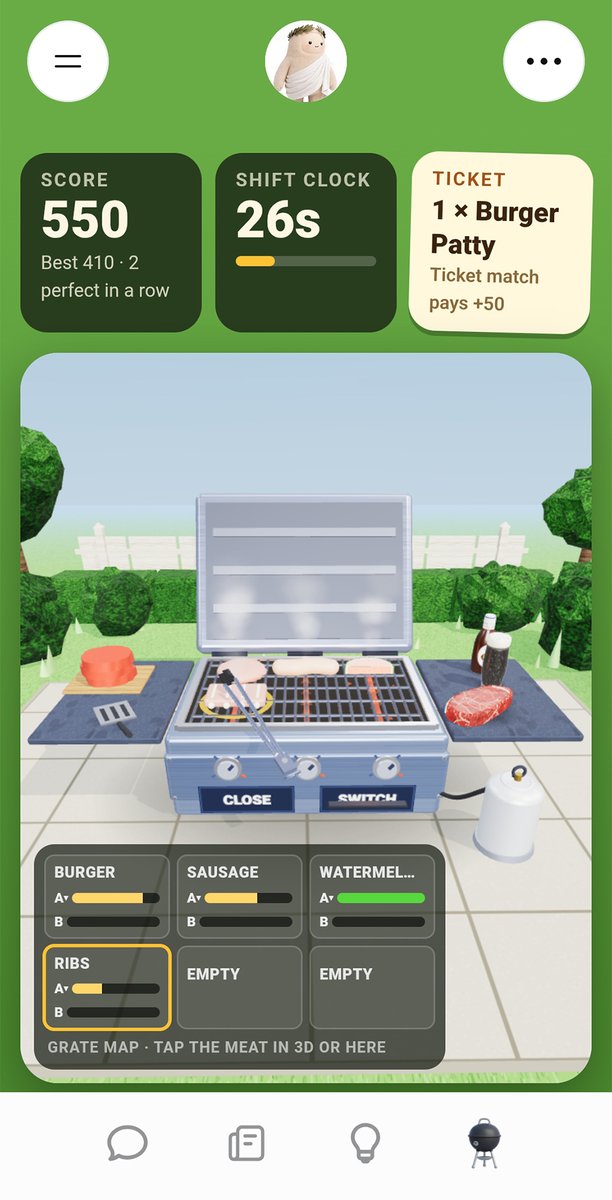
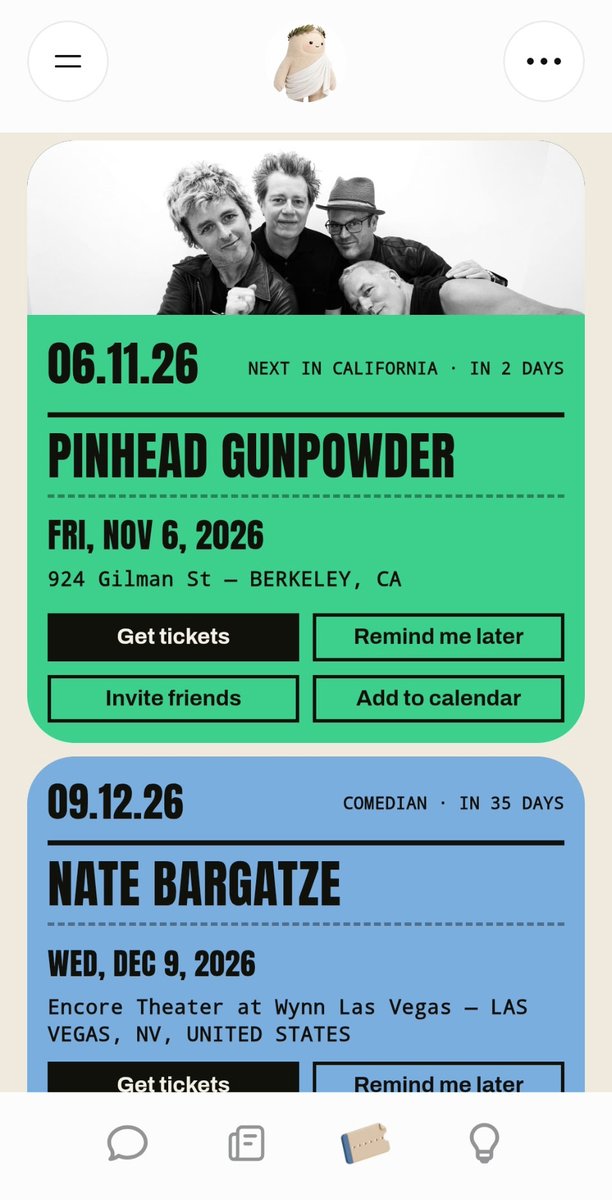
Playing around with spaces in Muse lately -- tell Muse what you need and it builds it.
I've made a BBQ game, an event tracker, and a home control dashboard.
Excited to see what you build.
Looking forward to jamming about design with @soleio on Nov 10th! Will be at South Park Commons in SF. Speaking secrets and spells.
Register here: https://t.co/RxqDAqzXSe