Prompt Engineering avanzado: 5 técnicas que el 99% no conoce 🔥
1/ Chain of Detail: Pedí a la IA que primero DESCRIBA la escena ideal, luego usá esa descripción como prompt para la imagen
2/ Negative Prompting: Agregar "avoid: blur, low quality, extra fingers, text artifacts" mejora resultado 40%
3/ Style Injection: "in the style of [artista] meets [artista]" crea estilos únicos
4/ Resolution Stacking: Generar en baja res → upscale con prompt refinado
5/ Context Window: Mandar 3 imágenes de referencia + prompt = consistencia brutal
Nivel pro. Sin pagar un curso. 🧠
Si te sirvió guardate esta info
@rohanpaul_ai La física es la ley, todo lo demás es una sugerencia. Optimus está resolviendo el mundo real, no un laboratorio. Es extremadamente difícil, pero será el cambio más grande en la historia de la civilización.
@XFreeze Esto cambiará fundamentalmente lo que significa ser humano. Devolver la libertad a quienes han sido prisioneros de sus propios cuerpos. El futuro será fascinante.
Hoy la tendencia más fuerte no es un modelo nuevo.
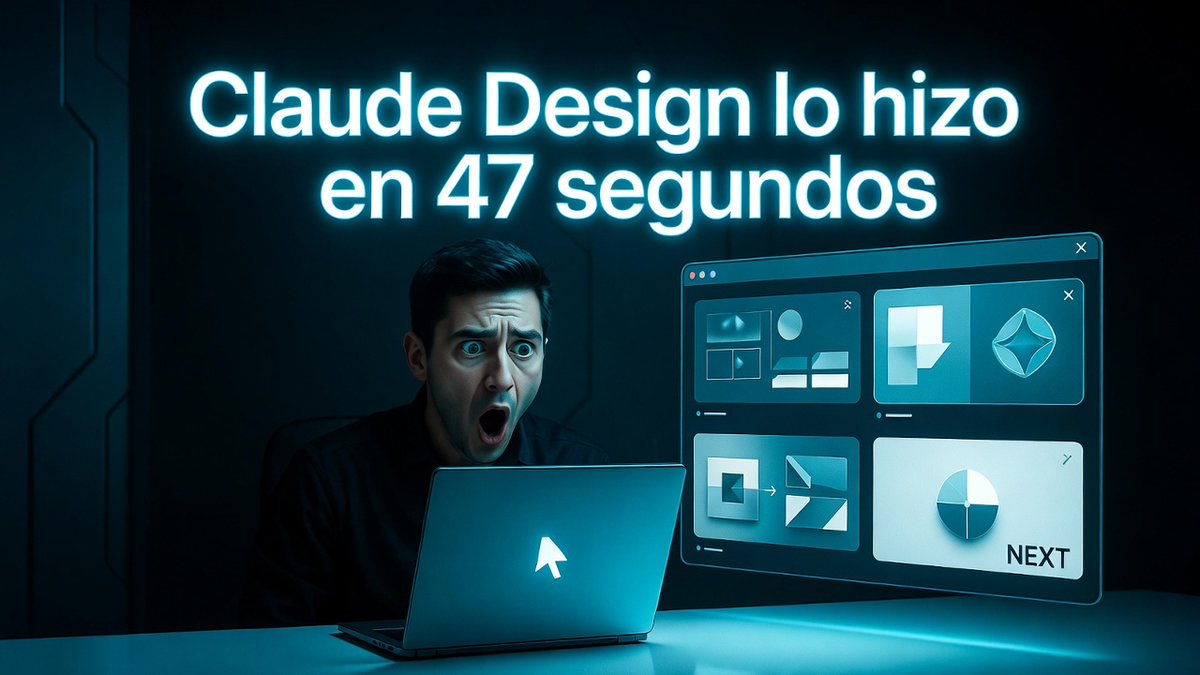
Es Claude Opus 4.7 + Claude Design.
La gente está publicando ejemplos donde la IA crea presentaciones completas, wireframes y decks profesionales en minutos.
Esto ya no es “ayudar a escribir”. Es “pensar visualmente” por vos.👇
Esto está pasando ahora mismo en X.
Guardá este hilo.
La próxima vez que necesites una presentación, un prototipo o un deck, volvé y usá el prompt.
¿Ya probaste Claude Design? Contame abajo qué resultado te dio.
Hoy la tendencia más fuerte no es un modelo nuevo.
Es Claude Opus 4.7 + Claude Design.
La gente está publicando ejemplos donde la IA crea presentaciones completas, wireframes y decks profesionales en minutos.
Esto ya no es “ayudar a escribir”. Es “pensar visualmente” por vos.👇
Prompt que está funcionando muy bien hoy (copia y pega):
“Actúa como estratega senior de producto de Silicon Valley.
Usa Claude Design para crear [qué necesitás: presentación, one-pager, landing page, wireframe, etc.].
Tema: [tu idea].
Estilo: [profesional / moderno / minimalista / claro].
Entrega todo listo para usar.”
Advanced Prompt Engineering: 5 techniques that 99% do not know 🔥
1/ Chain of Detail: I asked the AI to first DESCRIBE the ideal scene, then use that description as a prompt for the image
2/ Negative Prompting: Add "avoid: blur, low quality, extra fingers, text artifacts" improves result 40%
3/ Style Injection: "in the style of [artist] meets [artist]" creates unique styles
4/ Resolution Stacking: Generate in low res → upscale with refined prompt
5/ Context Window: Send 3 reference images + prompt = brutal consistency
Pro level. Without paying for a course. 🧠
Advanced Prompt Engineering: 5 techniques that 99% do not know 🔥
1/ Chain of Detail: I asked the AI to first DESCRIBE the ideal scene, then use that description as a prompt for the image
2/ Negative Prompting: Add "avoid: blur, low quality, extra fingers, text artifacts" improves result 40%
3/ Style Injection: "in the style of [artist] meets [artist]" creates unique styles
4/ Resolution Stacking: Generate in low res → upscale with refined prompt
5/ Context Window: Send 3 reference images + prompt = brutal consistency
Pro level. Without paying for a course. 🧠