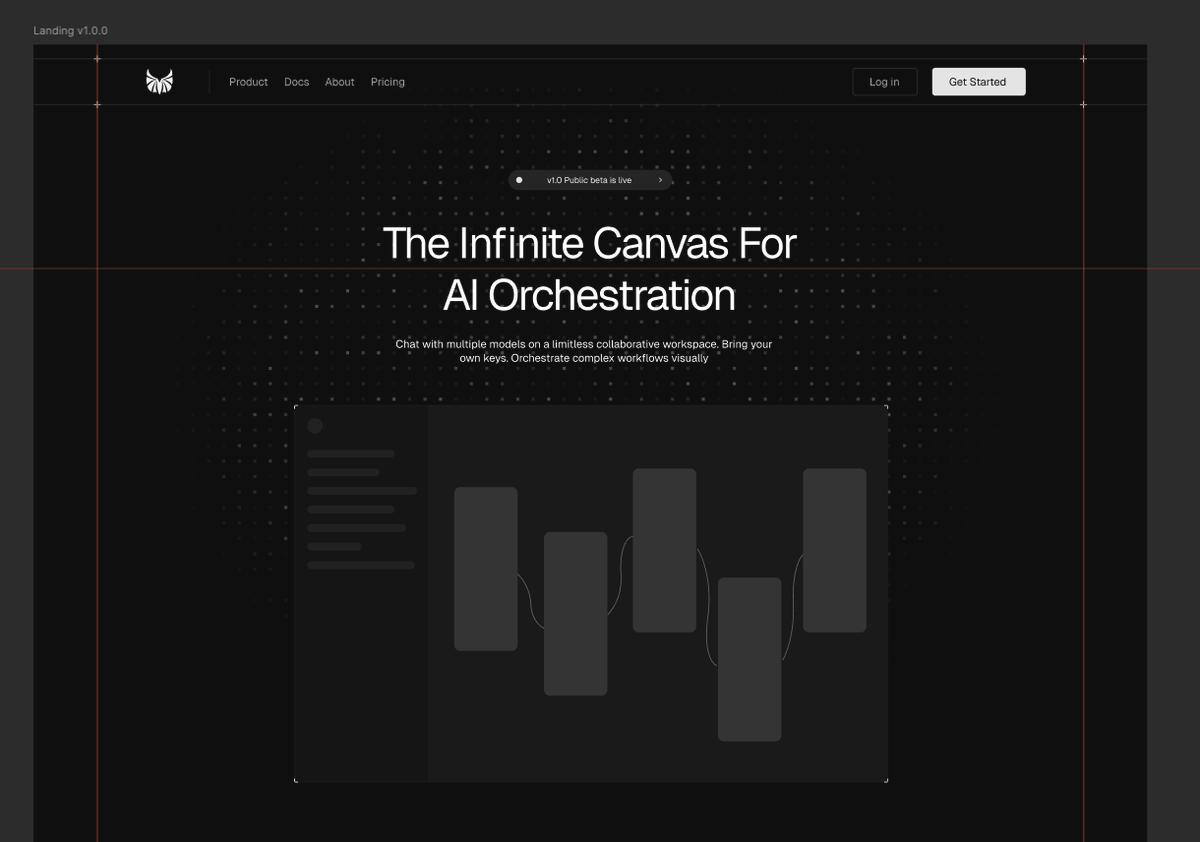
i absolutely love reading comments with the review, to see the design through someone else’s eyes
my key takeaways from rauno feedback (portfolio edition):
👑 never block what the visitor is trying to do
🧭 navigation
→ give each project its own page, not a pop-up. thanks to it people can open several in new tabs and compare them
→ if "show more" expands a section, clicking it again should collapse it. don't make people hunt for a different close button
→ navigation should work the same way on every page
→ on a list of projects, make the whole line clickable, not just the project name. People click anywhere on it and expect it to open
🎬 motion
→ no animation is better than a broken one
→ if your homepage plays a long animation (text flying in, a big hero moving), stop it the moment someone scrolls. they came to read, not to wait
→ don't make every card or line fade in one after another. It feels slow, so fade in whole sections at once
→ test your page transitions by clicking quickly between a project page and the homepage several times. If the animation glitches or gets stuck, fix it or remove it
⌨️ type & content
→ set body text to 15–16px (from my pov, if you want people to read make it even bigger 17-18px it's much easier for human eye). many portfolios use 12–13px because it looks elegant, but it's tiring to read, especially in a serif font
→ when your custom font loads late, the page first shows a default font and then snaps to yours. make the browser wait for your font (font-display: block on headlines) so visitors don't see the switch
→ pick 2–3 of your best projects and show them in detail. A long list of 10 makes reviewers skim and remember none
→ put screenshots or videos of your work at the top of the page, before your bio. reviewers come to see what you made, not to read about you
→ if you feel you need a hint like "scroll sideways" or "click to expand", the design isn't clear yet. Fix the layout so it works without the hint
→ colorful logos of X, linkedIn or dribbble pull attention away from your work. make social icons grey so your site stays about you
🥹 details
→ on some pages a scrollbar appears only when the content gets long, for example after switching tabs. That squeezes the page and everything shifts sideways for a moment. reserve the space for it upfront (scrollbar-gutter: stable in CSS) so nothing jumps
→ your favicon is the tiny icon in the browser tab. check it at real tab size, because detailed logos turn into a blurry blob. a simple shape or a single letter works better
→ recruiters often skip a google drive link to your CV, since it opens a clunky preview and sometimes asks for access. put the CV on your site as its own page (like yoursite[.]com/resume) with a "download PDF" button
check out the post and rauno comments, you will defo learn something new
thanks rauno for sharing 🤍