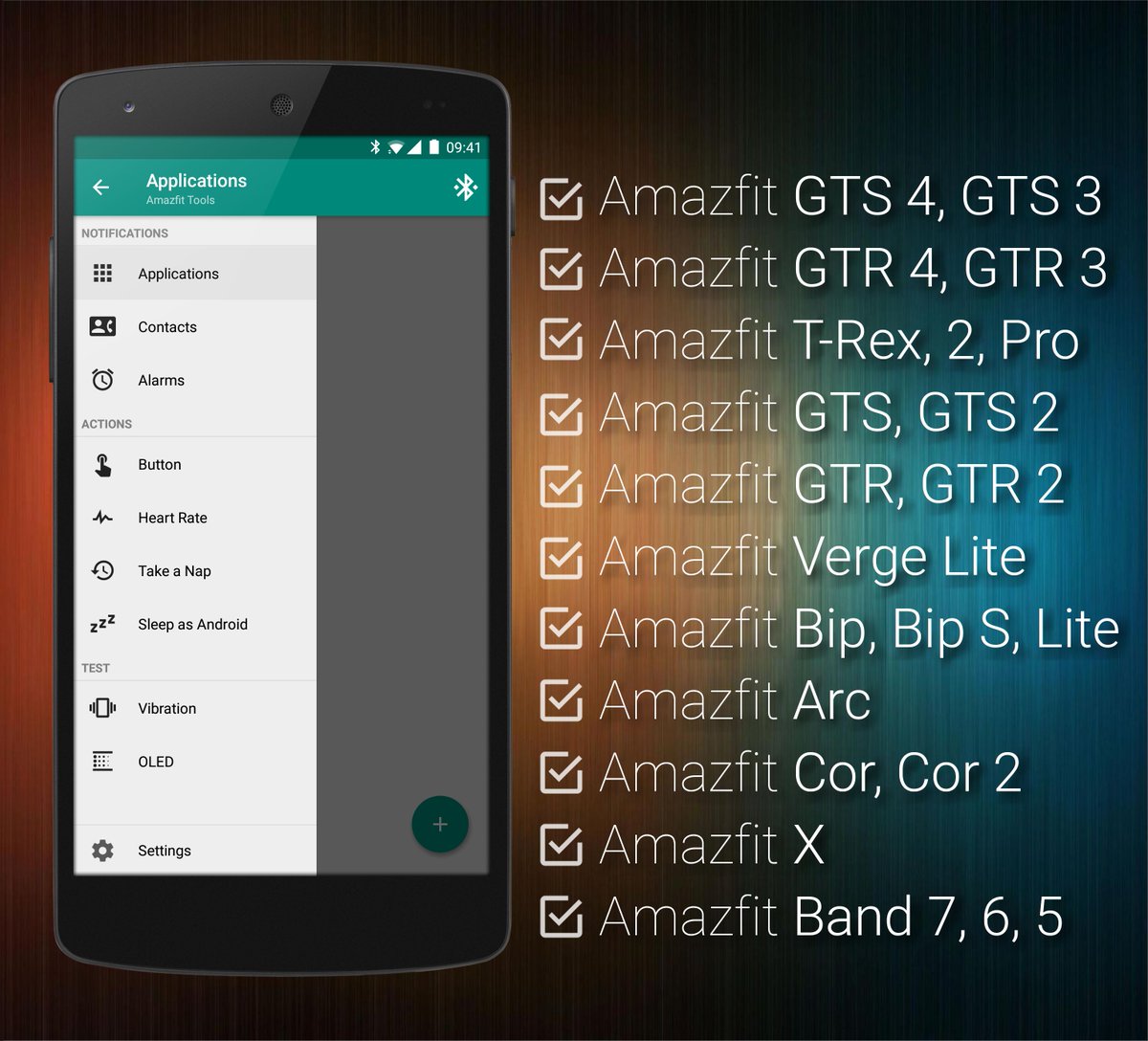
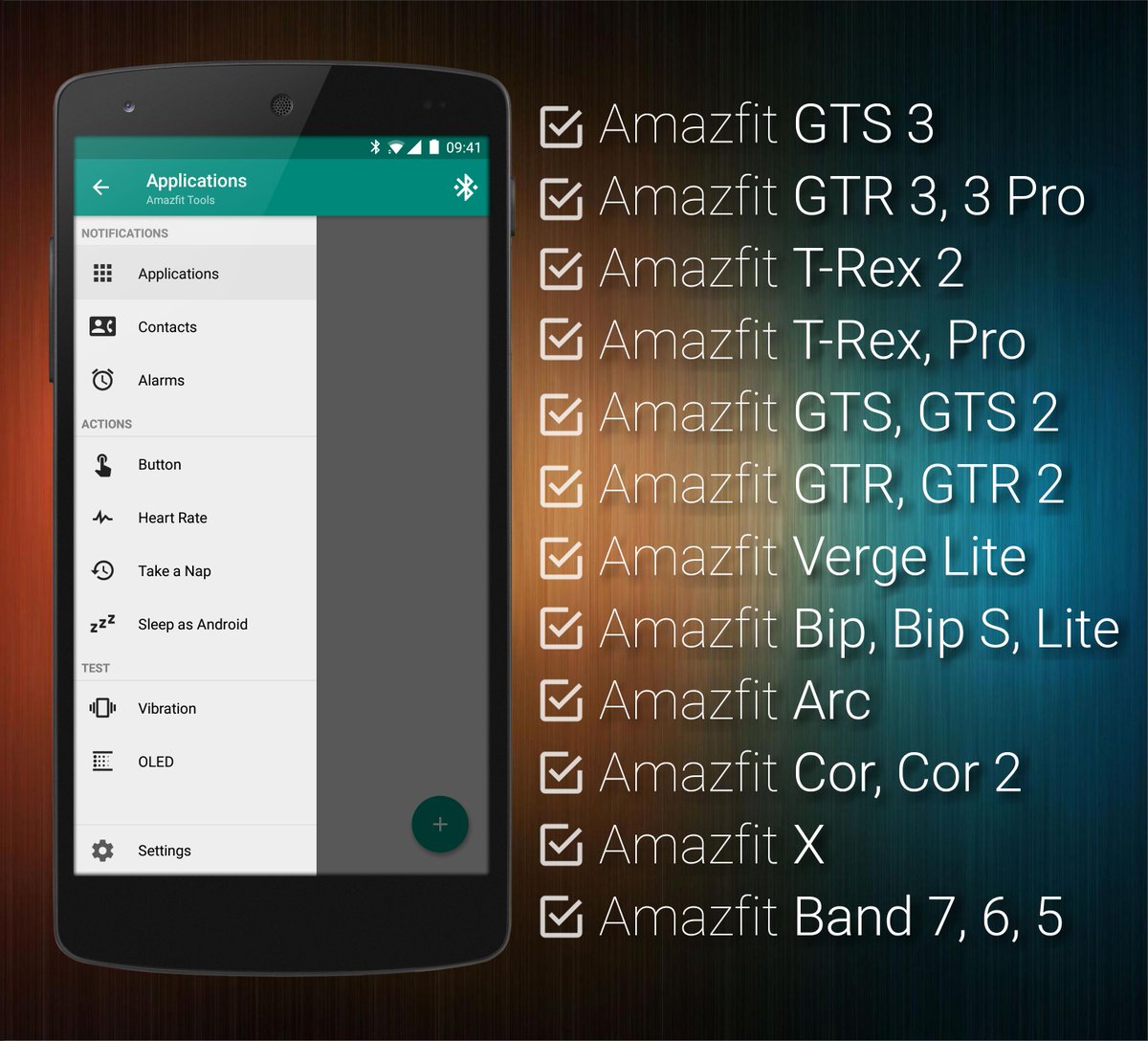
#Xiaomi#Huami#Amazfit Tools 7.1.0: Added support for Amazfit GTS 4 and GTR 4 (including uploading of custom icons, Sleep as Android by @UrbandroidTeam integration, watch face management) & improved support for latest firmwares of all bracelets! (https://t.co/xryDWMmoJs)
#Xiaomi#Huami#Amazfit Tools 7.0.0: Full support for Amazfit GTS 3, GTR 3, GTR 3 Pro, T-Rex 2 (including uploading of all icons, Sleep as Android by @UrbandroidTeam integration, watch face management) & support for latest firmwares on all bracelets! (https://t.co/xryDWMlQTU)
#Xiaomi#Huami#Amazfit Tools 5.5.0: Full support for Amazfit GTS 2, GTS 2E, GTS 2 Mini, GTR 2, GTR 2E (including bi-directional notification state synchronization, Sleep as Android by @UrbandroidTeam integration, watch face management) & much more!(https://t.co/xryDWMlQTU)
#Xiaomi#Huami#Amazfit Tools 5.0.0: Extended and improved support for for Amazfit Bip S, T-Rex, GTR, GTS & others (including Sleep as Android by
@UrbandroidTeam
integration, watch face management, gesture / button control) & more!(https://t.co/xryDWMlQTU)
#Xiaomi#Huami#Amazfit Tools 4.8.4: Full support for Amazfit T-Rex (including bi-directional notification state synchronization, Sleep as Android by @UrbandroidTeam integration, watch face management) & much more!(https://t.co/xryDWM4fvk)
#Xiaomi#Amazfit Tools 4.8.0: Major connection stability improvements for all Android versions, especially noticeable on Android 10. Make sure to add process killing exceptions for Amazfit and Amazfit Tools as described on https://t.co/yiFsoTScgF Get it on https://t.co/ce1t6HlpZ9
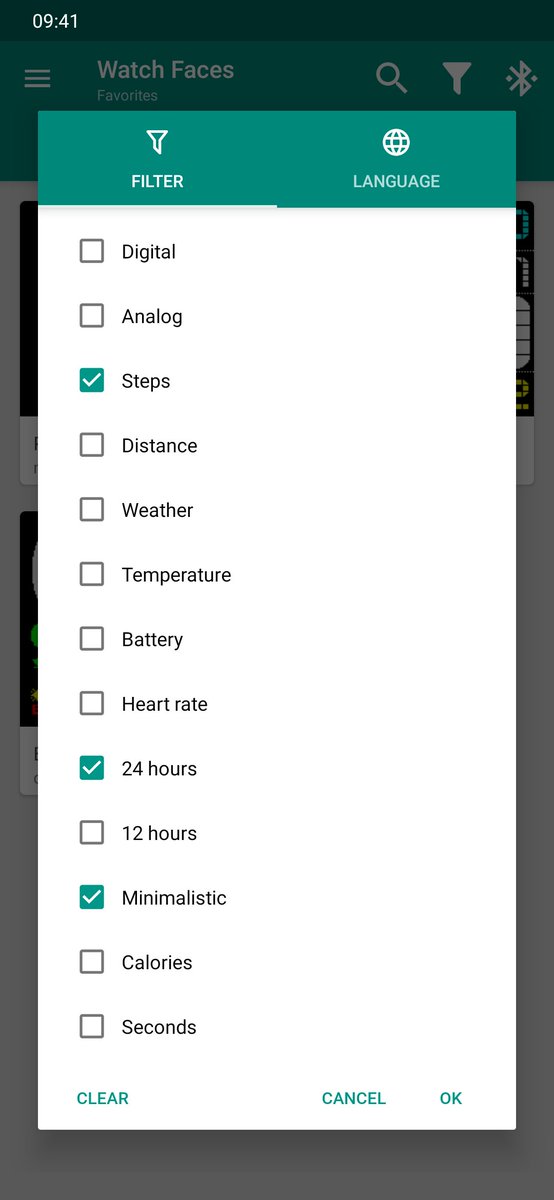
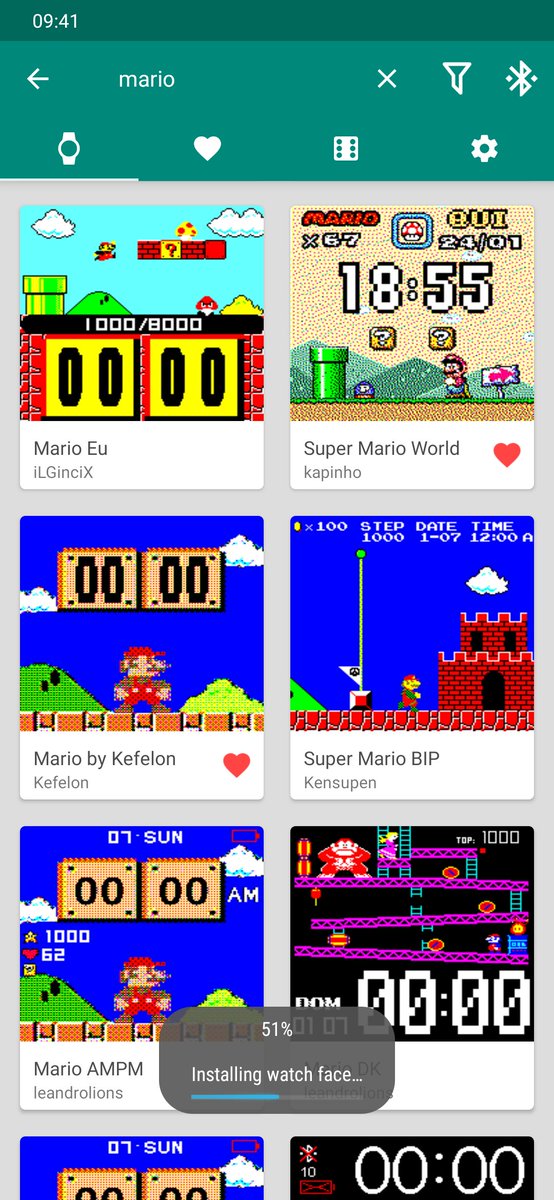
Many people asked for it - let us introduce Watch Faces & Amazfit - lightweight watch faces management application to browse and directly install community watch faces by single press of a button (no background battery usage, no unnecessary permissions): https://t.co/v2if8bsdc9
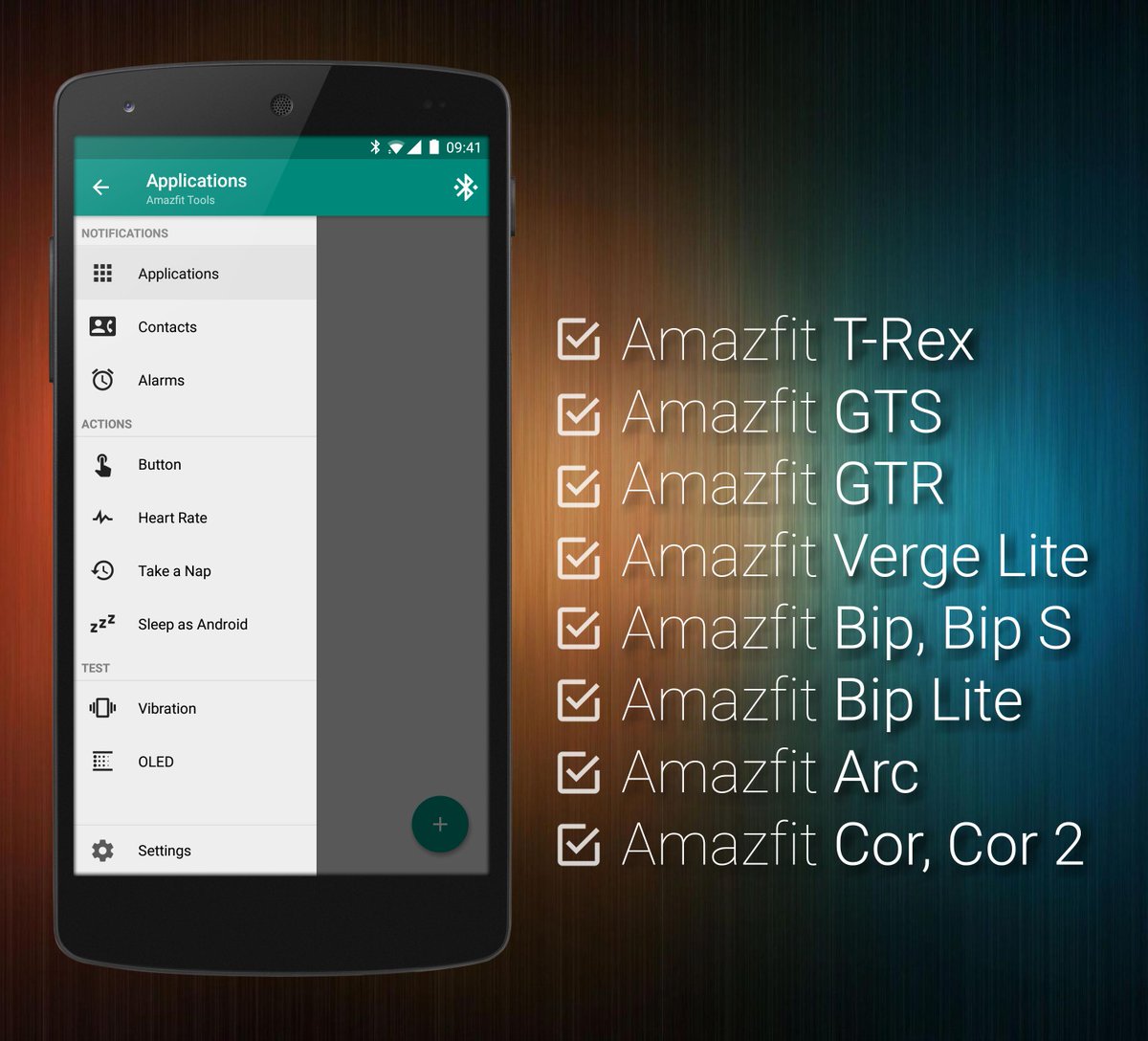
#Xiaomi#Huami#Amazfit Tools 4.6.1: Full support for Amazfit GTS and Amazfit GTR (including bi-directional notification state synchronization, Sleep as Android by @UrbandroidTeam integration, watch face management) & much more!(https://t.co/xryDWMlQTU)
#Xiaomi#Huami#Amazfit Tools 4.5.1: Watch Faces Management (browse and directly install community driven watch faces or your own files by single press of a button). Changelog https://t.co/xryDWMlQTU
#Xiaomi#Huami#Amazfit Tools 4.3.0 released! This version contains major fixes and improvements for latest Android P, several stability improvements & much more. See full changelog at https://t.co/MvMGzfxOCr
#Xiaomi#Huami#Amazfit Tools 4.2.1 released and introduces new button control actions: Mark Last Notification As Read & Send Broadcast Intent. To learn more, visit https://t.co/ObtC0vI6e7
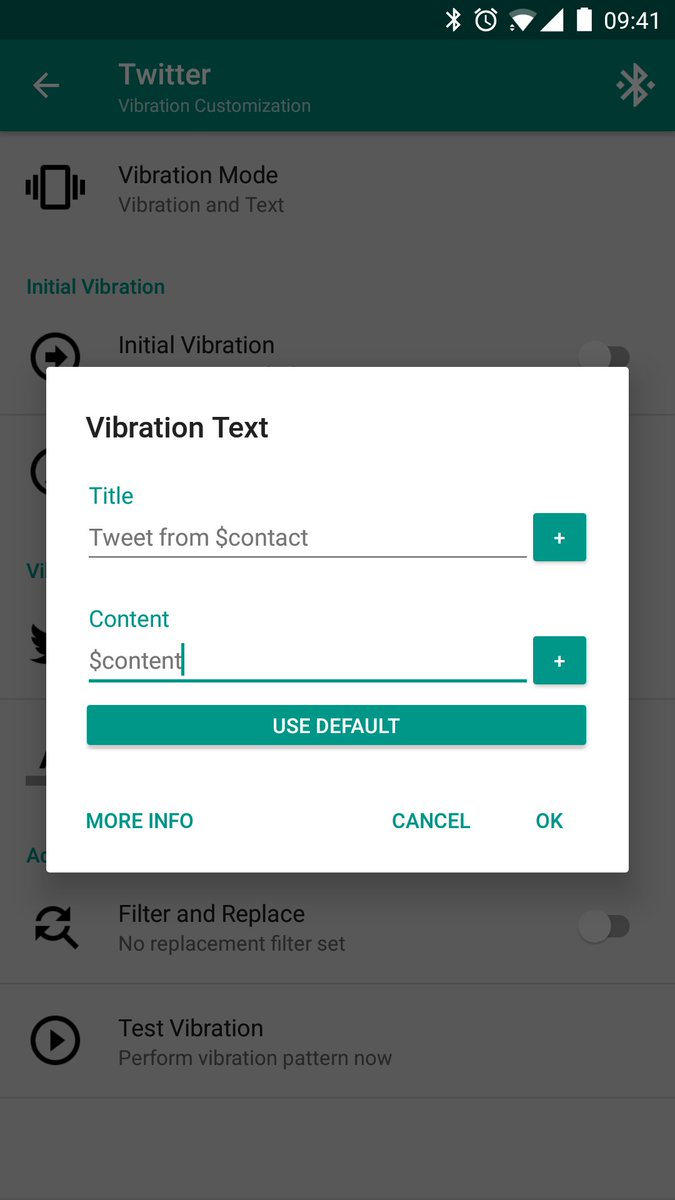
Did you know that Tools & Amazfit offers you the best notification text customization out there? We do offer many predefined parameters that are usable inside of your own notification text format and replaced for their actual values. To learn more, visit https://t.co/fz0QrkOnnb
Did you know that Tools & Amazfit offers you advanced automation plugins for Tasker, Automagic and similar? We do even provide variables for various events (e.g. button pressed count, heart rate value and so on). To learn more, visit https://t.co/hrfoD8WLAz
#Xiaomi#Huami#Amazfit Tools 4.1.0: Major button control, transliteration, filters and plugin improvements (for Tasker, Automagic and similar), optimizations for Android Oreo (you can now hide icon by lowering status bar importance) & more (see changelog https://t.co/MvMGzfxOCr)
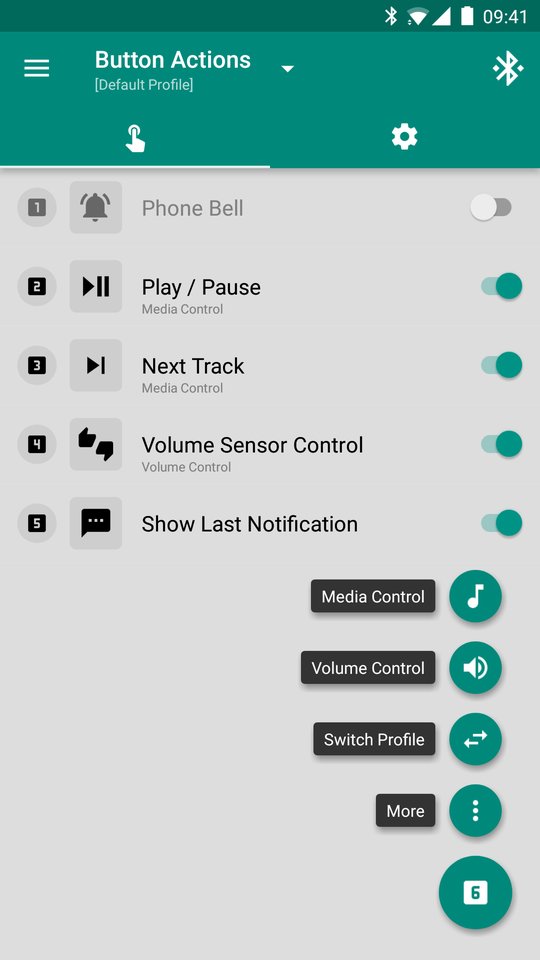
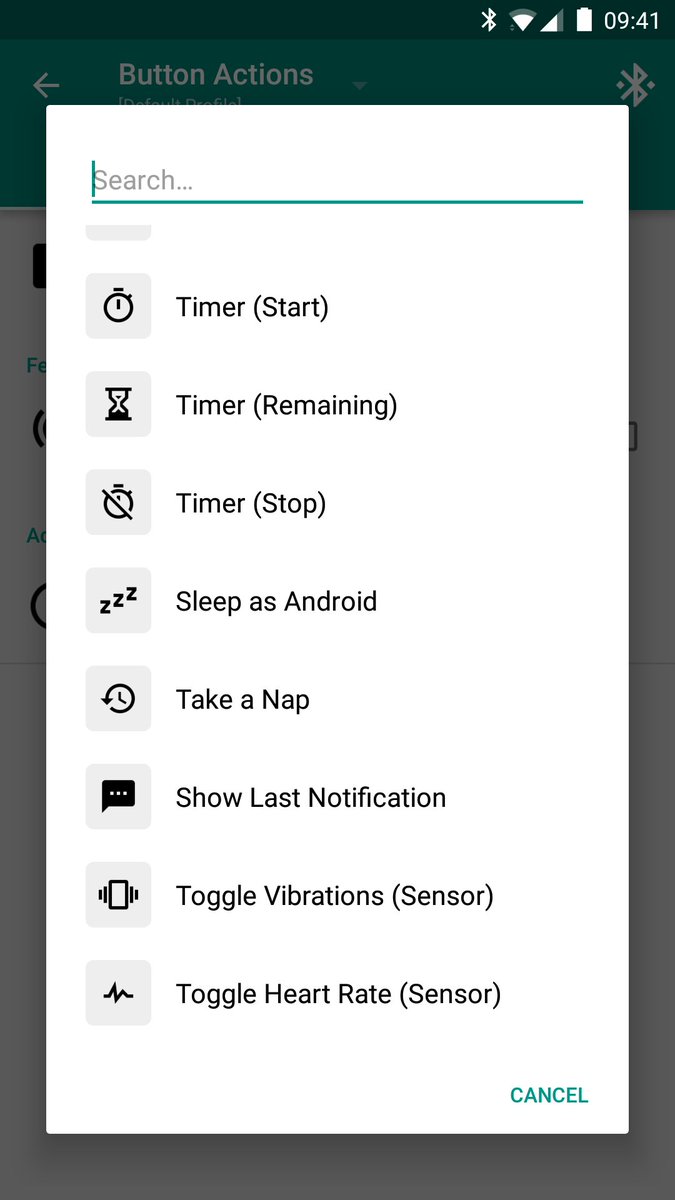
Ever wanted to just put your thumb up to raise volume of your music? With #Amazfit Tools, you can do this and much more! Learn more about button control & sensor control on https://t.co/ObtC0vI6e7
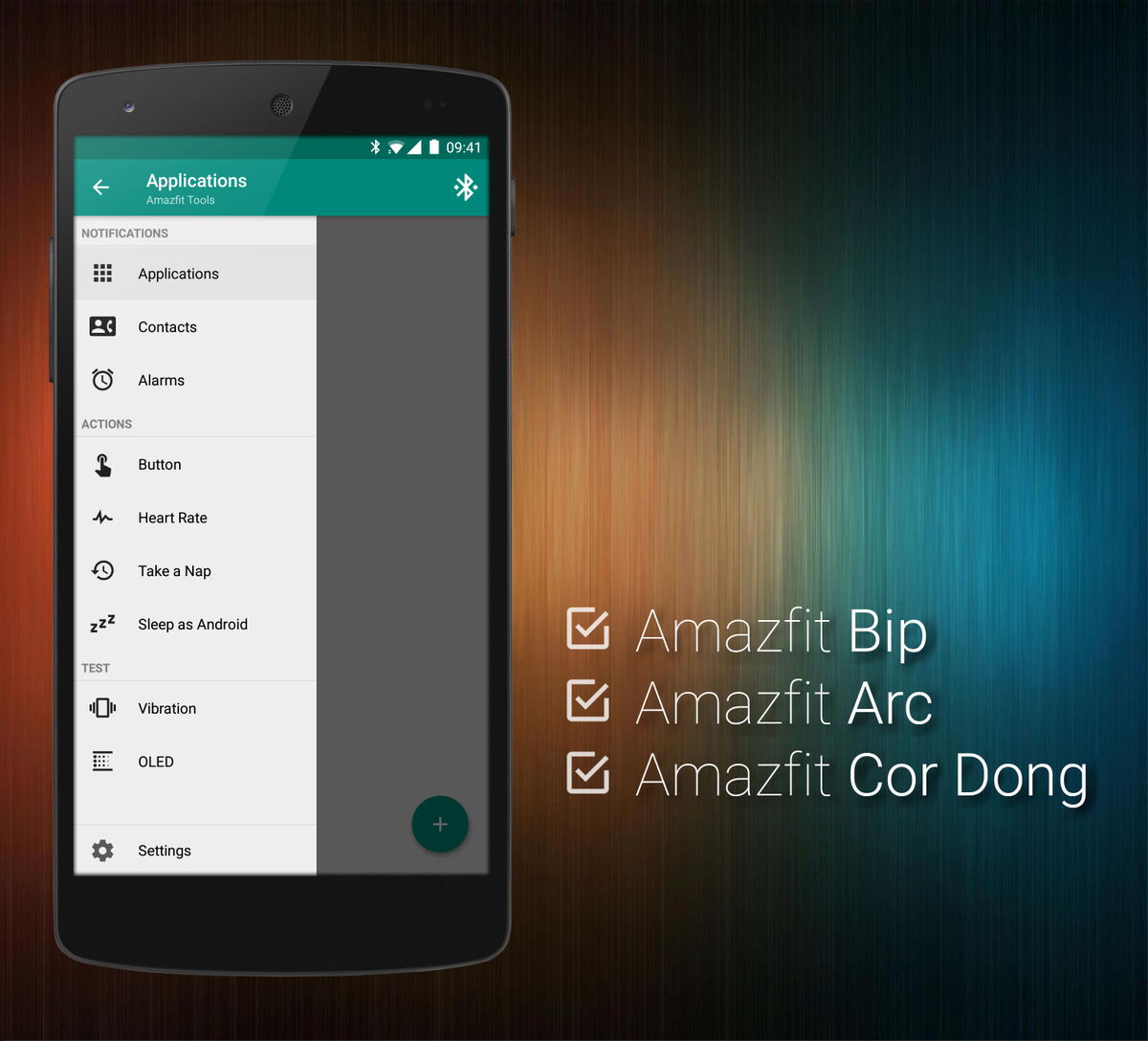
Get the most out of your #Amazfit with Amazfit Tools - Text notifications, button control, heart monitor, #SleepAsAndroid integration & more! (see changelog: https://t.co/ozXUYcTvmQ)
Get it on https://t.co/XHHdCAjLQY