Two-way calendar sync is live! Your Griply tasks now show up on your real Google or Outlook calendar as time blocks, next to your meetings. Move or delete one there and Griply keeps up. You can also edit meetings, add guests, and RSVP without leaving Griply.
Happy New Year! 2025 was a big year for Griply.
We launched Griply 3.0, shipped 24+ new features (roughly two meaningful updates every month), and we achieved our goal: App of the Day.
Thank you all for being there along the way!
Full 2025 overview → https://t.co/AgoqpYYcy0
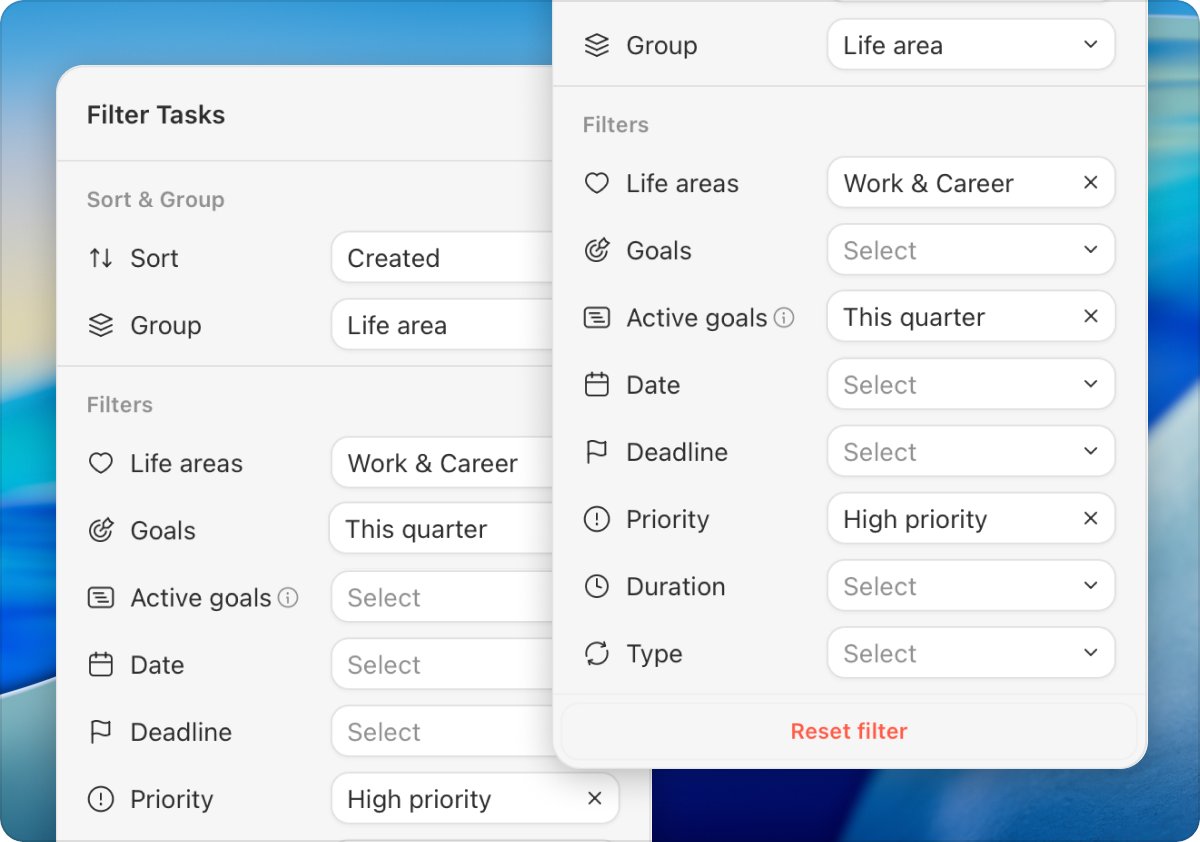
We promised another update before the end of the year, so here we are. New in Griply: a lot of new filters and grouping, multi-select tasks, life area sections, customizable all tasks list and much more.
Setting goals is easy. Sticking to them for a full year is the hard part.
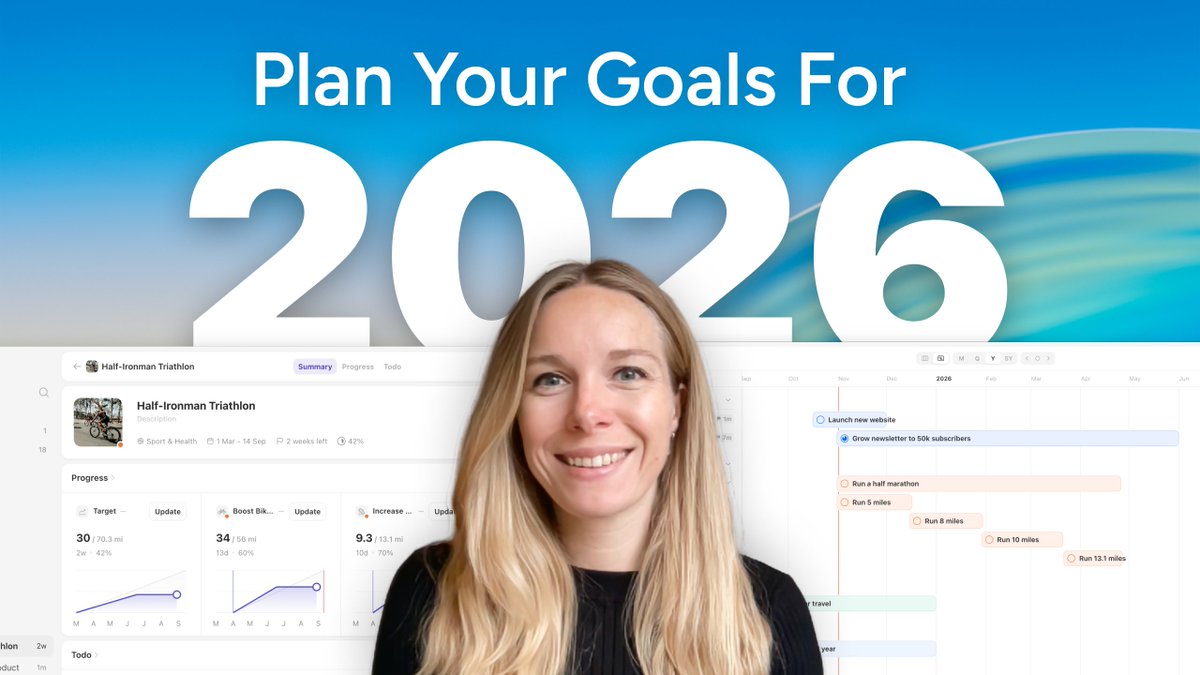
We created a short, step-by-step video that shows how to plan your goals for 2026 in a way that actually feels doable: https://t.co/CKp1zg5CaI
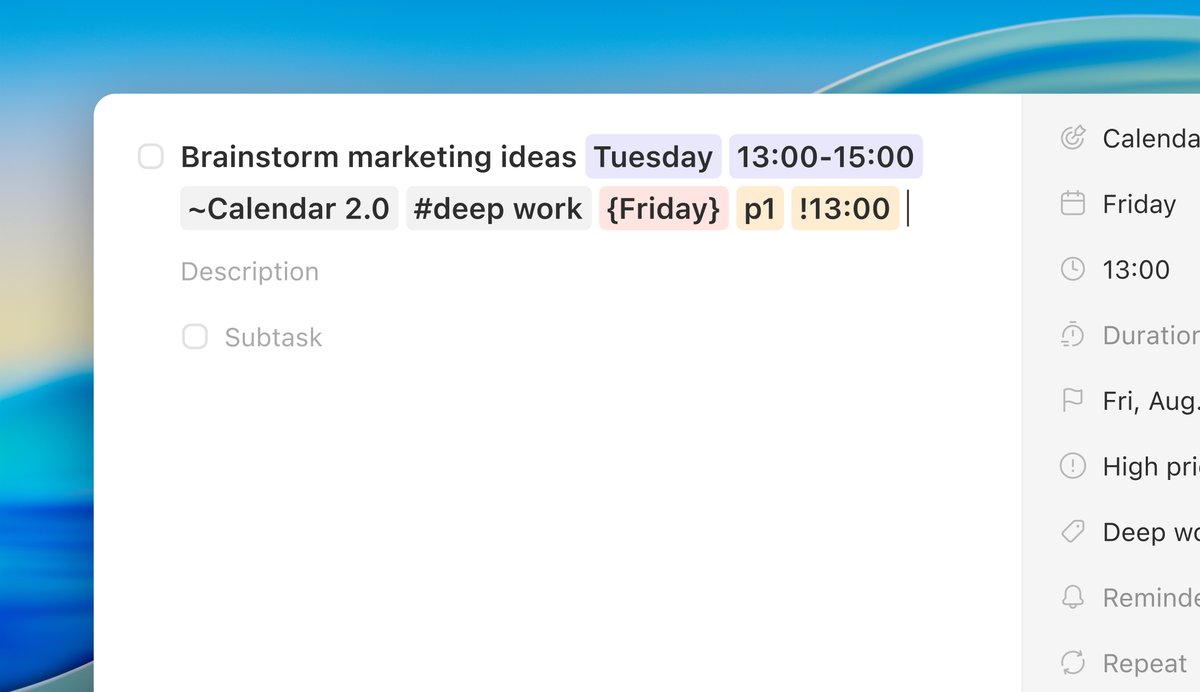
Creating tasks in Griply just got way faster! We just launched Natural Language Input & Task Smart Recognition.
From now on, you can type your tasks in plain language and Griply will recognize dates, times, priorities, goals, tags, reminders, repeat schedules, and more...
New in Griply: Quick Entry, Habit Scheduling & Keyboard Shortcuts. To access the new features, download the latest version of the Mac or Windows app from our website.
It’s here: Griply 3.0 ✨
Our biggest update yet to help you close the gap between goals and daily life.
Now with Time Blocking, Goal Roadmap, Smarter Daily Planner & Full Calendar.
🎉 To celebrate we're offering Lifetime Premium for a few weeks only on our website!
We're working hard on Griply 3.0 ✨
We’ve heard your feedback, and we’re now putting a lot of focus into building Time Blocking options and a Goals Roadmap that gives you more overview and structure.
More coming very soon!
What a way to start the week.
Griply has been featured as App of the Day on the @AppStore in the UK and Ireland!
Being recognized by @Apple means so much to our small indie team.
Thanks to our community for being with us every step of the way.
#AppOfTheDay#OnTheAppStore
New in @Griply_App - We’ve added the most-loved feature from the iOS app to the Desktop App: Charts for Goals & Habits, plus a new Habit Statistics column!
@SullyBillions take a lot of breaks and do something (active) you love every day, i go on long walks in nature, bike rides, running etc. also, focus on one thing at a time.
This week's release: we know not all habits fit into a weekly schedule. Some habits - like saving money or reflecting on your vision - work better on a monthly basis. That's why we've added a new option to set up monthly habits. #habits#goals#goalsetting
Say goodbye to vague goals and hello to measurable progress! New: Goal Targets with Progress Charts. Are your goals measurable? #goalsetting#goaltracker#goals
We're pinching ourselves 🤯! Griply is live on a billboard in Times Square this week. Massive thanks to @RevenueCat for making this possible! 🚀 Check out Griply and start achieving your goals: https://t.co/rjx3AAs3gD