🎉 Introducing our brand new home delivery service! 🎉
We are delighted to announce that we are now delivering our delicious range of products, both locally & nationally.
Get your favourite Clayton Park Bakery products delivered directly to your home 👇
https://t.co/ecYLUfWrdY
⟠ Latest Week in Ethereum News!
🎉 6 months of Beacon Chain
🦄 @Uniswap V3 live on @arbitrum
🤐 @UmbraCash stealth address payment protocol beta
https://t.co/272yEdVlu4
Thanks to @HardhatHQ for making this issue possible 🙏
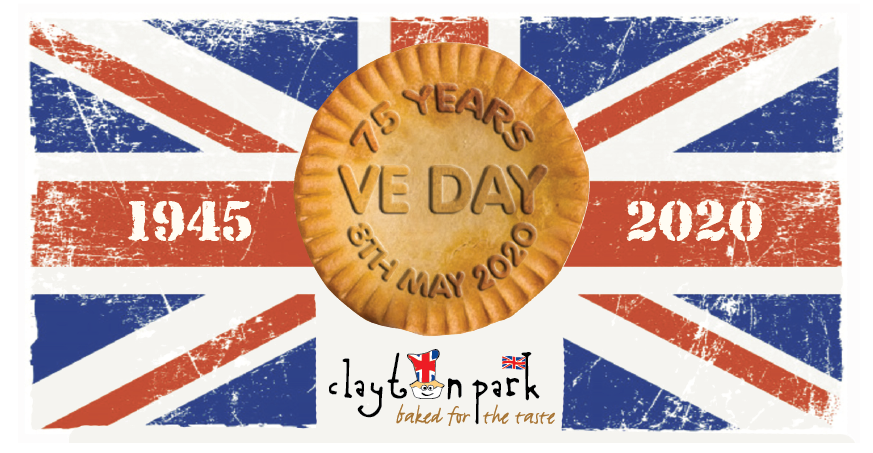
📸 Don't forget to share with us pics or videos of your #VEDay Celebrations, to be in with a chance of winning a Clayton Park Bakery VE Day hamper!
Comment below to enter 👇🏻
Do you know any local WW2 veterans? 🧐
VE Day is next week! 🥳
We would love the opportunity to present a Hamper to say a huge thank you to our local vets. 😁
If you would like to nominate someone you know, please comment below!
#VEDay#VictoryinEuropeDay#VEDay75
Nominate a Hero! 🤩
We would like to announce our weekly ‘Nominate a Hero’ award. 👌
All you have to do is comment below telling us about someone you know in the community who has been doing good deeds.
The Hero that gets the most likes will be awarded a Clayton Park Hamper!
I’m taking part in the 2019 GREAT NORTH RUN on the 8th Sept and fundraising for Macmillan Cancer Support. Please donate to my JustGiving page https://t.co/UjswZQGPxn
@AskPS_UK Thanks for getting back to me. Option 2 didn’t change anything. Option 4 has led me to this screen. I can see there’s options on this screen to the left as I can move up and down but I cannot see what any of them are. I don’t want to press the wrong option and make things worse.
@AskPS_UK since the latest update my screen resolution is completely out. I can only see the top left corner of the home screen which fills the whole tv screen. I can’t see any options or anything. It should be auto detecting the screen size and it’s not. What can I do?