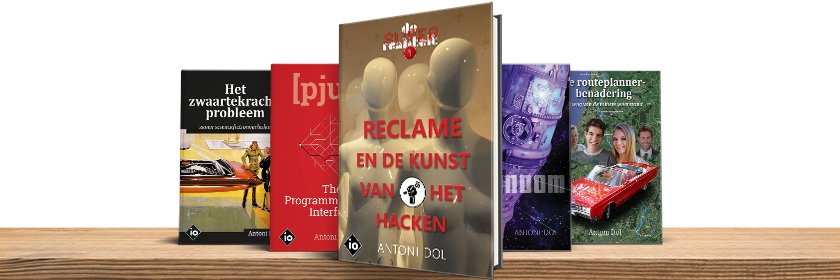
SF-writer of: 'Het zwaartekrachtprobleem', 'AUTONOOM', 'Reclame en de Kunst van het Hacken', 'Amusement en het Spel om de Royalty's and 'Mastering Scrivener'.
16 fouten in het Groot Dictee der Nederlandse Taal blijkt niet slecht met een gemiddelde van 22,5 en winnaars met 9 fouten. drie dt-fouten, spatiefouten en hoofdletterfouten...
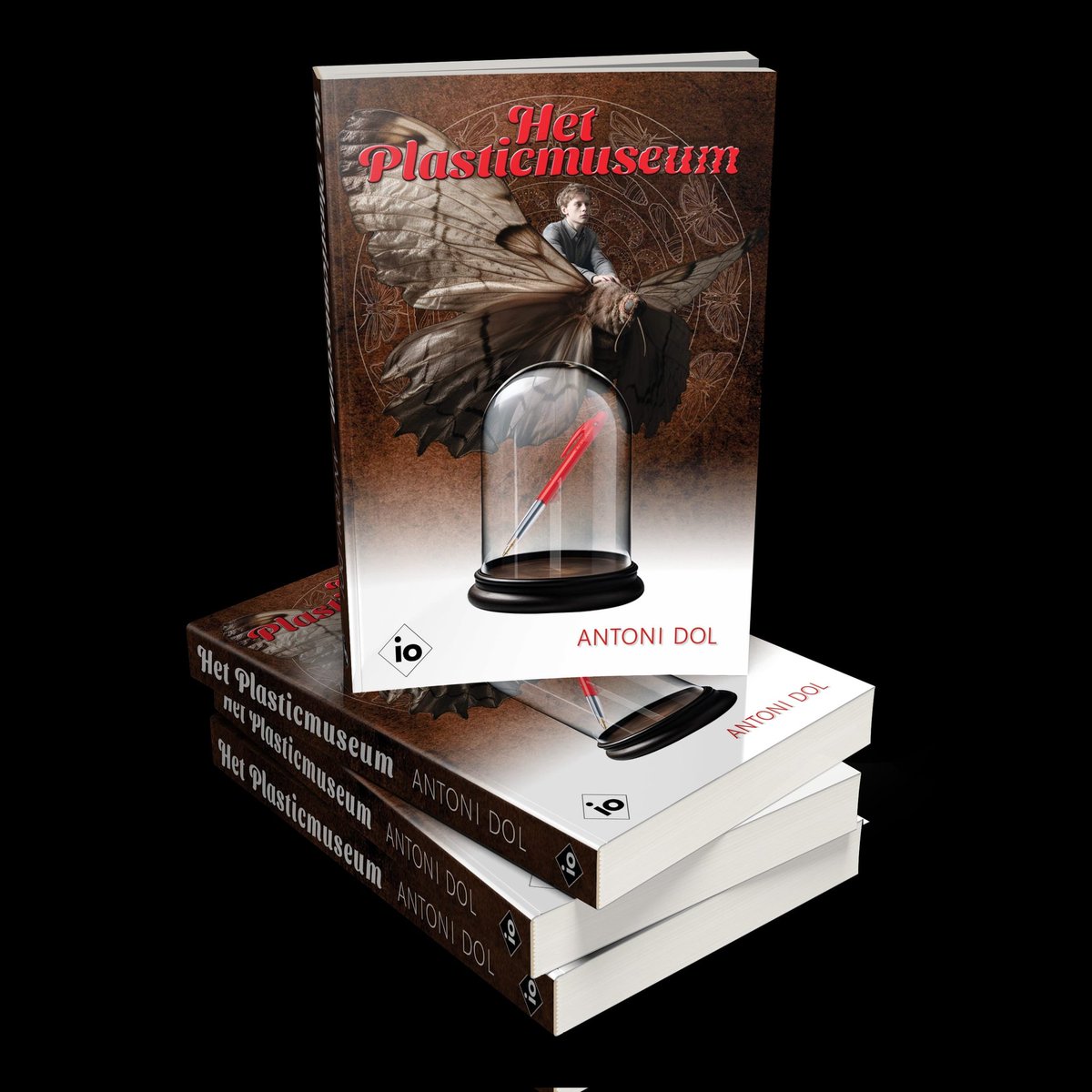
"Het plasticmuseum" is beschikbaar! Het boek is een vervolg op een verhaal in "Werelden ontwaken" en vertelt hoe het verder gaat met Federica en de enorme, plastic-etende rupsen.
Het boek is te koop als paperback (Amazon/Pumbo) of e-boek (Kindle/ Kobo) via https://t.co/Je3yhd8tJW
Scrivener 3 Hidden Gem 11.1.3
The Knowledge Base
https://t.co/9ixPNyYlDV is a collection of ready-made answers. Syncing, Features, Usage, macOS, Windows, Troubleshooting, Purchasing, Installation, Common Feature Requests.
https://t.co/FcwnO2dYOh
Scrivener 3 Hidden Gem 11.1.2
The Community Forum
forum.literatureandhttps://t.co/3qv1EGeTNX is filled with messages and discussions, including support questions, usage tips, advanced tips, wishes and bug reports. Ask your questions.
https://t.co/FcwnO2dYOh
Scrivener 3 Hidden Gem 11.1.1
The go-to reference
The User Manual is the go-to resource to look up the official documentation of the software’s workings. Find the link to the Scrivener Manual in the Help menu.
https://t.co/FcwnO2dqYJ
Scrivener 3 Hidden Gem 10.7.1
Word compatibility settings
Compiler settings help to compile to Word: Use Word-compatible indents for lists, ensure hyperlinks are colored and underlined,
highlighting with exact background colors.
https://t.co/FcwnO2dYOh
Scrivener 3 Hidden Gem 9.16.2
Compile Binder Selection
The current selection can determine input for the Compile list. Creating a selection inside your Binder results in a subset of your manuscript to Compile for tests and trials.
https://t.co/FcwnO2dYOh
Scrivener 3 Hidden Gem 9.17.1
Compile a Collection
Create a Collection as input for the Compile list, so a subset of a manuscript is in the output document. Scrivener compiles in Collection order, so experiment with the order of scenes.
https://t.co/FcwnO2dYOh
Scrivener 3 Hidden Gem 9.7.2
Give a paragraph room
Search for the Line Spacing dialog in the Formatting Editor at the far right of the Section Layout's Formatting toolbar. Drag the window wider and a Line Spacing drop-down list pops up.
https://t.co/FcwnO2dqYJ
Scrivener 3 Hidden Gem 9.7.1
Can't find Format Designer?
Double-click the Format name. Double-click a Section Layout Tile. Click the Section Layout Tile pencil icon. Choose [Edit Format] from the menu at the bottom left of Compile Overview.
https://t.co/FcwnO2dYOh
Scrivener 3 Hidden Gem 9.6.1
Select File Types for Compile Formats
This hidden pop-up tells the Compile Format which File Types it supports. It will populate the left pane of the Compile Overview with Compile Formats supporting a File Type.
https://t.co/FcwnO2dYOh
Scrivener 3 Hidden Gem 9.5.1
Skip the preview tiles
Skip the Section Layouts previews in the tiles of the dialog window Assign Section Layout? Right-click the Section Types on the left and choose a Section Layout name from the context menu.
https://t.co/FcwnO2dYOh
Scrivener 3 Hidden Gem 9.3.1
List of all Placeholders
The menu command [Help>List of all Placeholders] will launch a PDF-document containing all Placeholders to show specific data in your documents after Compiling.
https://t.co/FcwnO2dYOh