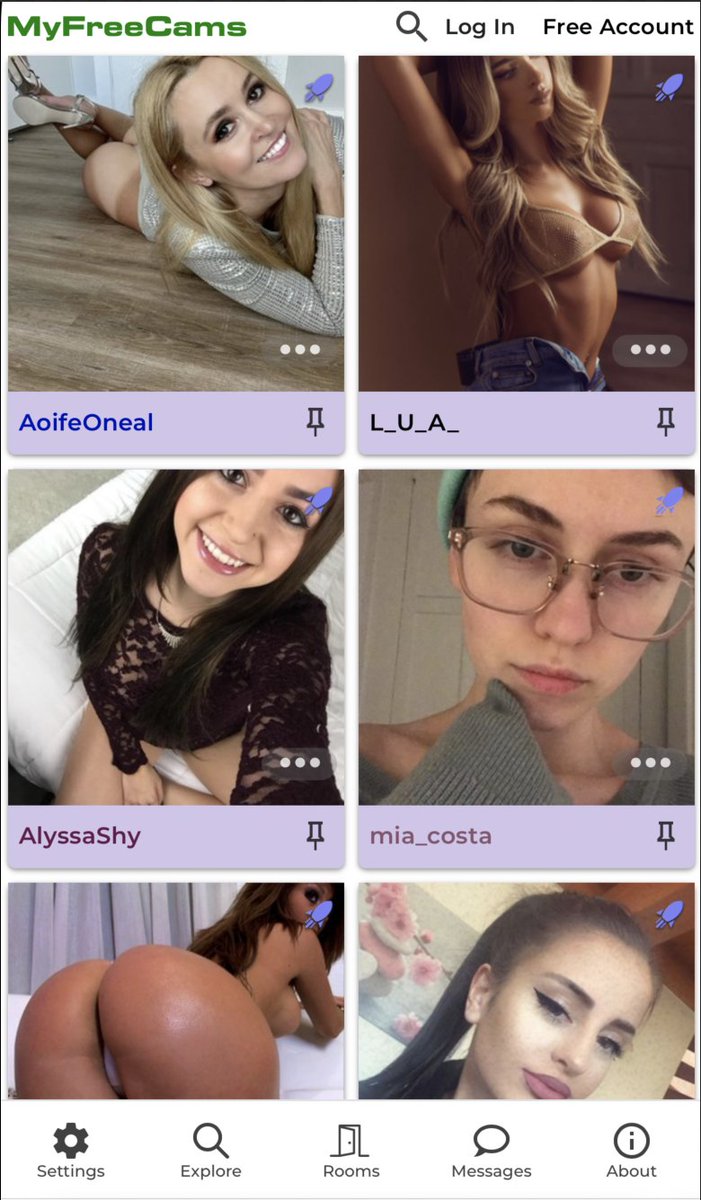
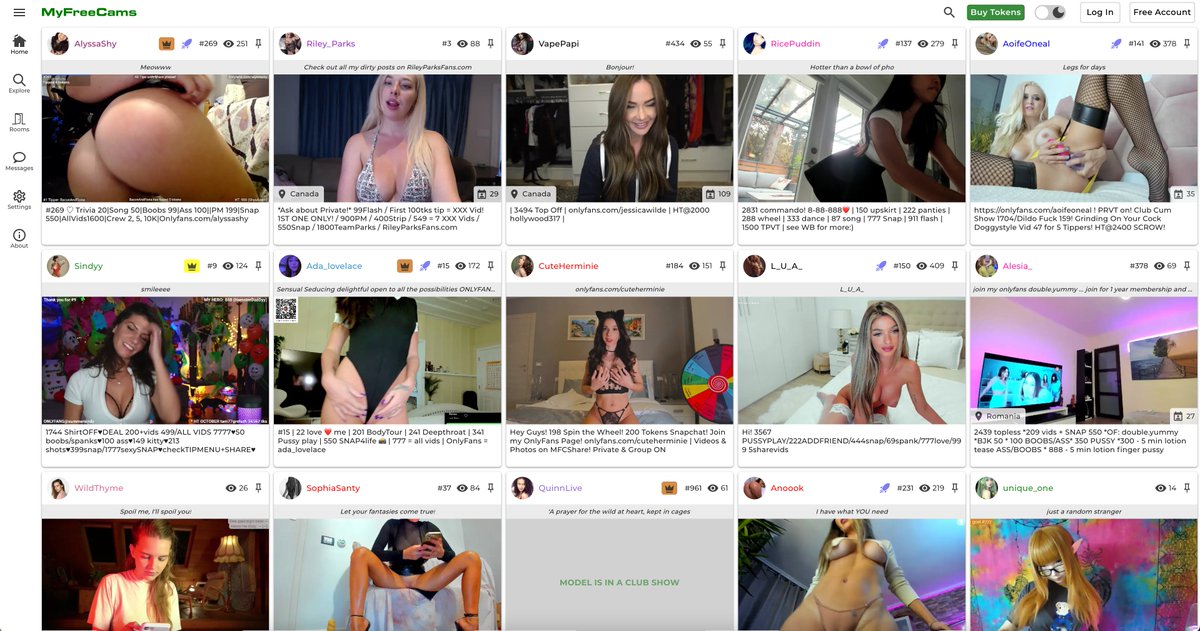
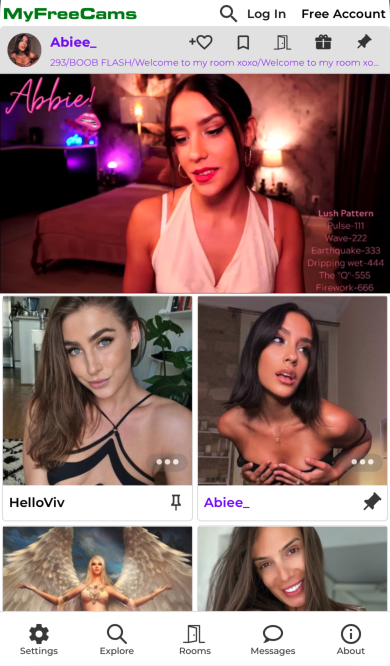
The floating toolbar that changes the display mode can now also change the density of the models visible on your screen. After you select a display type, if you tap on the same icon it will change the size of each model until you find your preferred size.
By simply dragging down the video player on your mobile device in a room on https://t.co/oMlSWZ35B0 it will minimize to a mini floating window when you wish to browse additional content!
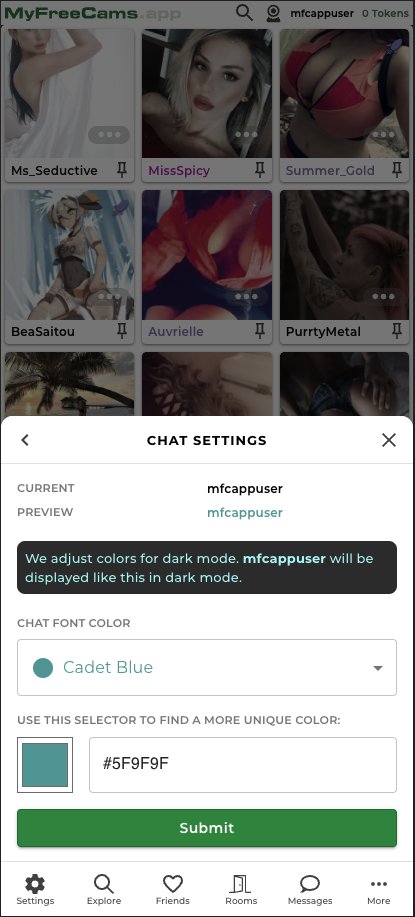
You may now change your preferred chat color on https://t.co/oMlSWZ35B0. To customize, go to More → My Account → Chat Settings. Additionally, on Home, you can now change your display mode from the floating toolbar.
iPhone/iPad using iOS 16.4: https://t.co/oMlSWZ35B0 can now send you push notifications when your favorite models start broadcasting. To enable, add https://t.co/oMlSWZ35B0 to the Home Screen, and turn on push notifications in Settings.
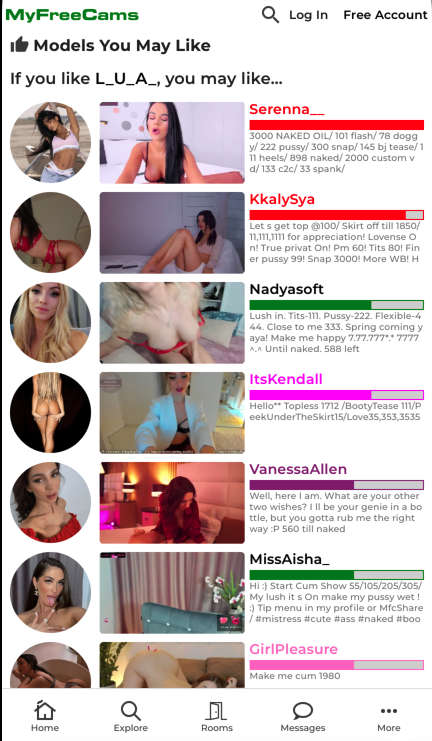
Explore more recommended models on https://t.co/oMlSWZ3Dqy with the new Models You May Like page, accessible through the 'More Models You May Like' button from a model's menu.
@BigFan8815@BigFan8815 apologies that you have experienced this. Can you kindly try again? We have made a change that should hopefully resolve this issue for you. You may need to clear your browser cache first. Thank you!
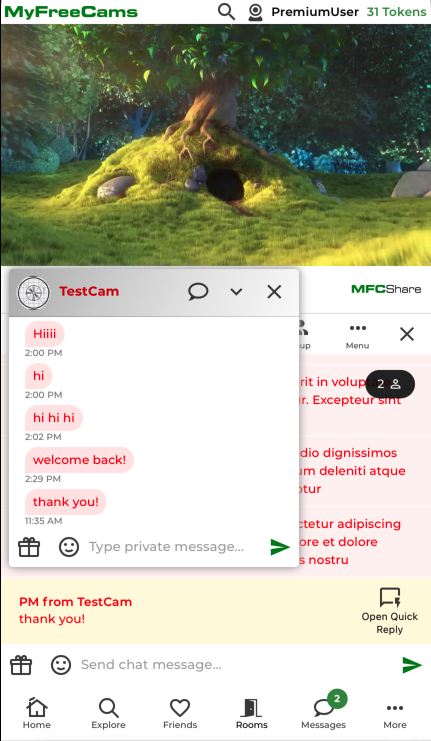
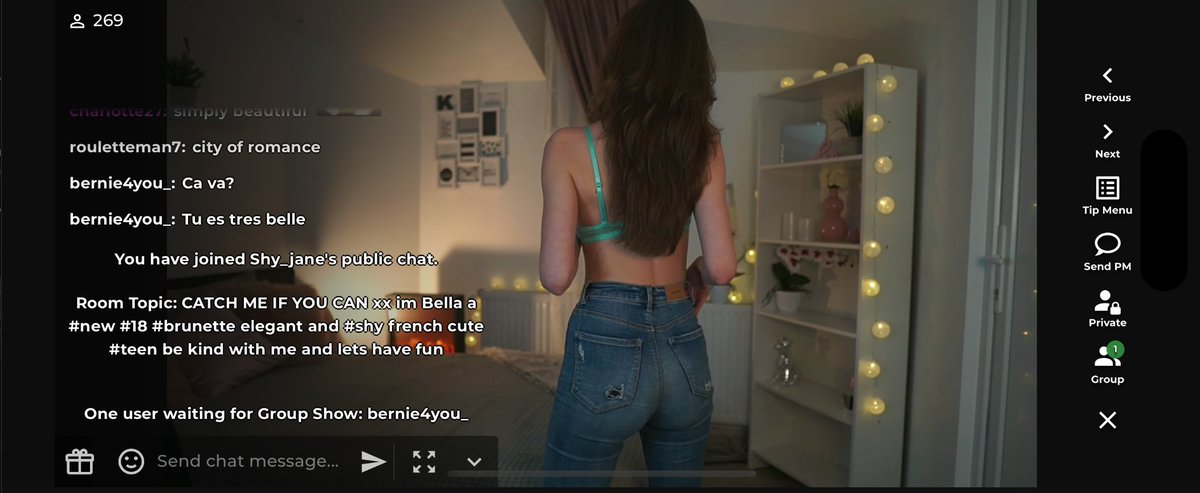
Open a floating Private Message window to quickly reply to PMs when using https://t.co/oMlSWZ3Dqy on a mobile device. To enable In-Chat PMs, go to More > My Account > Message Settings and change the 'Display private messages in chat room' setting to 'Only from the model'.
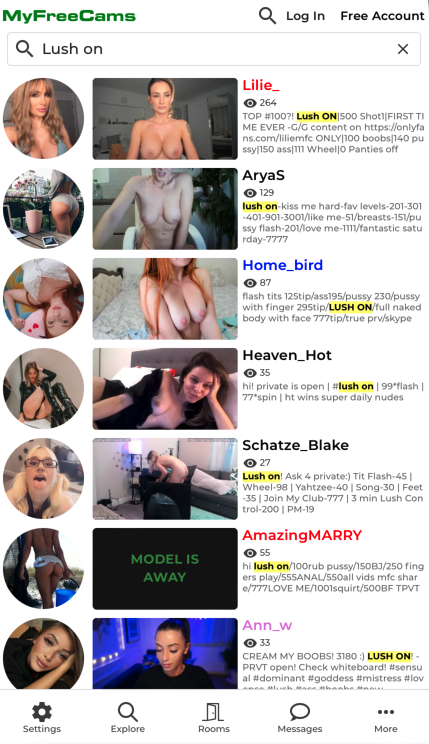
Search is now faster with better search results on https://t.co/oMlSWZ35B0. On large screens you can open a floating Private Message window from Recents Messages in the sidebar or from an In-Chat PM.
Recent active private messages are now synced across devices on https://t.co/oMlSWZ35B0. Click/tap the "Load More" button to load additional messages from history.
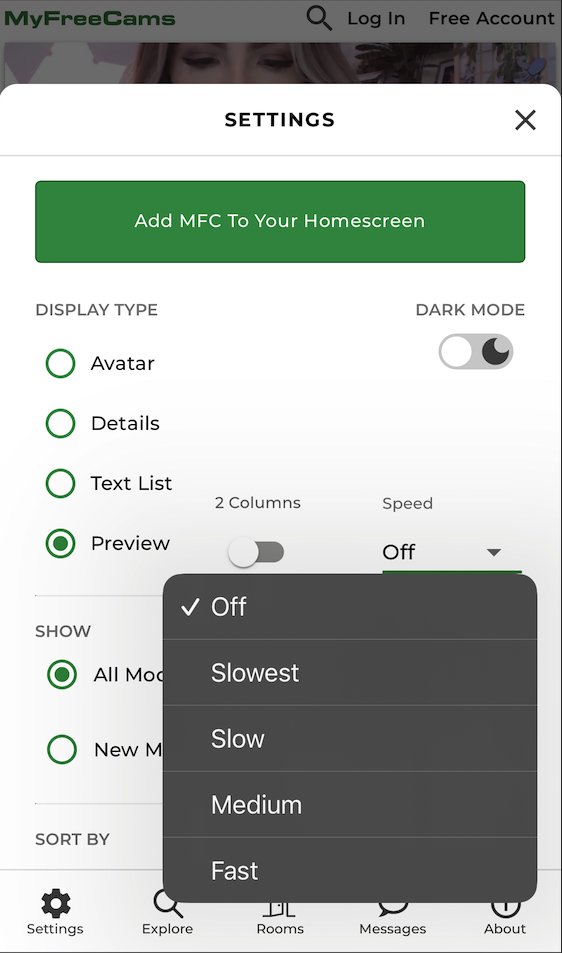
When opening the menu for a model in a room, the video in the background will now remain displayed on https://t.co/oMlSWZ3Dqy! The Preview display now has the ability to turn off preview animations.
We have a new look for the "Details" display as well as new updates to the Avatar and Preview display types (found in settings) which highlight trending models, popular models, and more on https://t.co/oMlSWZ3Dqy
Now you may view a model's profile, whiteboard, similar models (and more!) below the video when using https://t.co/oMlSWZ3Dqy on a computer or tablet in landscape. The nav menu is now on the left side and is expandable. You may now pin rooms on the home page on mobile devices.
You may now pin (in Settings) various categories of models (Most Popular, Trending, Group Shows, New Models, and more) to the top of the https://t.co/oMlSWYLucq home page! Easily access Chat/PM Archives directly from a user's menu.
We have several new features for you in this release of https://t.co/oMlSWZ35B0!
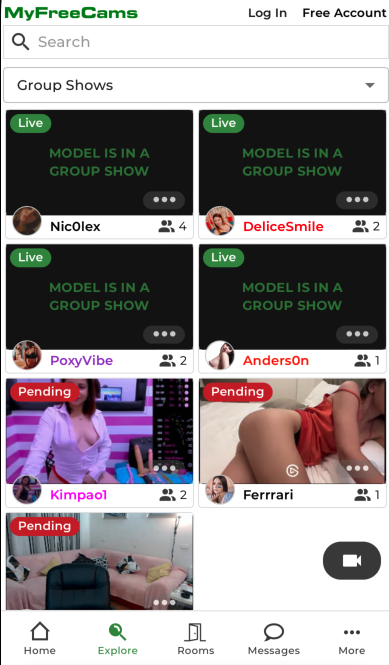
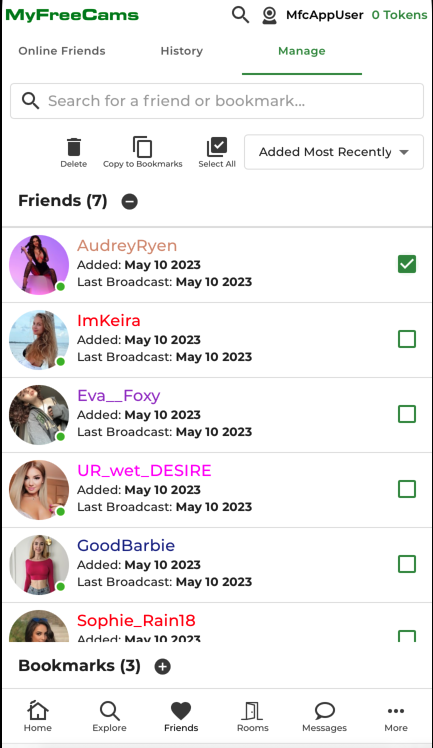
Pin models in the home page to view and chat with multiple models at once (desktop only). View all live/pending group shows in the Explore section. Full featured 'My Account' in the 'More' section.
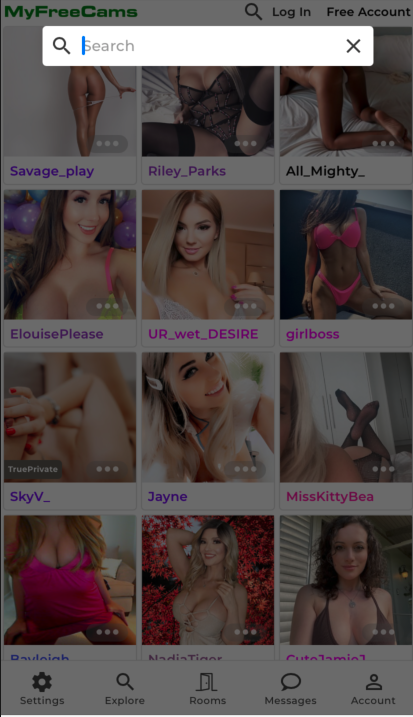
You may now filter the home page by models only in Public Chat on https://t.co/oMlSWZ35B0! You also now have the option to filter your search down to specific categories as well as sort the results in the "Explore" tab on the search page.