Araxis offers an 85% educational discount and free (no-cost) licences of our Araxis Merge file comparison/merging and folder sync application to Open Source contributors: https://t.co/a4HJE2qEYN
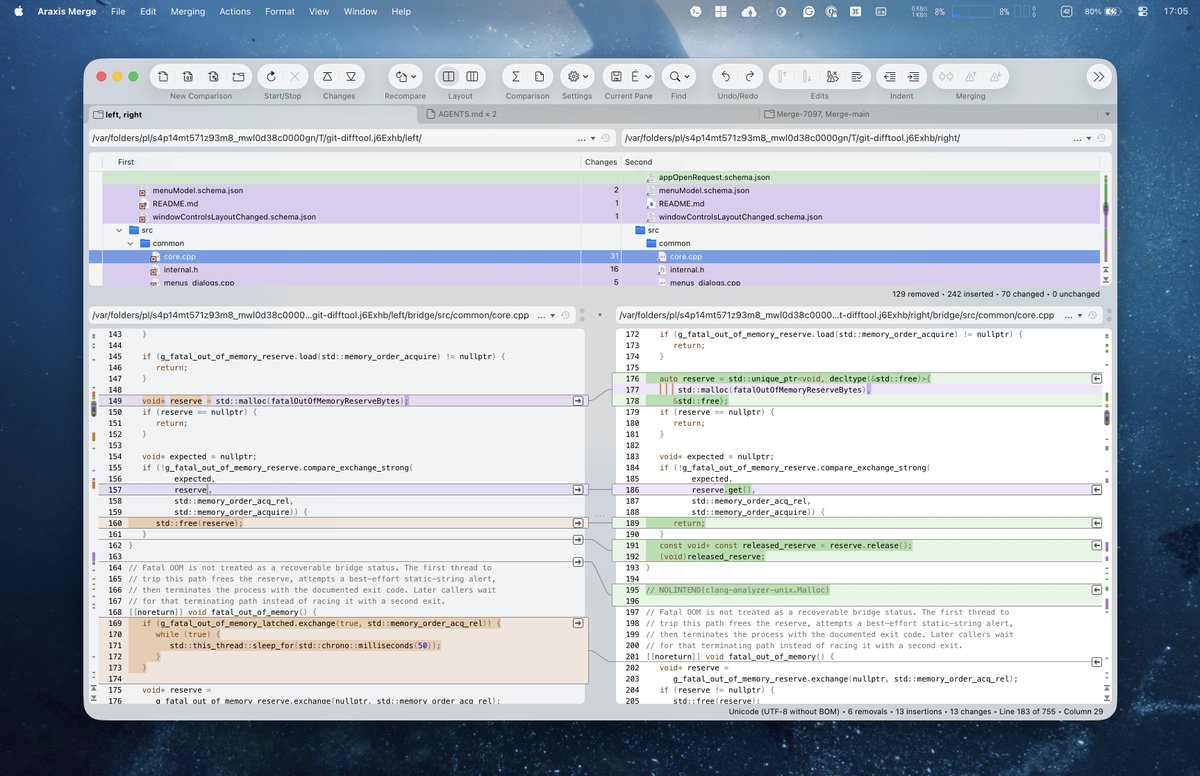
Good question. Large comparisons still work in fundamentally the same way – a split-view folder/file comparison of the relevant trees, with the capability of stepping sequentially (or otherwise) in turn through every single change in every single pair or triplet of files.
On macOS, Ctrl+Option+↓ (and Ctrl+Option+↑) will step forwards (and backwards) through every change in every file of a split-view folder/file comparison. On Windows, it’s Ctrl+PageDown (and Ctrl+PageUp).
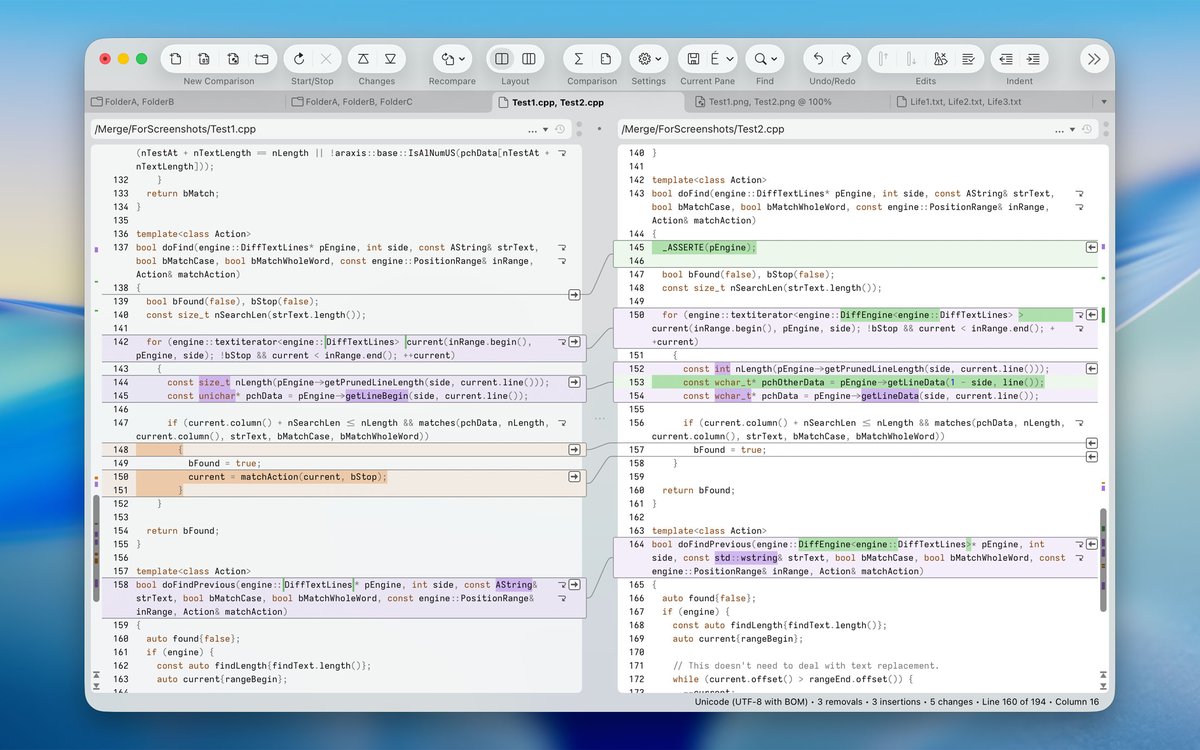
Araxis Merge 2026.0 for Windows and macOS is here. Use this file comparison/merging and folder sync application to compare and merge source code revisions, contract drafts, and massive Git branches. Review AI-generated code. Ensure accuracy and never miss a change.
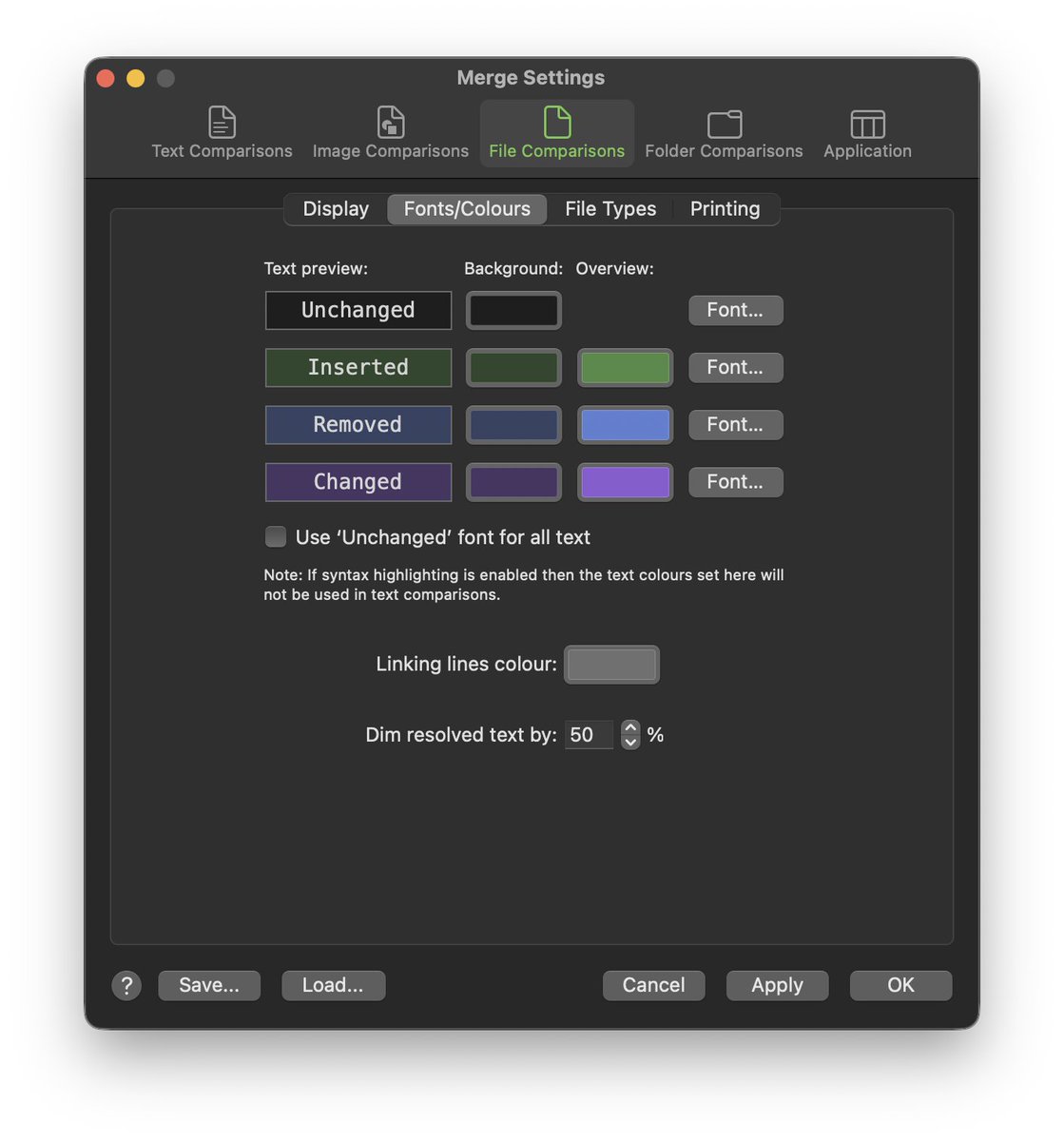
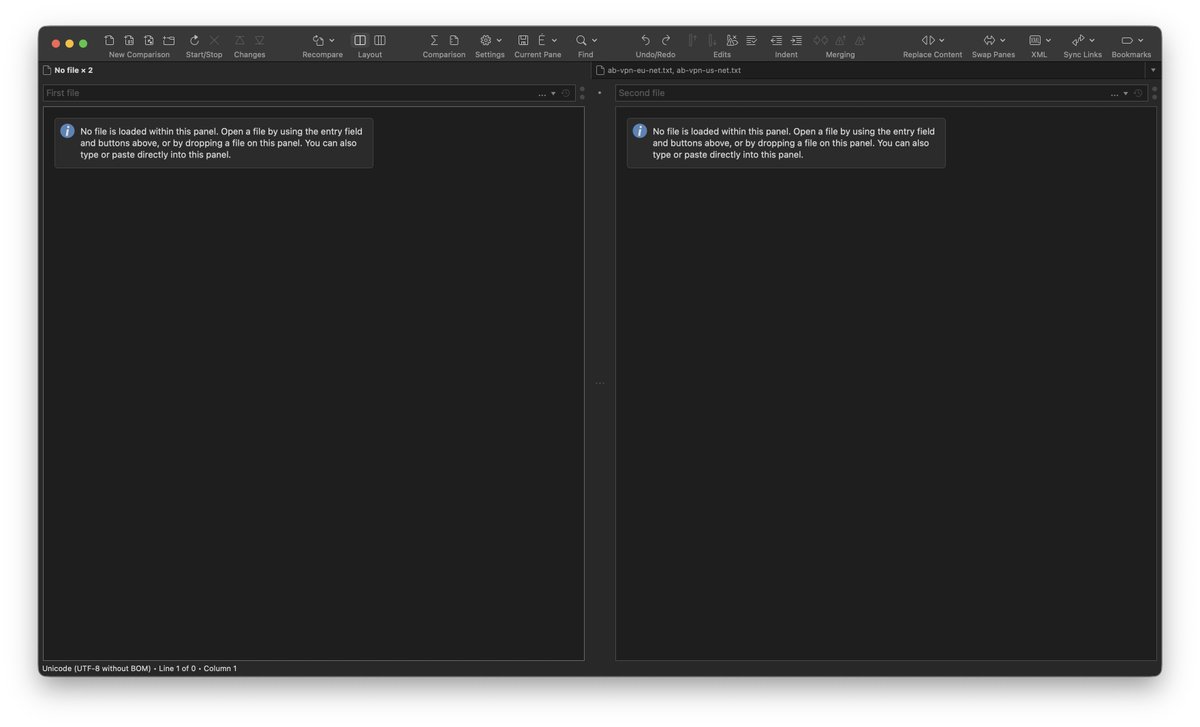
This release features a beautiful UI redesign for macOS and first-class support for macOS 26 Tahoe. The macOS 27 Golden Gate Developer Beta 1 also receives preliminary support.
The presentation of comparison results on macOS is significantly enhanced in Araxis Merge 2026.0, making it easier than ever to see and understand changes in their full context. Various other improvements and fixes for Windows and macOS are also included.
For a full list of changes, see the release notes link in the reply.👇
@eth2828 😀
Properly supporting macOS Tahoe turned out to be a great deal of work as its extensive UI changes led us toward our own major UI redesign.
The previous release was functional on Tahoe, however, and we have already shipped preliminary support for Golden Gate.
@saniltalathi Properly supporting macOS Tahoe turned out to be a great deal of work, so this release has taken us a lot longer than we wanted. We are getting there, though – we’re currently chasing down the last few remaining bugs.
The forthcoming release of Merge 2026.0 for macOS features a major UI redesign for Tahoe. It also significantly enhances the presentation of comparison results, making it easier than ever to see and understand changes in their full context.
@V_Baczynski@Araxis Hi, can you create a simplified data that would not contain the NDA data? It would be great to illustrate the power of araxis comparing to other tools. A while ago I was recomparing these tools for my needs and I agree with you Araxis is at the top of the list, if not the best.
Last year I had the task of comparing three directories with the source code. I tested several programs, got frustrated and almost gave up on the idea, but I found Araxis. It is quite expensive, but it is the best product and it really saved me a lot of time.
The only inconvenience is adjusting the font sizes. It would be very convenient if you could increase or decrease the font size using the key combination CMD + and CMD -.
There is also an image comparison mode, although I have not used it yet.
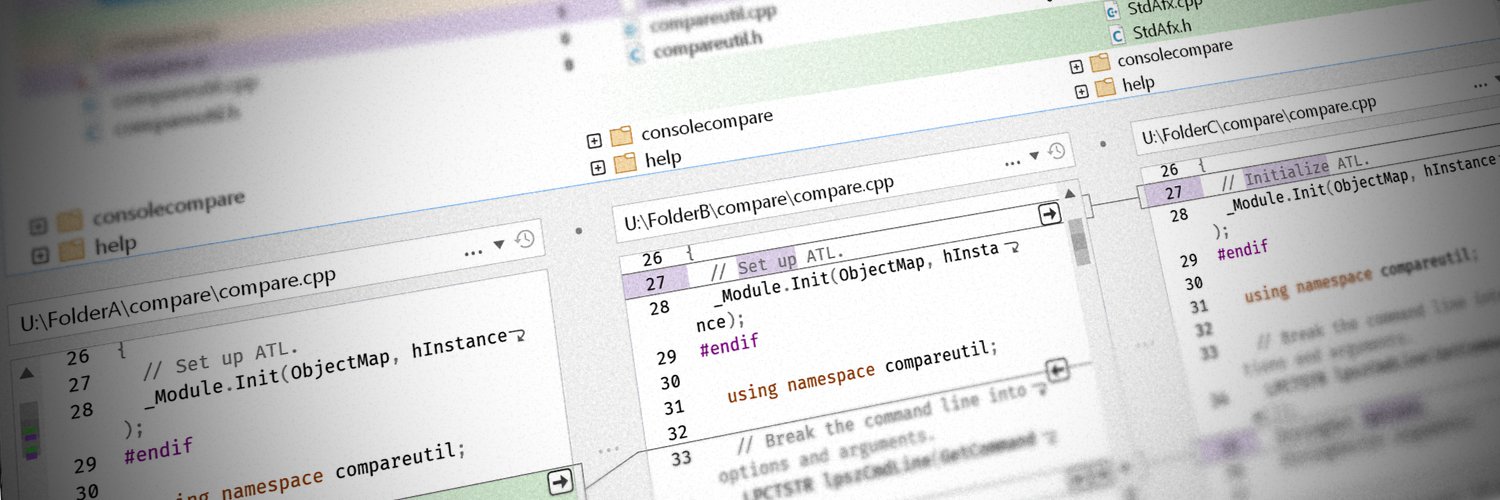
Comparing three directories or three files is simply a killer feature.
Unfortunately, I cannot show how I use this product due to the NDA 😅
But, I hope @Araxis will be understanding and provide a discount code anyway ☺️
Save 20% on Araxis Merge 2025 upgrades
To qualify, simply:
1. Follow @Araxis.
2. Share a screenshot showing how you use Araxis Merge.
3. Tag @Araxis in your post.
We’ll send you a direct message with your exclusive 20% discount code.
This offer is valid for a single licence upgrade/support renewal purchased through the Araxis website.
Araxis Merge 2025.1 for Windows and macOS is here. This release of our file comparison/merging and folder sync application adds curved linking lines on Windows and improves their appearance on macOS. It also features various other enhancements and fixes, including modernized integration with Git under the Windows Subsystem for Linux (WSL).
For a full list of changes, see the release notes link in the reply.👇
Araxis Merge 2025.0 for Windows and macOS is here. This release of our file comparison/merging and folder sync application features a variety of quality-of-life improvements and significant under-the-hood changes. It is the first version to be released simultaneously for Windows and macOS.
For more information, see the release notes link in the reply.👇