🚨 Discord is STILL secretly stealing your FPS in 2026 games
Even after previous fixes…
background processes keep spiking and killing performance.
Here’s the updated 30-second fix working right now for most people (+40-90 stable FPS gains):
Fix:
1. Open Task Manager → Go to Details tab
2. Search for Discord.exe and DiscordSystemHelper.exe
3. Right-click each → Set priority → Normal
Bonus:
Discord Settings → Advanced → Turn OFF Hardware Acceleration
Restart your game and check FPS.
Reply with your before vs after FPS (Valorant, CS2, Fortnite, etc.)
Follow @raunak_yadush for daily PC gaming fixes, free AI tools & Windows hacks that actually work.
More coming tomorrow 👇
Space Riders episode 13
7/?
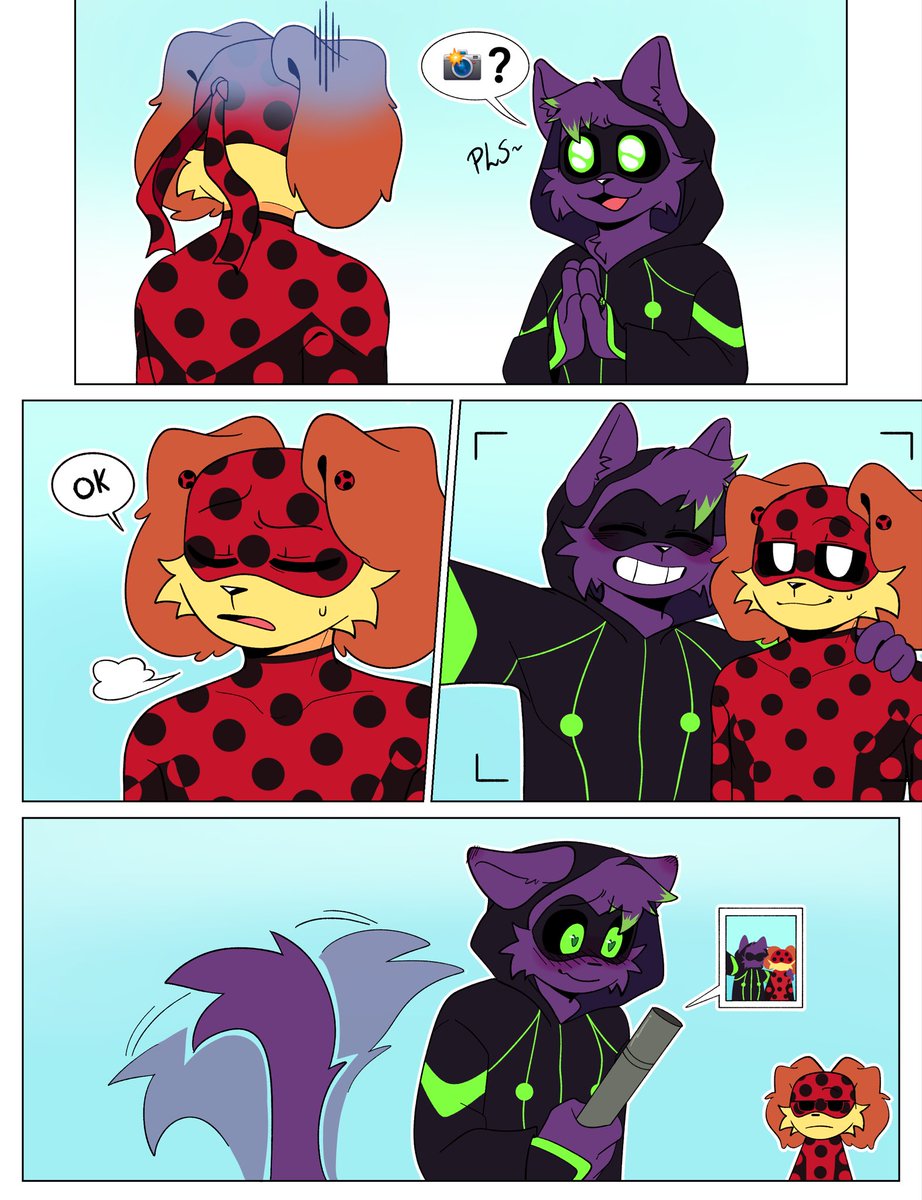
Fun fact, Catnap talks a lot when he’s feeling negative, but when he’s in a better mood he reverts to sign language
Another fun fact! Silly rage baiter <3
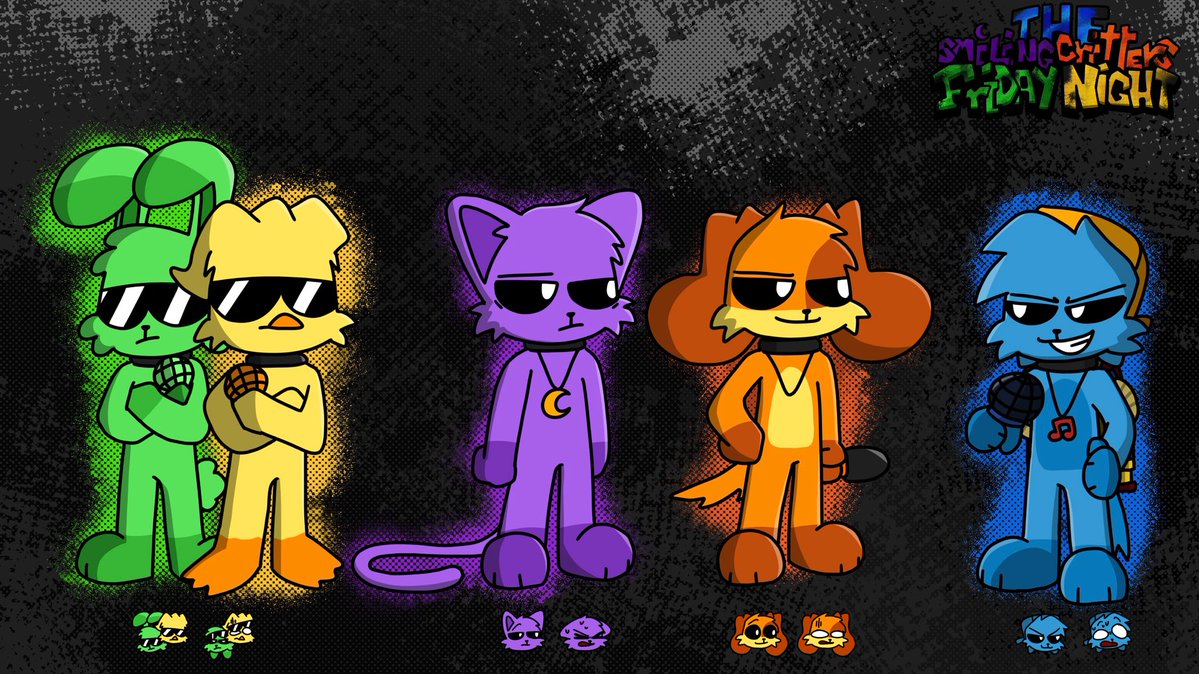
#SmilingCrittersAU#Catnap#bubbabubbaphant
⚠️Contains Profanity. Please refain immitation⚠️
#SimonSmoke and #IckyLicky being so drunk, they're dropping memes. 🤣
Sorry, this took long. I was busy with work, and I was also doing a favor for someone.
#NightmareCritters#furry