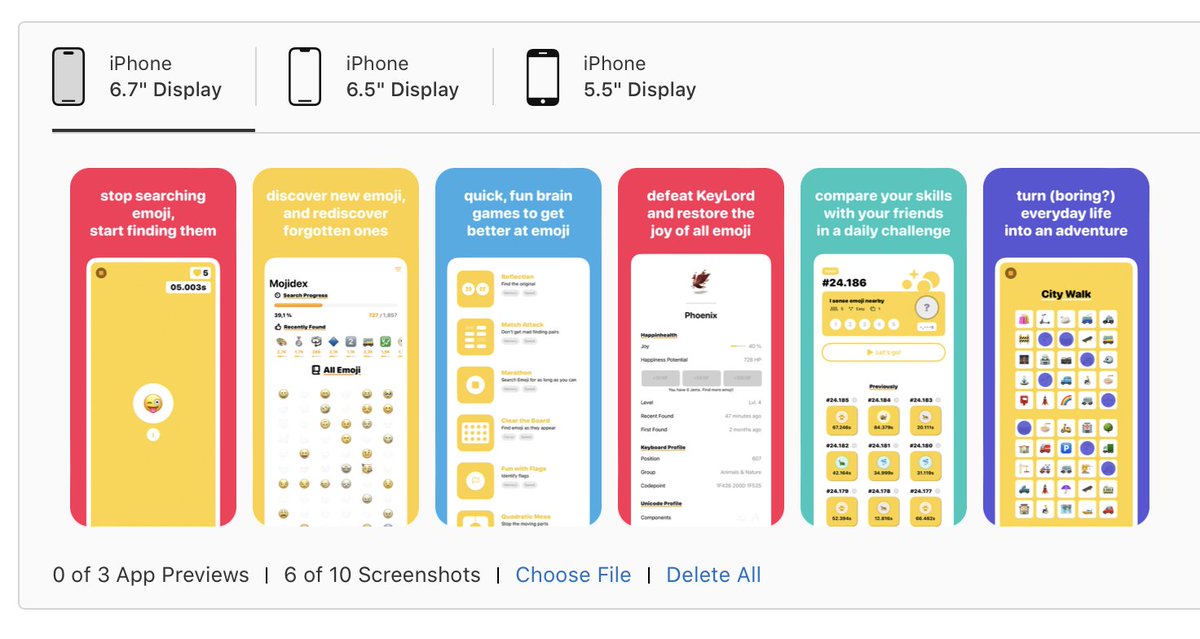
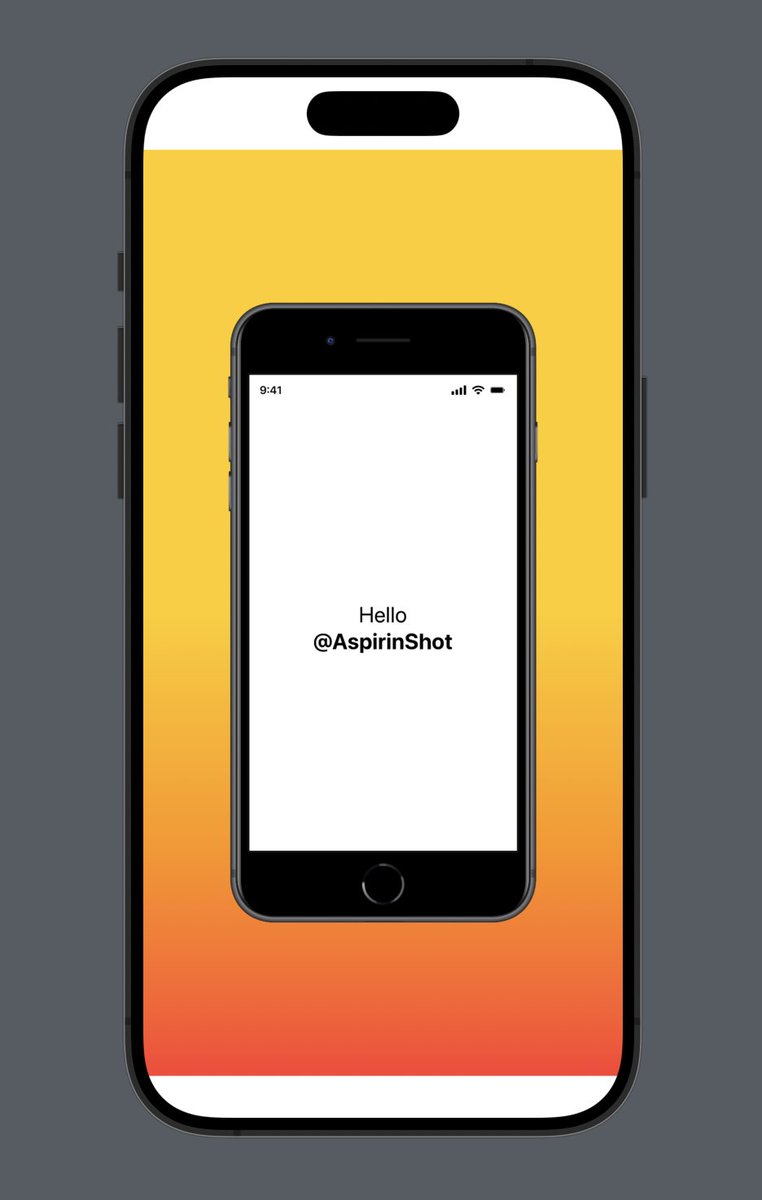
Create your App Store screenshots in SwiftUI:
🛠️ in Xcode
✌️ using your #SwiftUI and #UIKit views
🙅 no UITests
🌐 Localized w/Strings.file
🏝️ By @sowenjub
@edwardsanchez Did you see that you can access the environment variable `screenshotFormat`?
It gives you the display size, width/height, pixelWidth/pixelHeight, etc.
@edwardsanchez I don't use an API for the bezels. I downloaded them from https://t.co/vECk8wRl2O.
For each file/size, I need to find the design's pixel size (which is different from the screen's pixel size) so that the view fits nicely inside the bezel.
@edwardsanchez Fair points.
Here's why it's like that:
- 5.5: the bezels are not available anymore
- 6.5 & 6.7 can be the same screenshots, so I defaulted to the most modern look (Dynamic Island)
I'm updating AShot to include 15 series and will explain how to use your own bezels.
With iOS17 around the corner, everyone's invited to the @AspirinShot beta in case your screenshots need a refresh.
🚀 Get it now
https://t.co/WPCyHmjYPh
Check out Luxilux Light Meter by @DerLobi.
It's the first set of screenshots made with AspirinShot to make it to the App Store!
https://t.co/AL52suMZrC
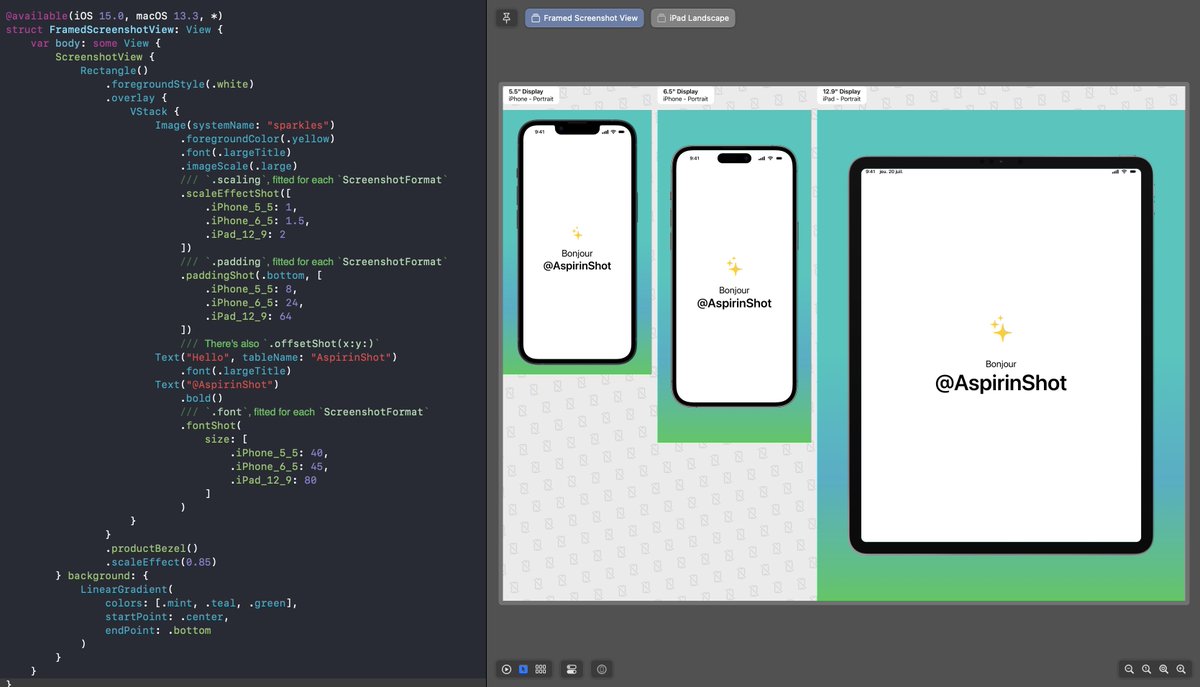
While designing my own screenshots, I wanted to fine-tune the sizes/position of some elements based on the screenshot size.
So I added:
- a previewer with all sizes as a board
- modifiers for scaleEffect/padding/offset that take dictionaries of sizes and values
#buildinpublic
Here's the latest version of the starter kit for @AspirinShot, with the new status bars, home screen indicators, and a home screen for system widgets.
Designing screenshots in SwiftUI is definitely fun 😁