If you are running into other issues, refreshing the webpage is often solving the problem. Users can also remove Google Read & Write as an extension and reinstall.
@texthelp has let us know there has been an update where Google Read & Write is now compatible with Chrome OS Version 88 and higher. This should solve some issues where older Chromebooks could not run Read & Write @TILTHRCE @HRCE_StudentSer
Recently, Google Read & Write has not been loading on some Chromebooks. R&W's new update requires a Chromebook OS Update. Older devices may not update and may no longer be compatible with R&W as devices age out. Troubleshoot by attempting Chrome OS update! @TILTHRCE
#TILTAdvent Day 18 we want to share this great chrome extension for teachers and students called Immersive Reader. It is a great tool for text to speech, translation and even more accessibility features. Check it out! https://t.co/vreTkkzNgY
Day 4 of #TILTadvent Great opportunity to remind everyone that all students in Nova Scotia have access for FREE to various @texthelp tools including Read&Write and EquatIO. Great built in accessibility tools.
A3: The marriage of #UDL & #AT looks, sounds, and feels like flexible, accessible, inclusive, equitable, lifelong learning. You can have AT without UDL, but you can't have UDL without AT. #UDLchat
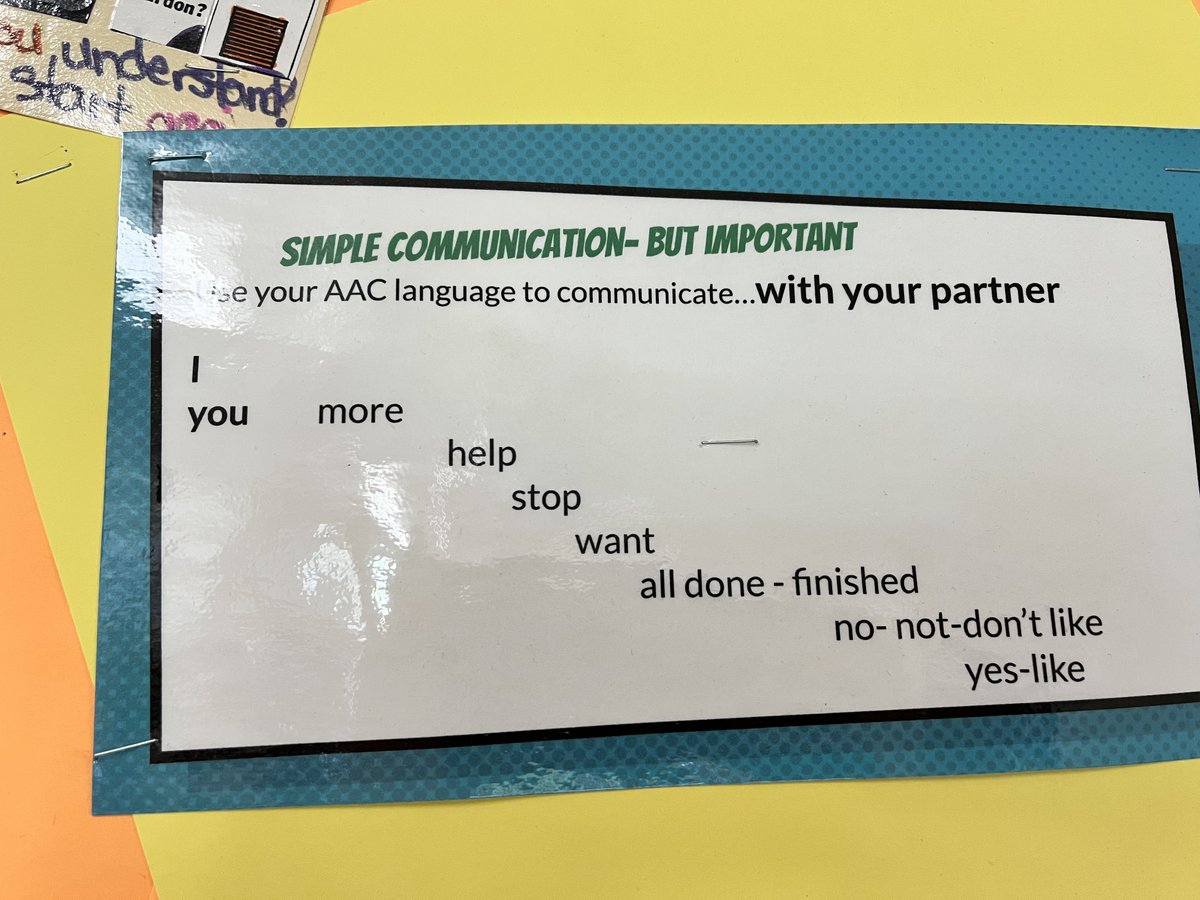
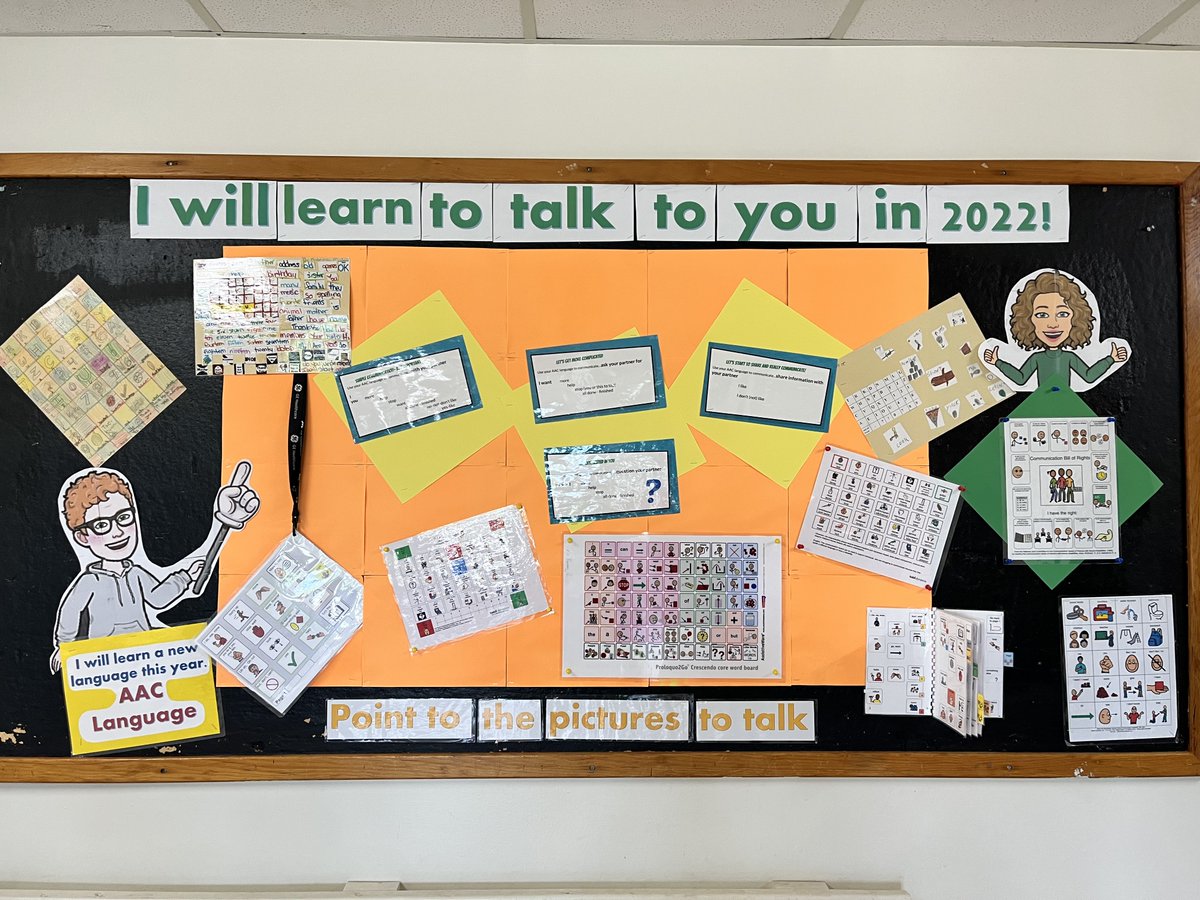
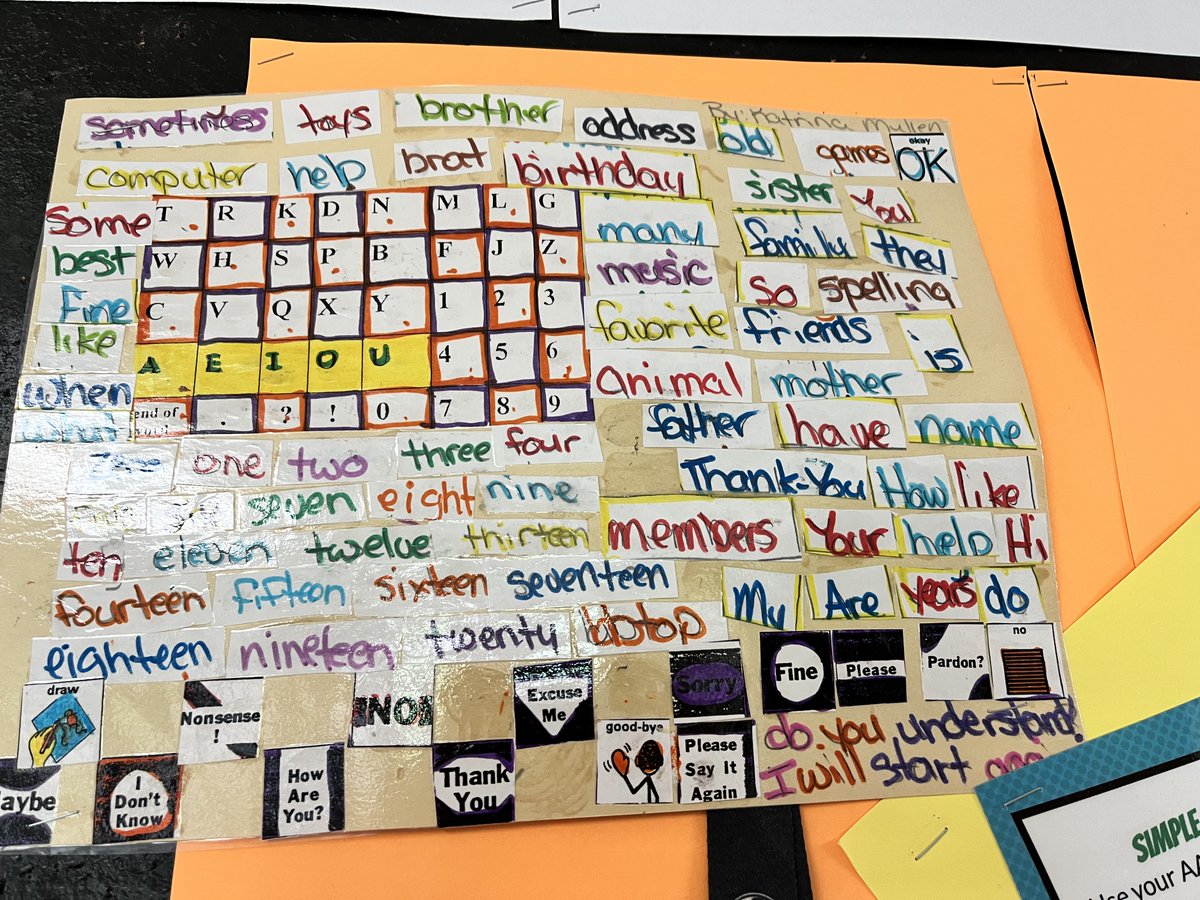
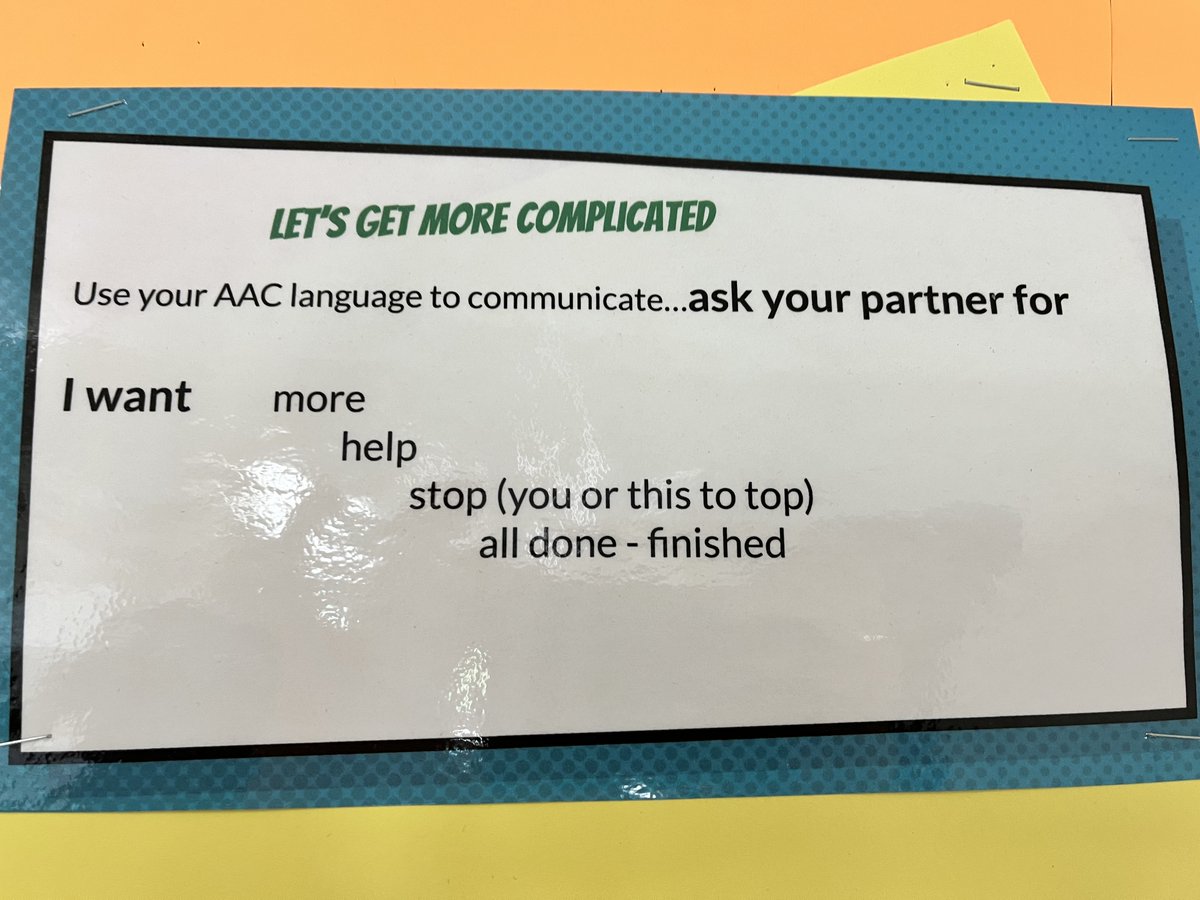
Day 17 of #AACaware21 - Activity/Topic Modeling Handouts from @the_aac_coach - "These images provide ideas for language that you can model on an AAC system while interacting with your learner." https://t.co/3ZTq5fY460
This is an easy way to download these @texthelp extensions! Once you're in the Chrome Web Store, hit "Add to Chrome" then click on the extensions puzzle piece in your browser to pin the extensions you want to appear.
Did you know that several of @texthelp resources (i.e Read and Write) are available to all students in Nova Scotia? Now you can easily add the extensions when you look under the "HRCE" section of the GNSPES launch page.
Did you know that several of @texthelp resources (i.e Read and Write) are available to all students in Nova Scotia? Now you can easily add the extensions when you look under the "HRCE" section of the GNSPES launch page.
Bring Digital Story telling into your classroom with a variety of approved apps. The @TILTHRCE also has subscriptions to some of these ed tech tools. Reach out for more information and bring the world of digital storytelling to your students.
@assisttech1 @SRCE_NS @TCRCE_NS @CSAP_Officiel@CBVRCE_NS@CCRCE_NS@AVRCE_NS@HRCE_NS@TILTHRCE @texthelp @CAST_UDL @UDLIRN These tools are incredible! FYI teachers - OrbitDoc was previously PDF Reader. Check out this @texthelp article on "Getting Started with OrbitDoc" for instructions on how to install OrbitDoc and open a PDF from Google Drive. https://t.co/JO63fzZRIi
Don't forget @justmoteHQ is an approved resource in HRCE. So many great applications to support students. Here is a short overview of Mote integrated within Google Slides. #Feedback#UDL#StopMotion https://t.co/FKIwGfC3jG
Did you notice this new extension? It's the new name for @texthelp PDF reader. Watch this youtube video to learn more about using it with Ss https://t.co/QdTDxJ2zXo
Speaking of grants and other sources of funding, here is a list of technology grants availabe to Nova Scotian (and Canadian) teachers. There are 6 that are currently active, have a look! https://t.co/fMo5SwGb3S