@jorybraun But what if you're sitting on your couch and want to check on your Mac mini that's sitting in the other room? You can do that from your iPhone or iPad with Workbench 😗
The iPad is my favorite way to remote into a Mac.
• Magic Keyboard just works
• Unified display matches the iPad screen
• Apple Pencil for precise clicks and Pencil-native drawing
Cramped VNC viewer this is not. Here's a short demo:
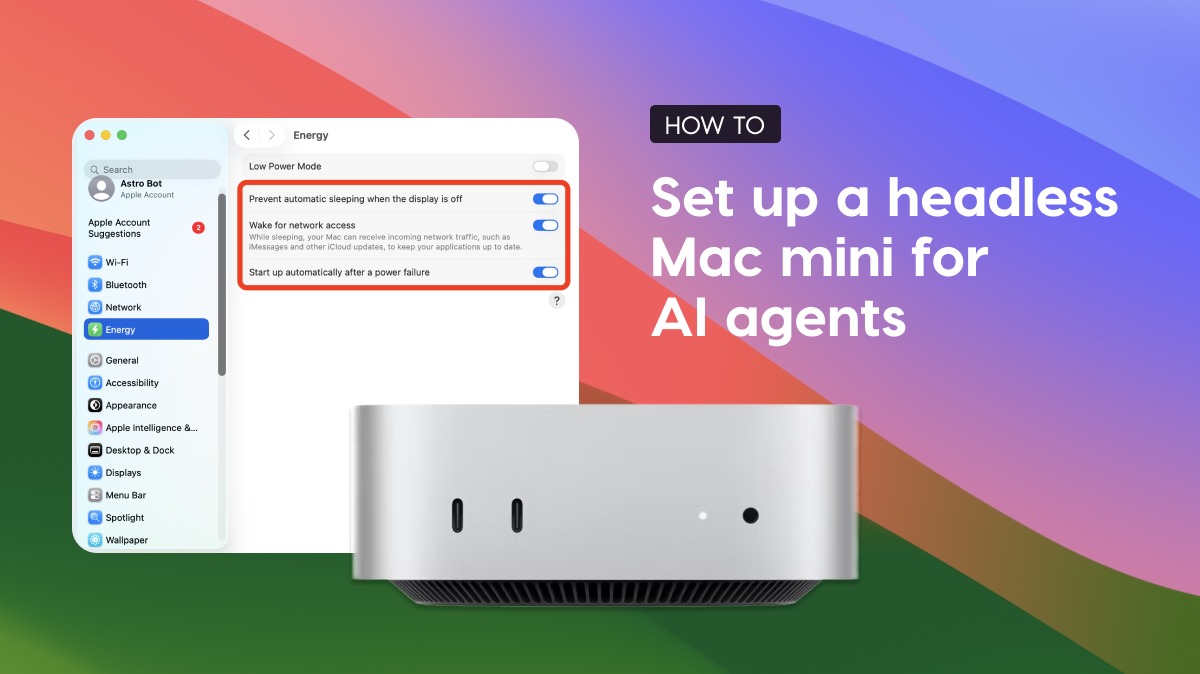
I've been running my Mac mini headless as an always-on AI agent host for months.
Here's my full setup video (3min) covering:
• FileVault + auto-login
• Sleep settings
• Remote access
• Reaching it from anywhere (yes, even from your phone)
Running a Mac mini for AI agents? Our setup guide covers:
System settings for a truly headless setup (FileVault, sleep, auto-login); Quirks to watch out for (spoiler: dummy plugs are mostly a thing of the past); and how to connect over remote desktop apps, SSH, VPNs, and more.
Workbench 1.2 just shipped - Remote desktop for your headless Mac from iPhone or iPad.
New stuff:
- Full Screen Unified Display on Mac
- Speech-to-text for non-English languages
- App stays connected in the background
- Improved zooming on iPad/iPhone
- Improved Intel Mac support
- Login stability fixes everywhere
- Option to hide the dock icon
Stick around to the end of the video for a little surprise 😗
The iPad's external display support is underrated.
I connected my iPad to a Studio Display and ran Workbench. Now my headless Mac mini (back in Minneapolis) is running full-screen on a 27" display in Ohio.
Remote Mac on a Studio Display through an iPad. Pretty wild. 🤯