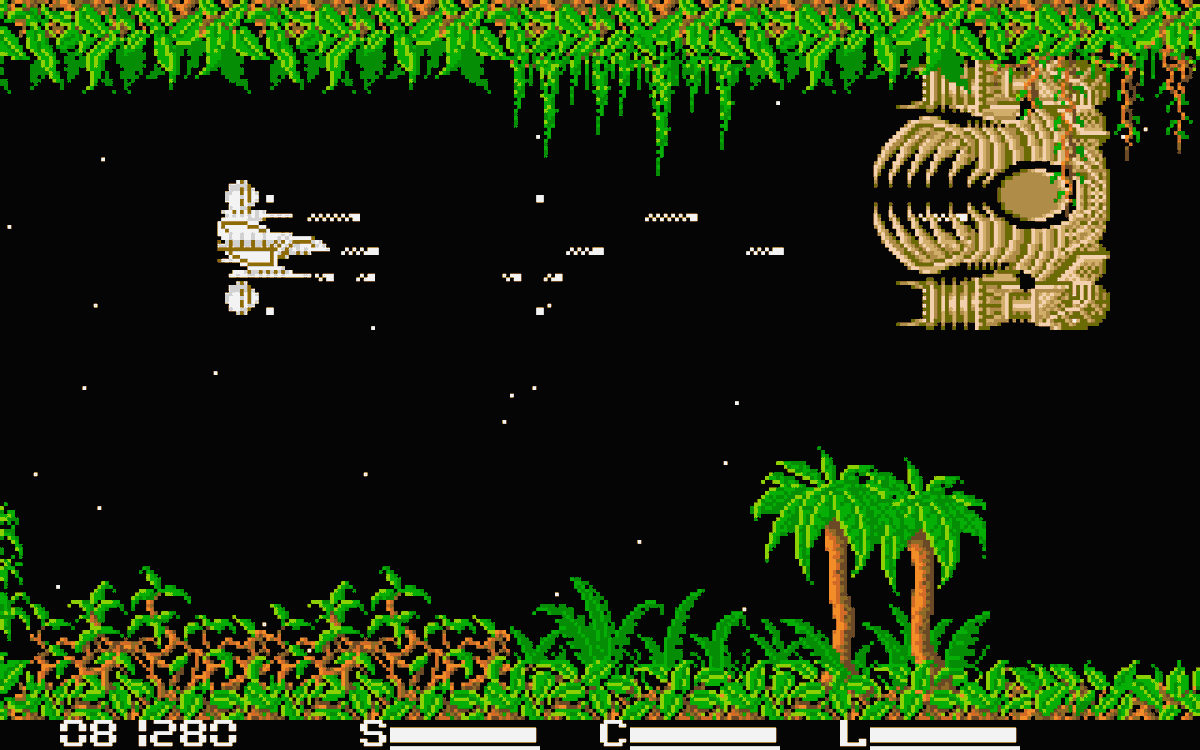
Some random mad lad ported Race Drivin' to the Atari Jaguar! This is one of the 3D games from Atari's arcade division (Atari Games).
This means that games like Dave Theurer's I Robot, and S.T.U.N. Runner can be possible on the Jaguar ^_^
https://t.co/yzC8rzi5nL
Fresh floppies in the Atari ST Public Floppy DB:
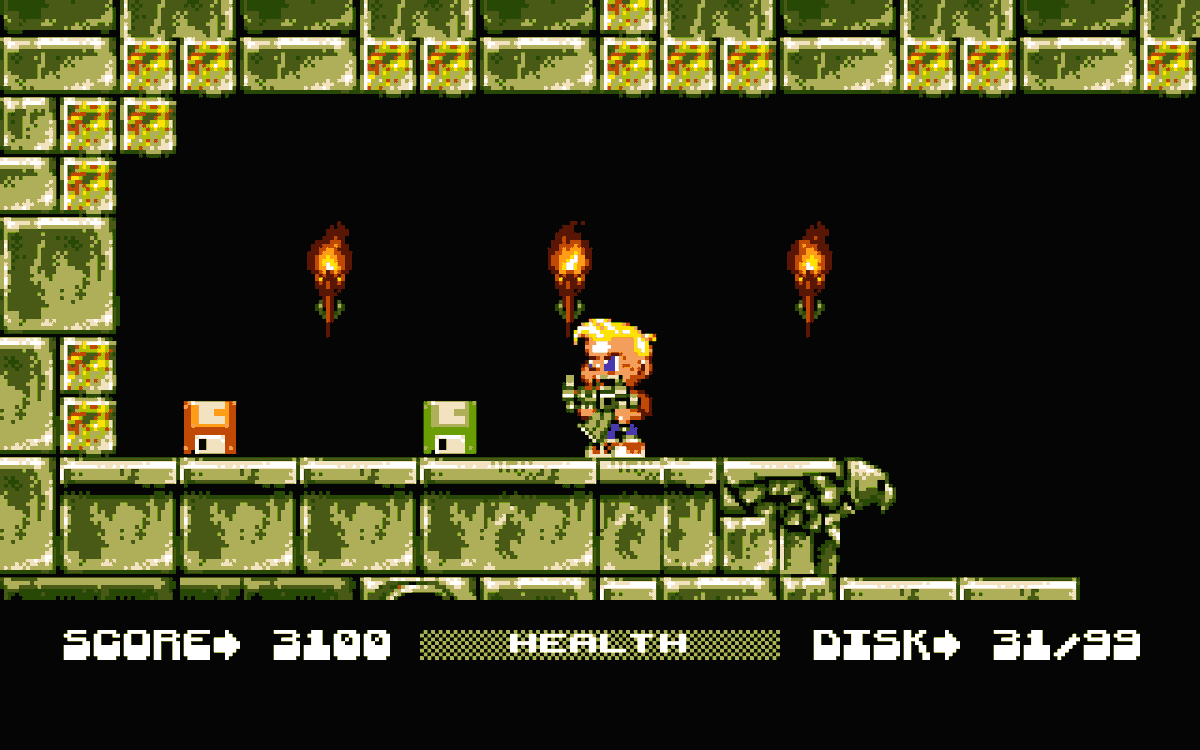
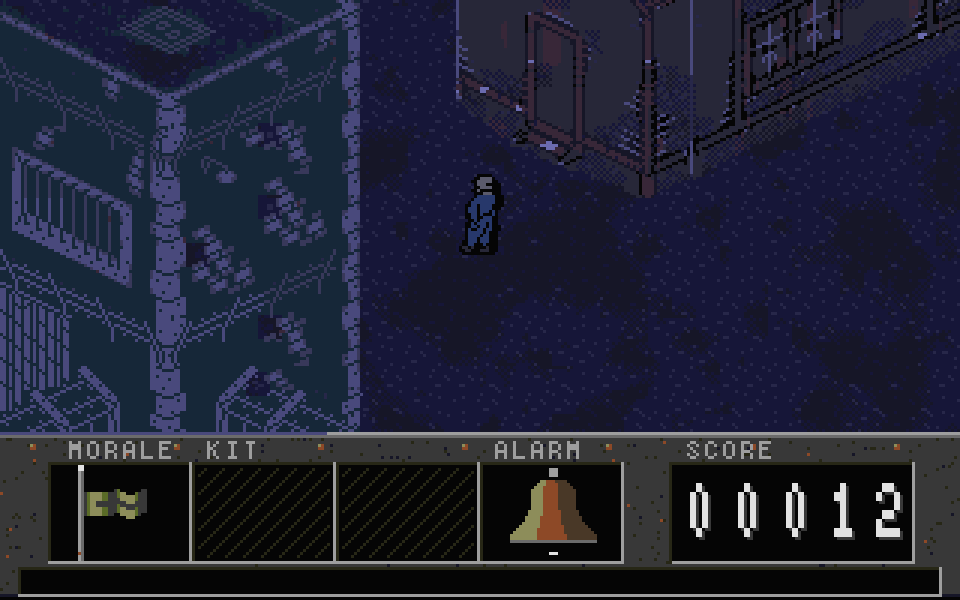
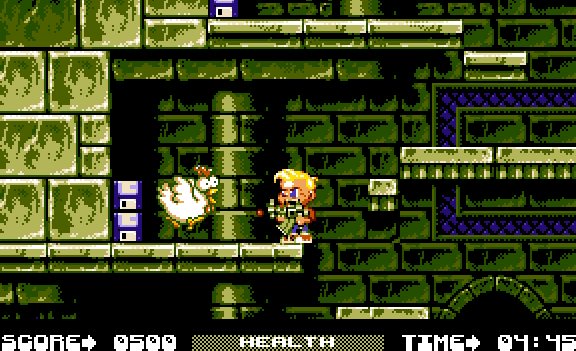
- Bruce Lee II (TjLaZer), the unofficial 2013 sequel ported to the ST. More lanterns, more ninjas.
- Space Taxi (TjLaZer), the 1984 Muse classic. Hey taxi! 1 MB.
- Pole Position Remastered (@RetroRacing), arcade racing rebuilt for the STE.
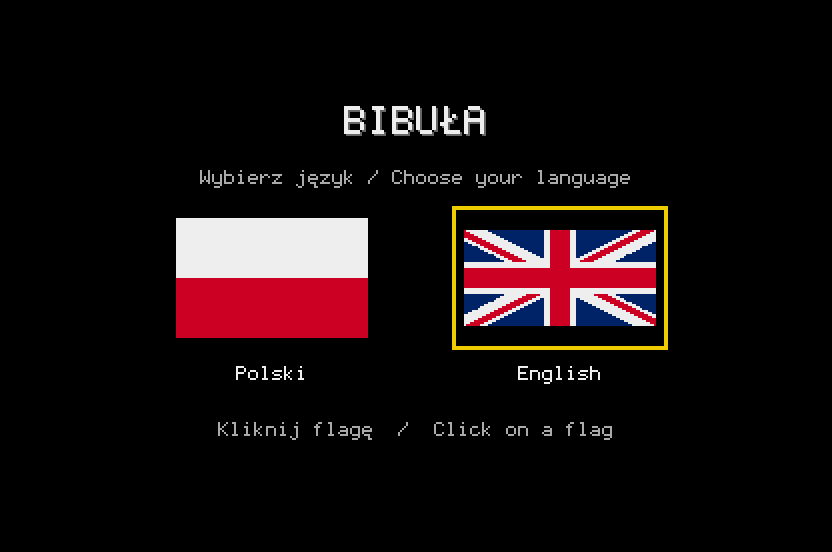
- Bibula (Grzegorz Galezowski), point & click adventure set in 1982 Poland. PL/EN, 2 disks.
All free. Real hardware via SidecarTridge Multi-device or a Gotek, or emulators.
https://t.co/luj2xBIYaV
Have a nice weekend!
It’s not GTA 6, but it is a great game.
Xenon, ported from #AtariST is well on its way to being a new edition to the Lynx game library.
That’s also David Whittaker’s ST OST recomposed through Mikey.
What’s left, polishing off some sprite scaling, additional debug, and performance locks.
It performs the same on @TheRetroHQ GameDrive as well, so yes—it is, and will be hardware compatible.
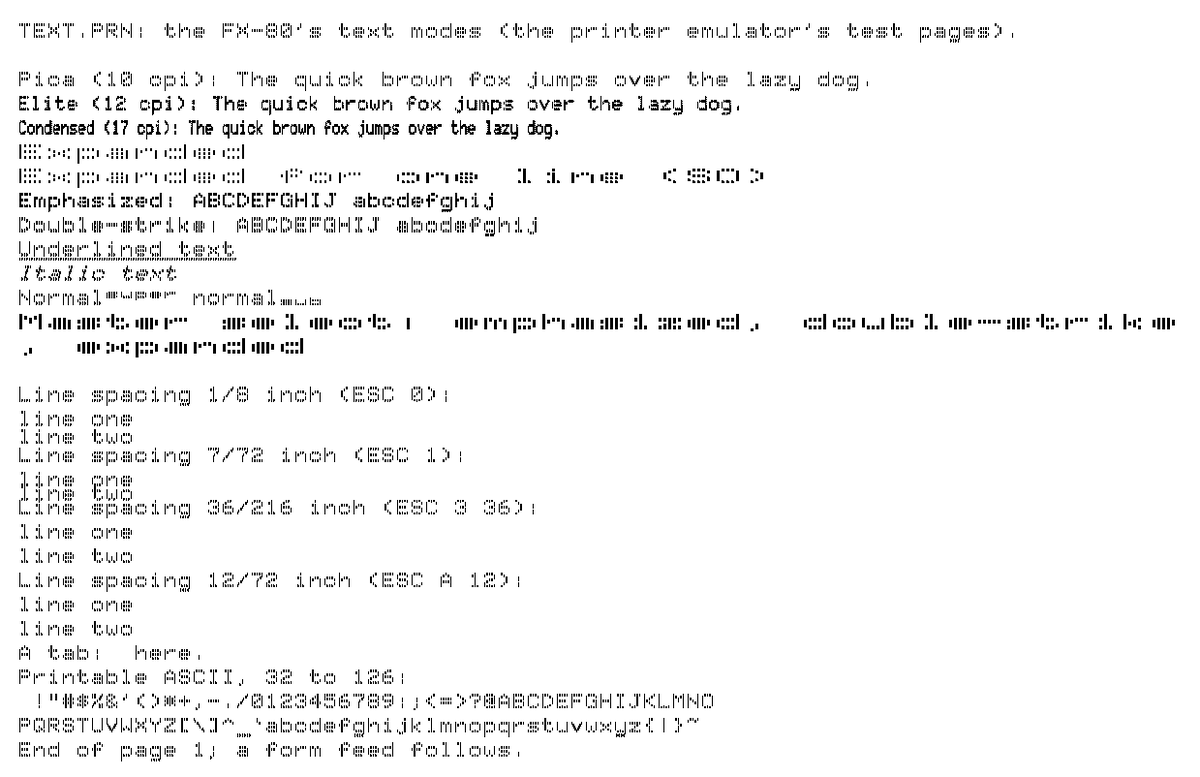
Your Atari ST has been asking for a printer since 1987. You sold it in 1994. It's still asking.
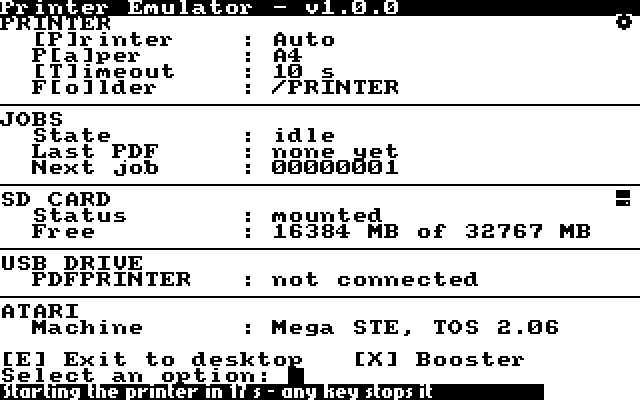
Meet the Printer Emulator for the SidecarTridge Multi-device. Your ST thinks an Epson FX-80 or an HP LaserJet II is plugged into the printer port. In reality, every print job lands on the microSD card as a PDF. No ink, no ribbon, no paper jams, no screeching.
- Alt-Help screen dumps, the desktop's Print, 1st Word Plus, Degas Elite, GFA BASIC, Easy Draw through GDOS
- Auto mode sends each job to the printer it was written for
- A4 or Letter
- Plug the Multi-device into your computer over USB and the PDFs show up on a drive called PDFPRINTER
Works on the ST, STE, Mega ST and Mega STE, even a Mega STE at 16 MHz with the cache on.
Install it from the Booster Apps page. Docs here:
https://t.co/JljVsOHoRQ
Booster v2.5.0 is out for the SidecarTridge Multi-device, and it lands just in time.
The device has 30 slots for app settings, and the app catalog is about to hit 30 apps. One more and things would have got ugly. Not anymore: an app now takes a slot only when you launch it, and when all 30 are in use, the settings of the app you use least move to the microSD card and come back the next time you launch it. Install as many apps as you like.
And the Apps page finally stopped looking like a spreadsheet. Apps are now cartridges on shelves. Grey means you don't have it. Putty, the colour of your ST's case, means you do. Reddish with an exclamation mark means there's an update waiting and we're judging you.
Also new:
- Search box, dropdowns and tag chips instead of a wall of filters
- A long list of fixes so launches, downloads and updates break less
Booster offers the update in its web interface, or grab it here:
https://t.co/dsOaIxVI4P
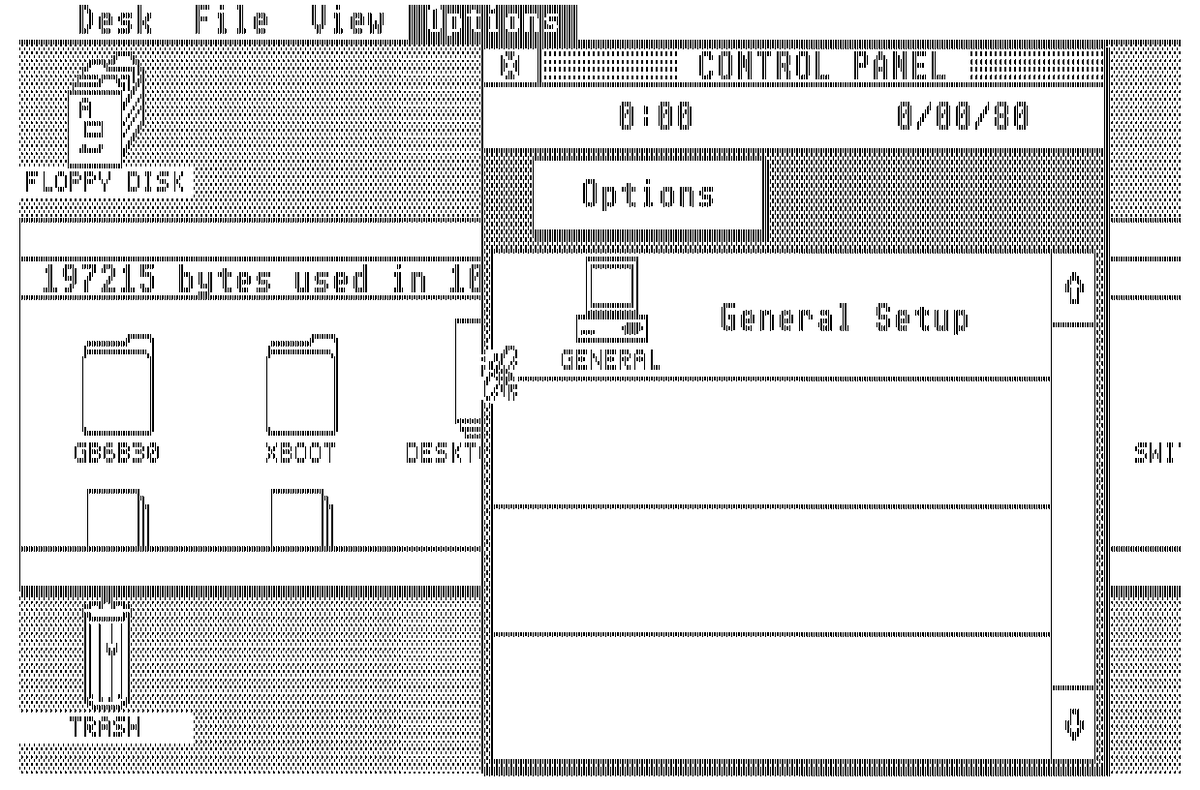
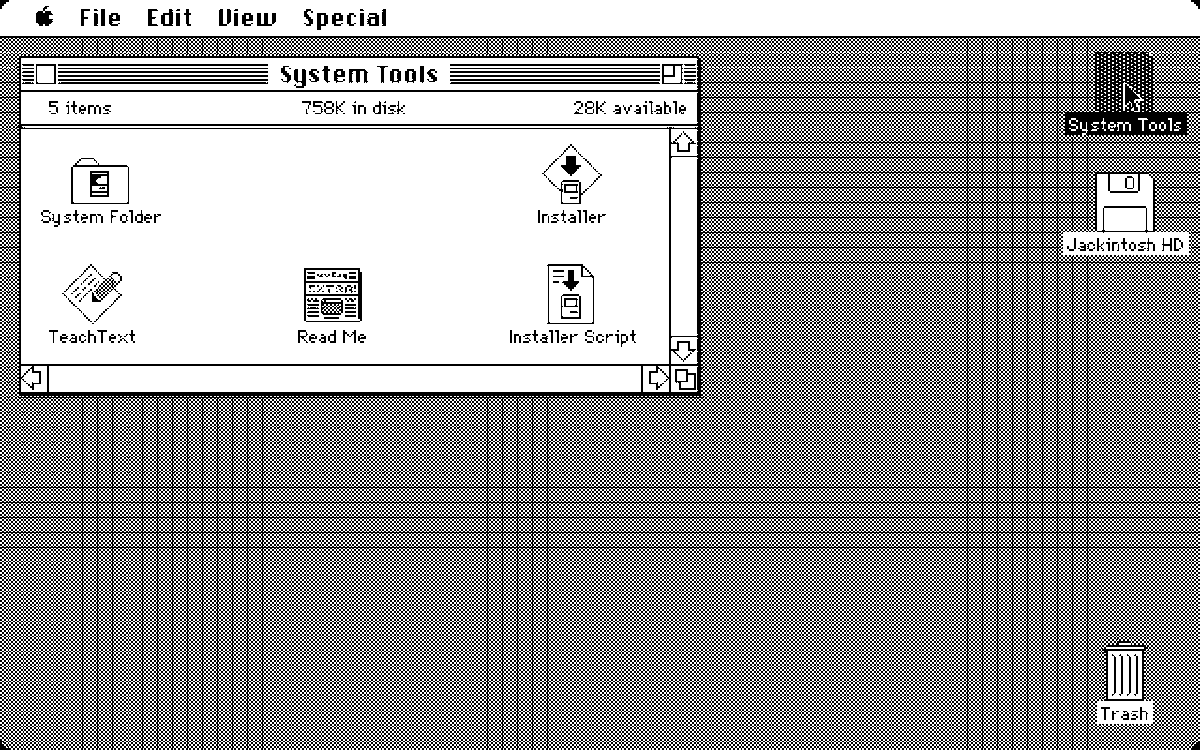
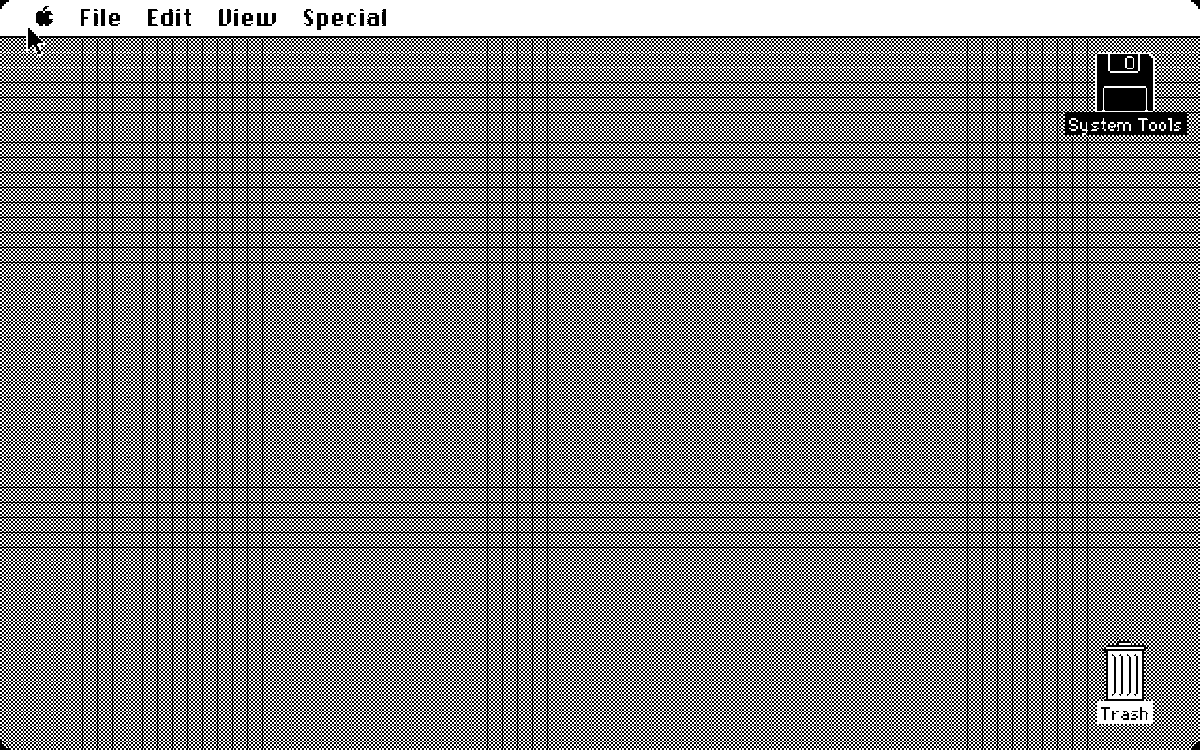
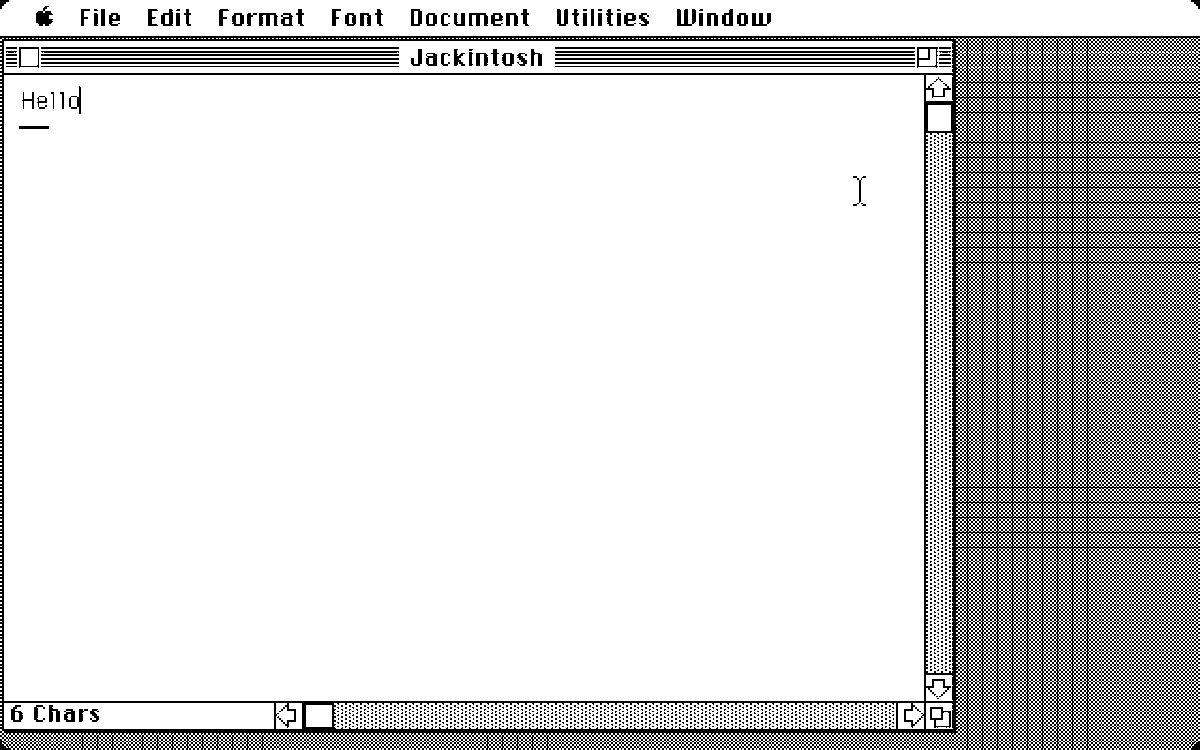
Switch on your Atari ST. A Macintosh Plus comes up. Meet Jackintosh.
Back in the day, Magic Sac and Spectre pulled off a brilliant hack: Mac ROMs in a cartridge, then a wrestling match with floppies and hard disks. Jackintosh takes a different road:
1. You bring your own Mac Plus ROM and patch it in your browser.
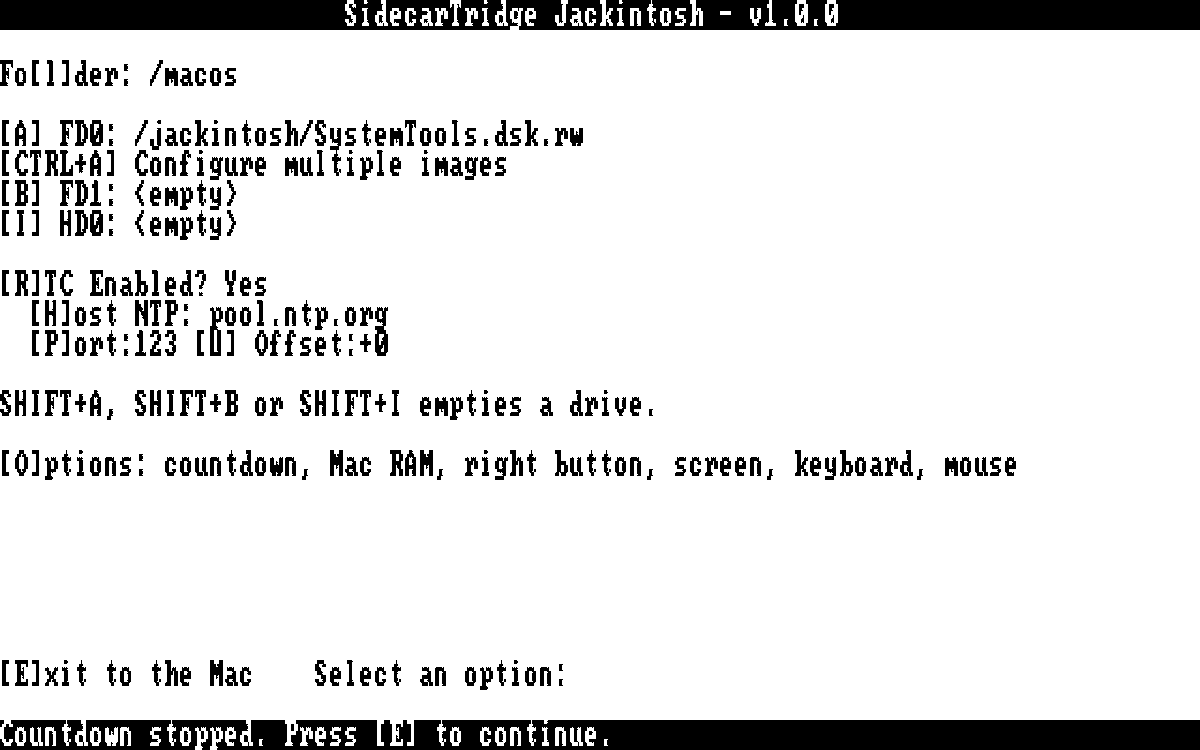
2. The SidecarTridge TOS Emulator serves it from the ROM sockets, like a 192 or 256 KB TOS.
3. The SidecarTridge Multi-device emulates the floppies and the hard disk from a microSD card.
Apple's ROM on the Atari's own 68000, at full speed. Happy Mac, System 6, the Finder, Word 4. No TOS, no emulator.
It was also a test of how far AI can go: two microcontrollers, one in each device, orchestrated with the 68000, right down at bare metal and OS level, where AI-assisted development usually limps.
How the ROM is patched and what software runs:
https://t.co/mAURNZmqeJ
#AtariST #Macintosh #retrocomputing
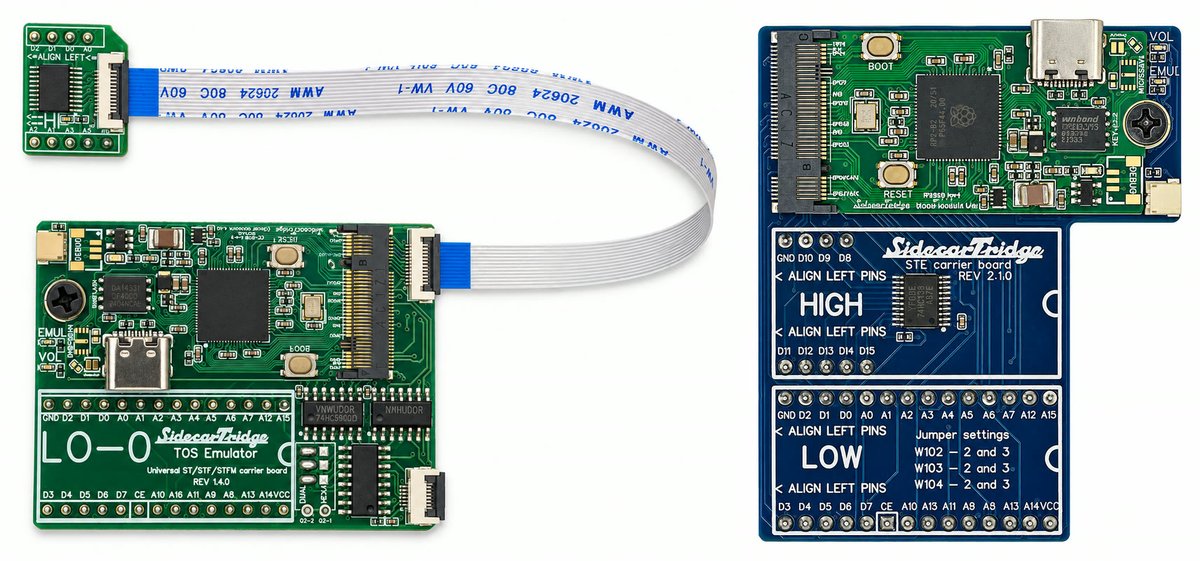
Your Atari ST just got a brain transplant. Same ROM sockets, brand new heart: SidecarTridge TOS Emulator board revision 4.
The RP2350B inside has 48 GPIO pins, so every address and data line of the ROM gets a pin of its own. No more multiplexing, no more juggling. It is a short card with a gold edge connector that slots into the carrier board, and every kit now ships with it. Same price. You're welcome.
What's new:
- Firmware v4.0.0
- Loaded a TOS that refuses to boot? Hold the Atari's own RESET at power-on and the board drops into rescue mode. The RESCUE cable is now optional
- New timing knobs (ACCELERATED_BUS, CE_SYNC_BYPASS, WRITE_ON_DRIVE, DMA_HIGH_PRIORITY) to tame accelerator boards and machines with grumpy, noisy buses
- About 15 MB for up to 64 TOS images
- One universal carrier board for the 520ST+, STM, STF, STFM and Mega ST, plus kits for the STE and Mega STE
- Boot MagiC 6.30, or turn your ST into a Macintosh Plus with Jackintosh. Sam Tramiel would never know
Mega ST owners: the 256KB Decoder combo ships with board revision 4 too.
Already on board revision 3? Firmware v4.0.0 runs there as well. No one gets left behind.
https://t.co/pwNrCJP50j
An Atari ST playing ZX Spectrum 128K games. Absolutely incredible.
MD/Speccy 2.0 by @neilrackett turns the SidecarTridge Multi-device into a ZX Spectrum 48K/128K running on your ST. Copy your .Z80 and .SNA files to the /speccy folder on the microSD card and play. It's in the Multi-device app store now.
Two rival machines of the 80s, one cartridge. This is exactly why we opened the Multi-device to apps from everyone. Thanks Neil!
The SidecarTridge Multi-device app catalog now fits on any web page.
The Microfirmware Store widget shows every app available for the Multi-device as a carousel your visitors can swipe through. One div and one script tag, and it updates itself every time the store does. No hand editing, ever.
It's built for developers who want to show the catalog on their own sites, and it can filter by creator to show only your apps. It's also ready for the Multi-device versions for other computers and consoles that are on the way.
Today there are 27 microfirmwares for the Atari ST/E version, and we'll reach 30 soon. Number 30 arrives with a new firmware that moves the app configuration from flash to the microSD card, so there's no limit on how many apps you can install.
https://t.co/CeD0NxRBoo
Pole Position Remastered for Atari STE - now actually running on real hardware following some "remedial works"! 😆
Blitter, hardware scrolling, DMA sound, 320x224 overscan - everything you need to show off your Atari STE!
Just need to get rid of that pesky flicker near the top.
Following up on yesterday's Cho Ren Sha 68k controversial post (not surprised by some insults): yes, of course we built it with AI. 🤖 An X68000 shoot'em up ported to the Atari ST in ten days? 😈
https://t.co/XRC58tHObB is the full confession: how Cho Ren Sha 68k runs at 50 fps on a machine with no sprites, the plan we used to get there, and every place where that plan turned out to be wrong.
Grab a coffee and go read it. If you have dev skills, enable the 'Developer details' toggle:
https://t.co/SONvTT5MEz
One last thing, about all the hate yesterday: I get it. You spent years mastering a skill, and suddenly it's worth jack shit. Nobody's ever going to write code again as we did. But hey, don't take your frustration out on some random dude on social media.
Have a nice weekend.
The Sharp X68000 threw 512 sprites at you in Cho Ren Sha 68k. Sprite chip, 65,536 colours.
The Atari ST has zero sprites and 16 colours.
So naturally we put it on the ST. At 50 frames a second. 😈
It did not go quietly:
- Just moving a 32 KB frame across the ST's bus eats 16.4 of the 20 ms you get. Before drawing a single pixel.
- On a plain ST the copy finished a quarter of a millisecond late. Result: 25 fps. We trimmed 16 lines and got all 50 back.
- 895 KB of game code, 2 MB of flash. Every stage gets streamed from the microSD into flash between stages.
How we won:
- Checked against the original 68000 code: 12,608 checkpoints over five full games. Zero differences
- The whole game: 7 stages, every boss, the second loop
- ST, STE, Mega ST, Mega STE
- Hidden KAKUSI menu with invincibility, for the cowards among us
Install it from Booster:
https://t.co/npjd5m237g
#AtariST #X68000 #RetroGaming
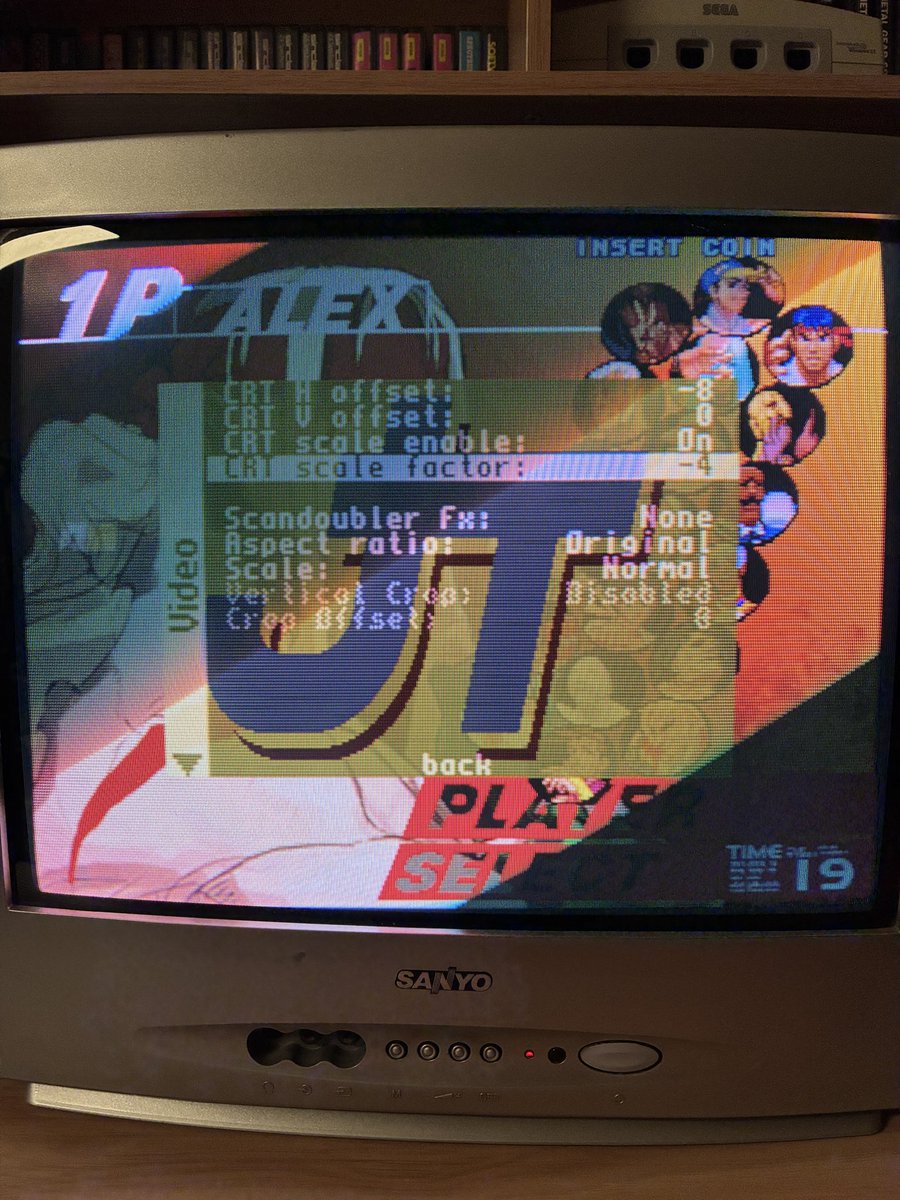
Patrons are asking for better CRT support overall. So there you go, we will have System18 at 60Hz by default and smooth horizontal scaling for all cores, including CPS3. Coming up in this week’s update
Depuis aujourd'hui, la mélodie de départ des trains à la station Hibiya est le thème de Godzilla !
Une initiative de Toho, dont le siège se trouve à Hibiya, pour célébrer la sortie de Godzilla Minus Zero au Japon #GodzillaMinusZero
https://t.co/stGBmjvyrL