Day 10: Verify the Caller, Not Just the Voice
“Trust is healthy. Blind trust is junk food for Cybercriminals 👀”
Would you question a phone call if the person speaking sounded exactly like someone you know? Many people might not, and that's what makes AI voice-cloning scams particularly concerning. Technology can now be used to create convincing imitations of real voices, making it harder to distinguish genuine callers from impersonators.
Imagine receiving a call from someone who sounds exactly like your sibling, asking you to send money urgently because of an emergency. Everything sounds convincing, but the voice alone doesn't prove their identity. Before responding, hang up and call the person using a number you already trust. You can also confirm the situation through other reliable channels.
How confident are you that you could recognise an AI-cloned voice?
Day 9: Never Leave Your Device Unattended in Public
“Don’t leave your device on the menu for attackers 👀”
Leaving your phone or laptop unattended might seem harmless, especially when you're only stepping away for a few minutes. This is more than enough for someone to access your personal information, read confidential messages, or interfere with your accounts.
Imagine leaving your laptop open at work while you quickly step out to attend to something. Someone could access sensitive documents or send messages from your account without your knowledge. Always lock your screen before stepping away, and keep your devices with you whenever possible, especially in public places.
Quick tip: Never leave your laptop or phone unattended in a public place, even for a moment.
What security measures should people take to protect their devices when stepping away?
@ireteeh - Set a short auto-lock time, 30 seconds to a minute.
- Cover your screen and keypad when typing a PIN in public.
- Don't leave your laptop or phone open in a shared space
Day 8: Think Before You Click or Open Links and Attachments
“A suspicious link is one snack you should skip 👀”
Not every link deserves a click, and not every attachment deserves to be opened. Cyber criminals often use phishing messages that look convincing to trick you into clicking malicious links, opening harmful attachments, or giving away sensitive information.
Imagine receiving an unexpected email that appears to come from your bank, employer, delivery company or another organisation. It tells you to click a link or open an attachment urgently. Instead of clicking immediately, pause and check.
Quick tip: If a message creates urgency, do the following; Stop, Think and Verify before you click.
Question: If an email says ‘Act now or your account will be closed,’ what would you do?
Day 7 – Use Public Wi-Fi Safely
“Free Wi-Fi isn’t always free lunch 👀”
Public Wi-Fi can be convenient when you’re at an airport, café, hotel, or shopping centre, but convenience shouldn’t come at the expense of security.
Imagine you’re in a hotel lobby and need to send a document. Instead of connecting to the first network that looks familiar, confirm the correct Wi-Fi name with the hotel. For sensitive activities, such as accessing financial or confidential information, consider using your mobile data or another trusted connection instead.
Quick tip: Don’t assume a network is safe just because it has a familiar name.
Question: What’s one thing everyone should check before connecting to public Wi-Fi?
Mentee Spotlight - @ko_ceeherself ✨
Kosi’s journey into cybersecurity has been one of intentional learning and steady growth. Although she had started her career in the field, she lacked the structure and guidance needed to navigate it effectively.
Through the mentorship programme, Kosi gained the clarity and support required to stay committed to the Cloud Security path. Serving as the Assistant Group Lead, she contributed meaningfully to her group and also developed strong leadership and collaboration skills.
During her NYSC, she further demonstrated her passion by facilitating cybersecurity awareness programmes, creating opportunities to share her knowledge and empower others. Her growth soon translated into professional opportunities. Kosi secured a cybersecurity internship and eventually progressed into a full-time role in cybersecurity.
Beyond her professional achievements, Kosi remains actively engaged in the cybersecurity community. She currently serves as a Workforce Program Lead at Expadox and as Lead Assistant for the APIsec University Nigeria Chapter. She has also contributed to DevSecOps open-source projects and earned relevant industry certifications.
Kosi’s journey is a testament to consistency, dedication, and a continuous willingness to learn, contribute, and grow within the cybersecurity space. I am proud of you ✨
Day 5: Back Up Important Data Regularly
“No Backup? That’s a risky diet 👀”
Think of backups as emergency snacks in your Cybersecurity diet. You don’t need them every day, but when something goes wrong, you’ll be glad they’re there.
Important files can disappear due to cyberattacks, device failure, accidental deletion, or unexpected incidents. Regular backups give you a safety net and make recovery easier.
For instance, if your phone or laptop is lost or stolen, a backup lets you recover your data on a new device. To stay protected, keep backups separate from your main device (like cloud or external storage), and make sure they are secure.
Quick tip: Automate your backups. If it’s manual, it’s easy to forget.
Have you ever lost important data before?
Day 4: Keep Software and Devices Updated
“Updates are your regular vitamins 👀”
Think of software updates as the vitamins in your Cybersecurity diet, they keep your systems healthy and resilient. Updates aren’t just about new features. They often fix security vulnerabilities that attackers are actively looking to exploit. Keeping your software updated helps close security gaps.
If a vulnerability is discovered in your operating system, a patch is usually released quickly. Delaying that update means staying exposed to a known issue that already has a fix.
Quick tip: Don’t ignore restart reminders, many security patches only apply after a reboot.
What’s one reason people avoid installing updates?
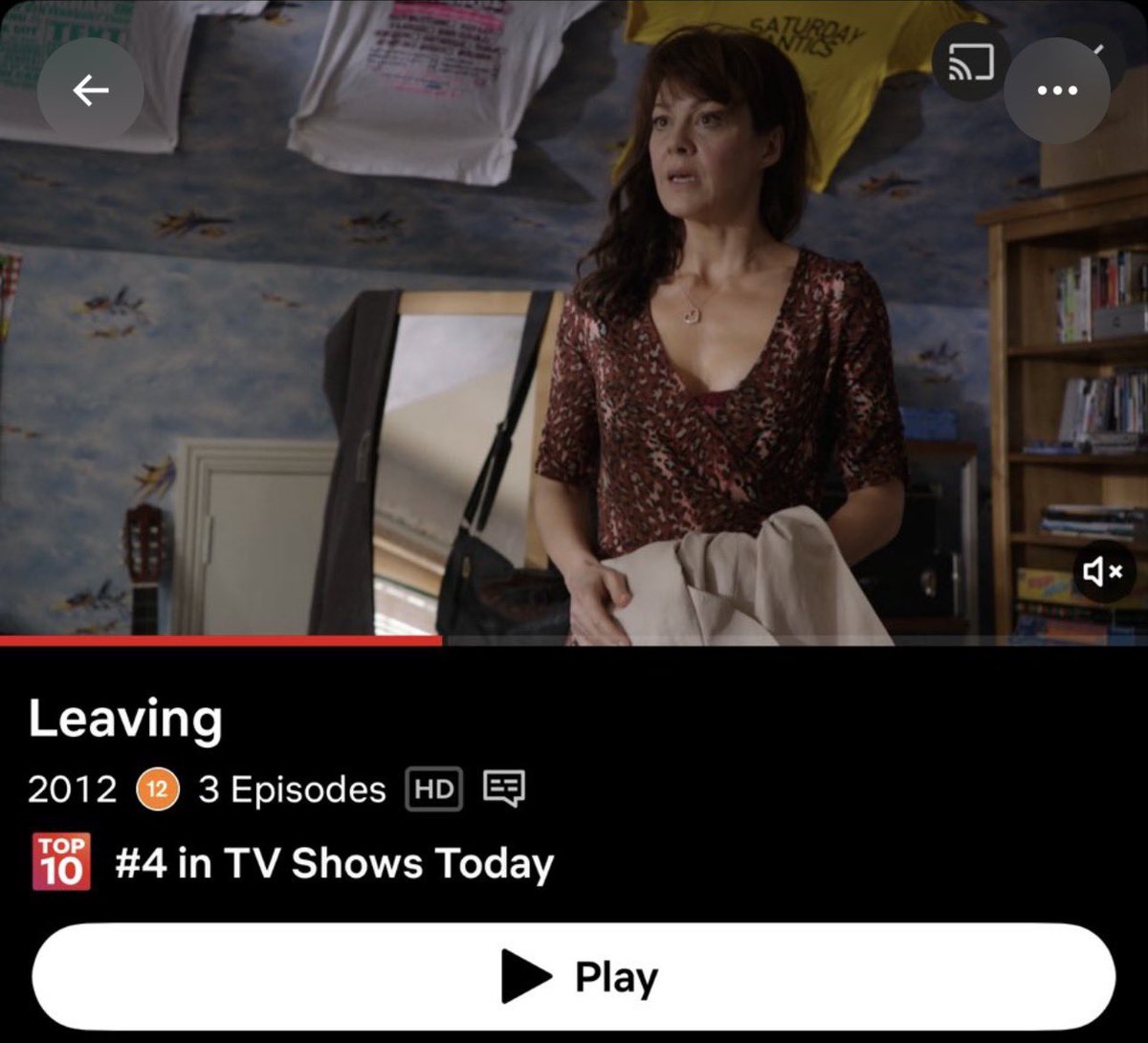
Leaving - 8/10 I would have crashed out if it was more than 3 episodes
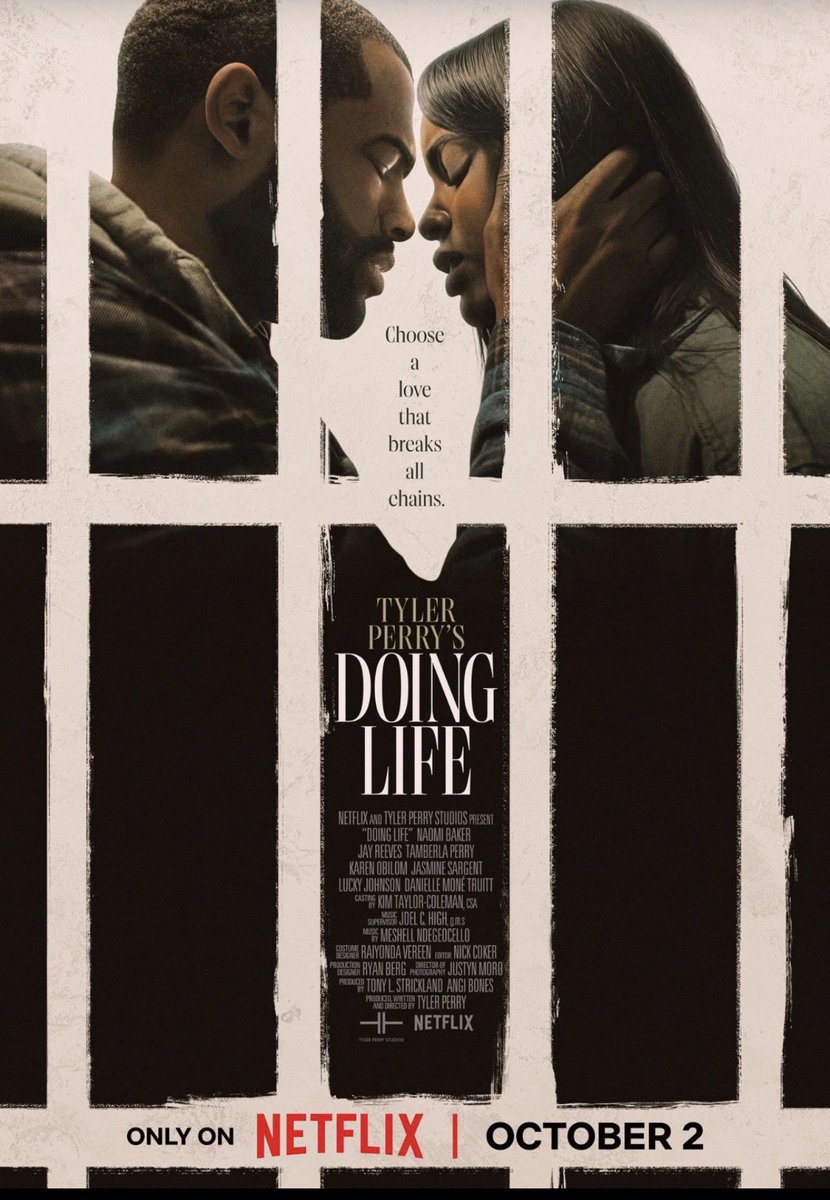
Doing Life - 9/10 because 10 is for God 🤣
Not A Stranger- 8/10 because the producers rage baited me in Ep 8 🤣
Day 3 - Enable Multi-Factor Authentication
“One lock is good. Two locks are better”
A password is important, but it shouldn’t be your only line of defence. Multi-Factor Authentication (MFA) adds an extra layer by requiring additional verification before access is granted.
If an attacker gets your password, they still can’t get in without that second factor. Where available, choose phishing-resistant MFA methods (such as hardware security keys or app-based authenticators), and never approve a login request you didn’t initiate.
Quick tip: Treat unexpected MFA prompts like suspicious calories, don’t accept them. If you didn’t request it, deny it.
What would you do if you received an unexpected MFA request right now?
This month, we received a total donation of 302,300 naira from 5 people. We sent data to 77 people.
Thank you to our data vendors @mfclothingceo@Callme_Mharieam@dataisoxygen
May God continue to bless our sponsors 🙏🏾
If you would like to donate to our data support next month, please reach out to me. I will connect you with my EA, she handles the process.
The goal is to continue to support the Cybersecurity community ❤️
Day 2: Keep Sensitive Information Out of AI Prompts
“Just because AI can read it doesn’t mean it should 👀”
AI tools can make everyday tasks easier, but they don’t need to know everything. Avoid sharing passwords, customer data, confidential documents, or sensitive business information in AI prompts. And when it comes to work, stick to organization -approved AI tools only.
Imagine you want AI to help summarise a document that contains confidential information. Would you paste the entire document into the AI tool? A safer approach is to remove sensitive details and share only the information the AI actually needs to complete the task.
Quick tip: Minimize what you share. Less sensitive data = less risk.
What’s one type of information you think should never be entered into an AI prompt?
Day 1 - Create Strong, Unique Passwords ✨
“Same passwords everywhere? That’s an attackers’ buffet 👀”
Your password is your first line of defence, so don’t make it easy to guess. Use at least 16 characters, avoid personal or predictable information, and most importantly, never reuse the same password across different accounts.
Think of it this way: if you use the same password for your email, social media, and work accounts, if an account is compromised, it’s like you have handed over the keys to your digital life. Instead, create a unique password (or a passphrase) for each account and use a password manager if keeping track becomes difficult.
Quick tip: A random phrase like “PurpleBananasDanceAtMidnight-!” is stronger than “P@ssw0rd!”
What’s one password habit you think everyone should practice?
@CybarikGlobal #CybersecurityDiet
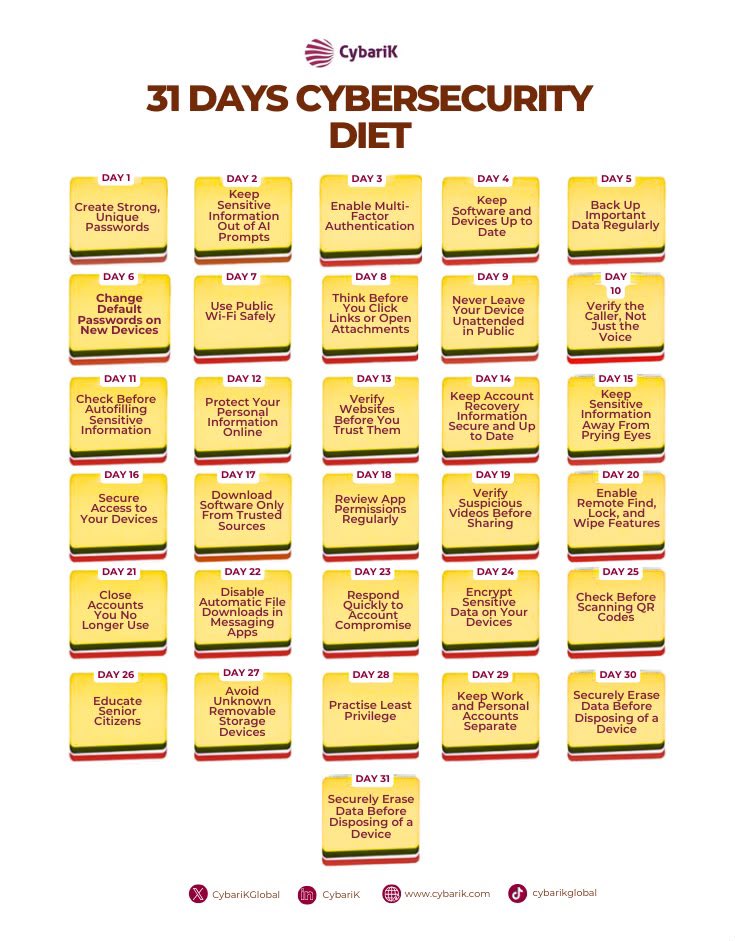
Throughout the month of October, I will be engaging in a 31 days Cybersecurity Diet as part of my contribution to the conversations regarding Cybersecurity Awareness.
Each day, I will post a basic Cybersecurity topic, share few tips and ask a question. I want to encourage everyone doing Cybersecurity to join me by using the Cybersecurity diet to also educate people about basic Cybersecurity awareness. Let’s continue to spread the word and support the ecosystem to reduce Cybersecurity breaches 💪
Throughout the month of October, I will be engaging in a 31 days Cybersecurity Diet as part of my contribution to the conversations regarding Cybersecurity Awareness.
Each day, I will post a basic Cybersecurity topic, share few tips and ask a question. I want to encourage everyone doing Cybersecurity to join me by using the Cybersecurity diet to also educate people about basic Cybersecurity awareness. Let’s continue to spread the word and support the ecosystem to reduce Cybersecurity breaches 💪