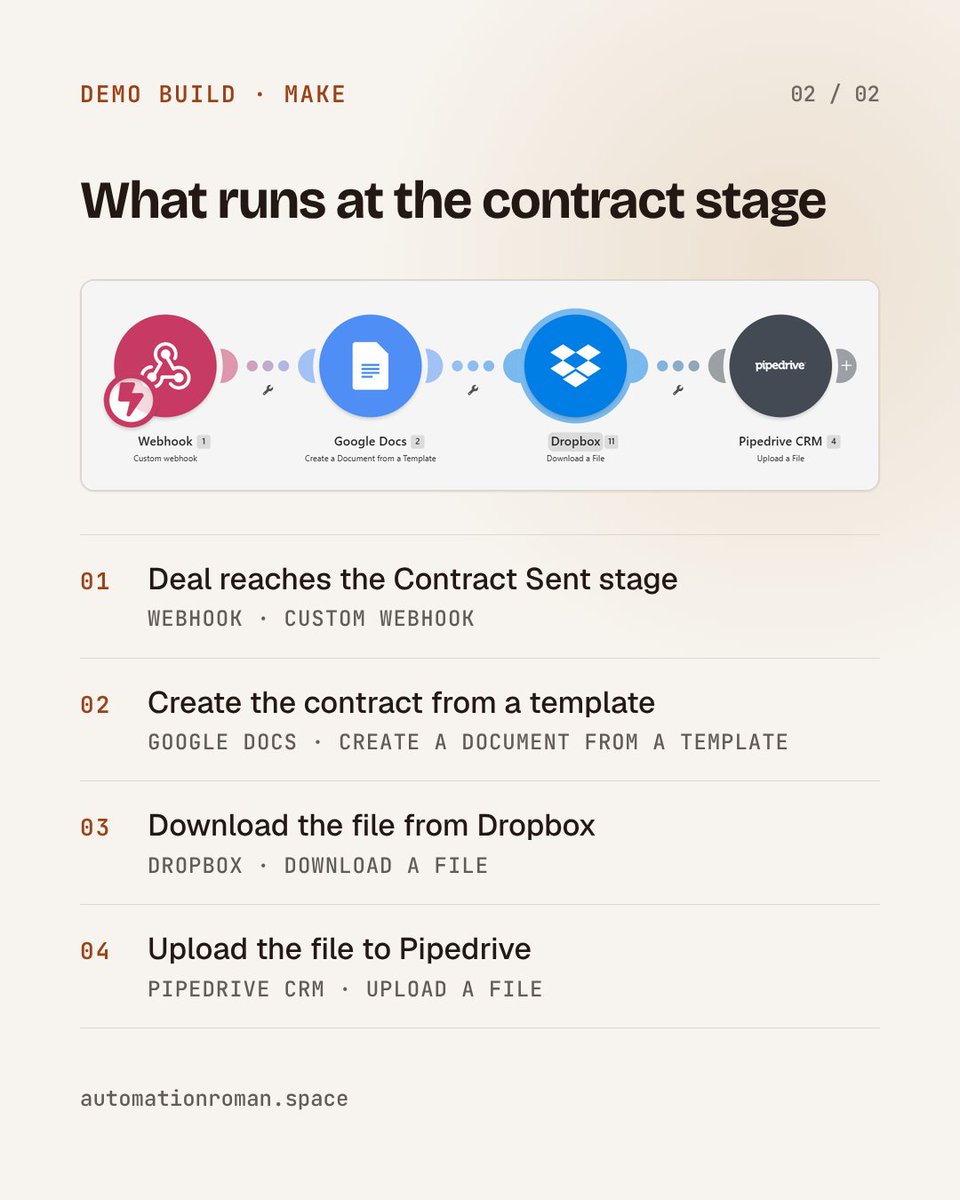
A deal moves to Contract Sent in Pipedrive.
Make picks it up, Google Docs creates the contract from a template, the file is pulled from Dropbox and uploaded to Pipedrive.
Demo build, 4 modules, no blank document.
More workflows: https://t.co/lfZ9aOkWfJ
A lead stops replying. ActiveCampaign knows, Pipedrive doesn't.
Demo build in Make: webhook → find person by email → find the deal → log a note → update the deal if it hasn't passed a set stage.
More workflows: https://t.co/lfZ9aOkWfJ
One Telegram message in. Five posts with images out.
Demo build in Make: text, voice or file → Whisper → AI copy → AI image → Google Drive + Sheets → back to Telegram.
Nothing goes live without your review.
Reply "BOT" and I'll DM you how I'd set it up.
Built a Telegram bot in Make: send a text or voice note → Whisper transcribes → AI writes the post + image → saved to Dropbox, logged in Sheets → sent back to you. Text requests also go to Buffer.
Demo build, real scenario in the video. DM "WORKFLOW" for the breakdown.
A booked discovery call should trigger the next sales step — not more admin.
I automated:
Cal com → Pipedrive → ActiveCampaign → Google Sheets
Booking → CRM check → update/create → sales action.
Less manual work.
Cleaner data.
More reliable follow-up.
6/6 Still checking CRM records manually before deciding what happens next?
DM me “LEADS” with your tools and the check that takes the most time.
I build connected lead-handling and CRM workflows.
#Makecom#CRMAutomation
5/6 This is rule-based CRM automation, not AI qualification.
Search steps do not guarantee zero duplicates.
Matching rules, filters, repeat submissions, and exceptions still need testing. Actual savings also depend on monitoring and maintenance.
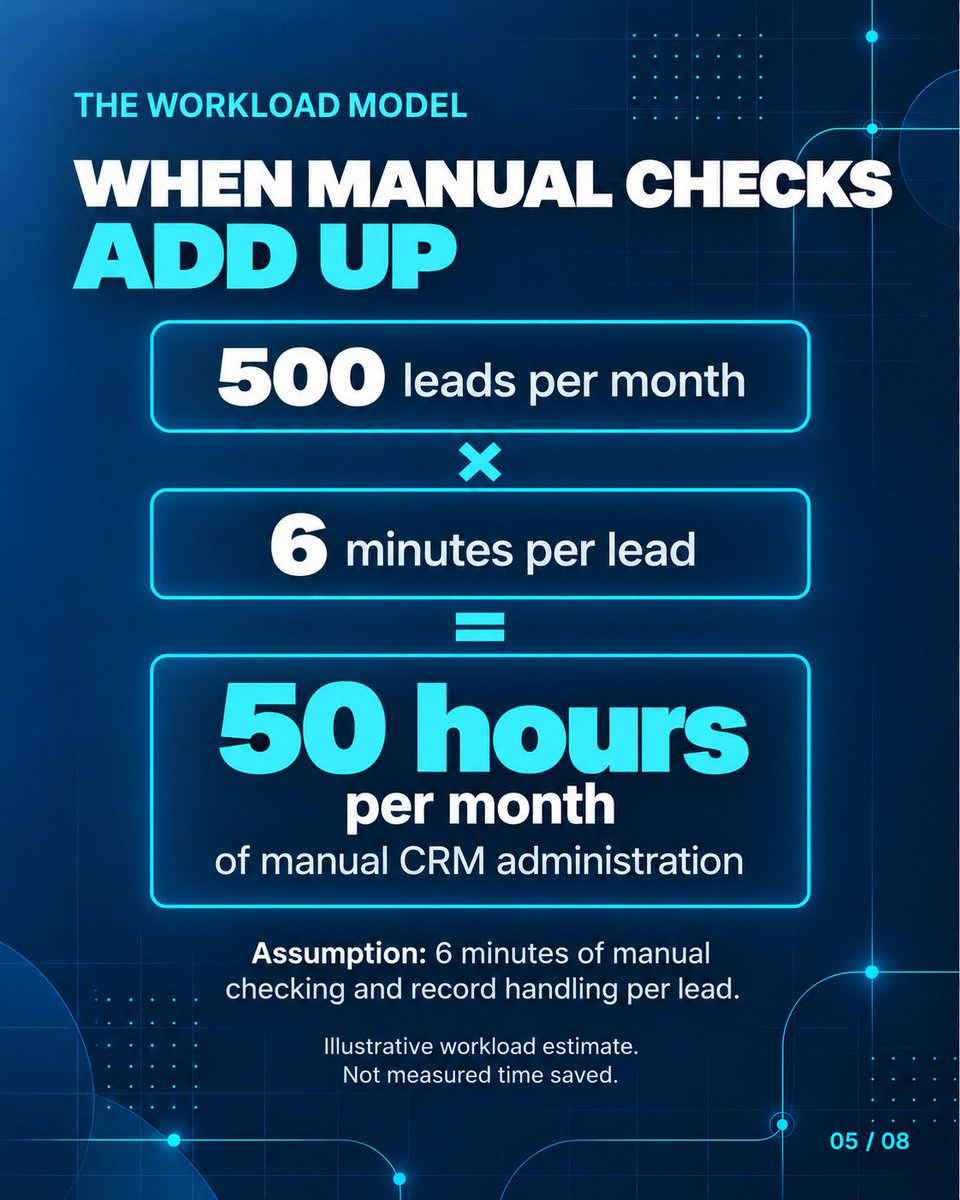
4/6 Illustrative workload:
500 leads/month × 6 minutes of manual checking and record handling = 50 hours of CRM admin.
The six-minute figure is an assumption. This is not measured time saved.
3/6 Depending on the route:
• Create a person or deal
• Create an activity and note
• Add a spreadsheet row
• Update the marketing contact
• Apply a tag and update list status
Not every action runs on every path.
2/6 The checks include:
• Pipedrive lookup by email
• A separate phone-search branch
• Contact and deal-check routing
The goal: connect what the workflow finds with the next configured action—not treat every lead identically.
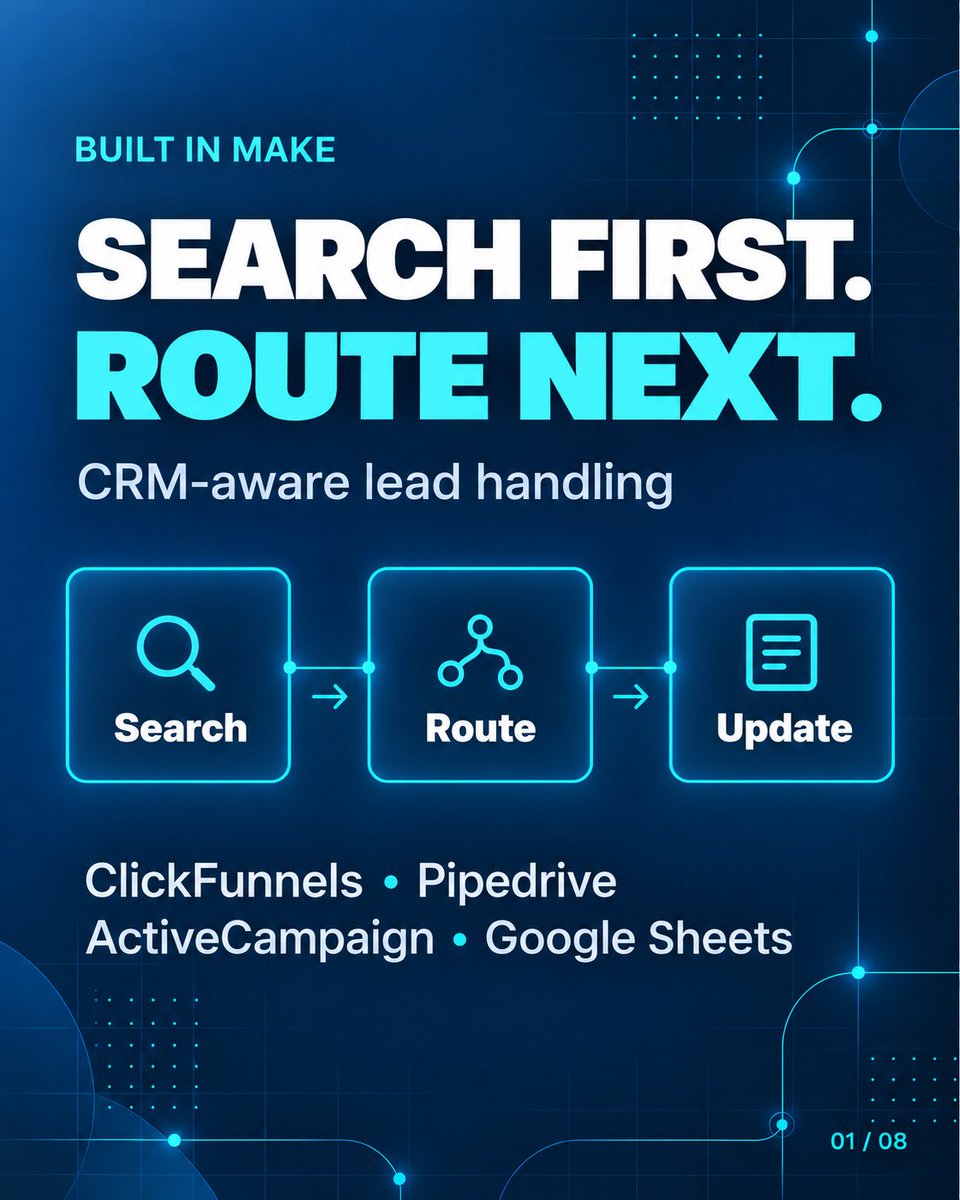
1/6 Not every new lead needs a new CRM record.
I built a Make workflow connecting CRM searches, conditional routing, and record handling.
4 business apps.
5 end-to-end paths.
ClickFunnels → Pipedrive → ActiveCampaign + Google Sheets.
5/5 Still moving leads between tools manually?
DM me “LEADS” with your current stack and the step that takes the most time.
I build connected workflows for lead handling and CRM operations.
#Makecom#CRMAutomation
4/5 The purpose: connect lead capture, marketing contact management, and sales deal creation.
This build covers record updates and creation—not AI qualification, duplicate prevention, two-way sync, or email follow-ups.
3/5 An illustrative workload:
500 leads/month × 3 minutes of manual handling = 25 hours of CRM admin.
Not measured time saved. Actual savings depend on the existing process, exceptions, monitoring, and maintenance.
2/5 The workflow:
• Detects a new ClickFunnels contact
• Creates or updates the ActiveCampaign contact
• Adds a tag
• Updates list status
• Creates a Pipedrive person
• Creates a Pipedrive deal
1/5 A new lead should not become five more admin tasks.
I built a Make workflow connecting ClickFunnels → ActiveCampaign → Pipedrive.
1 trigger. 5 actions. A connected path from funnel contact to sales deal.
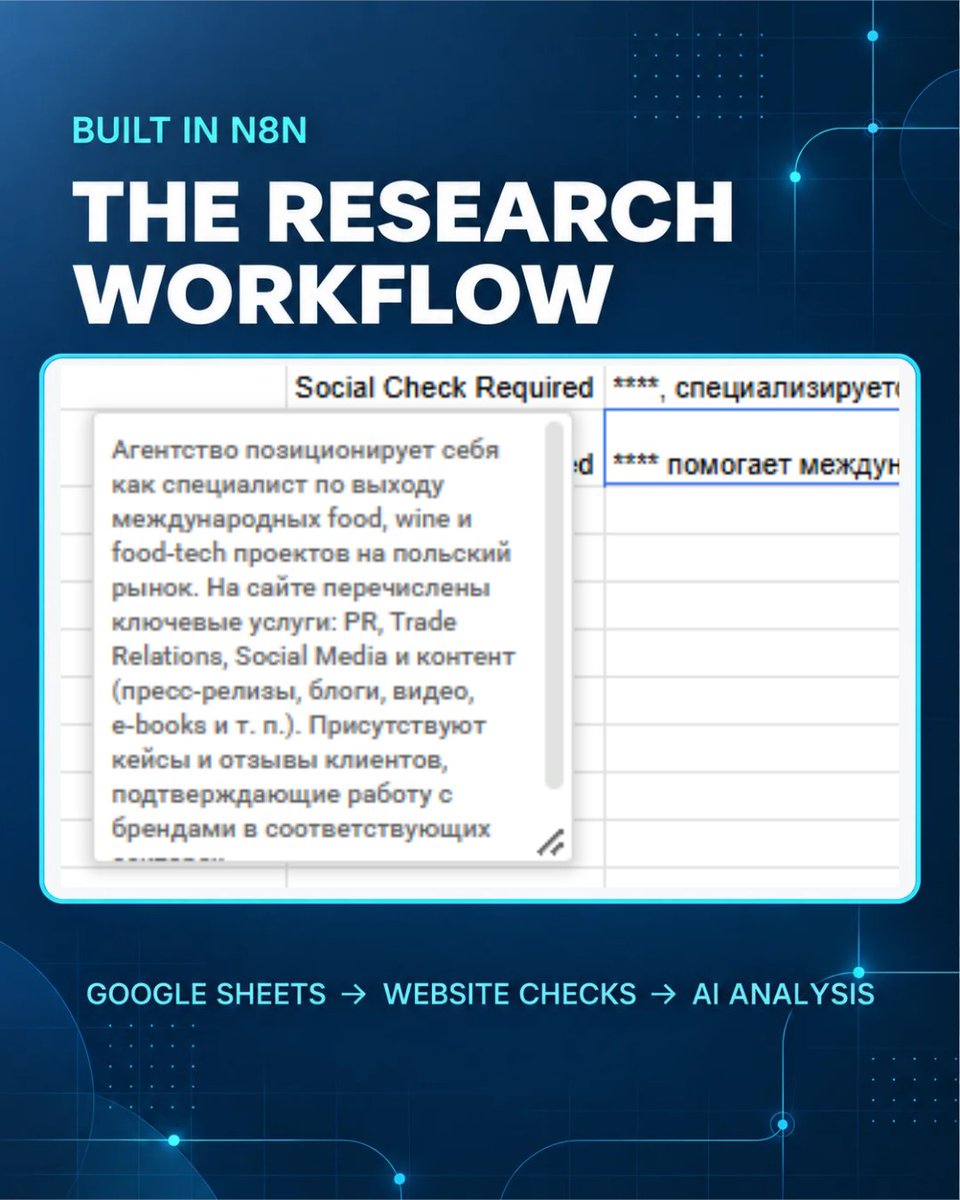
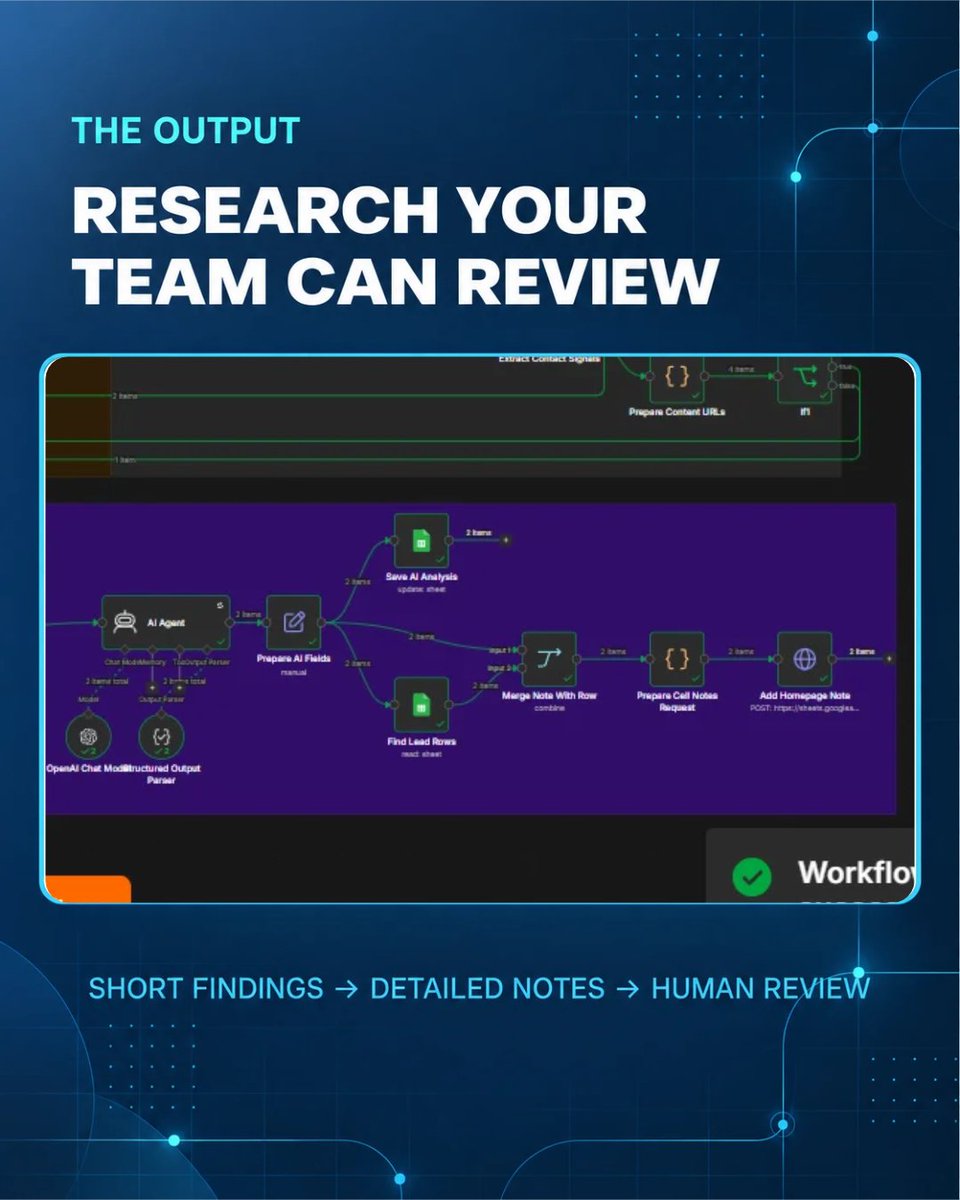
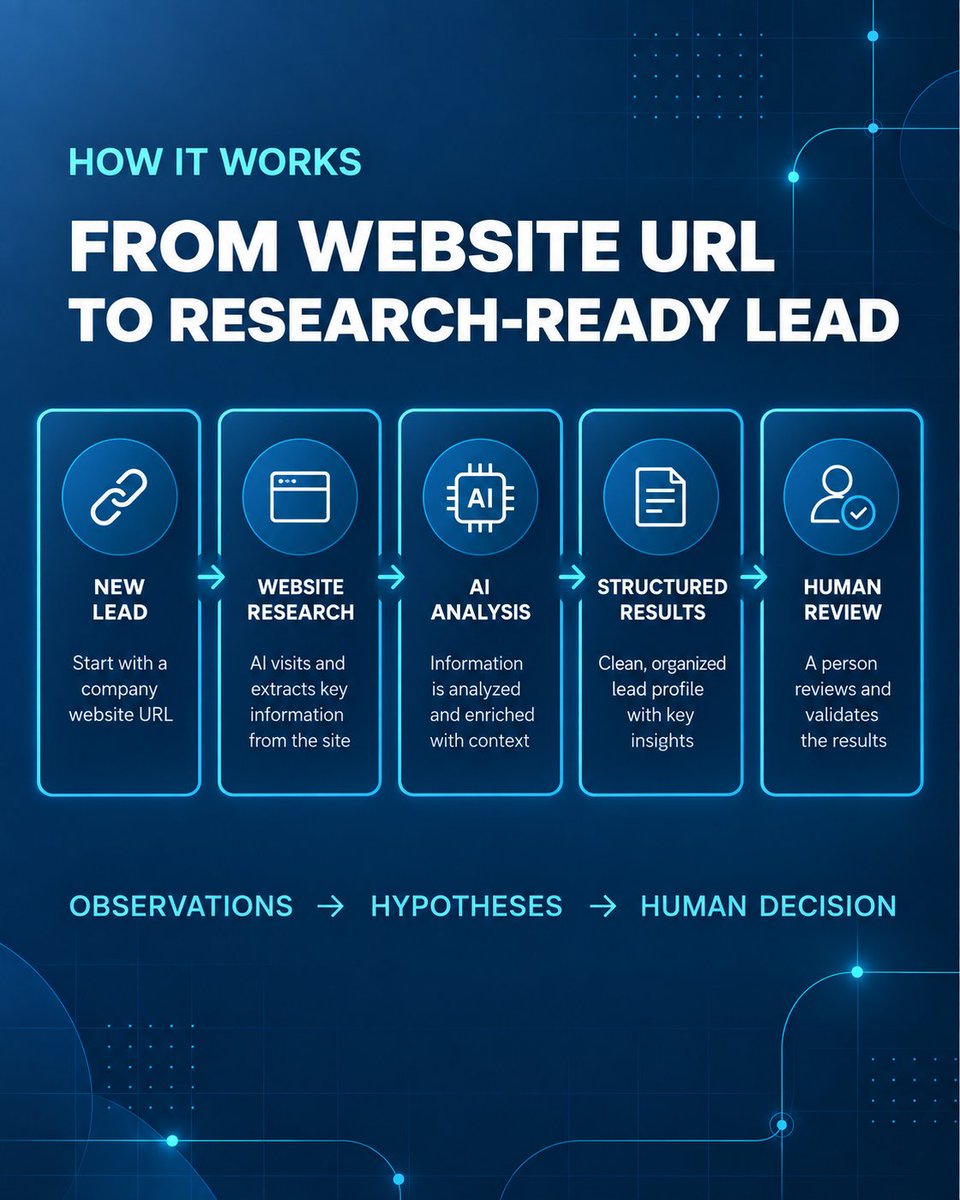
I built an n8n workflow that turns a new Google Sheets lead into website research, a concise summary, and an automation hypothesis.
It keeps unverified claims marked as unknown. A human reviews the result before outreach.
3 cards: logic → real workflow → sheet output.
100 inbound leads/month × 7 min each = ~12 hours of CRM admin.
I automated the flow: form → qualification → CRM → tags → deal.
Less admin. Cleaner data. Faster follow-up.