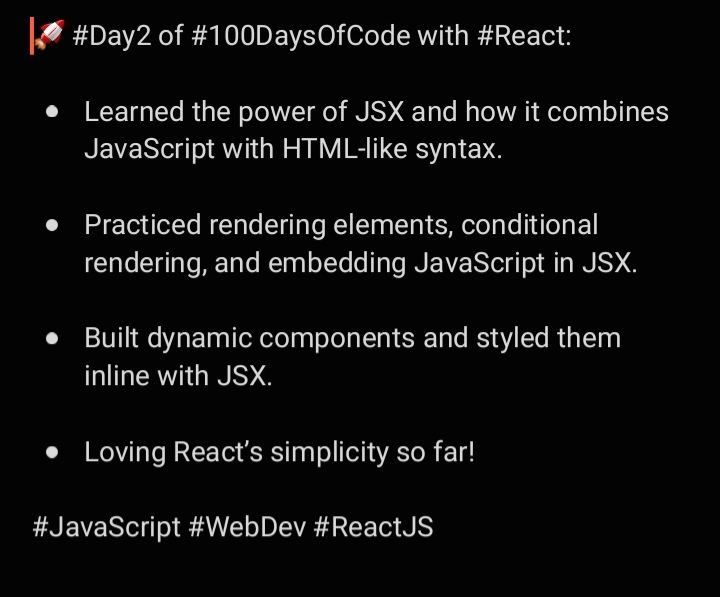
Day 16: Took React Router to the next level! 🌟 Built a multi-page app with dynamic routing using useParams, seamless navigation with Link, and programmatic navigation with useNavigate. Understanding these tools is a game-changer for SPAs! 🚀💻 #ReactJS#WebDev#ReactLearning
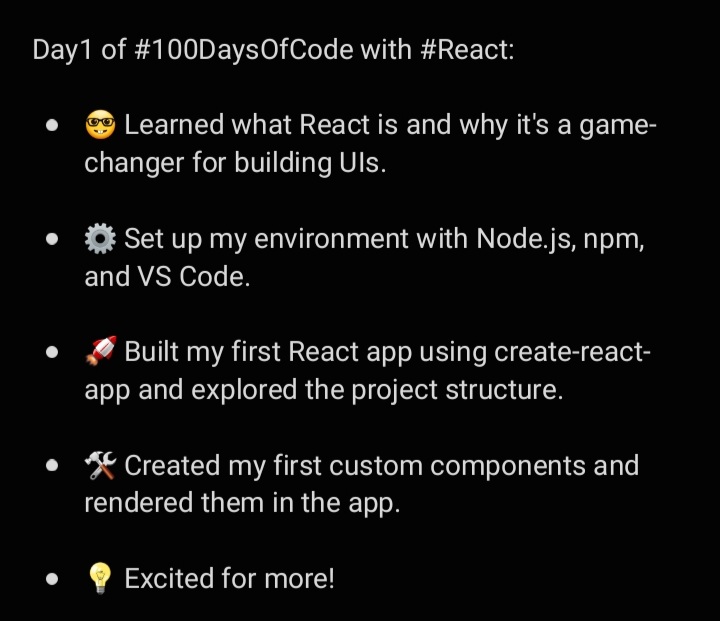
Day 15: Explored React Router and set up basic routes! 🚀 Created a sample app with Home, About, and Contact pages, complete with navigation links. Understanding routing is key to building seamless, single-page applications! 💻 #ReactJS#WebDev#30DaysOfCode#ReactLearningJourney
Day 14: Wrapped up Week 2 with a weather app project! 🌦️ Reviewed useEffect, Context API, and component organization while building an app that fetches weather data and supports light/dark themes. Learning feels solidified when applied to real-world projects! 💻 #ReactJS#WebDev
Day 13: Created my first custom hook in React! 🎉 Built a useFetch hook to handle API data fetching and learned how to reuse logic across components. Custom hooks = cleaner, reusable, and more maintainable code! 💻✨ #ReactJS#WebDev#30DaysOfCode#ReactLearningJourney
Day 12: Learned about React class component lifecycle methods! 🚀 Explored componentDidMount, componentDidUpdate, and componentWillUnmount for handling side effects, updates, and cleanup. Also compared them with React Hooks like useEffect. Class components make more sense now! 💻
Day 11: Explored the Context API in React! 🌐 Learned how to manage global state without prop drilling using createContext, Provider, and useContext. Built a theme switcher app that toggles between light and dark modes. Context makes state sharing seamless! 🎨💡 #ReactJS#WebDev
Day 10: Mastered the useEffect hook in React! Learned how to handle side effects like data fetching, manage dependencies, and clean up subscriptions. Built a simple app that fetches user data from an API. React makes side effects manageable! 🔄💻 #ReactJS#WebDev#100DaysOfCode
Day 9: Explored forms in React! 🎉 Learned how to manage input fields using controlled components with useState, handle multiple inputs dynamically, and validate form data. Forms feel powerful and seamless in React! 📝💻 #ReactJS#WebDev#100DaysOfCode#ReactLearningJourney
Day 8: Mastered rendering lists in React! 🚀 Learned how to use .map() to dynamically display data and why unique keys are essential for efficient updates. Keys = better performance and smooth re-renders. 🔑 #ReactJS#WebDev#100DaysOfCode#ReactLearningJourney
Day 7: Built a dynamic TabMenu component in React! 🚀 Learned how to manage active states with useState, apply conditional styling for selected tabs, and render content based on the active tab. React makes UI interaction seamless! #ReactJS#WebDev#100DaysOfCode#ReactLearning
#Day6 of #100DaysOfCode with #React:
Learned about controlled components and handling multiple input types in forms.
Built a FeedbackForm with text, radio, and checkbox inputs.
Added validation to ensure users select only 3 movies.
#ReactJS
Day5 of #100DaysOfCode with #React:
Explored event handling and created interactive elements.
Practiced onClick, onChange, and onSubmit for buttons and forms.
Built a simple calculator to test handling events and updating state on user input. React is starting to click! 🔥
#Day4 of #100DaysOfCode with #React:
Learned how to manage component state with the useState hook.
Built a dynamic counter and updated complex state objects.
Created an interactive to-do list to practice adding, removing, and toggling items.
#ReactJS#WebDevelopment
🚀#Day3 of #100DaysOfCode with #React:
Explored React components, focusing on functional vs. class components.
Learned how to pass data between components with props and practiced prop validation.
Built reusable ProductCard components with dynamic data.
#JavaScript#ReactJS