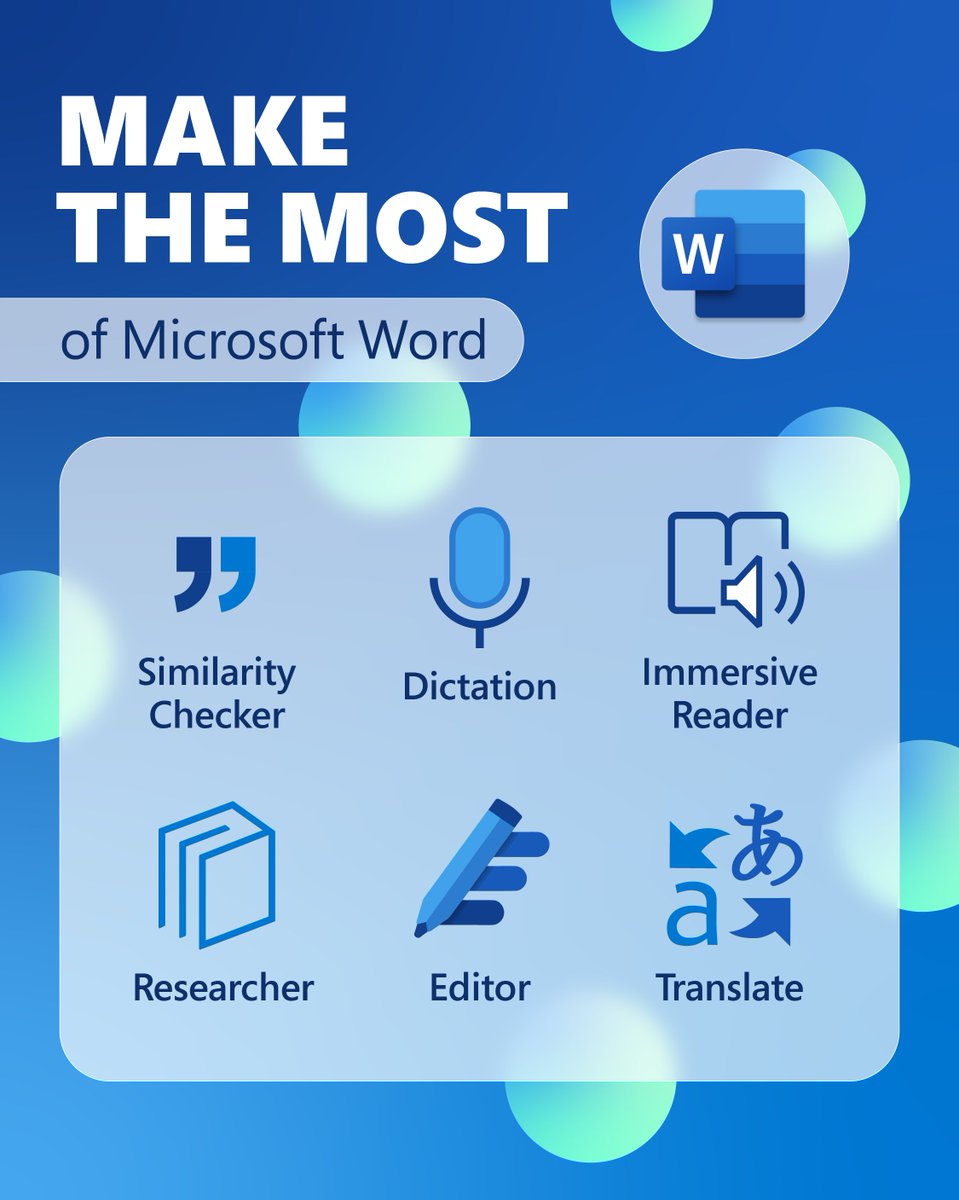
Sign into Microsoft Office to unlock more features
🟢 Access files held in Teams/ OneDrive & SharePoint
🟢 AutoSave on documents
🟢 Invite others to collaborate
#Office365#Microsoft#edutwitter
Magic features in Canva Sheets that every busy teacher needs! 📊
These handy tools assist busy teachers in tracking progress, identifying trends, and saving time, allowing you to concentrate on teaching instead of formulas.
Learn how in our latest guide: https://t.co/KVrORuunpB
✨ Supercharge your lesson prep! In this tutorial, Canvassador & Instructional Technology Coordinator @Mr_Oldfield, shows you how to create classroom-ready content at scale using Bulk Create, Canva Sheets & Magic Studio.
Transform your classroom into a collaborative environment from the start! Use Canva to co-create shared expectations that reflect your students’ values. Encourage collaboration, ownership, and creativity every step of the way.
Here's how: https://t.co/4s8mt7IMpP
💭 Start meaningful conversations with your students using @CanvaEdu's Interactive Polls! 🌟
Check in on their well-being and create a supportive classroom environment, all in just a few clicks. 💕
Learn more 👉 https://t.co/Vz9Hujx9YZ
Canva Tips: Docs 📄✨
Transform the way you plan, mark, and collaborate with Canva Docs! From embedding enhanced charts to providing feedback directly on a Doc, it opens a world of opportunities for educators.
🔗 Open the guide for more: https://t.co/VtamGniGNg
Create an Animation makes it easy to transform abstract or complex topics into engaging, digestible visuals for learners. Here are some ideas to get you started! 💡
#teachersofx
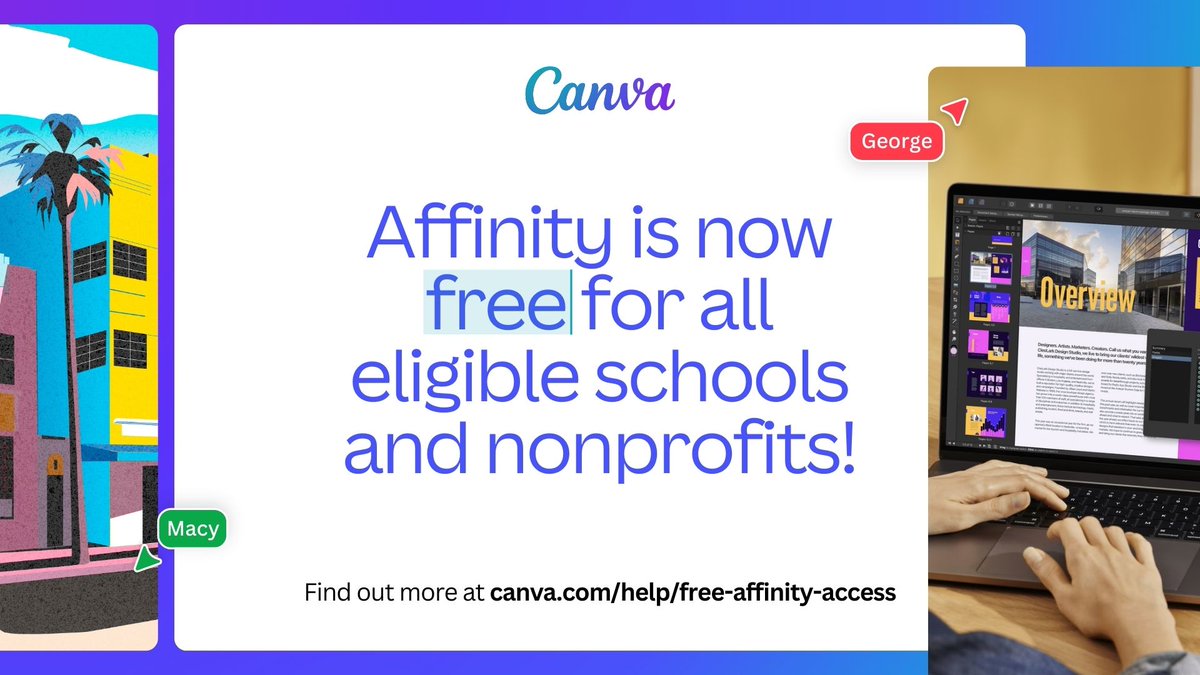
Big news 🎉 @affinitybyserif is now FREE for all eligible schools & nonprofits! Kickstart your design journey and access pro-level software for photo editing, graphic creation, and digital illustration: https://t.co/ocr9ojMfG9
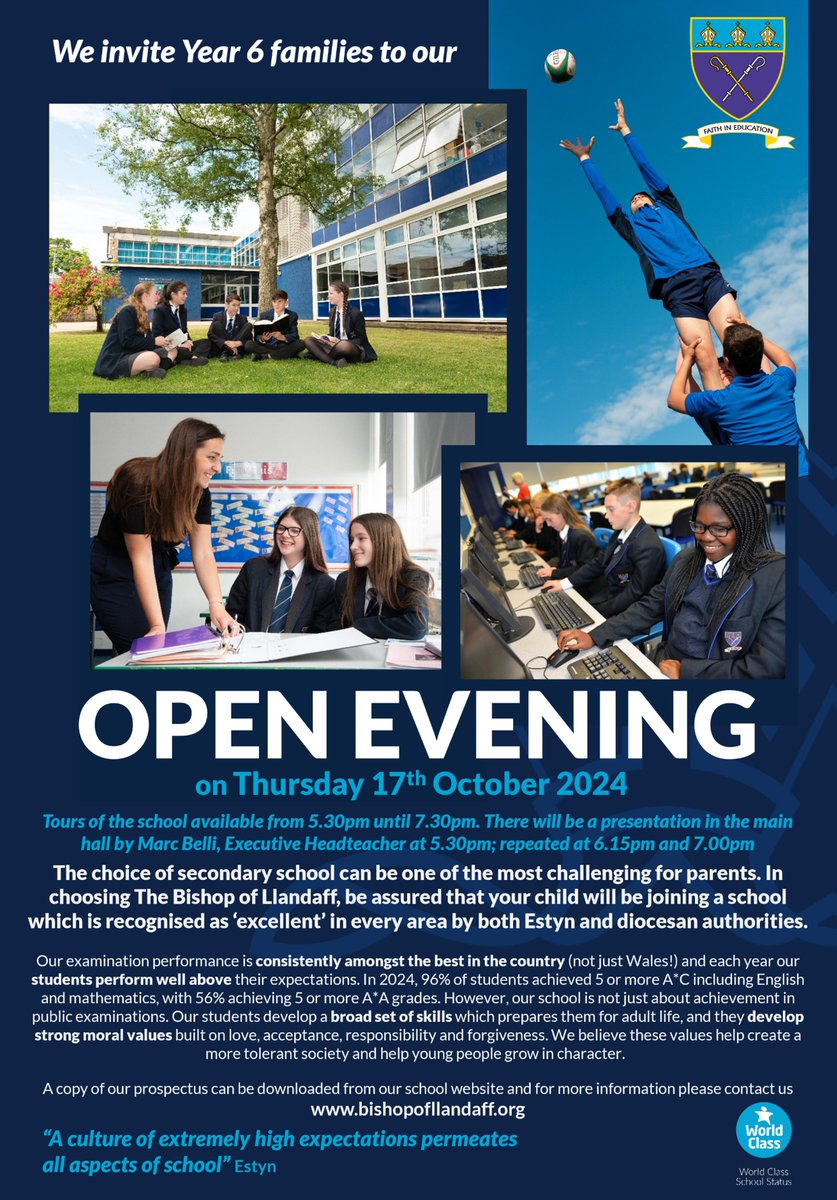
Our Open Evening for Year 6 families will take place on Thursday 17th October 2024. Tours of the school will be available from 5.30pm until 7.30pm. Mr Belli, Executive Headteacher, will present in the main hall at 5.30pm; 6.15pm; and 7.00pm. We look forward to welcoming you
Canva's Presentation tools make it easy to impress any audience (even the toughest class 😉) with a few simple magic tricks! 🪄
Explore our latest Canva Teacher Tips below, and let us know your favorite.
https://t.co/VrG3WfByhb
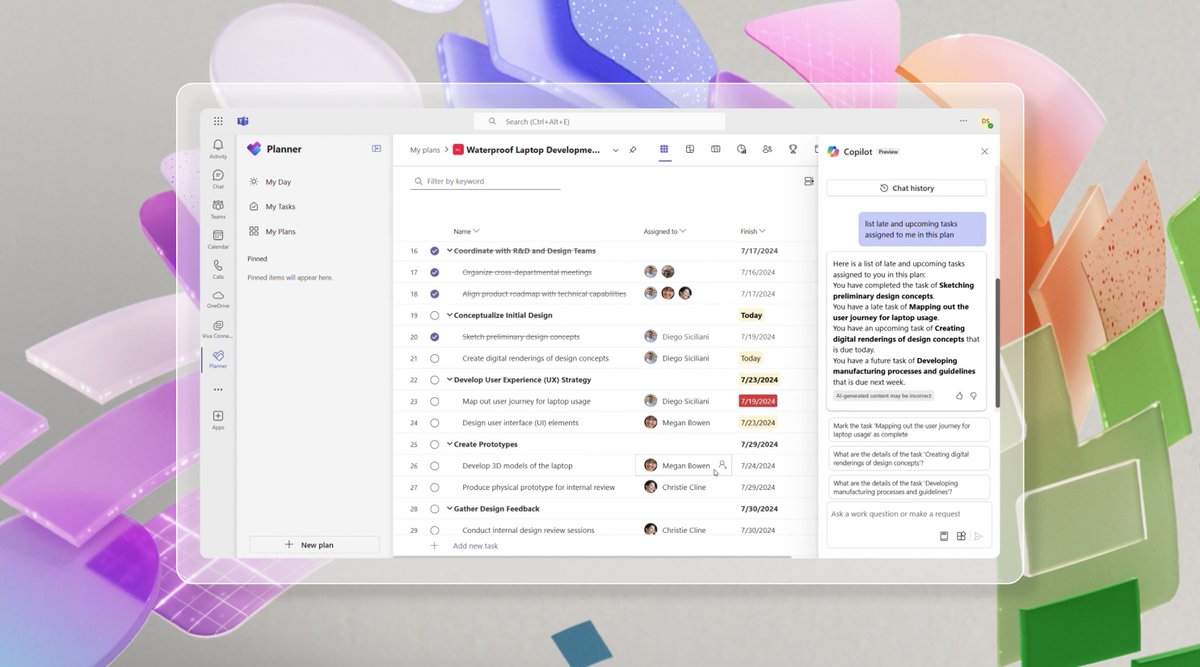
Try Copilot in Planner (preview) in the new Planner in Microsoft Teams today! With the power of generative AI, Copilot streamlines the planning, management, and execution of your work. Learn more: https://t.co/piNd9R0fNJ
Never bored on Whiteboards!
Explore engaging ways to foster classroom collaboration using Canva Whiteboards in our Teacher Toolkit 👉 https://t.co/6t873ezVD4
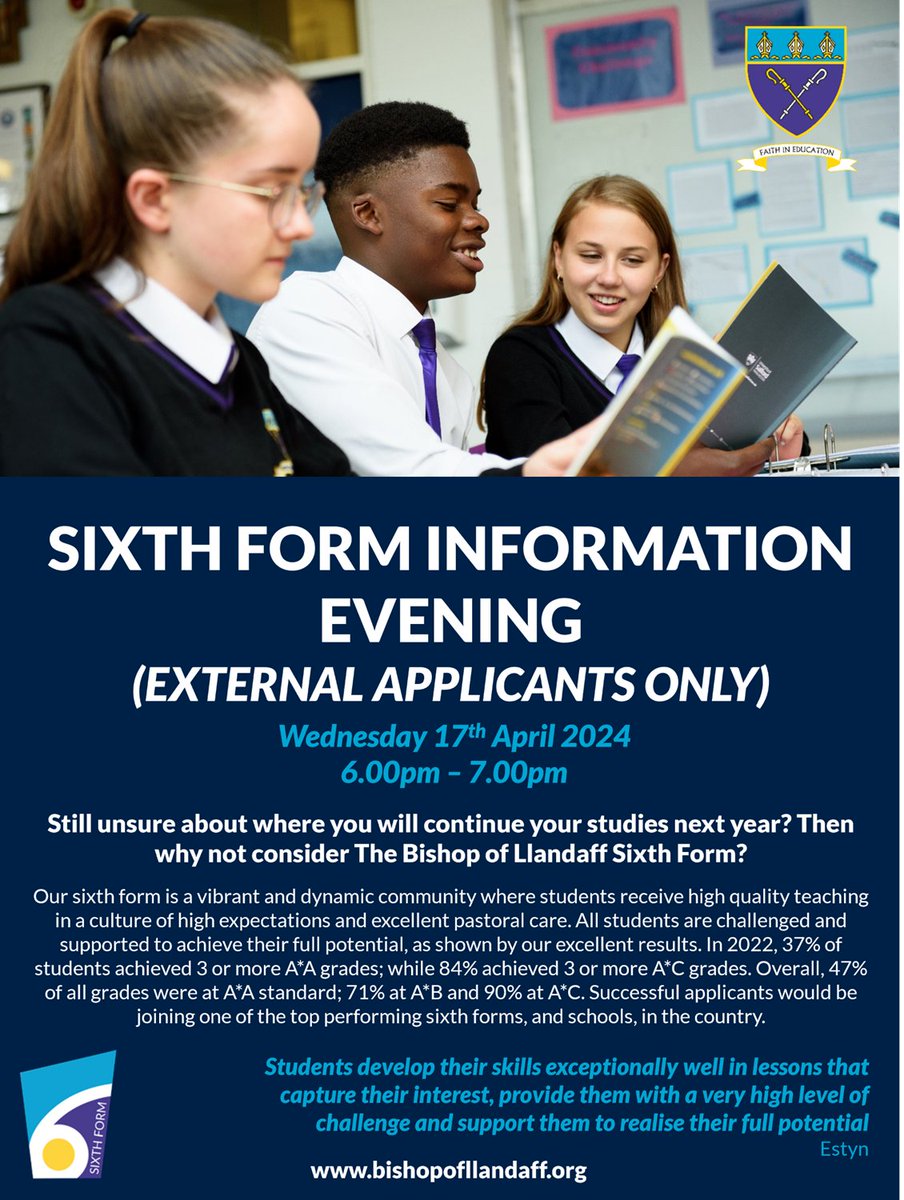
Are you in Year 11, and still unsure of where to continue your studies from September?
See the attached information about our upcoming event for external applicants, and please do contact us if you have any queries.
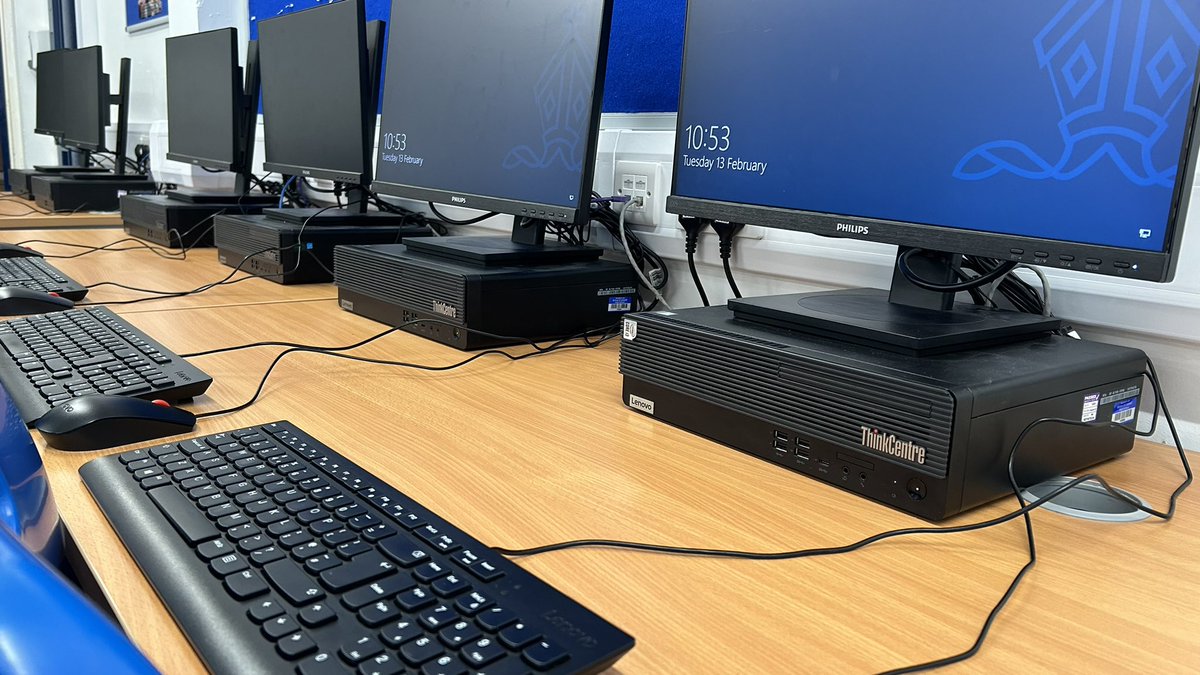
Behind the scenes!
We use the time in school holidays to complete essential maintenance of our equipment.
This week:
✅ Server updates
✅ PC updates & cable management
✅ Resolve network cabling issues
Introducing Canva!
A powerful tool that can be used for:
🔵 Creating Infographics
🔵 Creating Websites
🔵 Creating Flashcards
And so much more!
Just simply log in using your school details.
https://t.co/WeHAUd58V8
#Office365#edutwitter@CanvaEdu