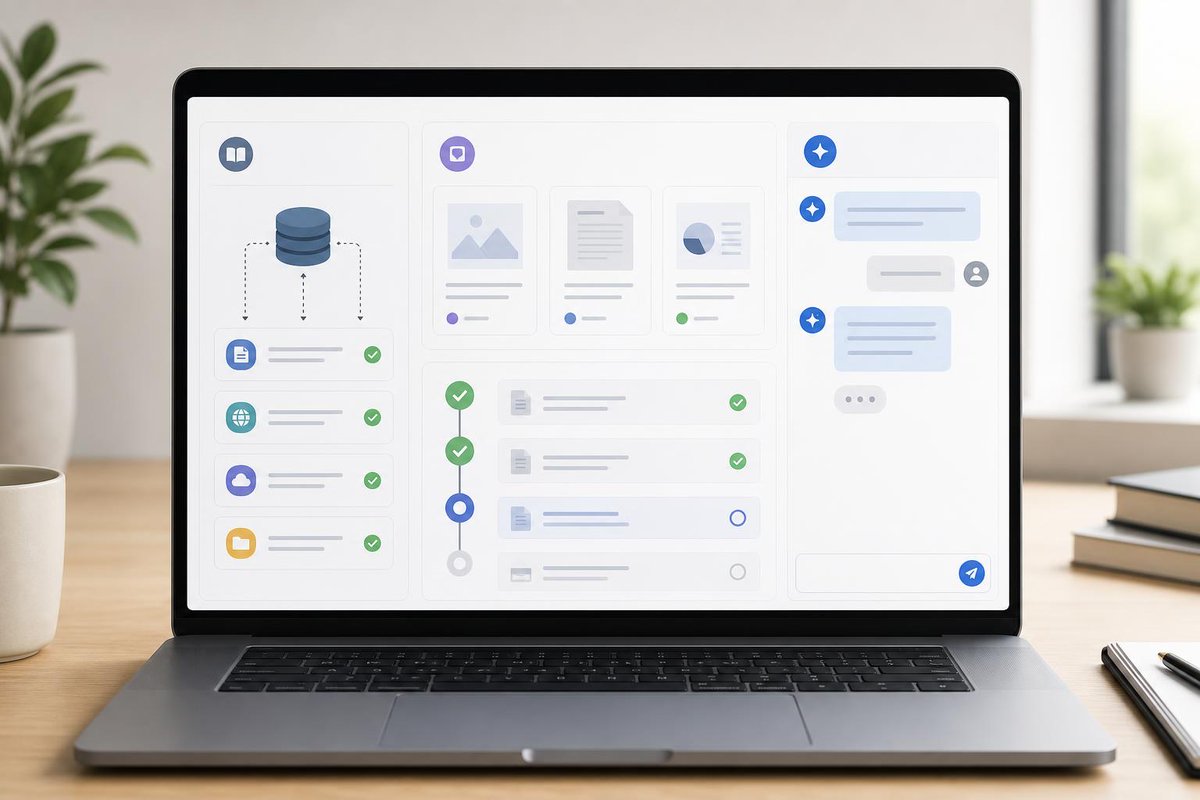
Not every page on a website should become support content. With reviewed imports, you can add multiple public sites, exclude irrelevant sections, and check every page before Solviro uses it.
What questions should a support assistant answer well? Shipping, onboarding, instructions, pricing, and product guidance are good examples. Solviro answers from content you approve, and falls back to your chosen response if it can’t find the answer.
A chat box does not fix bad content. It exposes it. If your support assistant is trained on approved pages, clear FAQs and a solid knowledge base, it can answer more reliably—and show you where content needs work.
A support assistant should be tested before real customers meet it. Solviro connects to content you approve, checks the answers, and helps you launch with confidence.
The best support assistants start with better content, not more prompts. 3 content types to check first: feature pages, FAQs, and tutorials/help centre articles. If your assistant can’t find it, it shouldn’t guess.
Reliable AI support is sourced, tested, and limited. Solviro answers from content you approve, checks the answers before launch, and uses a fallback when the information isn’t there.
Your FAQ page can do more than sit in a footer. Turn approved FAQ content into a support assistant that answers from the pages you choose, checks the content before launch, and uses a fallback when it cannot find the answer.
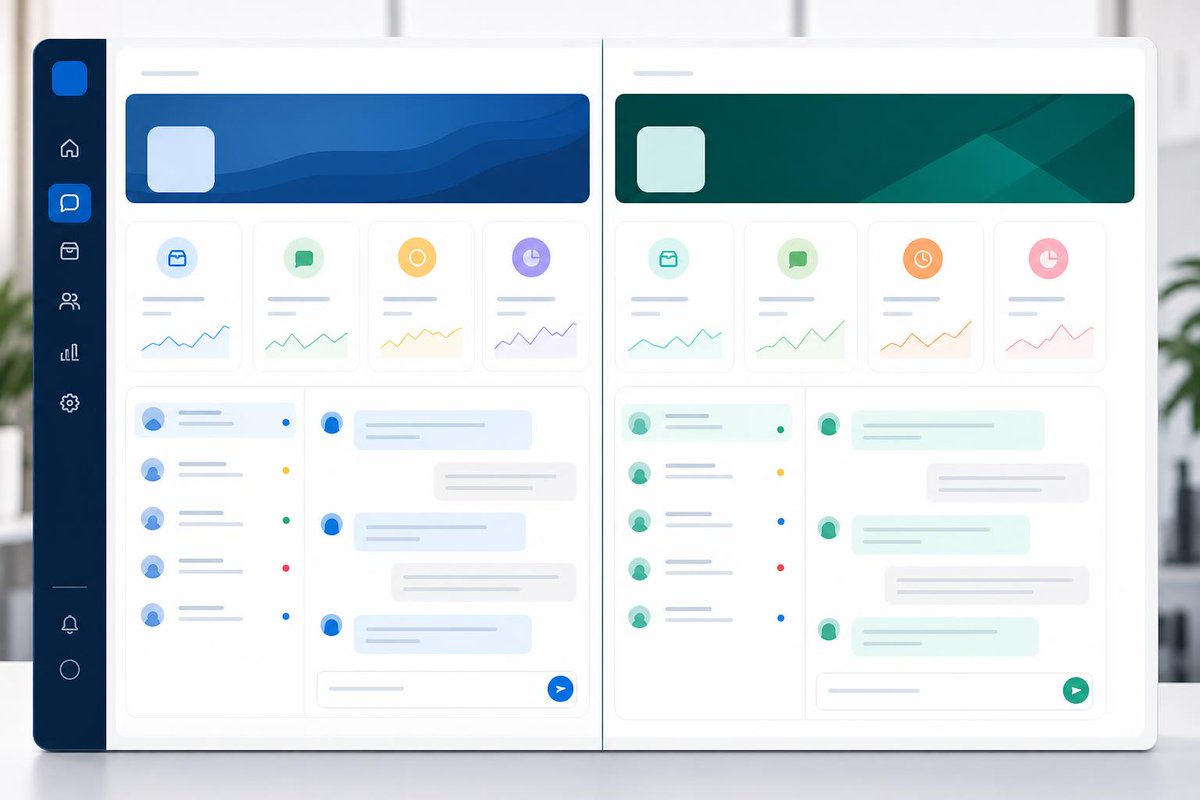
Each company’s support content should stay in its own lane. Solviro keeps data and conversations stored separately by company, so answers stay tied to the right source content and the right team.
Support tools get messy fast without roles and access control. Solviro lets you invite colleagues, assign roles, and manage access so teams can work from approved content without stepping on each other.
Every support question is also a clue about what your site is missing. Reviewing conversation history can surface common questions, unclear pages, and gaps in your help content before they become repeat tickets.
Missing info should trigger a handoff, not a confident wrong answer. Solviro searches only the content you approve, then uses your chosen fallback or contact route when it can’t find enough. Safer answers. Cleaner support.
Your website can still answer questions after your team signs off. Solviro uses content you approve, and if it can’t find the answer, it falls back to a choice you control.
Adding support chat should not mean redesigning your website. Solviro can be added in a few lines of code, keeps to your approved content, and stays separate from your site design.
If you cannot approve the source, it should not answer from it. Solviro searches only the content you approve, keeps knowledge separate by company, and uses a fallback you control when it cannot find the answer.
Some teams do not need another tool. They need someone to set it up well. Solviro works from the content you approve, tests the answers, and helps launch your support assistant on your website.
Your FAQ, help centre, and tutorials may already be your support stack. Solviro uses approved website content, can connect several public sites, and lets you review imported pages before answers go live.
The best AI answer is sometimes: “I don’t have that information here.” Solviro checks only the content you approve, and if it can’t find an answer, it uses your controlled fallback instead of guessing.
If a visitor has to hunt through your site, support is already failing. Solviro answers from the content you approve, so customers can get to the right information without searching five pages.
AI support is only useful if it knows where to stop. Solviro answers from content you approve, and uses a fallback you control when it can’t find the answer. That helps keep support grounded in your own website content.
Solviro is live across SwimClub Manager, PlanMan and RiskMate before a wider customer push—showing why AI support should prove itself in real product use. #AI#B2B https://t.co/jYN0D3qVPy