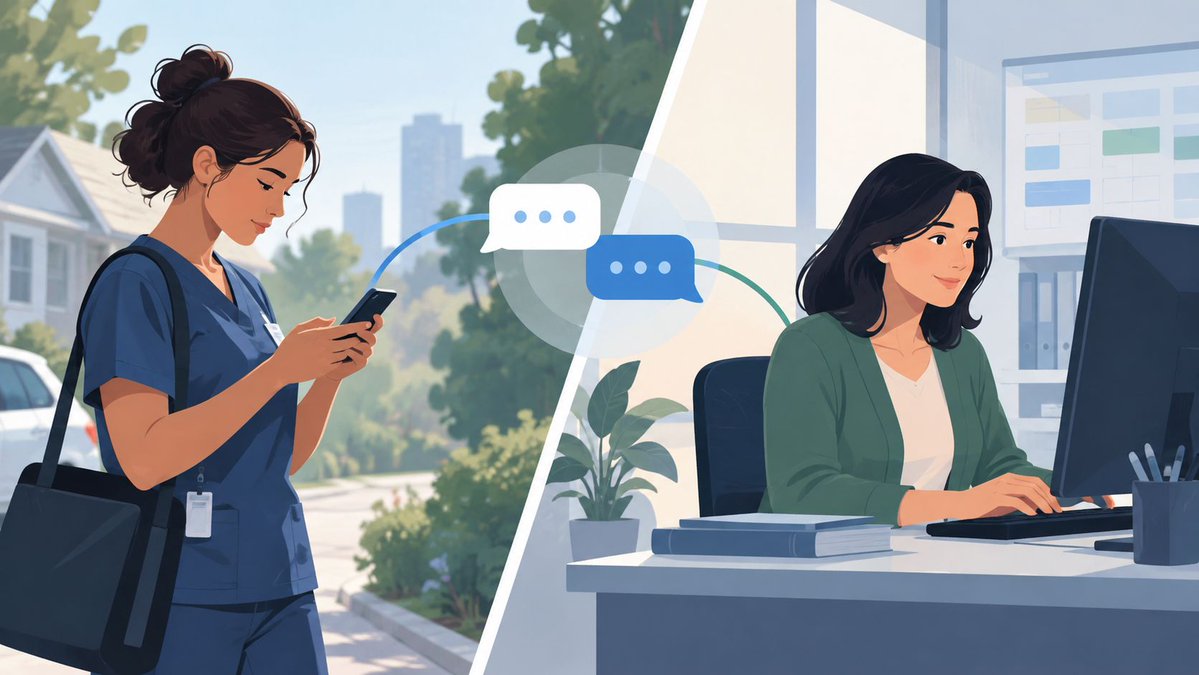
Sometimes the best messaging experience is simple: open the app, answer the person, close it. Fewer promos and extra tabs mean fewer reasons to drift—and conversations stay closer to the people in them. #Messaging
Field clinicians may message from their phones, but coordinators often reply while checking schedules on a computer. Desktop messaging keeps both sides in their natural workflow—reducing device switching and making responses easier to manage. #FieldTeams#TeamCommunication
When a phone sits on the kitchen table, notifications can say more than intended. Hide message previews on shared devices and sign out after chatting—simple habits that keep personal conversations personal. #Messaging
A message marked “seen” isn’t the same as a confirmed decision. For home health teams, read receipts show when to follow up—but assignments and schedule changes still need an explicit reply. #FieldTeams#TeamCommunication
Personal phones can work for home health messaging—but “just text the team” isn’t a BYOD policy. Use an approved work app, secure device access, hide lock-screen previews, and define what belongs in the clinical record. #FieldTeams#BusinessMessaging
Our co-founder & CEO, Stefan Chekanov, will be attending MSP GLOBAL 2026 near Barcelona on October 21–22.
We're looking forward to connecting with MSPs and exploring potential partnerships.
Attending? Let's connect!
#MSPGLOBAL26#Brosix
A scheduler’s shift ends—but the request in their personal texts doesn’t move with it. A shared scheduling group gives the covering coordinator the same context and makes the handoff explicit: “I’m handling it.” #FieldTeams#TeamCommunication
A read receipt doesn’t mean a task was accepted—or completed. For home health teams, define when clinicians must reply and when urgent issues require a call. Clear rules matter more than the messaging tool. #TeamCommunication#FieldTeams
No IT team? Don’t roll out a messaging app to everyone at once. Pilot it with a scheduler, field clinician, and office admin using fictitious details. Fix missed notifications and unclear handoffs before expanding. #FieldTeams#SmallBusiness
A message marked “seen” isn’t necessarily understood—or accepted. For time-sensitive schedule changes, ask for a clear “Confirmed” and set a response deadline. If it doesn’t arrive, follow your escalation process. #FieldTeams#TeamCommunication
Setting up messaging for a grandparent? The goal isn’t to explain every button. Start one real conversation, make the app easy to find, then send a message later so they can reply on their own. That’s when setup is truly done. #Messaging