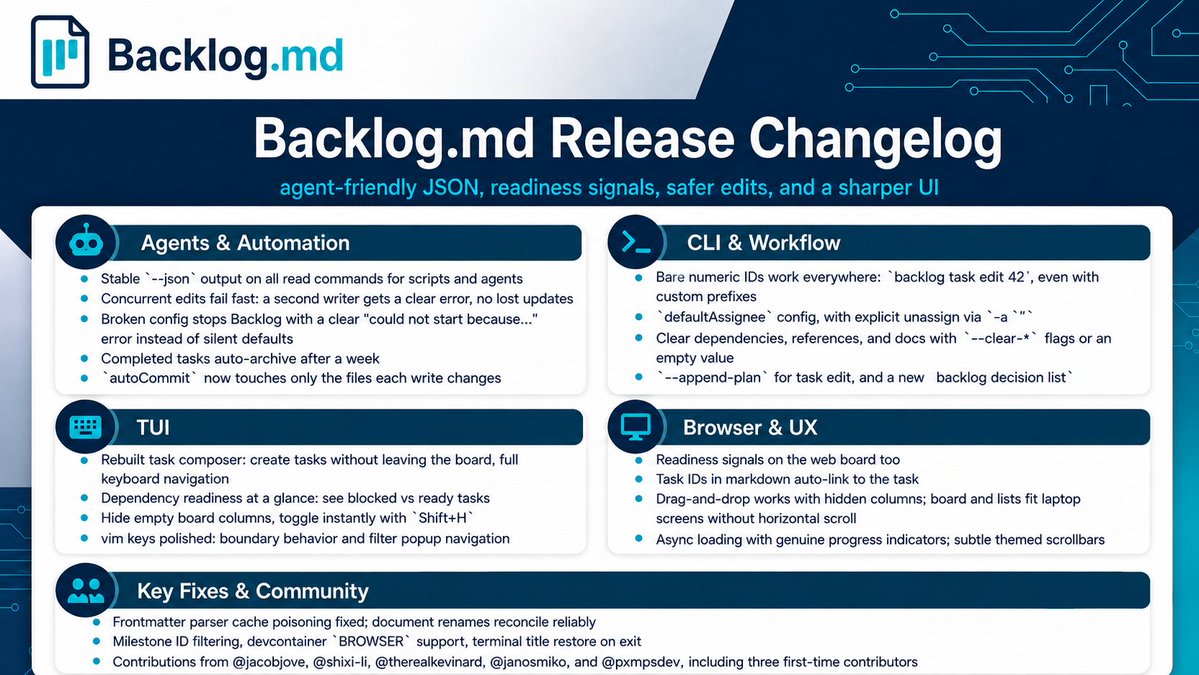
Backlog.md v1.50.0 is out, and it's the biggest release yet: 38 PRs. Create tasks straight from the TUI, see which tasks are blocked vs ready to pick up, stable --json output for your agents, and a stack of fixes and polish.
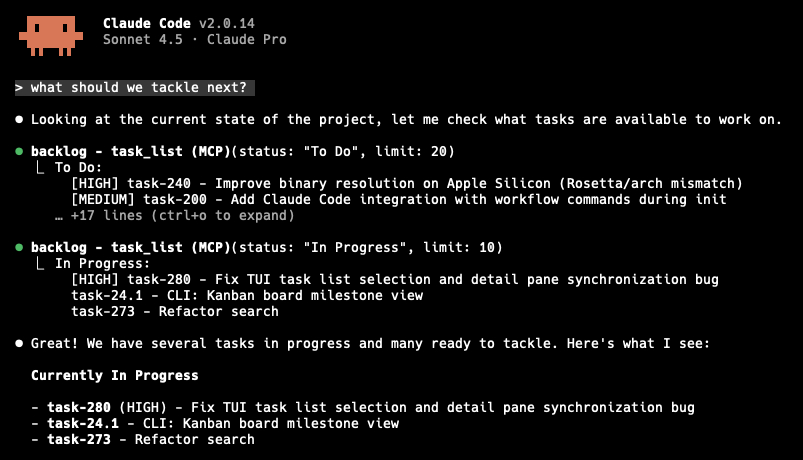
I spent this weekend replacing my homegrown task management system with Backlog.md, and I can already notice the improvement with Claude Code.
Do yourself a favour and check it out: https://t.co/udDmA5BboN
Backlog.md v1.47.0 focuses on CLI improvements.
It restores parity with MCP tools and enhances helpers so that agents can now use the CLI without needing an MCP integration.
Backlog v1.45.0 contains multiple new features and QoL improvements across the Web UI, TUI, CLI and MCP.
For the full release notes check: https://t.co/MOgDftdAch
Today marks exactly 9 months since I started Backlog.md, and today it reached 5,000 GitHub stars.
It has been an incredible journey so far. There is something very special about building in public and giving back something useful to others.
Thank you everyone 🙏!
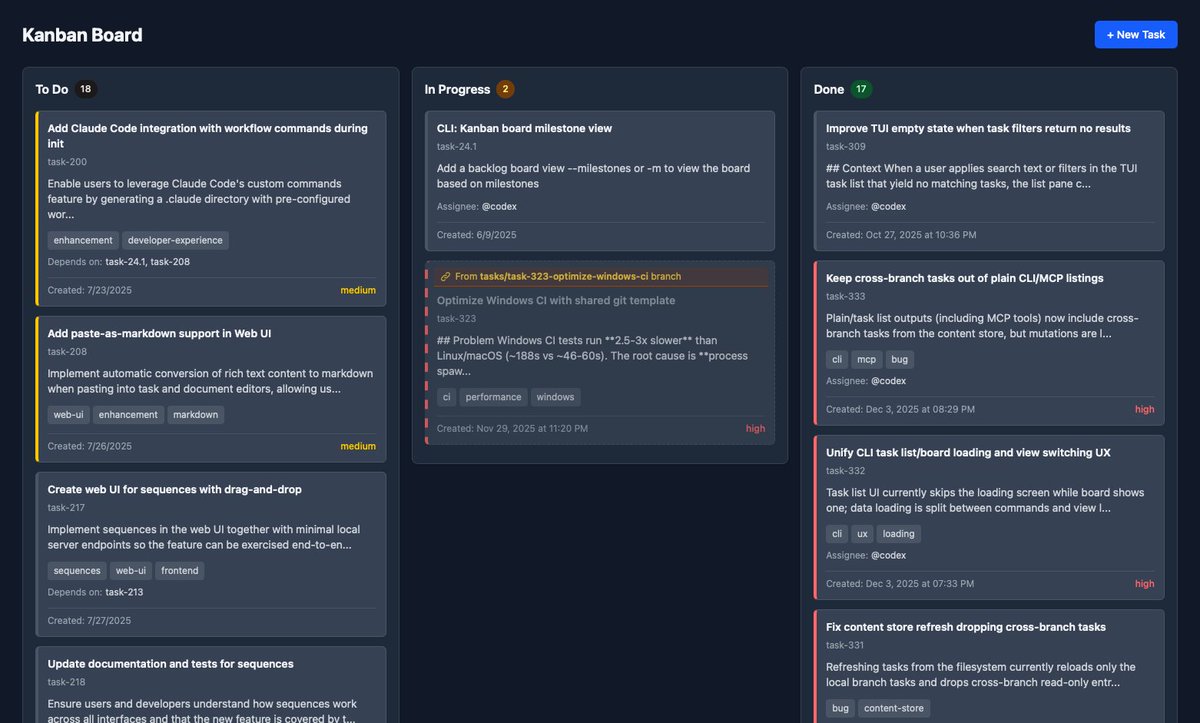
v1.26.0 introduces read-only visualization of tasks across branches, so you no longer need to switch branches to view tasks created by your colleagues.
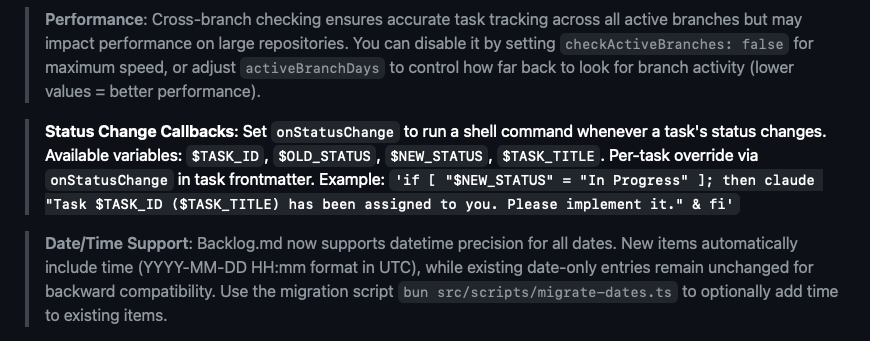
With v1.23.0, you can now configure callback commands that run automatically when a task status changes. This unlocks some cool automations like the one below!
You can configure this callback globally or per task.
With the latest v1.17.4, https://t.co/y7eXjOpEtp's instructions are exposed also as MCP tools so that legacy MCP clients can read them even if they don't support the "resources/read" feature.
https://t.co/y7eXjOp6DR v1.6.0 is live with MCP support!
AI Agents can finally use https://t.co/y7eXjOp6DR in a native way thanks to this new integration.
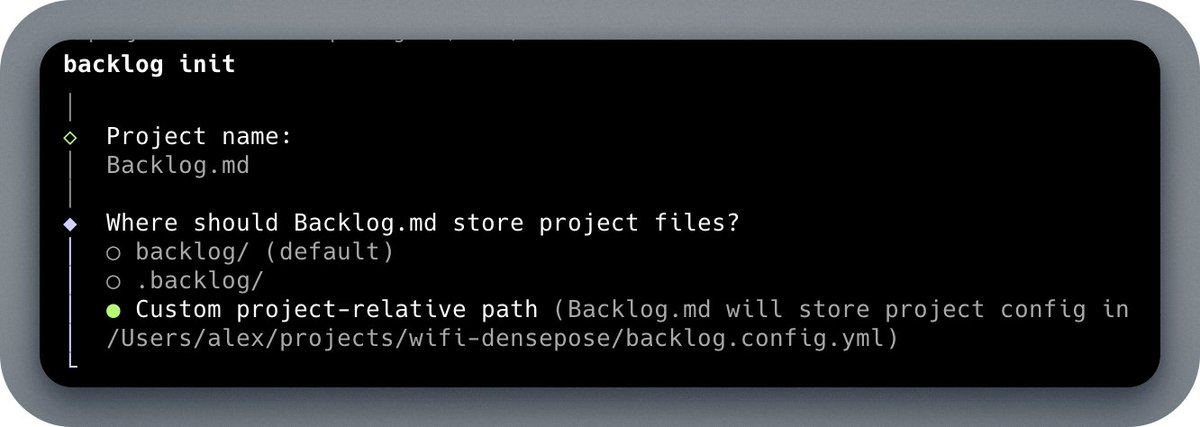
If you are upgrading from a previous version just run `backlog init` and chose your favorite MCP integration.
https://t.co/y7eXjOp6DR v1.6.0 is live with MCP support!
AI Agents can finally use https://t.co/y7eXjOp6DR in a native way thanks to this new integration.
If you are upgrading from a previous version just run `backlog init` and chose your favorite MCP integration.
My first talk at @Devoxx conference about @Backlog_md is live
It’s a quick demo that shows you how to get a productivity boost when working with AI Agents
https://t.co/kr2fzeZlwy