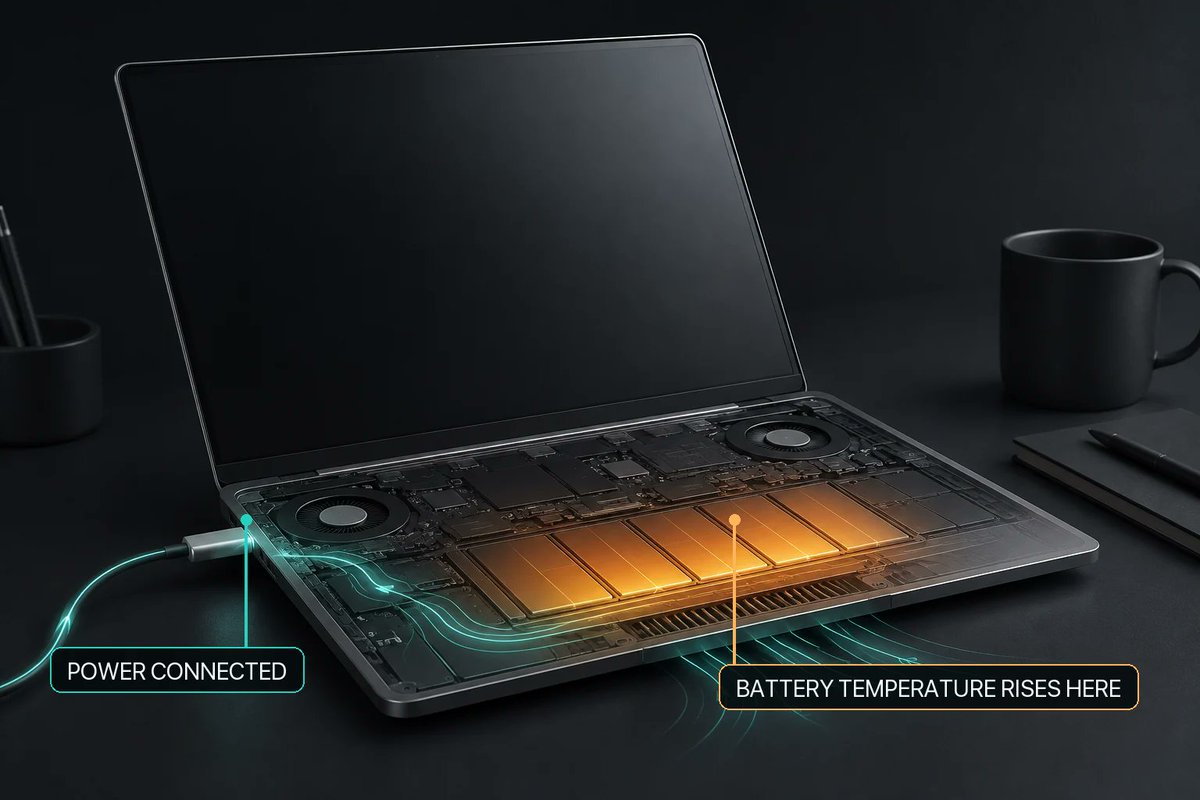
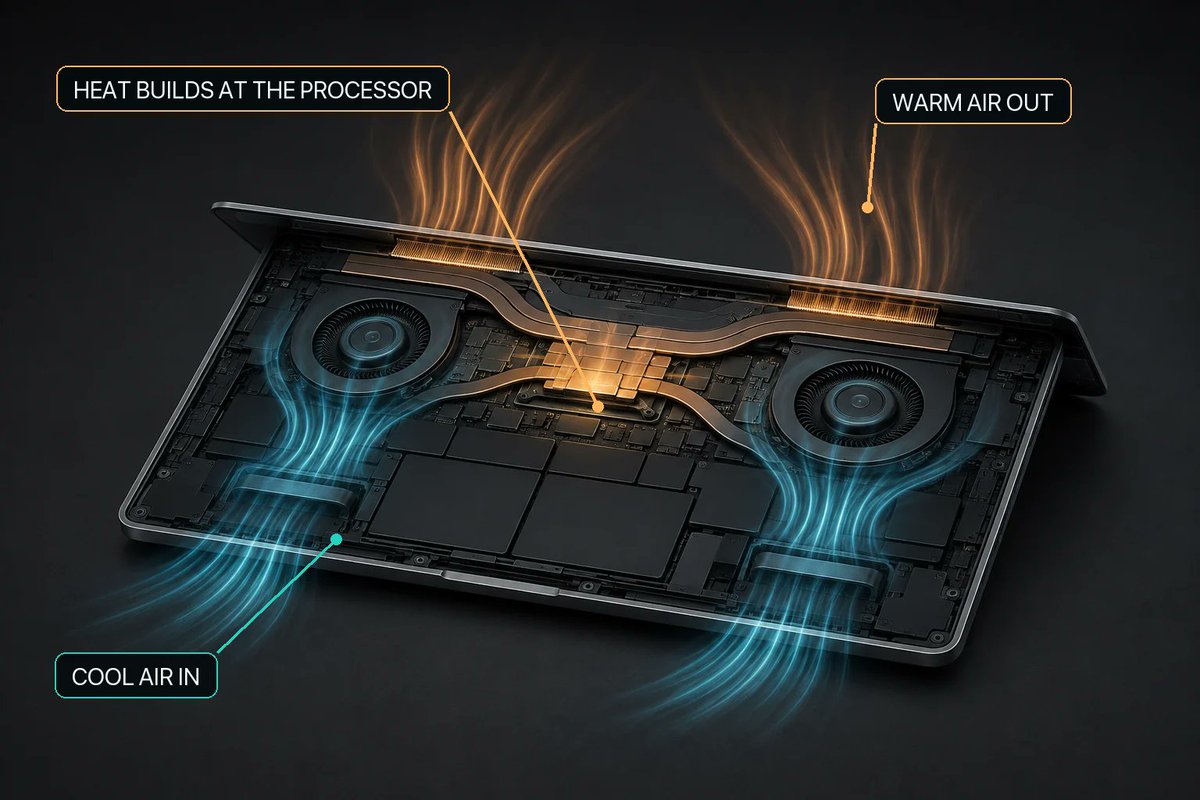
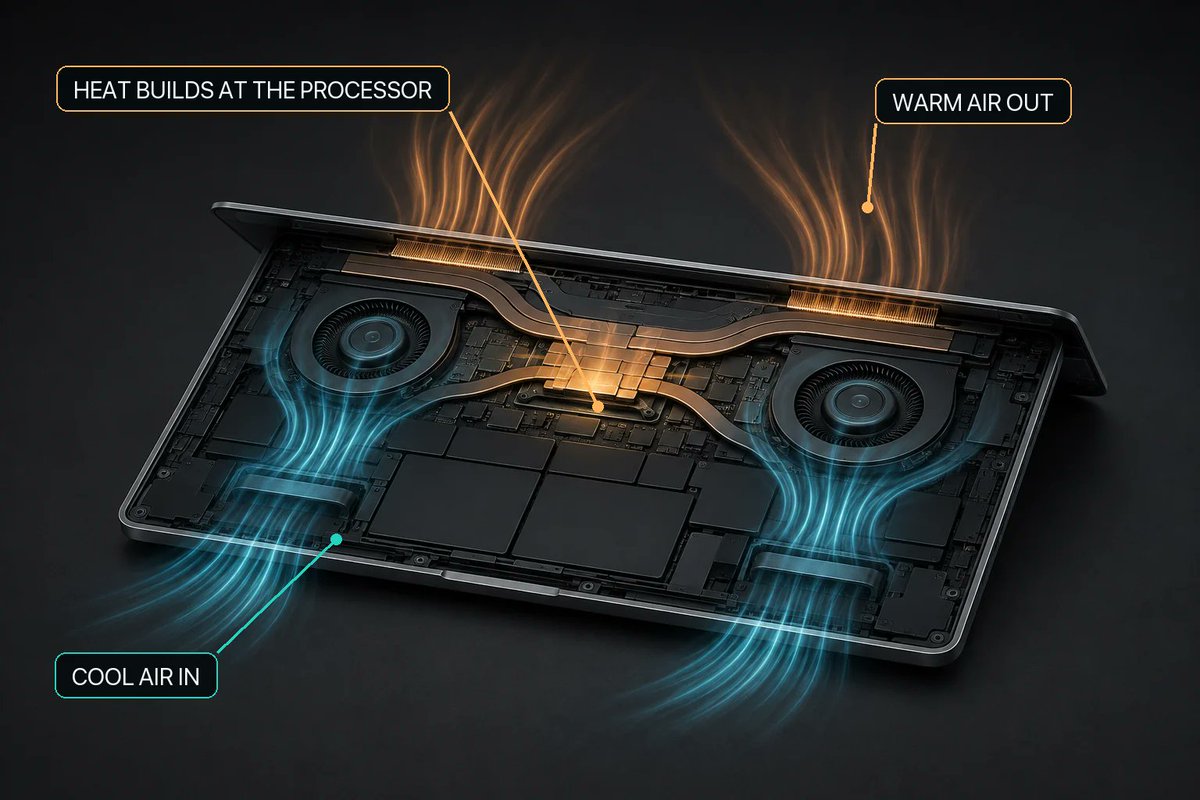
Charging and cooling can encounter the same battery-temperature condition. Why treat it as two unrelated decisions?
MacBaram's Heat Protection can pause charging when it detects a high battery-temperature condition. On supported Macs with controllable fans, it can coordinate an available fan response using that context. As the Mac cools, it returns to the user's selected fan behavior or macOS automatic control according to the active policy.
That is coordination, not a promise of a fixed temperature drop or damage prevention. Fanless Macs remain fanless.
Read the charging state, the thermal context, and the available controls together—without turning an operating response into a battery-health diagnosis.
Read the full guide:
https://t.co/kMBYzGxP17
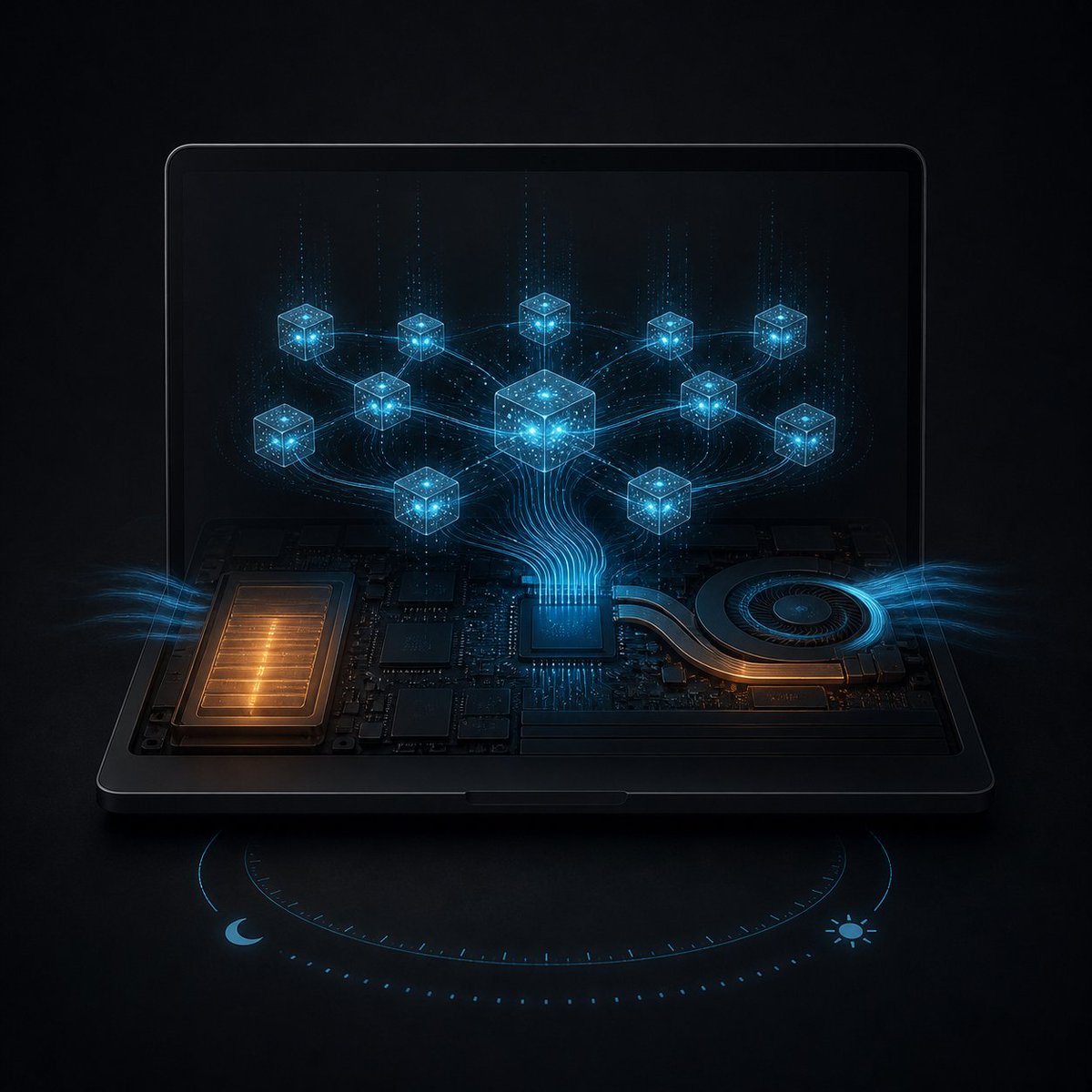
Before leaving Ollama running with the screen off, try a representative request—not just an idle open window.
Make its output or logs observable. Check memory and storage space, use reliable power, and keep airflow clear. In MacBaram, supported system-sleep prevention can be selected separately from display-sleep prevention.
Let the display sleep, then check Ollama's own evidence that the request continued. A dark screen or warm laptop cannot answer that question.
MacBaram does not restart failed inference, optimize the model, or guarantee throughput. Closing the lid is another test, using Virtual Clamshell only where supported. Save the result and release the temporary controls afterward.
Read the full guide:
https://t.co/OOUviu46lT
A low cycle count does not summarize everything a battery has experienced.
Lithium-ion aging can involve both time spent under particular conditions and charging/discharging use. Temperature history, state of charge, chemistry, and usage conditions matter to how research results are interpreted.
That is why a study about aging cannot become a promise that one MacBaram target adds a certain number of years. Supported charging controls make an operating policy explicit; they do not reconstruct a battery's history or measure a lifespan benefit.
Choose a routine around required unplugged runtime, check macOS Battery Health separately, and leave physical warnings to the appropriate service path.
Read the full guide:
https://t.co/a9o2M97zfd
Before keeping a Mac awake for a long job, decide what will end that temporary session.
The intended output might be saved and checked. You might cancel the job. Or a supported low-battery condition might require sleep prevention to step back before the work finishes.
Those are different endings. None means MacBaram has verified the application's result for you.
Choose system and display sleep separately, keep the exit visible, and check the relevant control state after ending the session. MacBaram offers supported return paths toward macOS behavior; issuing a restore command is not the same as observing the return.
A good starting checklist includes an ending.
Read the full guide:
https://t.co/Y2ErzdmV2U
Two battery questions can look like one: “What target did I choose?” and “What happens after the percentage drops near it?”
The charge limit answers the first. Charge Protector addresses the narrower second situation on supported battery-equipped Macs. While active, it can reduce immediate repeated recharging after an observed near-target percentage drop.
That does not explain what caused the drop, promise to eliminate every one-percent change, or establish a battery-health benefit.
Check three things separately: the selected target, the active policy, and the visible charging state. MacBaram's control is a policy you can observe and release—not a diagnosis hidden inside a percentage.
Read the full guide:
https://t.co/4TsewGdmux
The call ended. The windows are quiet. The Mac is still warm.
Before treating that as unexplained heat, check whether the work really ended. Activity Monitor can reveal active processes; syncing, indexing, containers, browser media, or a terminal child process may still be running.
MacBaram can show CPU-temperature and fan-RPM trends on supported hardware, but it does not name the responsible app or browser tab. Use process evidence for attribution and thermal trends for context.
After a known task stops, observe the direction of recovery. Do not hide an unknown cause behind another fan preset or expect an instant universal temperature.
Read the full guide:
https://t.co/TgvFj3p4Ga
Your download kept moving after the display went dark. Can you now close the lid and leave?
That first test checked an open Mac with a sleeping display. Closing a MacBook lid is a separate situation.
Use Apple's normal external-display workflow with a real monitor. For the different case without one, MacBaram offers Virtual Clamshell on supported M-series MacBooks. It maintains a virtual screen session while the physical display stays off; it does not bypass authentication.
Test the actual job with the intended lid and display setup. Verify progress, reopen the lid, and confirm normal behavior. An awake setting is not a guarantee that the application finishes.
Read the full guide:
https://t.co/tFOIF2rraz
A predictable desk schedule and an unpredictable travel week ask different things of charging.
Apple's Optimized Battery Charging learns from routine and may delay charging when a long connection is expected. An explicit limit expresses a target you choose. They are related, not interchangeable.
On supported battery-equipped Macs, MacBaram provides a selected charging target and a path to release manual charging control. A lower target also means less stored energy when you unplug.
Choose by the next period of use, not an internet rule about one perfect percentage. Neither an adaptive policy nor a selected target proves a particular battery-lifespan outcome.
Read the full guide:
https://t.co/CwBSsJbdNo
Silent, Balanced, Performance: useful labels, but not measurements.
Silent does not promise silence. Balanced is not proof of an ideal setting for every workload. Performance does not establish that your export will finish sooner.
On supported fan-equipped Macs, MacBaram offers those fan choices alongside macOS default behavior. Before trying one, name the observation you care about: sound, temperature trend, or the application's progress. Keep the workload and conditions comparable, and change one setting.
The result is what you actually observe—not what the button is called. When the comparison ends, return to macOS default behavior if the optional setting is no longer wanted.
Read the full guide:
https://t.co/tuni7msjwt
A warm battery and a battery-health warning are different kinds of information.
Temperature describes an operating condition. Charge percentage describes stored charge. The health information macOS reports answers a different question again. Do not collapse them into one “good battery / bad battery” verdict.
MacBaram's thermal and charging policies belong to managing supported operating behavior, not diagnosing battery health or proving a longer lifespan. Observe the workload and charging context, and check what macOS actually reports.
If there is a physical warning sign or a service concern, a software setting is not the answer to assume. Keep that separate from routine thermal observation.
Read the full guide:
https://t.co/OKlUwhpZmO
A faster fan is not a faster Mac.
Before changing a fan preset for a long build, look at the workload and the trend together. Is temperature still climbing, settling, or falling? Has fan speed changed at the same time? An RPM reading alone cannot answer those questions.
macOS automatic control remains a valid starting point. On supported fan-equipped Macs, MacBaram provides additional fan choices and a route back to macOS default behavior. Changing the response does not guarantee a shorter build or a lower temperature.
Read the full guide:
https://t.co/gtb4CkoqeJ
Starting a keep-awake session is only half the design. Temporary control also needs an exit: release the intervention when the task ends or when a supported safety boundary is reached, then verify the return toward ordinary macOS behavior.
Full Mac Guide: https://t.co/5AWrQGOyu8
A local AI run is a sustained workload, not just a model launch. Check storage, memory pressure, power, ventilation, sleep behavior, and the job’s own progress before leaving it unattended.
Full Mac Guide: https://t.co/A49w7INmaR
Display sleep and system sleep are not the same. A long task may need the Mac to stay active without keeping the screen lit. Separate the two decisions, then test the exact app and workload you plan to leave running.
Full Mac Guide: https://t.co/Xxet4riqFm
Keeping a Mac awake can preserve the system state needed for a long build, render, download, or local AI run. It cannot guarantee the app will finish. Check power, storage, memory, network, cooling, and progress separately.
Full Mac Guide: https://t.co/r7BhzEzWEu
An 80% MacBook charge limit is a policy, not a battery-health score. Desk use, travel, and mobile runtime can call for different choices. The important part is knowing the tradeoff and keeping a clear route back to ordinary charging.
Full Mac Guide: https://t.co/qaskJ3u2e7
“My MacBook is hot” needs context. Was a build, export, game, or local model running? Does it cool after the workload ends? Check the process, airflow, and trend before treating fan speed as the answer.
Full Mac Guide: https://t.co/p1LPdH2kEJ
A louder Mac fan is not automatically a fault. Before changing fan speed, check the active workload, airflow, and whether temperature and RPM settle after the work ends. One RPM number is not a diagnosis.
Full Mac Guide: https://t.co/grKrYWJu1x
Starting a keep-awake session is only half the design.
When we prepare a Mac for a long render, build, backup, download, or local AI run, the first question is usually: “How do we keep the work running?” That leads to sleep prevention, display controls, fan choices, and charging policies.
But temporary control also needs an ending.
Apple’s own activity model pairs beginActivity with endActivity. macOS also treats system sleep and display sleep as separate decisions. A Mac may need to keep working while its display turns off, but that does not mean a temporary override should remain active forever.
When the user ends the session, the temporary sleep assertion should be released. If external power disappears and the user-selected low-battery boundary is reached first, the Mac should stop insisting on staying awake and allow ordinary macOS power management to take over again.
This cannot promise that every render, build, or AI job will finish. Application errors, storage, memory, network, and power remain separate risks.
The narrower principle is more useful: every intervention needs an exit, and the return to defaults should be visible and verifiable.
That is why MacBaram studies restore behavior alongside fan, battery, display, and sleep control. Starting safely matters. Ending cleanly matters just as much.
https://t.co/Y2ErzdnsSs
Why should charging and cooling ignore each other?
We used to run separate apps for fan control, battery charging, and keeping a Mac awake. Each one could do its own job, but none of them understood the others.
Battery temperature made that gap obvious. A charging app could pause charging. A fan app could increase airflow. But they were still reacting as separate systems.
That became the idea behind Heat Protection in MacBaram: when a high battery-temperature condition is detected, charging can pause and, on supported Macs with controllable fans, fan control can respond to the same condition. When the Mac cools, the selected fan behavior returns.
It is not a promise against battery aging or damage. It is a simpler design belief: controls watching the same Mac should not ignore the same condition.
That is one reason we brought fan, battery, and sleep together.
https://t.co/kMBYzGymQF