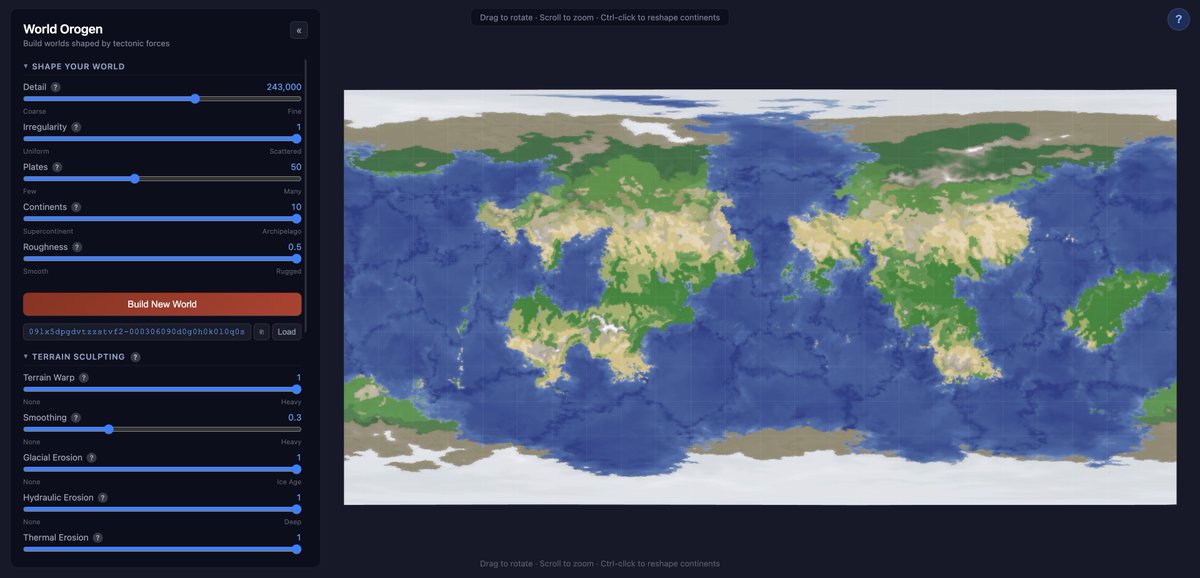
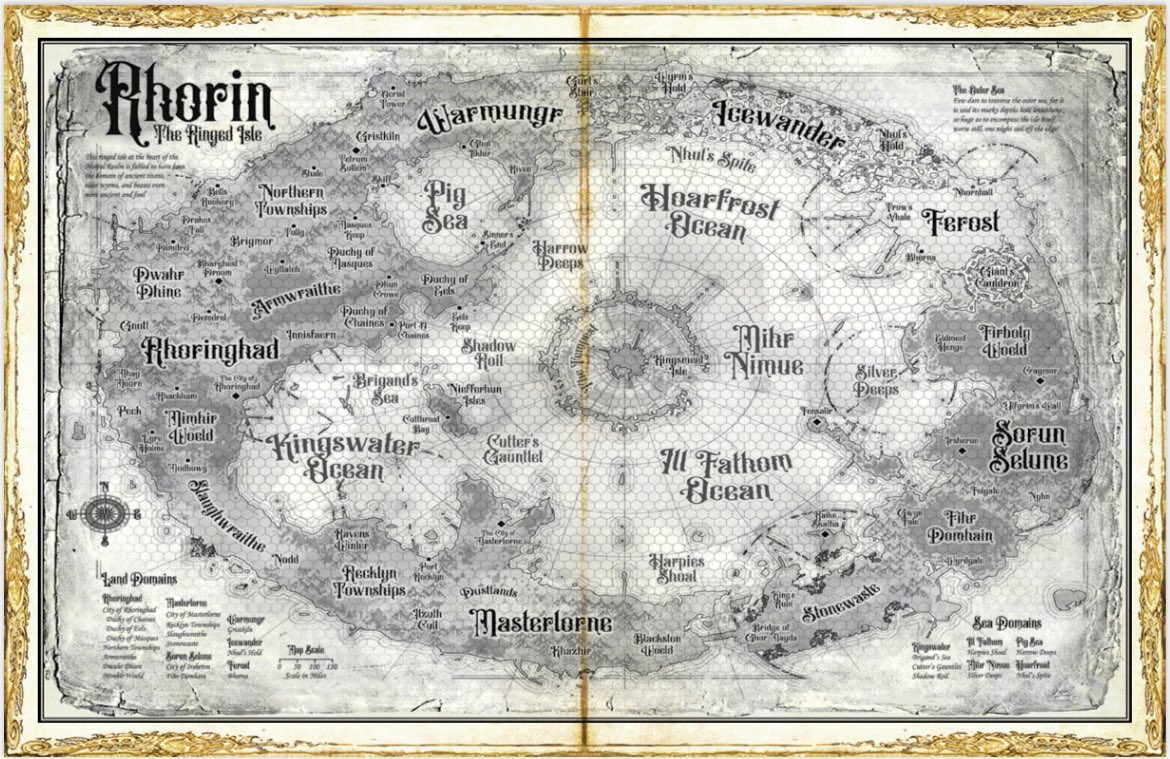
So if ur interested in worldbuilding like i am, i highly reccomend this site called world orogen. it generates continents, plates, and simulates climates and erosion, i really like it.
🔥 LA CRUAZADA ETERNA 🔥
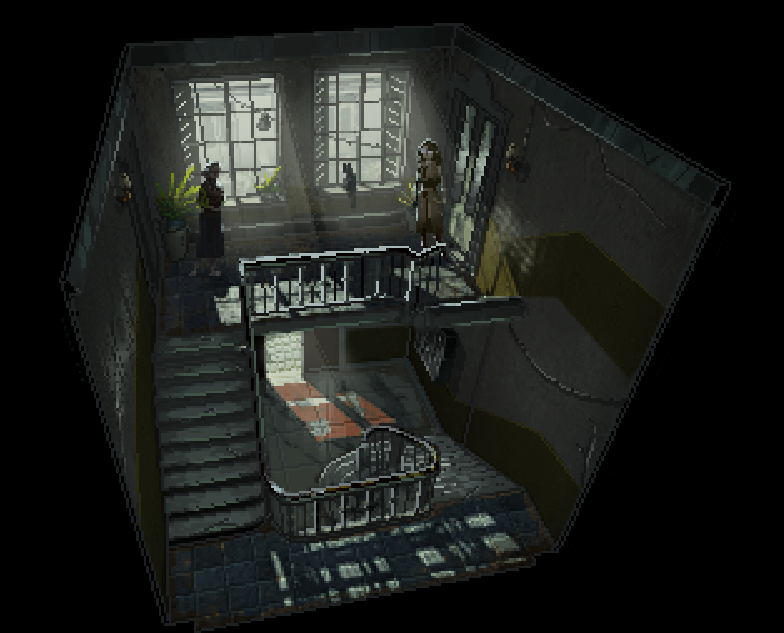
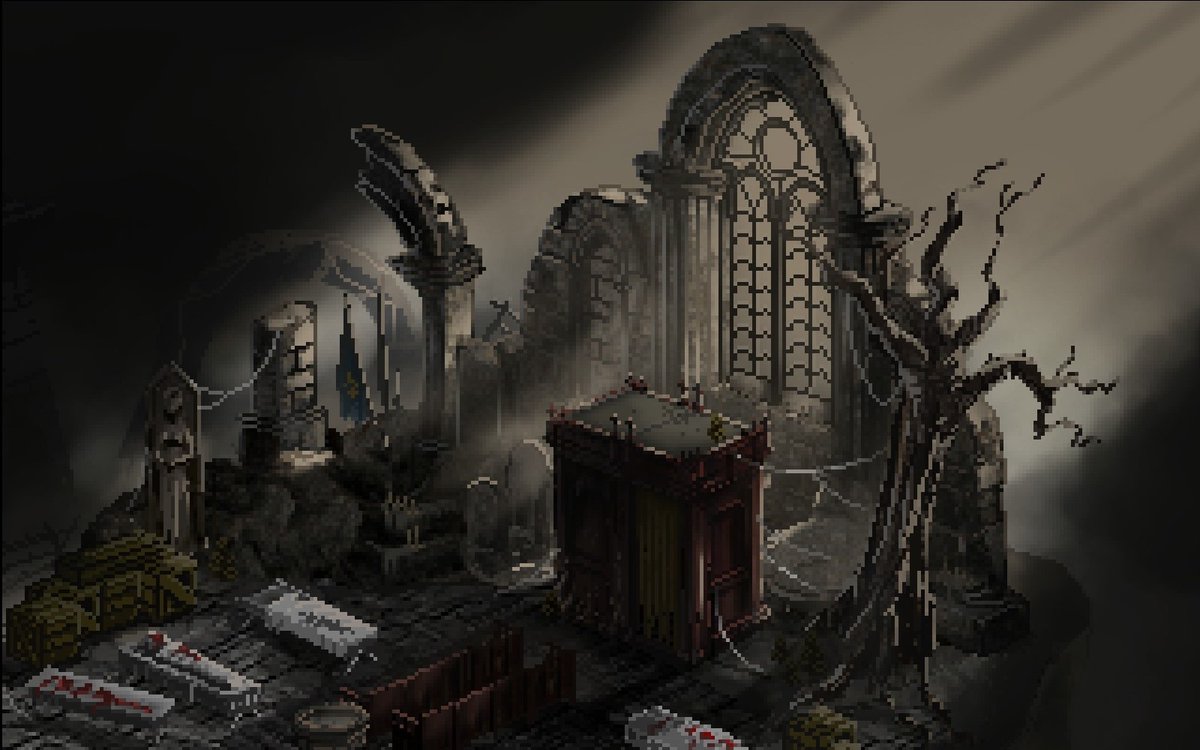
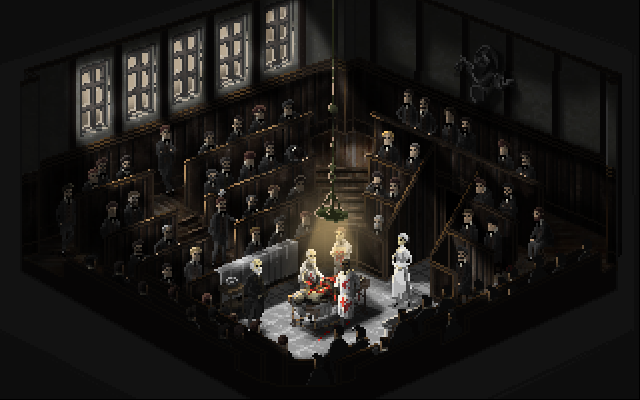
La Cruzada Escarlata es una de las sub facciones con una historia interesante que Blizzard no ha sabido aprovechar.
¿Qué han estado haciendo los últimos diez años? Se los cuento.
Vamos con el hilo 🧵
Arte por: evanreichel
📜 Guide to Ship Anatomy 📜
In this diagram, we break down the key parts of a classic sailing ship, from masts and sails to hull, rudder, and deck structures.
#inkarnate
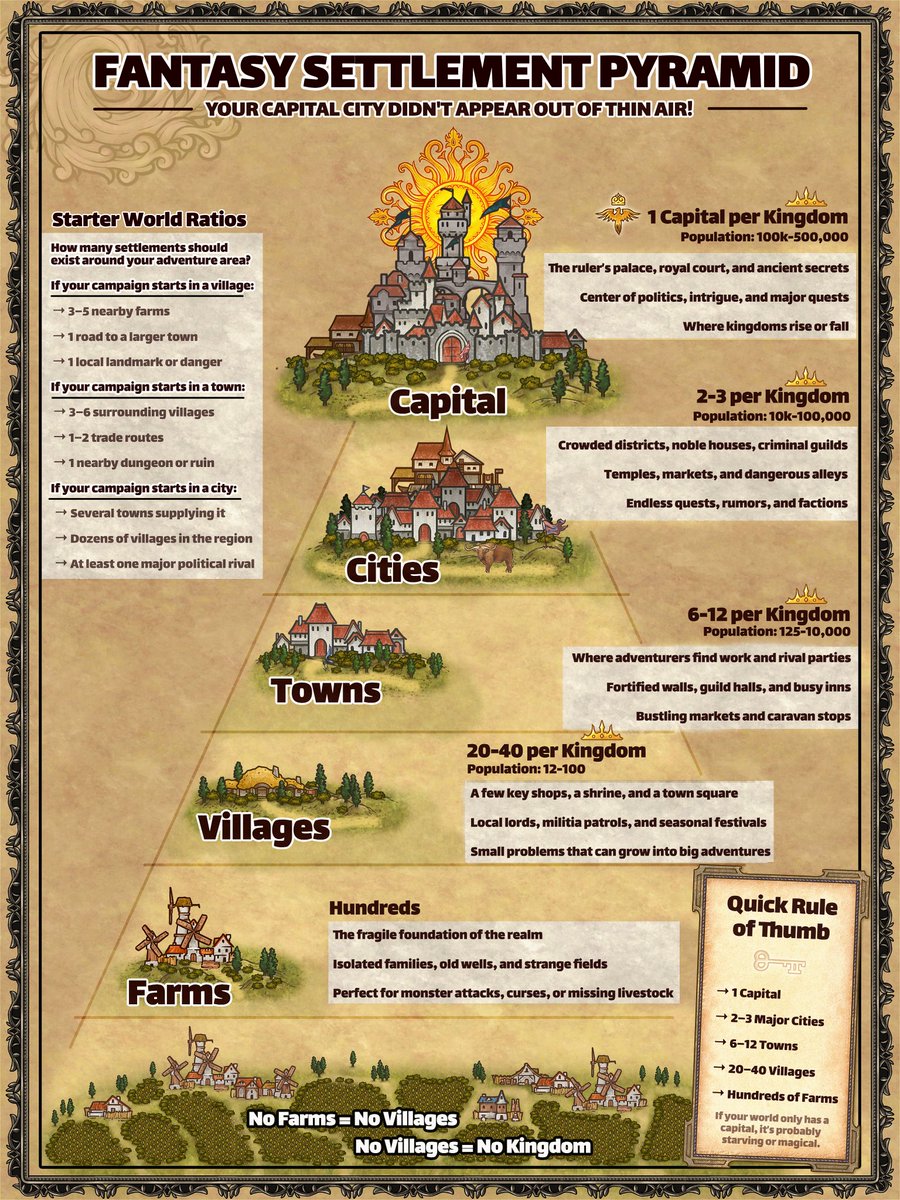
📜 Guide to Settlement Scaling 📜
In this guide, we break down how fantasy kingdoms are structured, from isolated farms all the way up to powerful capitals.
Try this in a map 👇
https://t.co/c8DlZAN4C4
Some advanced VLC tricks most people never use:
1. Play & Download YouTube Videos Inside VLC
VLC media player can stream YouTube videos directly.
How:
1Media → Open Network Stream
2Paste the YouTube link
3Click Play
You can even extract the direct media link and download it.
2. Increase Volume to 200%
VLC lets you boost audio up to 200% ; very useful for quiet recordings or forensic audio reviews.
3. Fix Broken or Corrupted Videos
VLC can attempt to repair damaged AVI files automatically when you open them.
Go to: Tools → Preferences → Input/Codecs → Set “Damaged or incomplete AVI file” to Always Fix
4. Record Your Screen (Without Extra Software)
1Media → Open Capture Device
2Select Desktop
3Choose frame rate
4Click Play → Record
Perfect for quick demos or capturing evidence during analysis.
5. Convert Audio/Video Formats
Media → Convert/Save You can convert:
•MP4 → MP3
•MKV → MP4
•WAV → FLAC
Great for preparing files for different devices.
6. Stream From CCTV / IP Cameras
You can open RTSP streams like:
rtsp://username:password@IP:port/stream
Very useful in network monitoring and digital forensics work.
7. Frame-by-Frame Analysis
Press E on your keyboard to move video one frame at a time.
Perfect for:
•Investigations
•Timestamp verification
•Motion analysis
8. Add Watermarks & Logos
Tools → Effects & Filters → Video Effects → Overlay You can add a logo or watermark during playback or recording.
9. Adjust Video Effects Like a Pro
You can tweak:
•Brightness
•Contrast
•Gamma
•Saturation
•Crop
•Rotate
Good for enhancing low-light footage.
10. Play ASCII Mode (Yes, Really 😂)
VLC can convert your video into ASCII art in real time. (It’s under Video Effects → Advanced → Color ASCII Art)
Since I started DMing games many years ago, I’ve often pillaged maps, creatures, NPCs, magic items, and even story hooks from various pre-written adventures.
What are you favourite and most useful part to pillage from pre-written adventures?