Designing levels for a platformer where you CAN'T JUMP is a ton of fun! Here's my favorite creation so far.
Wishlist Gravitorium on steam -> https://t.co/kI2z6y3TxY
#indiegamedev#madewithunity#gaming
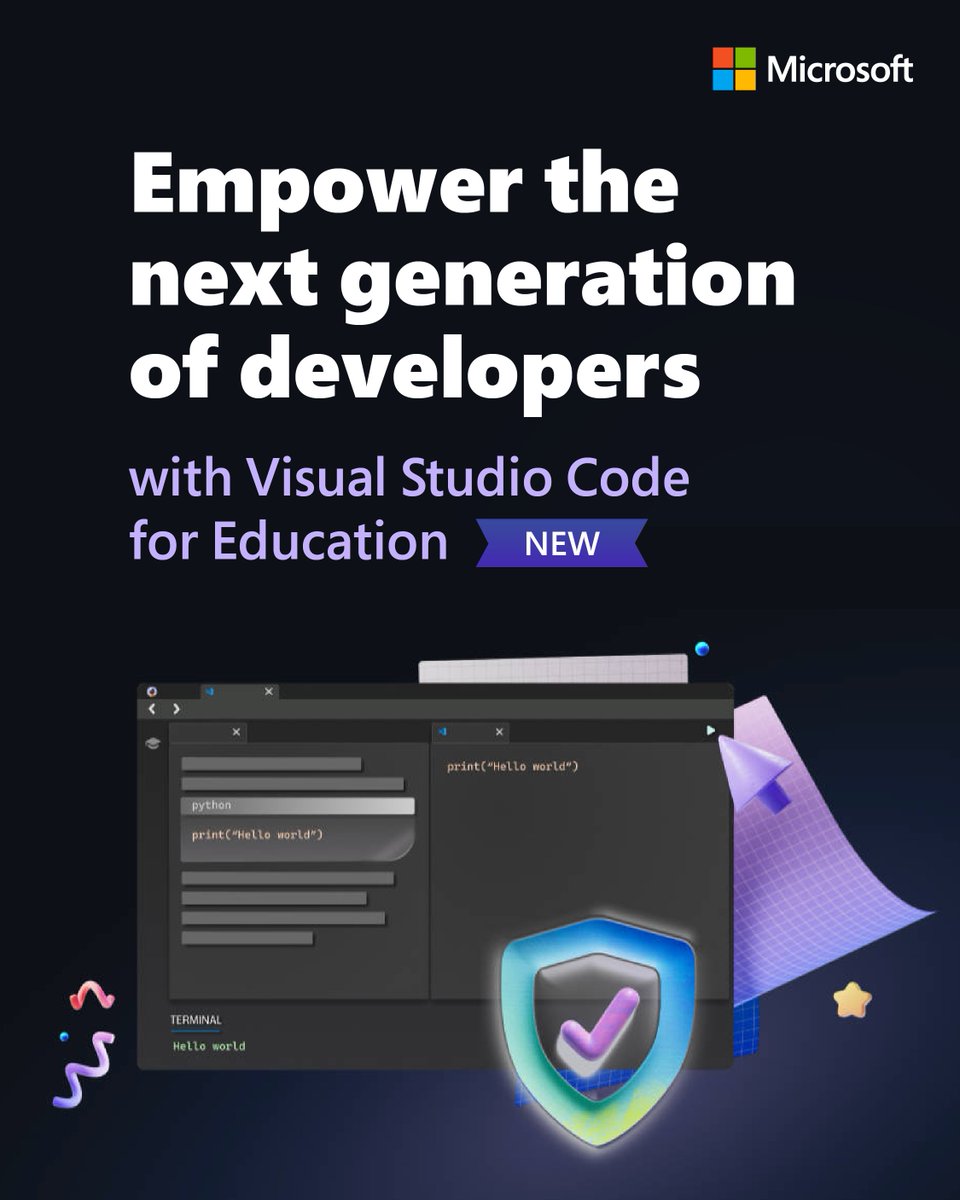
In today’s digital world, coding is an essential skill.
Explore how students can learn languages like Python and JavaScript in a safe, secure online environment with Visual Studio Code for Education: https://t.co/J8DcyXYqAJ
#MicrosoftEDU#STEM
Verifying an ILogger logged specific messages in C# unit tests was surprisingly non-trivial. Wrote a tiny tl;dr for handling that scenario. This is using Moq btw. https://t.co/frtkNg5bhg #dotnet
Visual Studio Code for Education (https://t.co/Jm3sA3daL9) is a new, public preview offering we’re launching at #CSTA23 and is now available for preview! (1/2)
! DEV PRO TIP !
Middle click (scroll wheel) + refresh = duplicate tab.
Middle mouse + tab = close tab.
Middle mouse + link = open link in new tab.
If on laptop, set your 3 finger tap to middle mouse click.
Try it! It's a subtle game changer.
#ProgrammingTips
Working with #msbuild? I've got a repo full of notes for you!
Latest (final?) update:
- Custom MSBuild w/ custom SDK
Other Notes:
- How to debug
- Single build -> Multi-platform output
- Go to definition
- Terminal profile
- nupkg Project
- dirs.proj
https://t.co/4C8Ee5fFOq
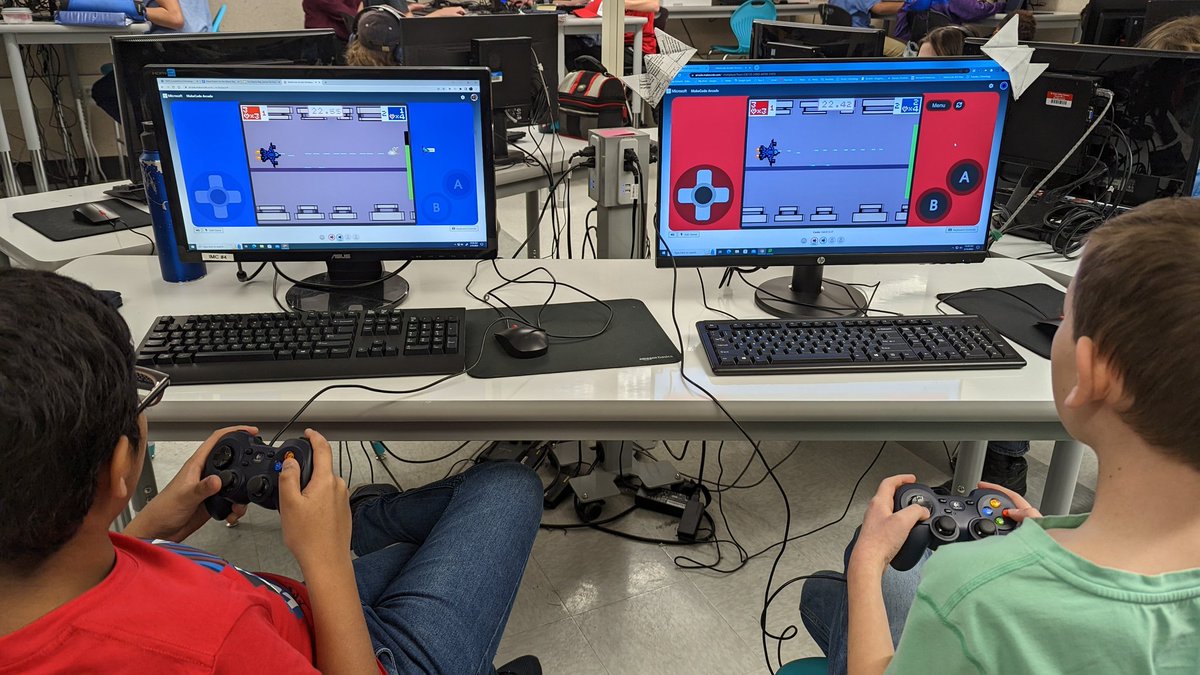
MakeCode Arcade now has MULTIPLAYER🤼🎮
With our 2023 update, you can create games and play them against your friends!
This update also includes:
🎨 Color Palette
🎼 Play Song Block
🕹️ Kiosk Mode
✅ Code Validation
And more! Read all about it here: https://t.co/A5ScMLa2lo
Just wrote up an example on creating multiple platform outputs in a single build: https://t.co/U8o3CALWld it was surprisingly tedious to do this from scratch, even though I've done it before! #msbuild