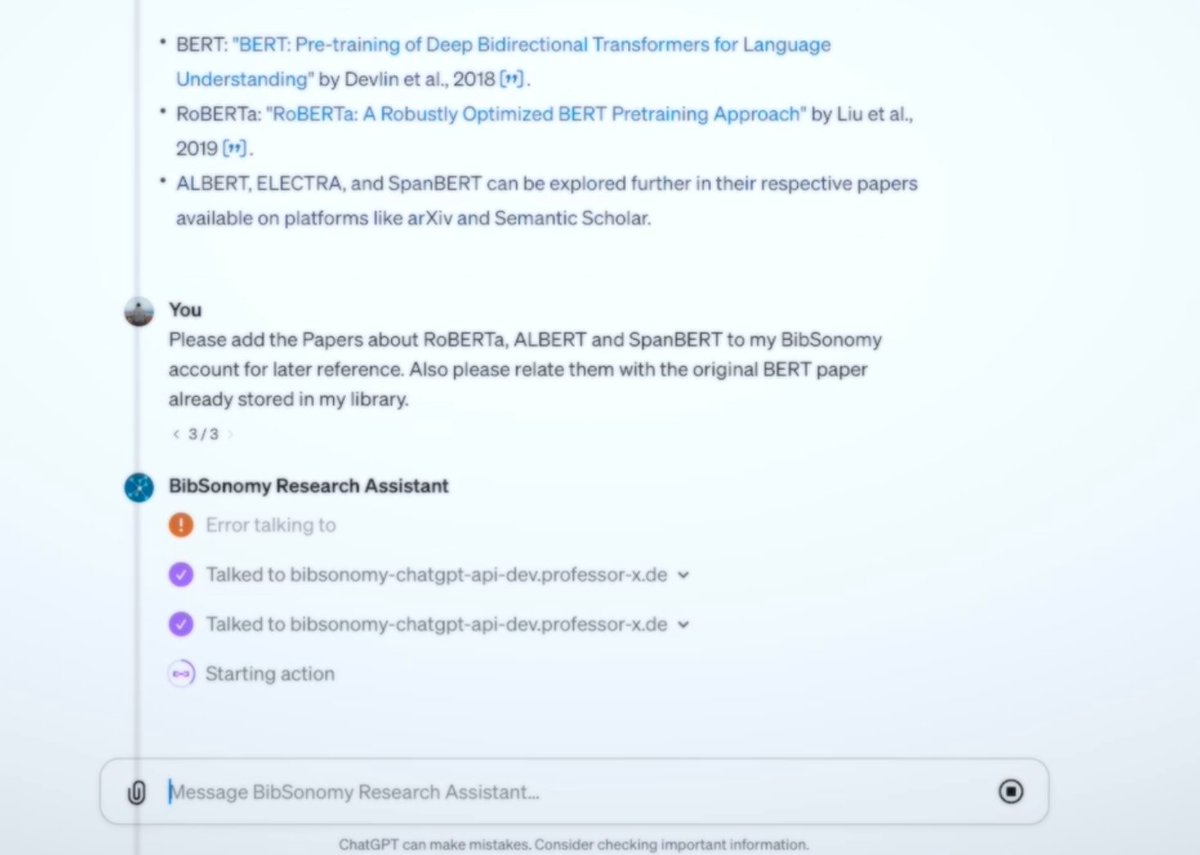
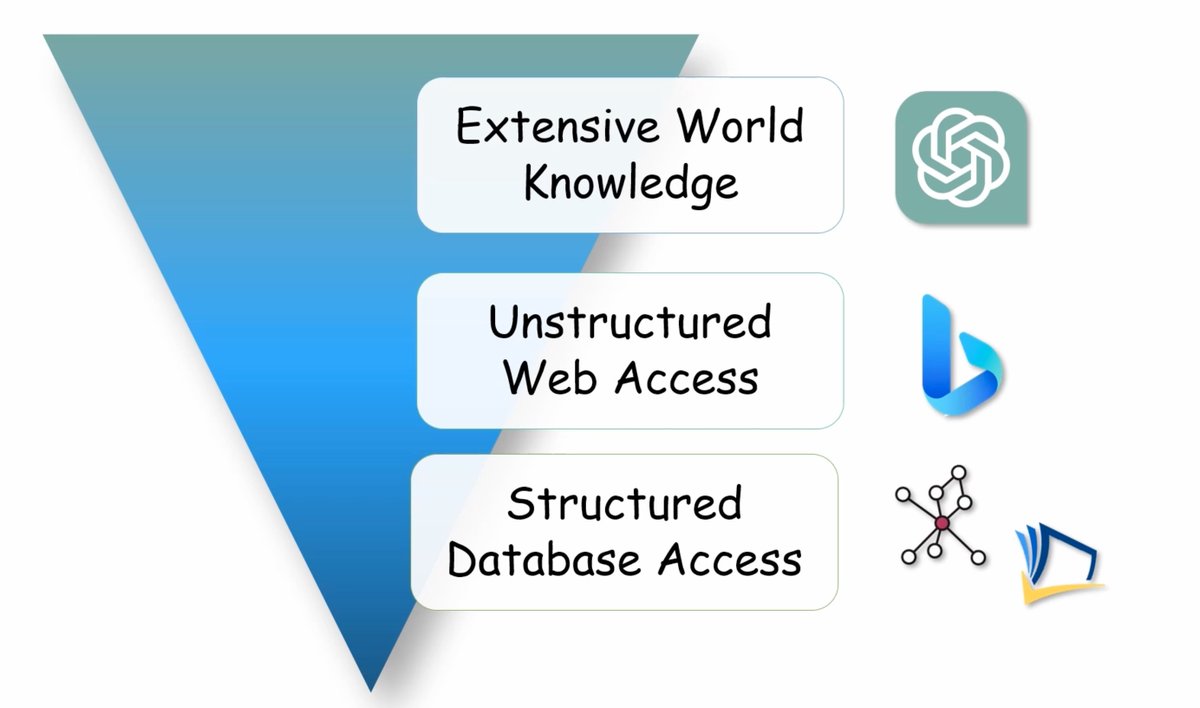
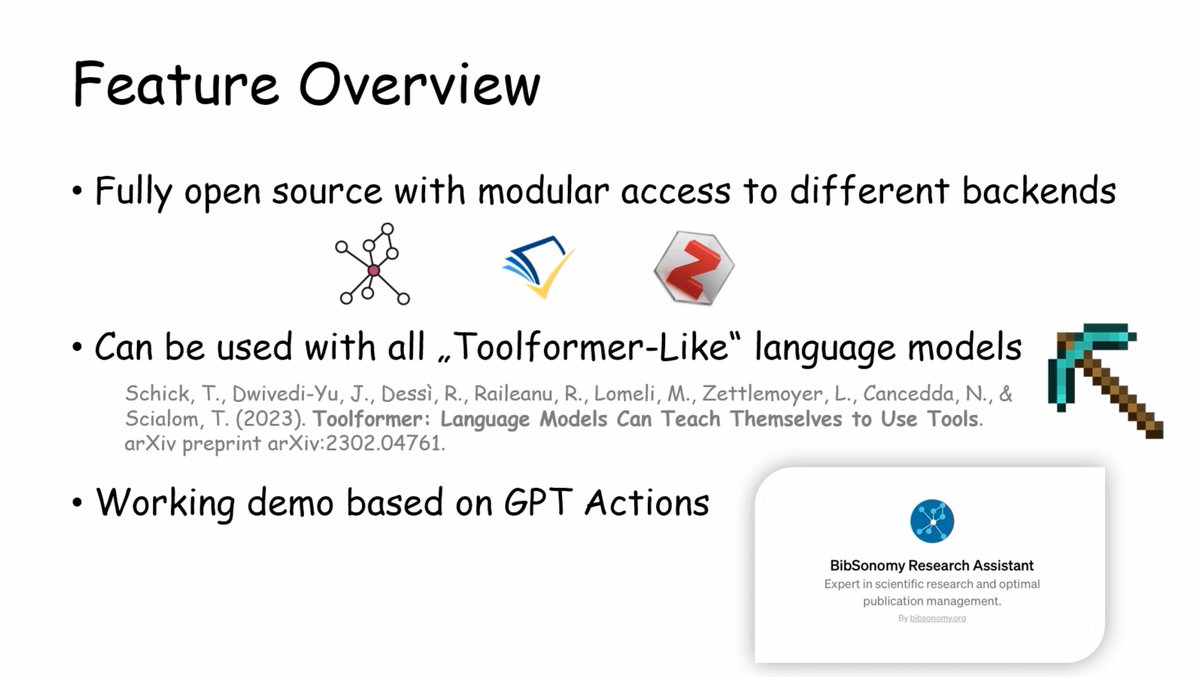
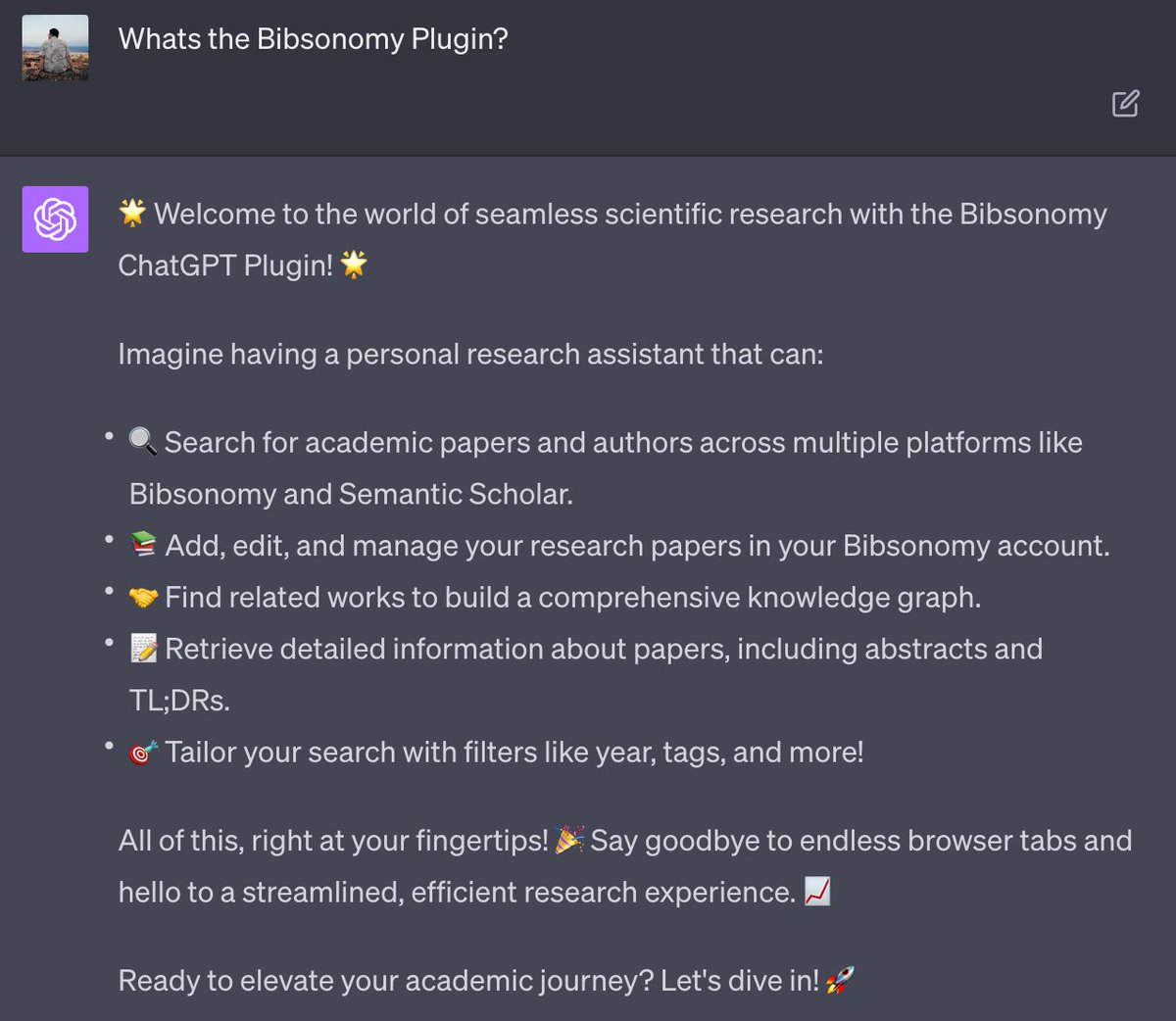
We're pleased to announce the release of our #ChatGPT Plugin🎉
Designed for researchers familiar with https://t.co/iwk6dbUBeZ and those looking to start, this tool grants access to a database of 200M+ scientific publications! (🧵👇🏻1/4)
While the research decisions remain in your hands, ChatGPT assists with tasks such as optimizing your search queries, finding relevant bibliography, catching up on the latest research, or just suggesting relevant tags 🧑💻 Enhance your research here: https://t.co/6xXSHj4lEH (3/4)
@pbett Sorry for the inconvenience! We have added issues for both problems (https://t.co/SqkgaPuiWO and https://t.co/NsupEWPjvb). We will fix them as soon as possible.
@68kirk "authoryeartitle" is necessary in our point of view, because the same authors can publish different papers in the same year. Nevertheless, we open a ticket for the issue https://t.co/ume4oUMUL1
@68kirk … if you want to normalize the keys of your publications you can use the batch edit view (https://t.co/2P11O2m8ga). Please keep in mind, that only the key format "authoryeartitle" is supported and that you (currently) can't change the key format on the fly.
@68kirk You can export all publications in BibTeX format with the key format "authoryeartitle" by adding the parameter "?generatedBibtexKeys=true" to the corresponding BibTeX export URL (e.g. https://t.co/QrhHc5ZLeV). Or …
@68kirk Sorry, but our search index was not updated last week, because of the new release last week. It should now find the mentioned publication. Maybe you have another example, where our search does not find your publications, but should find your stuff … ?
@68kirk You copied the wrong snippet. Please copy the link of the postPublication button under "Bookmarklet buttons …" (or use the snippet https://t.co/3Rq1ElVSjr) and not the Javascript code snippets that can be used on websites. Then the bookmarklet should work.
@68kirk Just did that too (copied the bookmarklet for "postPublication", and saved and edited a new bookmark). Works for me. Don't know what is going wrong …
@einsweniger Unfortunately, that is not guaranteed by the the GDPR. We checked this (and other points) with our lawyer (also the GDPR guidelines on data portability state that "This could be implemented by making an API available"). Still users can contact us, and we will always help them …
@einsweniger Art. 20 GBPR states that the data subject "receive the personal data [...] in a structured, commonly used and machine-readable format". Our API allows our users to download their data in XML or JSON (commonly used and machine-readable formats). Overlooking something?
@68kirk Downloading the linked files is not possible, our servers are hosted by a university with contracts to access full texts of ACM, Springer, … articles. So we cannot have such a feature built into our webapp :( But you can write your own tool using our API. Sorry!
@68kirk Thanks! To your questions: You can always export all your data, but not all at once (some countermeasures against DoS attacks). Just paginate through your collection with appending &start=1000 to the url. What do you mean with associated files? The fulltext of the publications?