AI, Update2026 and a cup of .NET 11 🧑💻
Our latest newsletter is coming to your inboxes a bit later than usual and for good reason.
We spent a few days of November in Prague attending the Update Conference, learning from the best.
Read all about it: https://t.co/m5A6psbxgR
🚀 .NET 11 is here. 𝐖𝐡𝐚𝐭'𝐬 𝐧𝐞𝐰 𝐟𝐨𝐫 𝐁𝐥𝐚𝐳𝐨𝐫 𝐝𝐞𝐯𝐞𝐥𝐨𝐩𝐞𝐫𝐬?
.NET continues to evolve beyond traditional web development, and it's exciting to see how much attention is going into developer productivity and AI integration.
Blazorise 2.4.3 is a small maintenance release, but an important one.
Just hours after Microsoft released the final version of .NET 11, we updated Blazorise to support it.
https://t.co/3xqrUvyy5L
Blazorise 2.4.2 is another maintenance update for the 2.4 release.
One of the main fixes resolves a long-standing issue with row heights when scrolling through a virtualized DataGrid.
Blazorise 2.4.2 includes support for .NET 11 Release Candidate 3.
https://t.co/UD5eKQw0cq
Developers! Developers! Developers! 🚀
Blazorise is all about developers. Always has been, always will be.
The future of technology isn't built without developers. It's built by developers.
And we're proud to build it together. 💙
Prague, here we come! 🚀
We're getting ready for #UCP26 and bringing some Blazorise goodies along for the ride. Can't wait to meet the community, share ideas, and connect with fellow developers!
Make UI. Not war. 💙
See you in Prague! 🇨🇿
🚀 The future of Blazor UI is becoming more intelligent.
We believe the next generation of Blazor components will need to be more than building blocks.
They'll need to be adaptable, AI-friendly, and ready for agent-driven experiences.
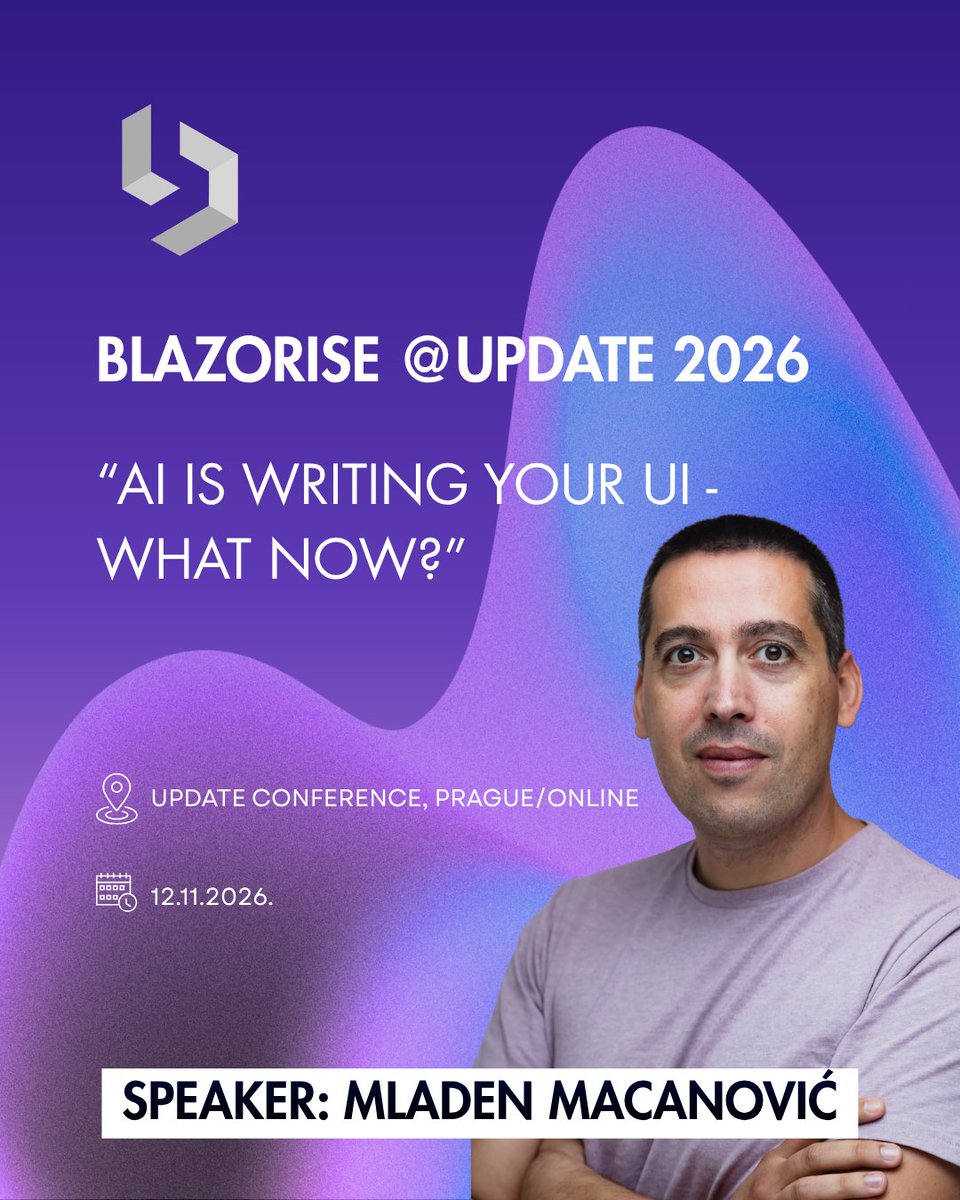
🚀 Blazorise is heading to UCP Conference 2026 in Prague!
And we’re bringing more than just Blazorise with us.
Our founder and creator, Mladen Macanović, will take the stage to explore a topic that’s changing the way we build software:
What happens when AI is writing your UI?
We’ve finally implemented theming for the horizontal navigation bar in Blazorise, four years after the original feature request. Turns out, good ideas don’t expire!
Not long after our Blazorise 2.4 release, we are already coming in with a maintenance release, Blazorise 2.4.1 🚀
Building on the new native Tooltip introduced in 2.4, this update focuses on reliability and developer experience.
https://t.co/zQDDZsGTUP
Meet Ribbon, new component in Blazorise 2.4! Built for feature-rich applications; document editors, spreadsheets and design tools, Blazorise.Ribbon brings commands into organized tabs and groups with dropdowns, galleries, color pickers, contextual tabs and a quick-access toolbar.
Microsoft has released .NET 11 RC2, bringing us one step closer to the final release expected in November 2026.
Blazorise 2.4 is out as well and yes, it supports the latest .NET 11 RC2.
So if you're planning to try out the new .NET 11 features, you can use Blazorise with them.
Summary of our work last month 👇
A fresh new look beyond Bootstrap
Built our education platform in under 10 days with AI + 20+ years of .NET experience
In November: “AI vs. UI” at UPDATE Prague
AI accelerates. Experience makes it count. Thoughts?
👉 https://t.co/Azt98qncsh
Blazorise 2.4 is out!
This release is mostly about improving what we already have. We rebuilt Tooltip and ColorPicker in Blazor, removed old dependencies, improved UI providers, and made fluent utilities much faster.
https://t.co/ZhZ5WjFEsg
1/3
Blazorise 2.4 is out!
Instead of listing new components and features, this time we’ve focused on improving parts of Blazorise you use and rely on every day.
https://t.co/MCpkVa9iOf
Release of .NET 11 is just around the corner s𝐨 𝐰𝐞 𝐭𝐨𝐨𝐤 𝐚 𝐜𝐥𝐨𝐬𝐞𝐫 𝐥𝐨𝐨𝐤 𝐚𝐭 𝐰𝐡𝐚𝐭 𝐭𝐡𝐞 𝐟𝐮𝐭𝐮𝐫𝐞 𝐡𝐨𝐥𝐝𝐬 𝐟𝐨𝐫 𝐀𝐒𝐏.𝐍𝐄𝐓 𝐂𝐨𝐫𝐞 𝐚𝐧𝐝 𝐁𝐥𝐚𝐳𝐨𝐫.
Daniel Roth outlined five 𝐤𝐞𝐲 𝐚𝐫𝐞𝐚𝐬 shaping the direction of .𝐍𝐄𝐓 11.
Recently we had to do a major update to our color system.
It all started as a request to fix arbitrary colors.
That led us to rethink how the Color parameter works in general and that led to the development of our color system in its current state.
The fix turned out to be small. We explicitly synchronize the displayed input value whenever the NumericPicker receives a value change. That keeps the component's internal state and the value shown to the user in sync.
We found an interesting issue in Blazorise NumericPicker.
The scenario seemed simple.
The component receives a new value.
Internally, the new value is there.
But the input still shows the previous value.
So… which value is telling the truth? 🤔