Hi! I’m Kayode Boluwatife. I am in the process of learning and developing my UI/UX design skills to my Journey of becoming a UI/UX Designer.I’m also a sports lover and would love to grow and work with techies, enterpreneurs also sports lover. 😌#TrendsWithMikeal
Day 29 of @IwuezeAmarachi 30-day build challenge Recreated a retro TV movie layout, replacing the empty screen with a fully interactive video experience. Added:
• Intro animation
• Vintage soundtrack
• Play/Pause
• Forward/Rewind
• Mute controls
• Built with #FigmaMake
Day 29 of 30 🥳🥳🥳
Task: We are to recreate this movie layout. The animation?
That white empty screen frame of the retro television isn't meant to stay like that.
You're replacing it with a video or a showreel of anything, masked perfectly right behind the bezel.
Use whatever works for you. Keep the same design, but feel free to approach it your own way.
When you’re done, quote this post with your version…..👇🏽
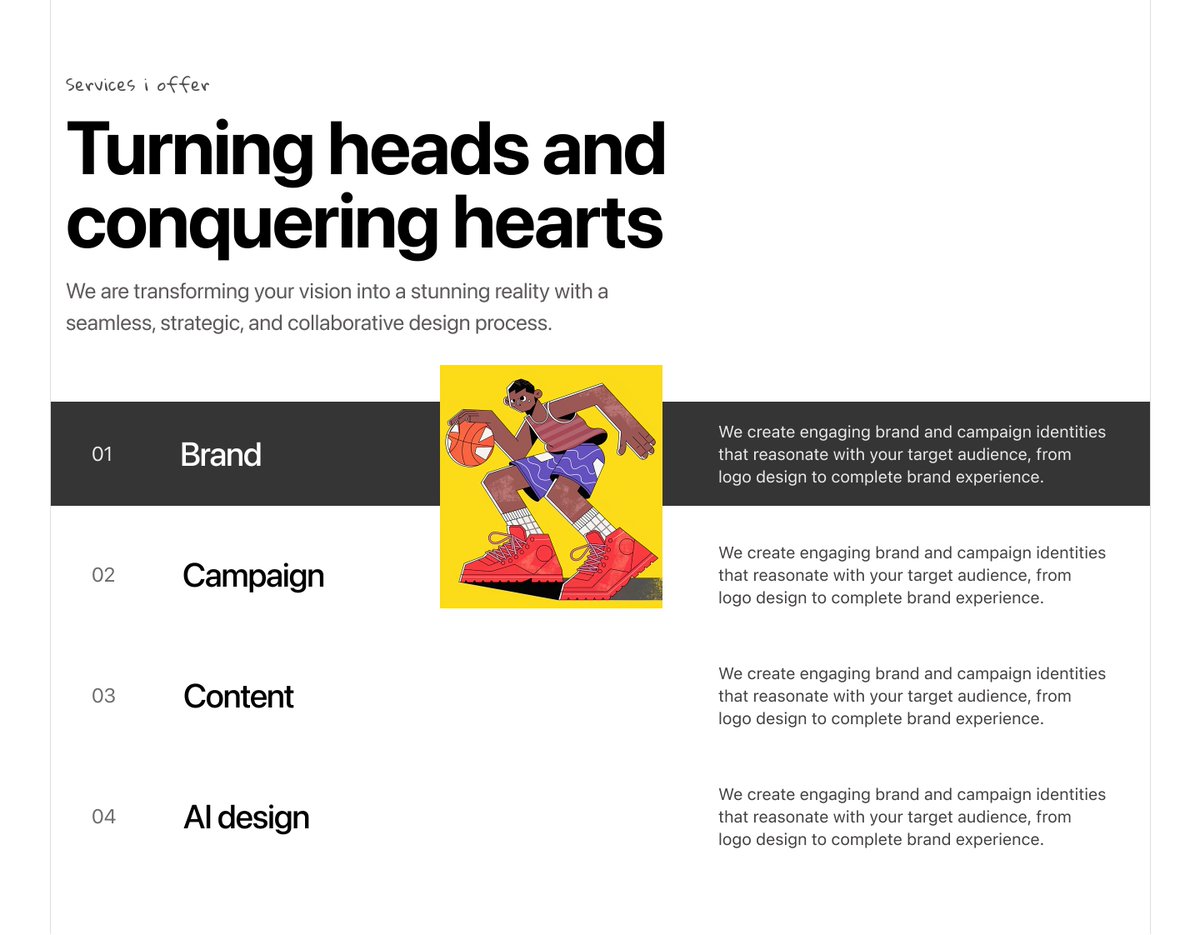
Day 28 of @IwuezeAmarachi 30-day build challenge👩💻
Recreated a services page where hovering over each service reveals a corresponding image. Added draggable image interactions to make the experience feel more engaging while keeping the design fully responsive. Built with Base44.
Day 28 of 30 👩💻
Task: Recreate this services page design.
Interaction: On hover, reveal the service images. These can be videos or images — whatever fits your design direction.
Use whatever works for you. Keep the same design, but feel free to approach it your own way.
When you’re done, quote this post with your version…..👇🏽
Day 27 of @IwuezeAmarachi's 30-day build challenge 👩💻
Recreated a snake trail interaction where images smoothly follow the cursor, creating a fluid, playful experience. Also adapted the interaction for mobile to keep it intuitive across devices.
Built with Figma Make.
#FigmaMake
Day 27 of 30 👩💻
Remember the snake trail challeng?, yes let's bring it again but this time instead of tags, it would be images of you guys
The first image stays visible by default. As users move their cursor across the empty space, the rest of the images should appear one after another, creating a snake trail effect (Image 2).
On mobile: figure out an interaction that feels natural. That's part of the challenge.
Use whatever works for you. Keep the same design, but feel free to approach it your own way.
When you’re done, quote this post with your version…..👇🏽
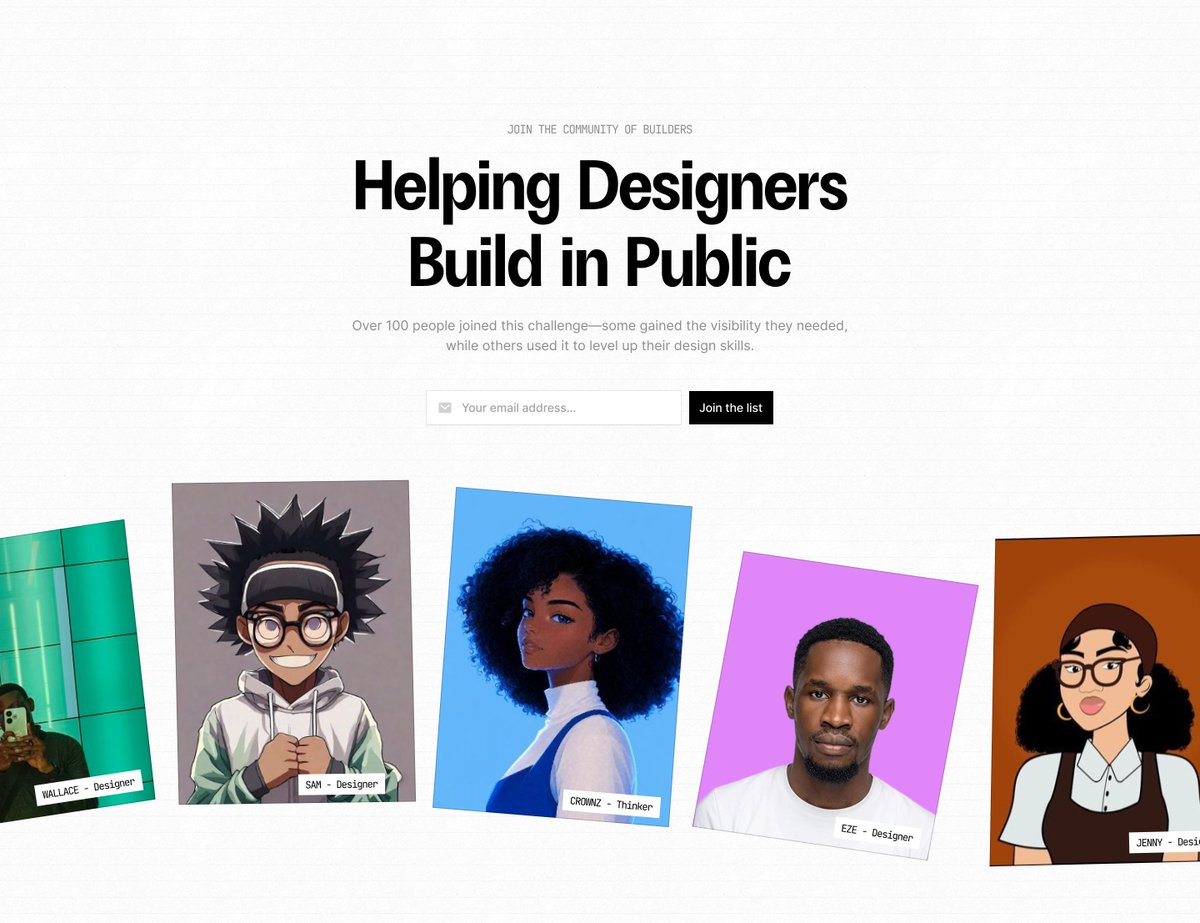
Day 26 of @IwuezeAmarachi's 30-day build challenge 👩💻
Recreated a Build in Public hero section, with a draggable filmstrip featuring momentum scrolling, subtle auto-scroll on load, and polished headline + email signup interactions.
Built with Base44
#Challenge#30days#creating
Day 26 of 30👩💻
Task: recreate this "Build in Public" hero section.
The main focus is the row of people (cards) at the bottom.
- add interactions to the headline, and the email signup
- For the filmstrip, you should be able to click and drag the row left or right to see more people.
- When you release your mouse, it should keep moving for a moment before slowing down and stopping, just like flicking through photos on your phone.
Bonus: Make the images move slowly on its own when the page first loads, so visitors know it's interactive.
If you're building in @framer, the drag-and-flick effect is not available natively in Framer, so you'll need to use a code component for that interaction (Agent).
use whatever works for you, keep the same design, but approach it your own way.
quote this post with your version when you're done 👇
Making 2 videos today;
1. How to build a Mega Menu in @framer.
2. How to build a Mega Menu dropdown with Claude Code, then push it to GitHub and deploy it on Vercel.
Both videos will be up on YouTube today. 🎥
Sha I go still meet up for this design space? 😭 Who go come to my rescueee? Fellow designers, abeg drop tips. 🥹🤲🏽 Every day there’s always sth new. AI tool, new trend, new workflow. #Productdesign#Ai
Day 25 of 30😍
Task: Recreate this Everkind Editorial e-commerce Design
The interaction/animation is up to you to decide but make sure this is responsive on all devices and not heavy, and loads fast.
Use whatever works for you. Keep the same design, but feel free to approach it your own way.
When you’re done, quote this post with your version📷👇
Day 23/30 of @IwuezeAmarachi 30-day build challenge 👩🏽💻
Recreated an interactive navigation menu with dynamic image switching, responsive behavior, and a custom intro interaction.
Built with Claude Code.
#ClaudeCode#challenge#Day23
Day 23 of 30 👩🏽💻
Task: Recreate this Nav bar.
On hover or click, the image should change based on the selected nav item (e.g. hover on About → show the about image).
Make it responsives on all devices.
Use whatever works for you. Keep the same design, but feel free to approach it your own way.
When you’re done, quote this post with your version👇
Day 21 of @IwuezeAmarachi 30-day build challenge 👩💻
Recreated a feature section where selecting a feature dynamically updates the dashboard below.
Focused on clean interactions, smooth state changes, and responsive behavior across devices.
Built with Claude Code.
#claude
Day 21 of 30 🎉
Task: Recreate this feature section.
Here's what should happen:
- Clicking a feature should make it active.
- The image/dashboard below should change based on the selected feature.
Make it responsive on all devices!
Same design, your own approach. Use whatever tool works for you.
Quote this with your version when you're done 👇🚀
Day 18/30 👩💻
Saw this challenge late… still showed up.
First time using Framer.
Designed this using Framer.
Explored tools like Claude, Figma Make, and Framer during the week.
Came across the 30 Days Build Room Challenge by @IwuezeAmarachi and jumped in.
#Framer#30DaysChallenge
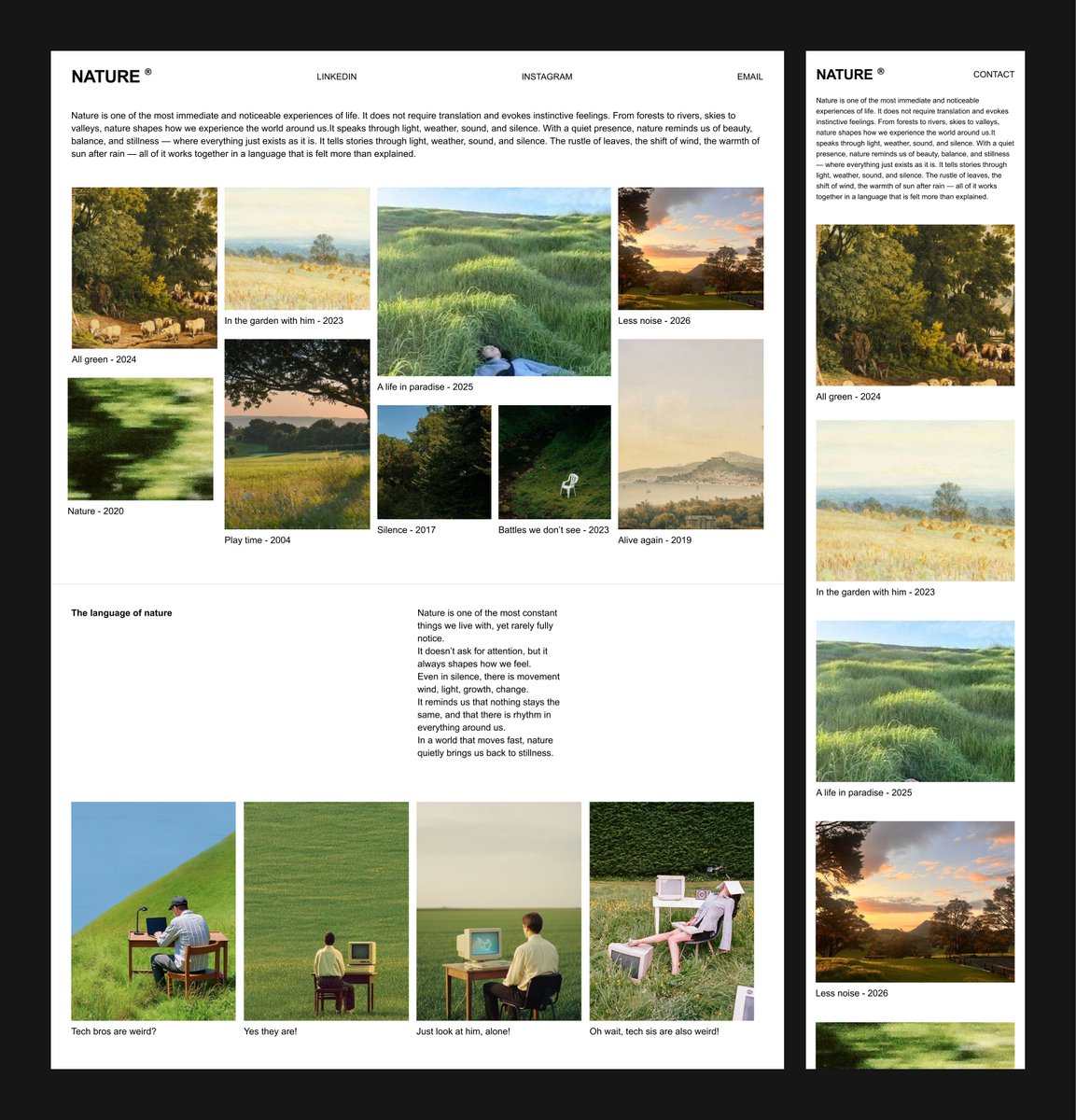
Day 18 of 30 👩💻
Task: recreate this nature editorial page. focus on the layout and the interaction. The page is a gallery of images, each with a name and year under it. here's the interaction:
- on default, the page shows a grid layout with all images visible, each with its caption (name and year) underneath.
- when you click an image, it overlays in full size over a dimmed background and shows its text.
click outside the image, or hit close, and it goes back to the grid.
Bonus if you let people move between images while the overlay is open (next/previous), so they don't have to close and reopen each time.
same design, your own approach. use whatever tool works for you.
quote this with your version when you're done.👇
Day 20/30 of @IwuezeAmarachi build challenge 🚀
This one stressed me 😅
Built a scroll-driven hero section with pinned slides, smooth transitions, and added a custom intro screen before the experience begins.
Built entirely with Claude Code.
#buildinpublic#webdev#claudecode
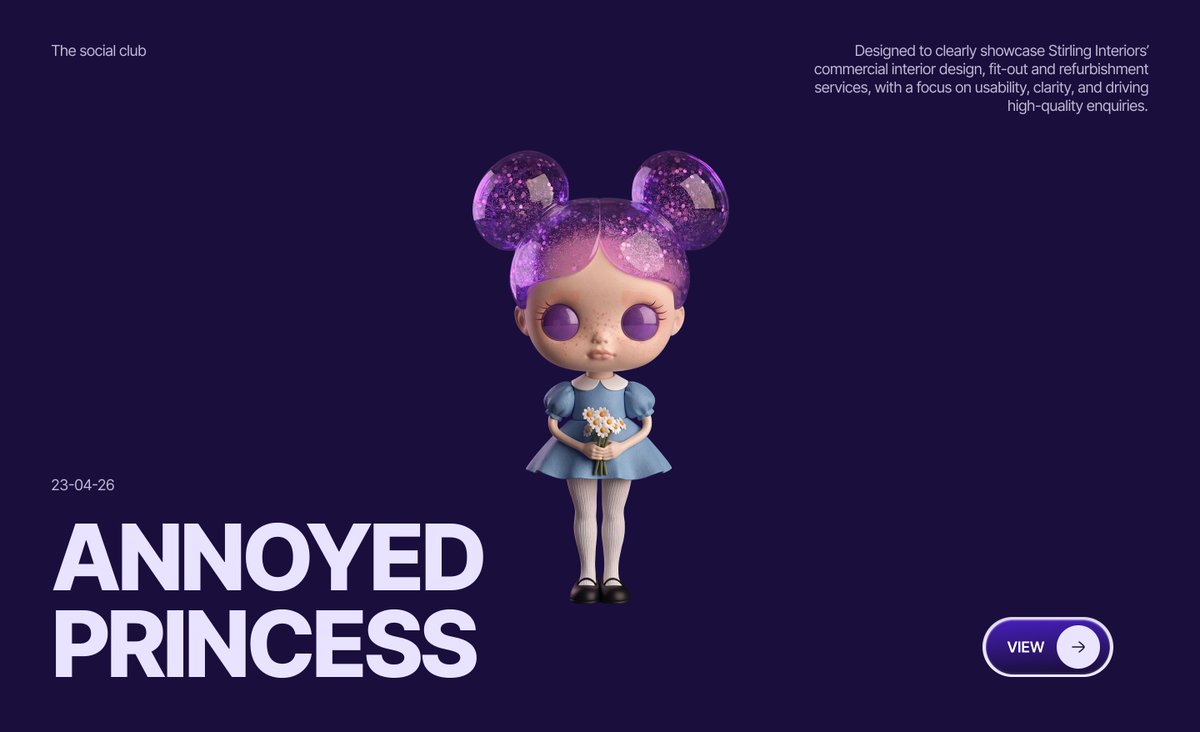
WAOO it's Day 20🎉🎉
Today's Challenge: recreate this hero section.
Interaction Requirements
As the user scrolls:
- The hero section should stay fixed on the screen instead of scrolling away.
- The next slide should smoothly slide in from the right and settle on top of the current slide.
- When scrolling back up, the slide should smoothly move back out, revealing the previous slide.
- Each slide should take its turn as the user continues scrolling.
Mobile?? Figure it out!😎
same design, your own approach. use whatever tool works for you.
quote this with your version when you're done.👇
Day 19/30 of @IwuezeAmarachi build challenge 👩💻
Retro desktop-inspired folder gallery.
Recreated nostalgia with an “alive” feel.
Folders lift on hover, images fan out, mobile interactions redesigned for touch.
Added micro-interactions for realism.
Framer + Claude Code + ChatGPT
Day 19 of 30 🎉🎉
Task: recreate this desktop folder page. focus on the layout and the interaction.
here's what should happen:
- on hover, the photos sticking out of each folder should fan out, like you're spreading them with your fingers. the folder should lift slightly.
for mobile... figure out the flow.
same design, your own approach. use whatever tool works for you.
quote this with your version when you're done 👇