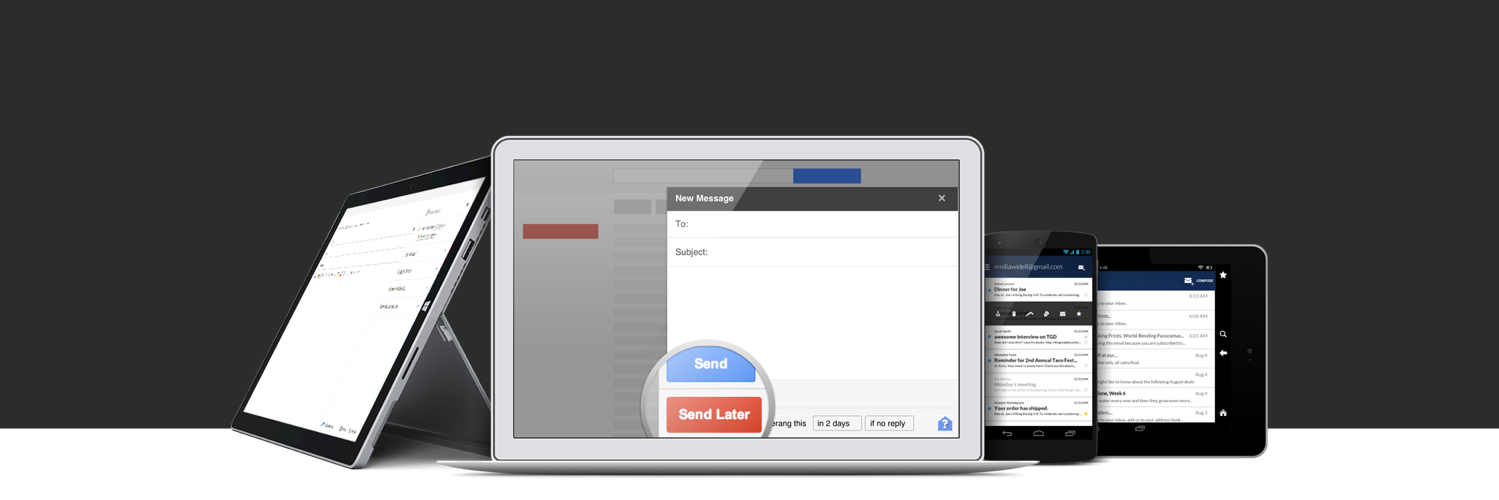
Send messages later, get email reminders, snooze messages, and schedule meetings within leading email platforms. Make your inbox work for you with Boomerang.
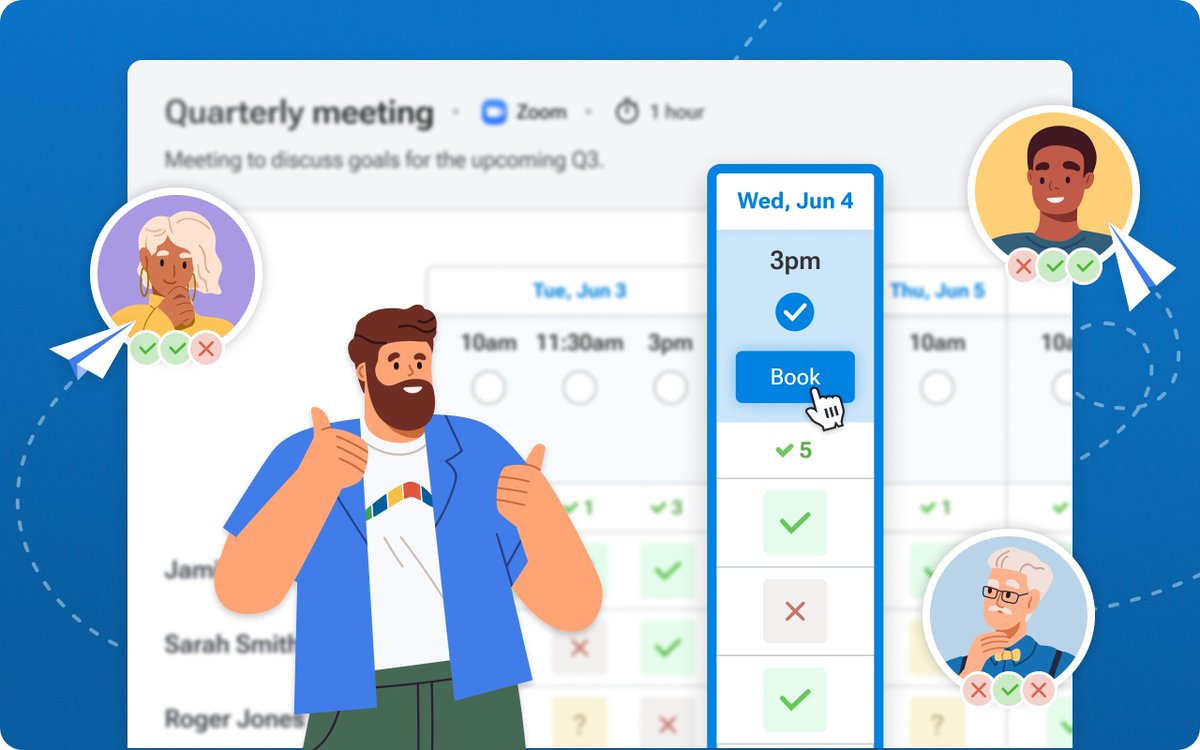
Meeting Poll is perfect for coordinating board meetings, project check-ins, syncs with external consultants, and anytime three or more people can't see each other's calendars.
Learn about advanced features like Automatic Booking & Required Participants ⭢ https://t.co/j3JLazCQsg
If you've ever tried to schedule a group meeting, you know how time-consuming it is to coordinate everyone's schedules. But now, Meeting Poll makes it easy!
Schedule your next board meeting, project status check-in, task force sync, book club, or dinner party with Boomerang.
Meeting Poll is here! Schedule your next group meeting without leaving your Inbox. Install Boomerang and discover how easy we've made it to find a time, for organizers and guests alike.
Our latest scheduling feature is available now for Gmail, with Outlook coming soon.
Boomerang mobile apps are currently experiencing service disruptions due to Gmail API errors. You may see errors in the app, and features may not work as expected or at all. We will continue to monitor the status of the Gmail API.
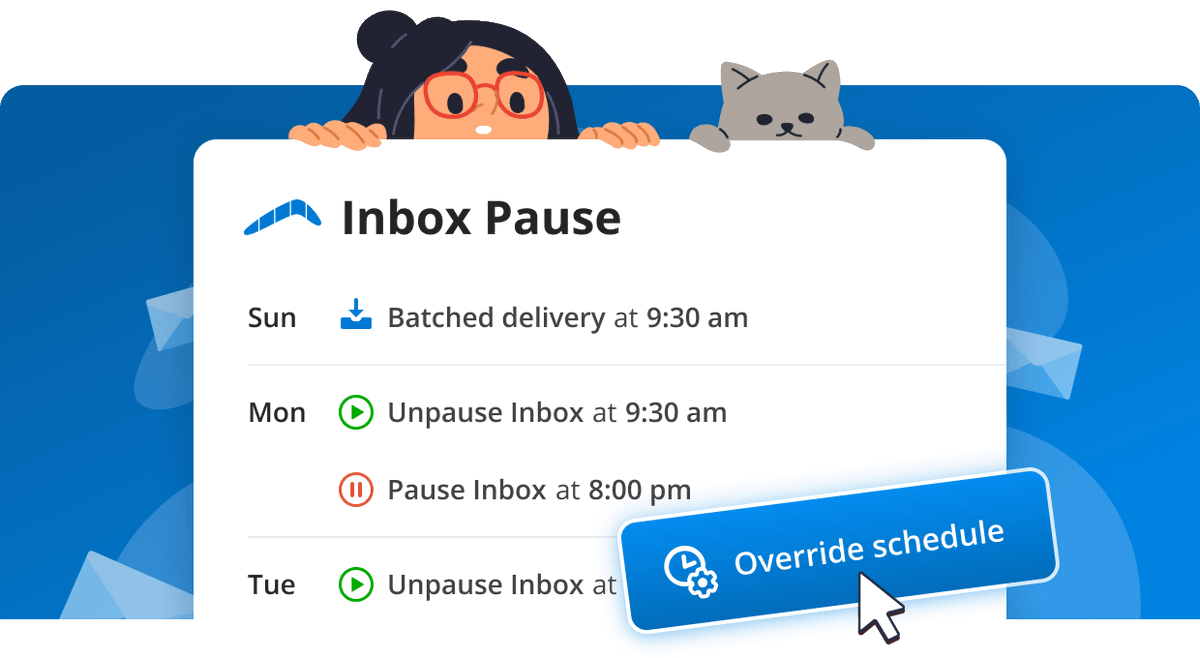
New updates to Inbox Pause make it possible for you to temporarily override a schedule.
Waiting for an important email or plans change? Check (or block) email on an ad hoc basis without disabling your schedule.
Learn more and try it today at https://t.co/2fw63Zxq2c!
New in Boomerang for Outlook: automate meeting scheduling for your team!
Schedule collective or round-robin meetings with multiple members of your team in one click. Try it today: https://t.co/XoQRQ2AyjW
Use Gmail? Your team can schedule faster, too: https://t.co/Z3gh2UEBEh
Service has been restored. If you tried to use Boomerang and had difficulties, please try again now, and note that you may need to log in again. If you are continuing to have any difficulties, please reach out to us at [email protected] so we may assist.
We are currently experiencing a service outage as a result of an update of one of our libraries. We are working to address the issue and restore service as quickly as possible.
Boomerang cofounder @ayemoah wrote about productivity and digital wellness in Fast Company: "Our 24/7 work culture is unsustainable. We need a right to disconnect" https://t.co/OTrO5FnmVG
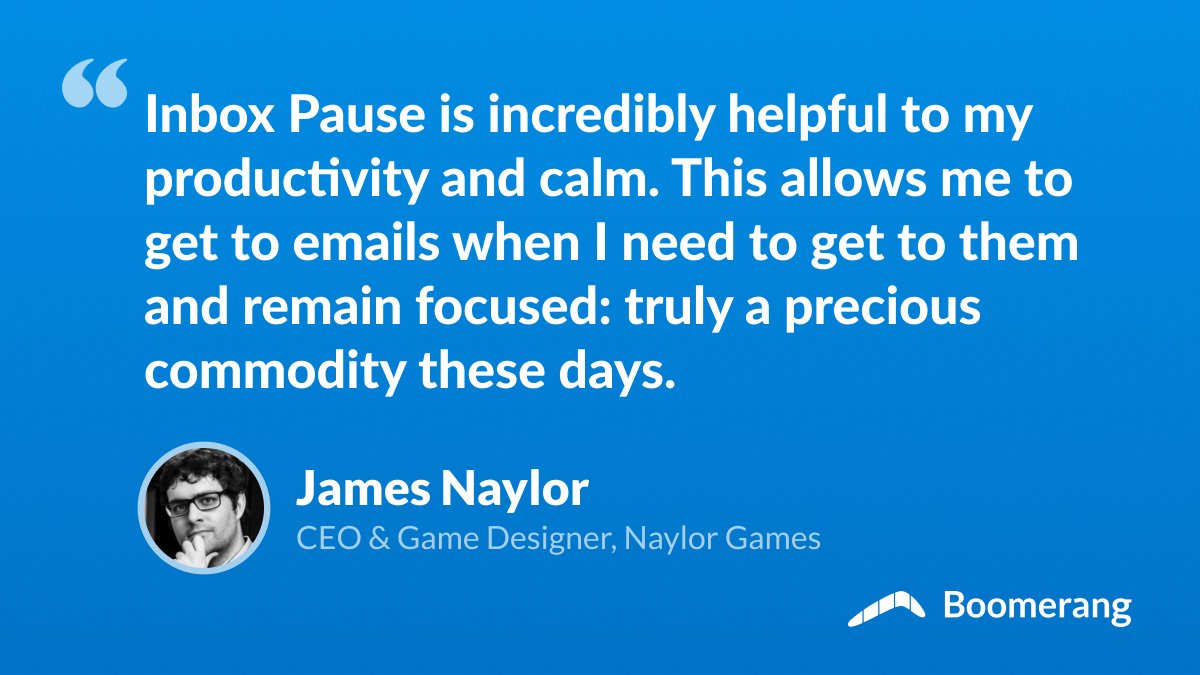
None of us can do our best work when it feels like we're putting out fires all day. By using Inbox Pause to dedicate specific time to handle email, you can reclaim your focus and be more productive — simultaneously reducing stress.
Try it free today at https://t.co/2fw63Zxq2c
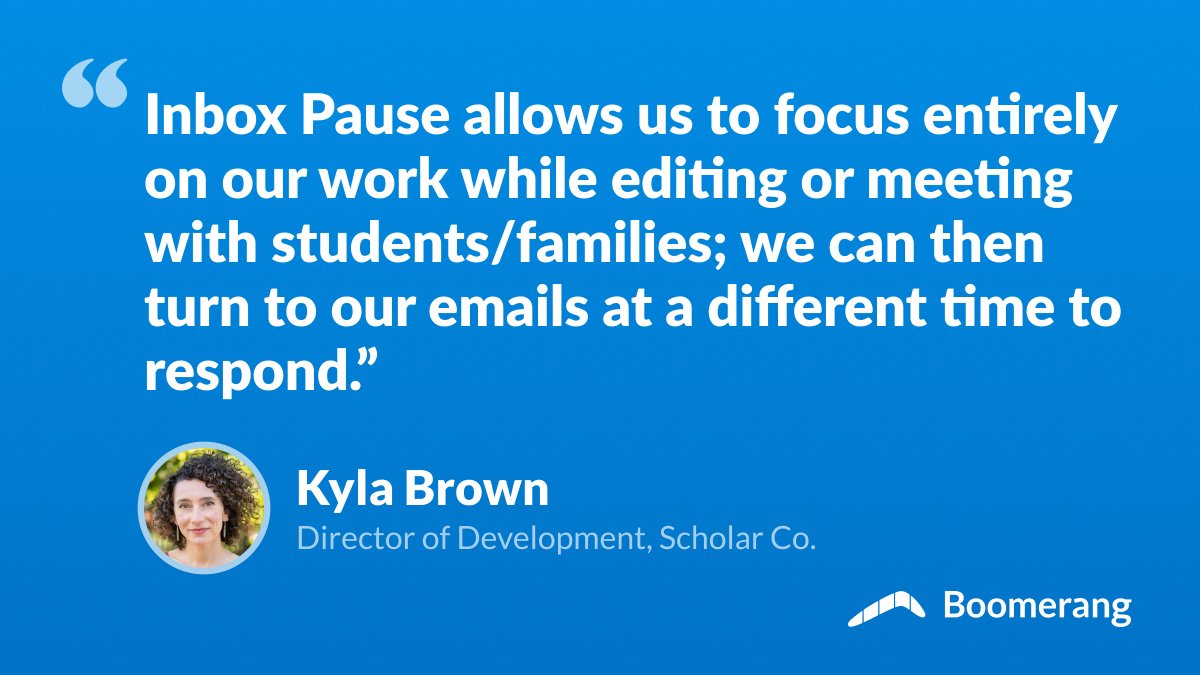
Boomerang helps companies like Scholar Co. provide outstanding customer service. Thanks to Inbox Pause, teams can be fully present in meetings with clients — there's no temptation to peek at new emails.
Explore how Inbox Pause can help your team at https://t.co/Z826rpY0Pe
What would you accomplish if you could block interruptions? Put your email on pause, intensify your focus, and unleash your inner superhero!
https://t.co/2fw63Zxq2c
Let Boomerang be a force field for your focus.
Use Inbox Pause to block incoming emails on a schedule that works for you. You'll be free from interruptions so you can get more done with the power of your undivided attention.
Try Inbox Pause 2.0 today: https://t.co/2fw63Zxq2c
Make focus a habit.
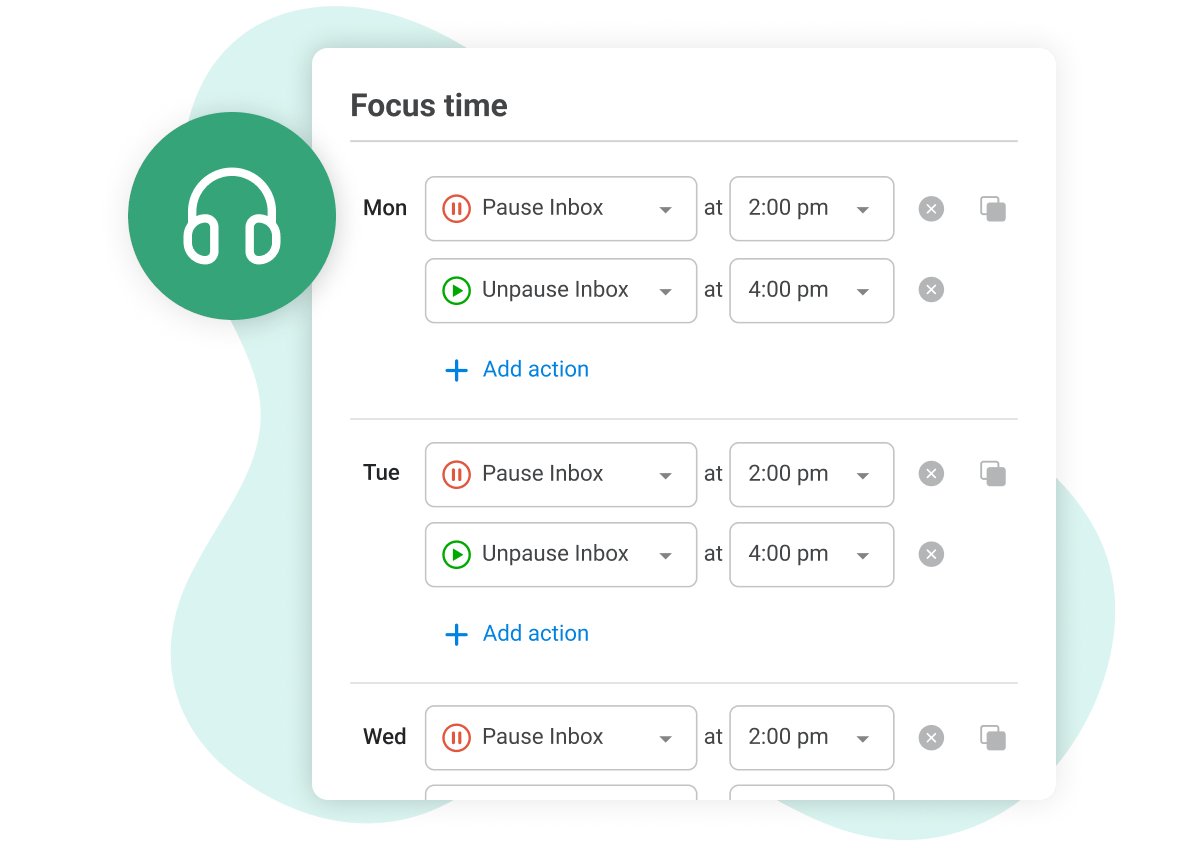
Use Boomerang to set up regular blocks of focus time in your week. We'll pause your email to block interruptions and distractions while you work, and then deliver any mail you received at the end of the block.
https://t.co/2fw63Zxq2c
New: Inbox Pause 2.0 is here!
Take back control of your Inbox with automated weekly schedules. Pause your Inbox during focus time so you can get more done, or outside of work hours to protect your downtime.
Get Boomerang and block email distractions at https://t.co/2fw63Zxq2c
Have you been wondering how to get started with Boomerang?
Let us help!
Step 1. Install Boomerang
Step 2. Find Boomerang in your Inbox
Step 3. Customize your Boomerang settings
Step 4. Try it out!
https://t.co/4N9kdqd6Ek
#productivitytools, #meetingscheduling