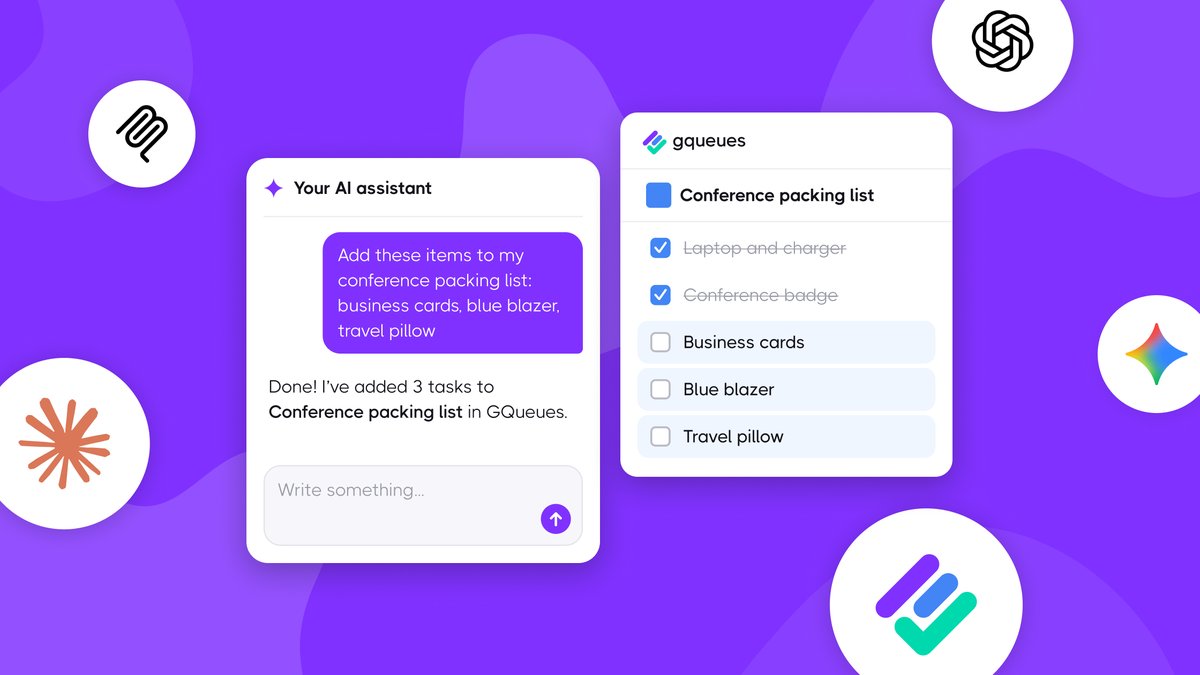
✨ Introducing the GQueues MCP: connect your project manager to the next frontier of productivity tools.
With your permission, GQueues can connect to your AI tools like Claude or ChatGPT. You can update and organize tasks with AI & plan projects together. https://t.co/g11Gqzbjr5
Got a task you can't make progress on for a while? Snooze it, and it gets out of your way until you're ready for it. Now fully supported on the GQueues mobile app.
Text you format on the web now looks exactly the same in the GQueues mobile app, and vice versa.
All the context you need for a task, now easier to read. Bold, bullets, links, colors, strikethrough, and more. Edit a task and look for the toolbar just above the keyboard.
Sections are now fully supported in the GQueues mobile app: expand and collapse them, drag tasks in and out, and everything syncs with board view on the web.
To add one, tap the three-dot menu at the top right of a queue, then Add Section.
Connect GQueues to Claude in one click with the new GQueues MCP. Now, your AI assistant can add and update your tasks, and your agents can update your task manager as they complete work on your behalf.
Visit the Claude Connector directory to get started: https://t.co/27FwBlq2Yu
The MCP can now read comments on tasks and add new ones 💬 ✅
The GQueues MCP enables your AI assistant to connect to your tasks and projects. Get started at https://t.co/I0pduyhIWX
A teammate has a question and you're nowhere near your desk? Answer it right in the task. Assign tasks, reply with mentions, and keep work moving from anywhere with the all-new GQueues app.
iPhone: https://t.co/9qC1Lch5DI
Android: https://t.co/hnh4qkVxnk
See what's due and who owns it without opening every task. The new GQueues app shows dates, comments, and assignees right in your list, and subtasks expand right underneath.
iPhone: https://t.co/C5a2o26pub
Android: https://t.co/Az29LpS5NW
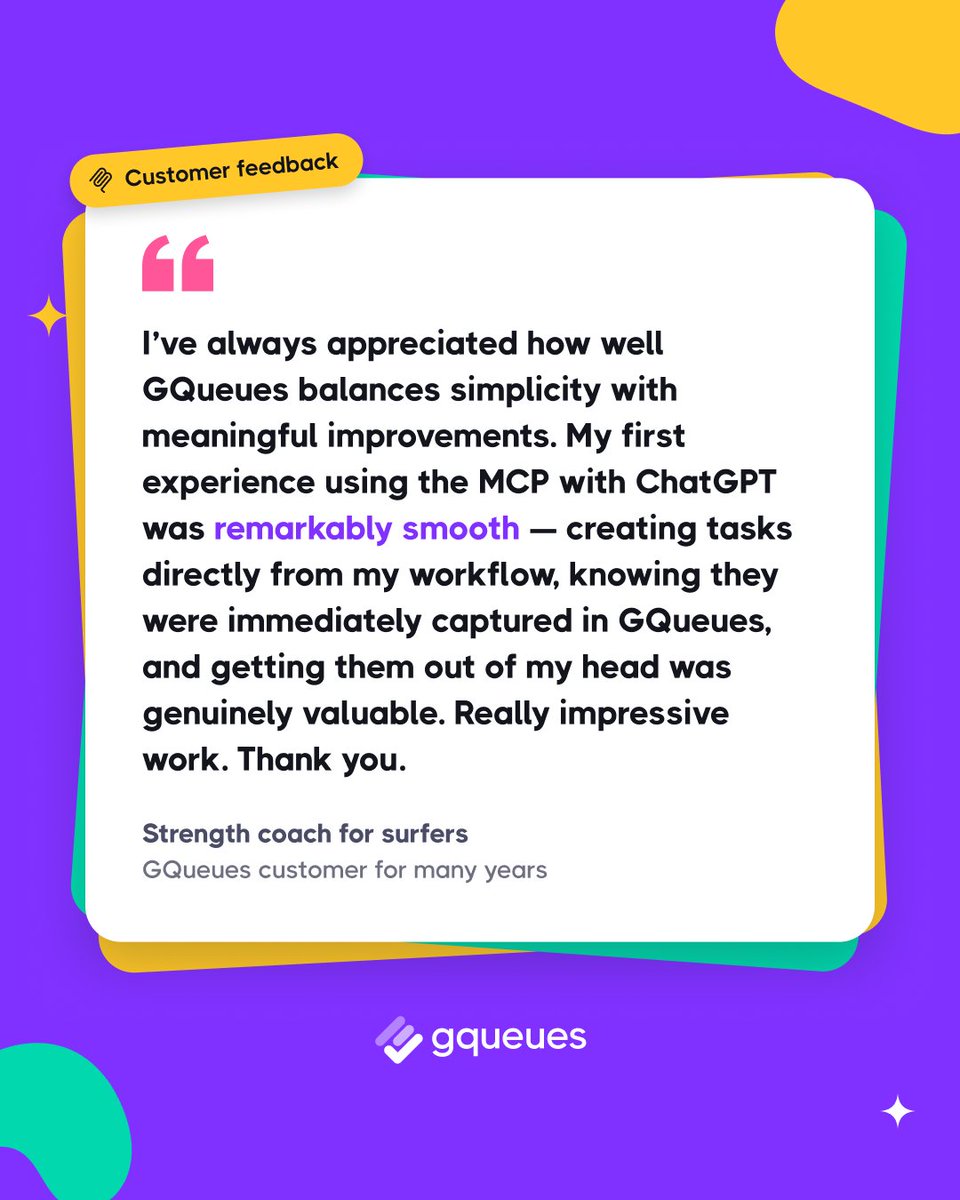
Here's what one of our users said about being able to add, update, and organize tasks from an AI assistant with the new GQueues MCP.
We love hearing your feedback — reach out anytime with the chat feature inside your account.
Add a task in seconds, before it slips your mind. Share a link or file from any app straight into GQueues. No signal? Keep going. It syncs the moment you're back.
iPhone: https://t.co/ng2nZZ8dN7
Android: https://t.co/fnnVHumeON
👍 Faster navigation, 👎 less stretching and reaching with your thumbs.
In the redesigned app, moving between queues feels familiar, and it takes fewer taps to reach the task you're looking for.
iPhone: https://t.co/v2vIrfLux1
Android: https://t.co/VSFJAws8EJ
From shopping lists to interplanetary voyages, the redesigned GQueues app keeps you organized anywhere. It keeps your team projects in sync, and it's now on every plan, including free GQueues Lite.
🍎 iOS: https://t.co/ocBeOEEXZ6🤖 Android: https://t.co/ILb4bTe9QC
The mobile app is redesigned, and now included in every GQueues plan, including the free GQueues Lite plan. Capture tasks the moment they pop into your head and check things off from anywhere.
iPhone: https://t.co/OHf3qP9NSA
Android: https://t.co/ATEtuQ3YPw
All-new: The GQueues app for iOS and Android is totally redesigned.
Fewer taps to get around, more task details in view, and subtasks right where you need them. It's also now included in every plan, including free GQueues Lite.
Discover what's new: https://t.co/zGmegrT4pl
Board view makes task updates faster so you can focus more on your work and less on project admin. Move cards with drag and drop, menu actions, or keyboard shortcuts — whatever's quickest for your workflow.
Sometimes you need a clean view to see the whole project at once. Other times, it's helpful to see details like due dates without having to click on every card. Toggle these task details on or off in Board view to see precisely as much or as little as you need to stay focused.