@Question2Think my principal and I have been looking into leading our staff in some PD on quality questioning in the classroom. Where do we start? Empowering students as questioners, quality questioning, or questioning for classroom discussion?
@educationhall@KristinKsouers coincidentally enough our trauma program in our school is called “The Nest” because we are the Owls. I was wondering if there would be an opportunity for our staff to possibly do a virtual Q&A with you 2?
@PHausEDU I’ve been talking with some teachers here in Jefferson that would be interested even if it’s virtual. Apparently there was one up here in Martinsburg prior to COVID sometime. Does that ring a bell?
So excited to be reading Relationship Responsibility and Regulation by @KristinKsouers with @educationhall. Our staff is doing this as a school wide book study and anxious to put it into practice!
Educators, Parents, Students, Anyone Who Needs to Hear This:
Take a deep breath. Go easy on yourself. You’re not failing. This is just really hard.
You don’t have to be perfect today. All you have to be is a little better than you were yesterday.
#MondayMotivation#BoldSchool
@MrPStrunk@PHausEDU the best I got is have Ss make a copy of the drawing and add it to turn in thru classroom. I was hoping to eliminate those steps for the younger ones.
@MrPStrunk@PHausEDU I’m stuck I have a hyperdoc, I have a link to a google drawing within that hyperdoc. The hyperdoc is make a copy for each S but the link to the google drawing is a shared doc. So any changes made by Ss show up. I want Ss to have their own copy of the drawing
@MrPStrunk@MrPStrunk I have seen a teacher give students 20 seconds to run and grab something that is very important to them and talk about it and how it has impacted their lives I believed they used flip grid for this particular exercise
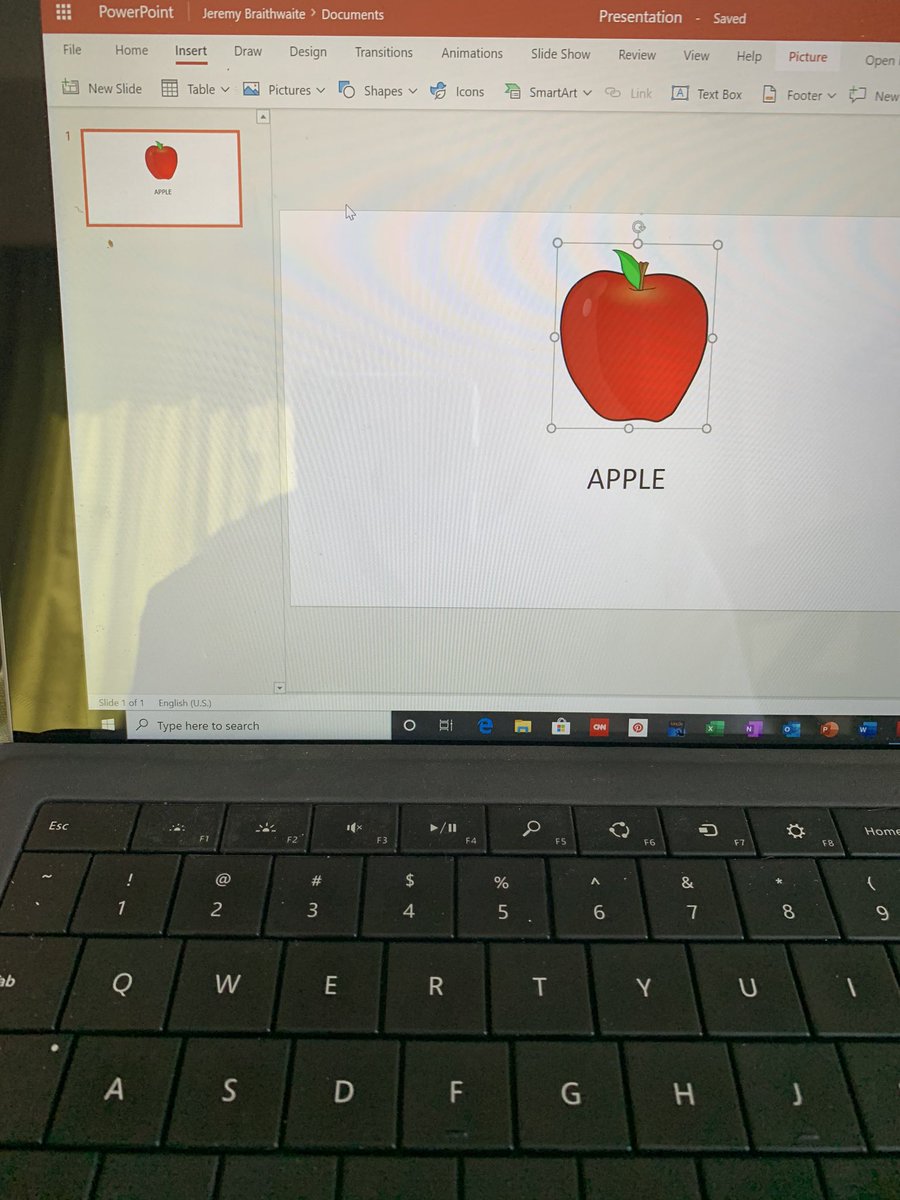
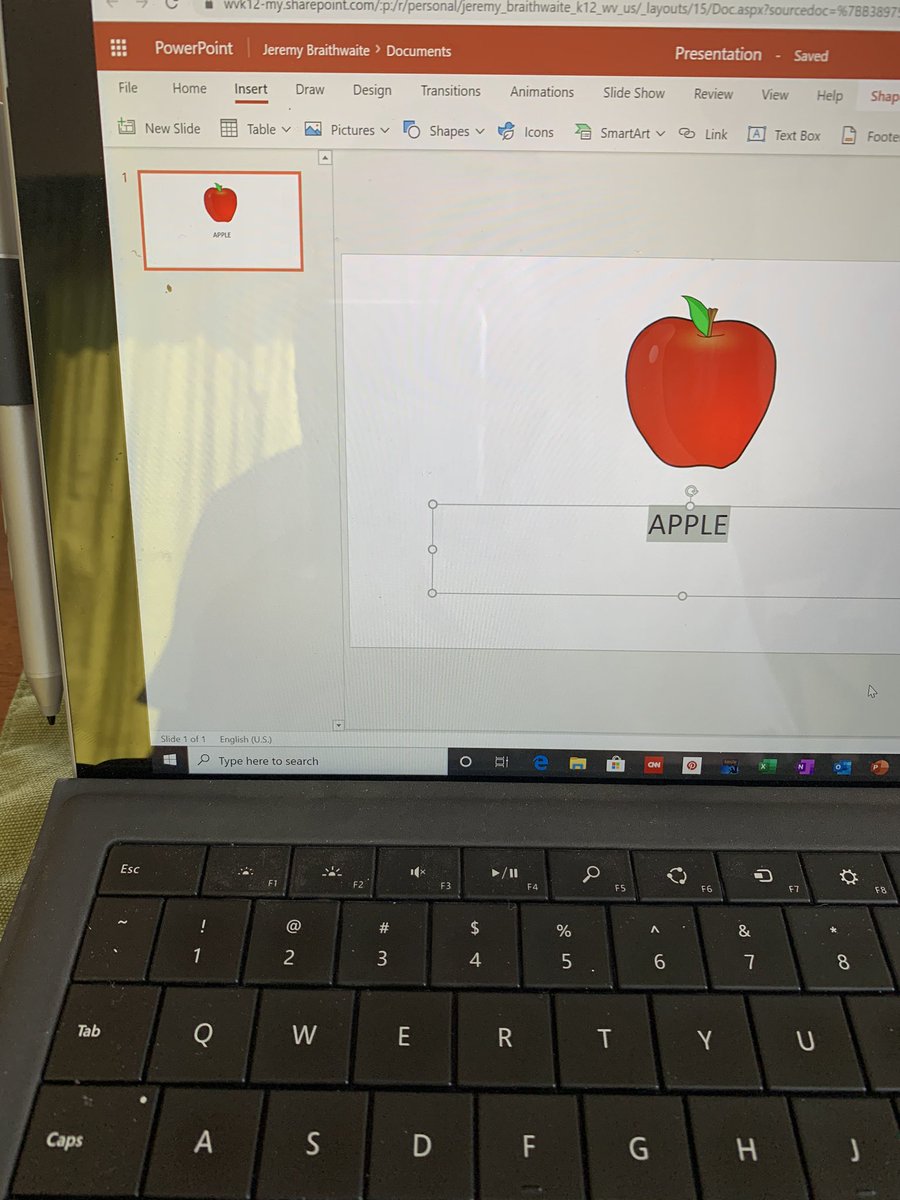
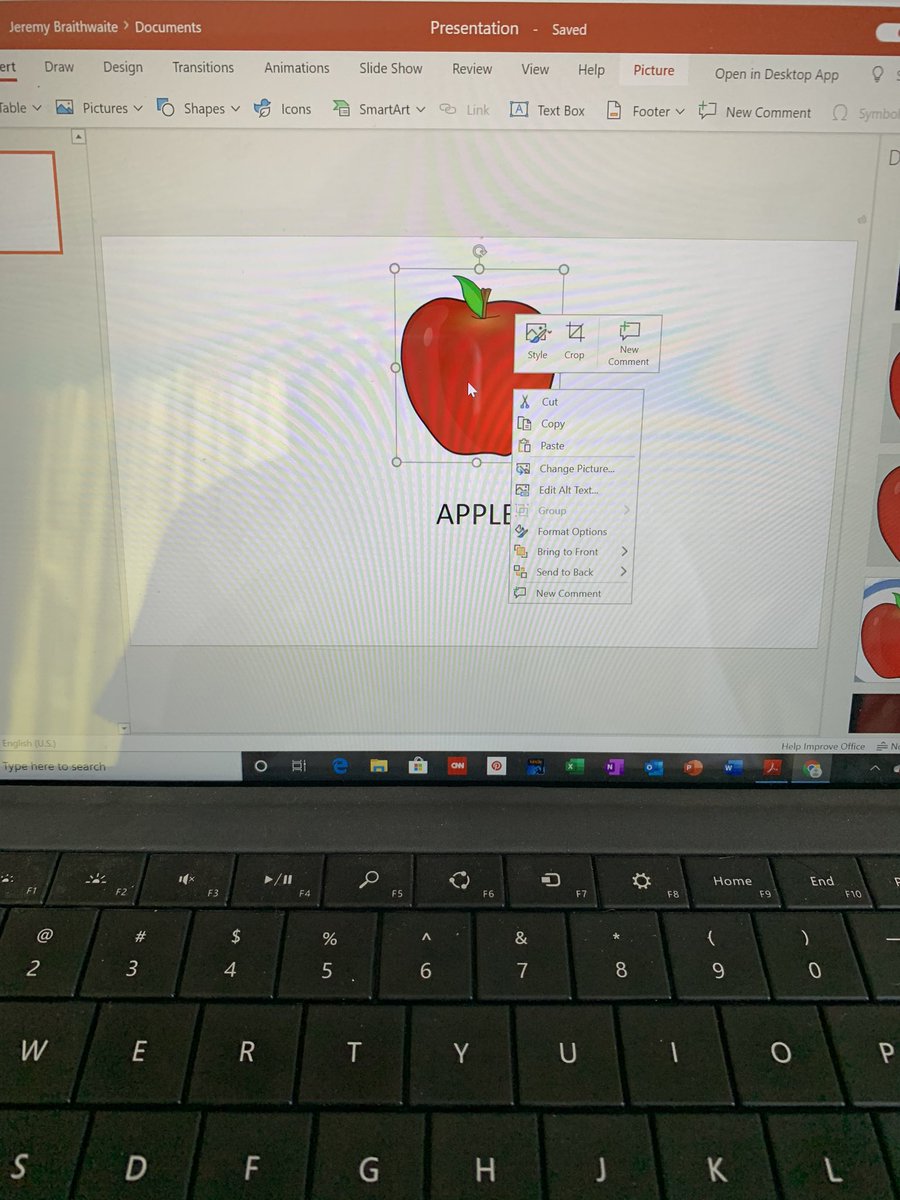
@powerpoint I am not sure. I just recently signed on with a school district that utilizes Microsoft office 365 and I am a first time user of office 365. I access it online through https://t.co/MC0PPF1N8k.
@powerpoint I followed the normal steps for attaching a link but it will only allow me to do it to text and not images. When the image is selected the option to link fades in the toolbar and is not clickable.