1st Grade Teacher
Gwinnett County Public Schools +
Graduate Student- MEd Instructional Technology, Georgia Southern University +
Blogger at Biscuits & Burlap
Have you seen our BIG Book Creator Activity Book?
📔 Perfect to use in or out of the classroom
🏠 Gives students and parents something fun and educational to work on at home
🌏 Available in multiple languages
Get your copy at https://t.co/yp3MzU93c1 #edutwitter
#CanvaEduTip 💡
When you add names to sticky notes on Canva Whiteboards, it's easy to know whose work is on the screen. 🎉
This helps to provide individualized feedback and support to each student based on their specific learning goals and needs.
TLDR is a newsletter for people who work in tech, programming, and science.
No politics or sports. Just the most captivating headlines in tech that we can all geek out on.
We summarize the most interesting stories, so you can stay up to date in less than 5 minutes a day.
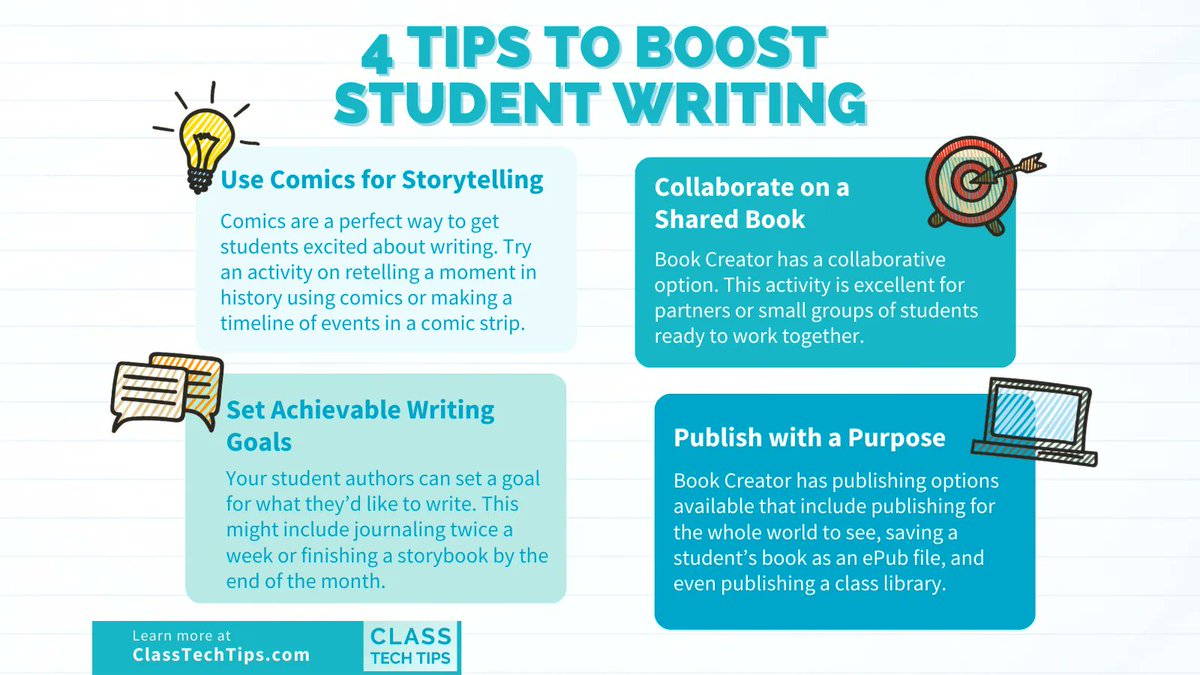
📣 Tomorrow is #EncourageAYoungWriterDay!
💻 Pressto is a dynamic #EdTech platform for K-8 students designed to motivate young writers.
💻 Make writing fun + achieve media literacy goals this school year with @PressToPublish
https://t.co/XCyVExqkHL
Did you see that you can now add multimedia comments in Book Creator? 🗯
🔈 Video and audio comments
💪 Animated emojis
🖼 GIFs and feedback stickers
💬 Text comments
Simply click on the + icon in the bottom right of the screen when on a page in Book Creator. It's that easy!
Everyday digital tools that many teachers already use in lessons can also help students develop their self-management and decision-making skills. #SEL#EdTech@Rdene915 https://t.co/A5nCCuml96
New update!
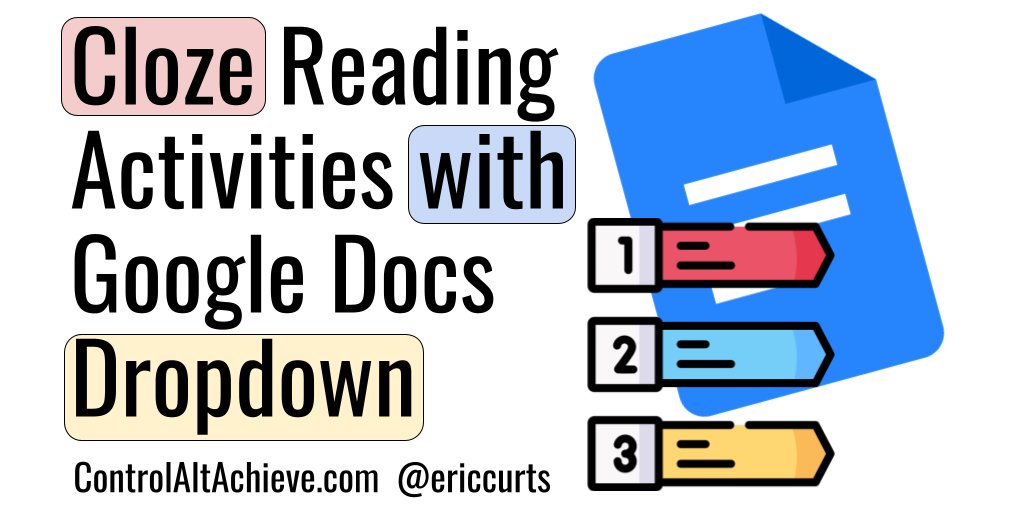
🧱 Create custom building block in Google Docs
🖱️ Insert whenever needed
📄 Great for lesson plans, lab activities, study guides & more!
Learn more here: https://t.co/Go3odpZI9H
#ControlAltAchieve#edtech#GoogleEdu#BETT2023@GoogleforEDU
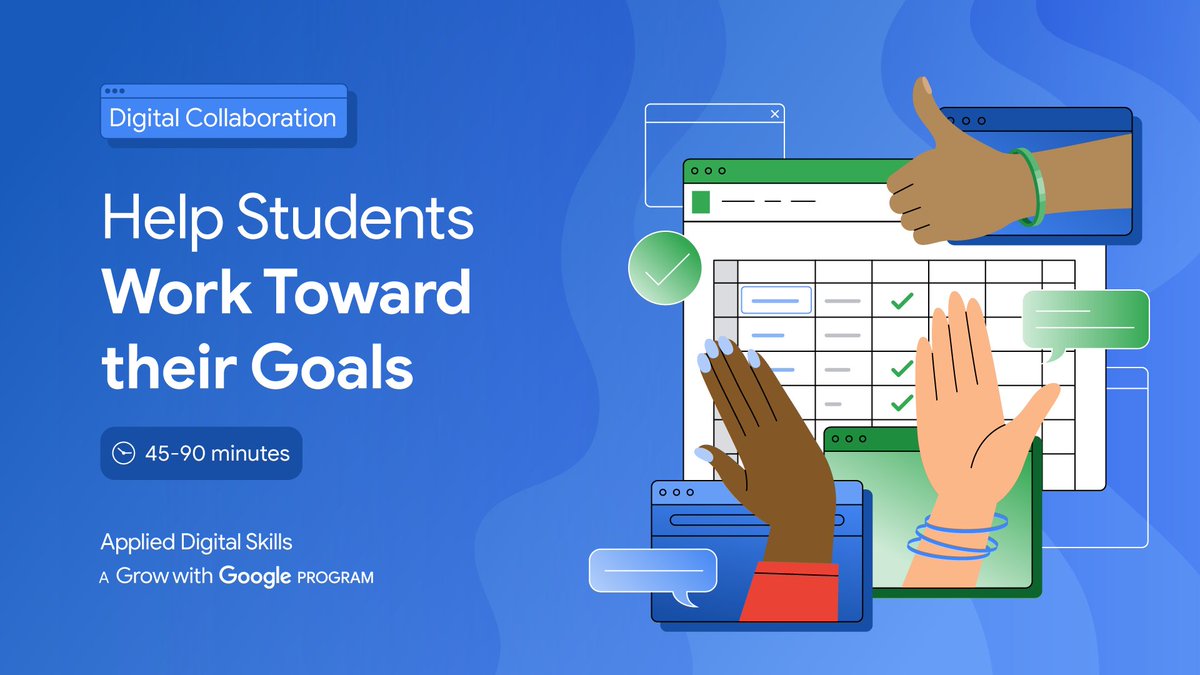
Goal-crushing just got easier. Teach your students how to stay on track with this #AppliedDigitalSkills lesson that uses #GoogleSheets to stay organized while working towards a goal 💪📈 https://t.co/h8uRZyD9Z9 #GrowWithGoogle
Once you have the Slides Timer #ChromeExtension, typing the appropriate code into your #GoogleSlides will make a timer appear in present mode!
<<5:00->> 5️⃣ minute countdown
<<0:00+>> stopwatch starting at 0:00 ⏲
<<time>> Current Time! ⭐️
#EduGIF
https://t.co/RBQQkhPS7Z
📺 Do you like to teach with movies in your classroom?
🍿 Excited to share a way for teachers to stream movies in the classroom that removes the barriers to accessing & easily assigning films.
Check out the details 👇
#Sponsored by @swank_k12
https://t.co/wwEh3zFt80
1/2 New to #Chromebooks or need a refresher on how to make the most out of your device? Check out this Chromebooks for Educators course for all the tips, tricks and tools you need. https://t.co/Q9rXuPBSjQ