Breveto 2.3 is here! You can now create links to other documents by simply typing @ or [[
The update also adds a lot of small improvements like the ability to sort todo lists, slash commands, and more!
https://t.co/U1UjSJu5K9
We just released Breveto 2.2!
You can now add tables to your documents, export to DOCX, and copy text as Markdown or HTML.
See everything thats new:
https://t.co/Cx4Jj5eqGS
We just released Breveto 2.1 🎉
Pin document stats like word count to the bottom of the editor, use subscript and superscript formatting, see rich link previews in the sidebar, and jump to headings using quick open.
See everything that's new here:
https://t.co/LGtlFy3JFA
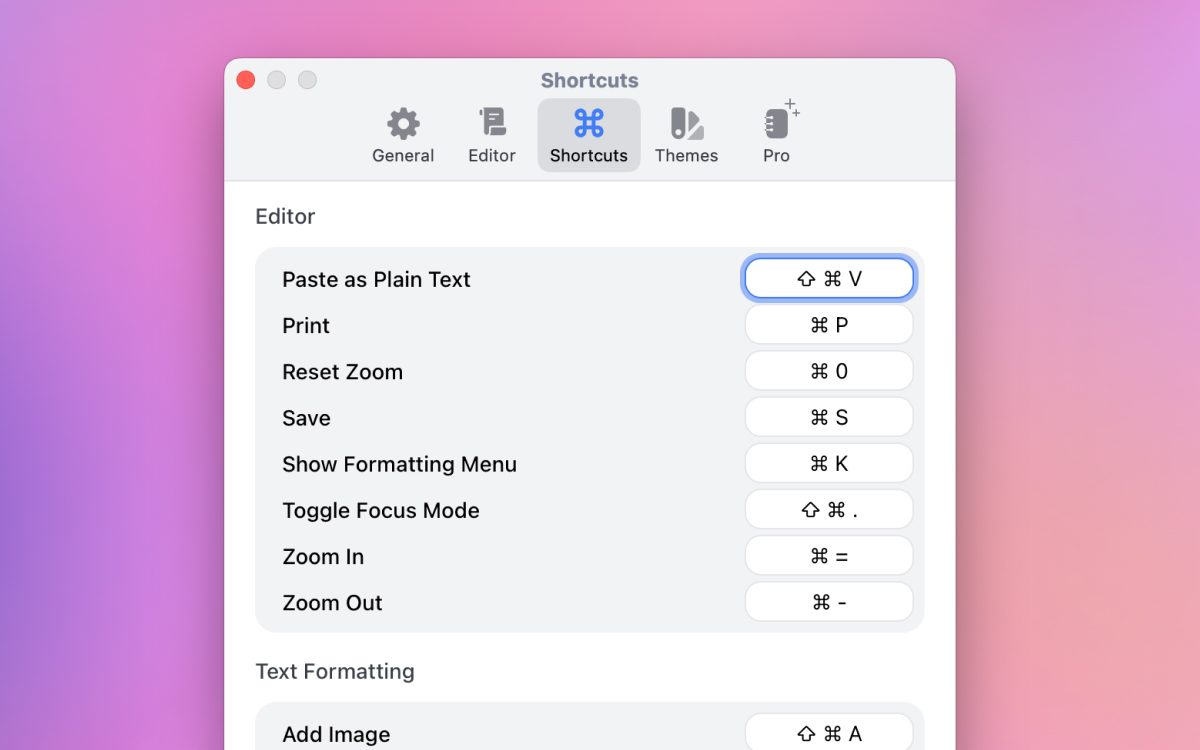
The latest Breveto beta adds quick open and customizable shortcuts!
To quickly search and open files: Press Command + O on Mac, or swipe from the right edge of the screen to the left on iPhone.
You can also head over to Breveto's settings to customize the quick open shortcut.
We just released a second beta version of Breveto!
What's New:
"Dual Tone" theme with a dark sidebar and light editor
"Save as PDF" option on the print page
Handoff between Mac and iOS
Offline status indicator
Many bug fixes
Breveto 2.0 Beta for Mac & iOS is Here! 🎉
The beta version brings a fresh new experience across all your devices, with a polished design, improved sync, and numerous of quality-of-life upgrades.
Download the beta, and see what’s new in the link below!
https://t.co/Qxc9aLsg9h
@noahraskin_ For example, when you introduce paragraph spacing it also requires adding hard breaks, and pasting content into the editor has to be formatted differently depending on if there is or isn’t spacing. It also affects exports and a few other things.
Although quiet, we’ve been busy getting a lot accomplished behind the scenes.
We’ve made good progress on ColorSlurp V4, and Breveto for iOS is now actively being worked on!
Lots of up front effort is being made to speed up our development cycle as well 🚀