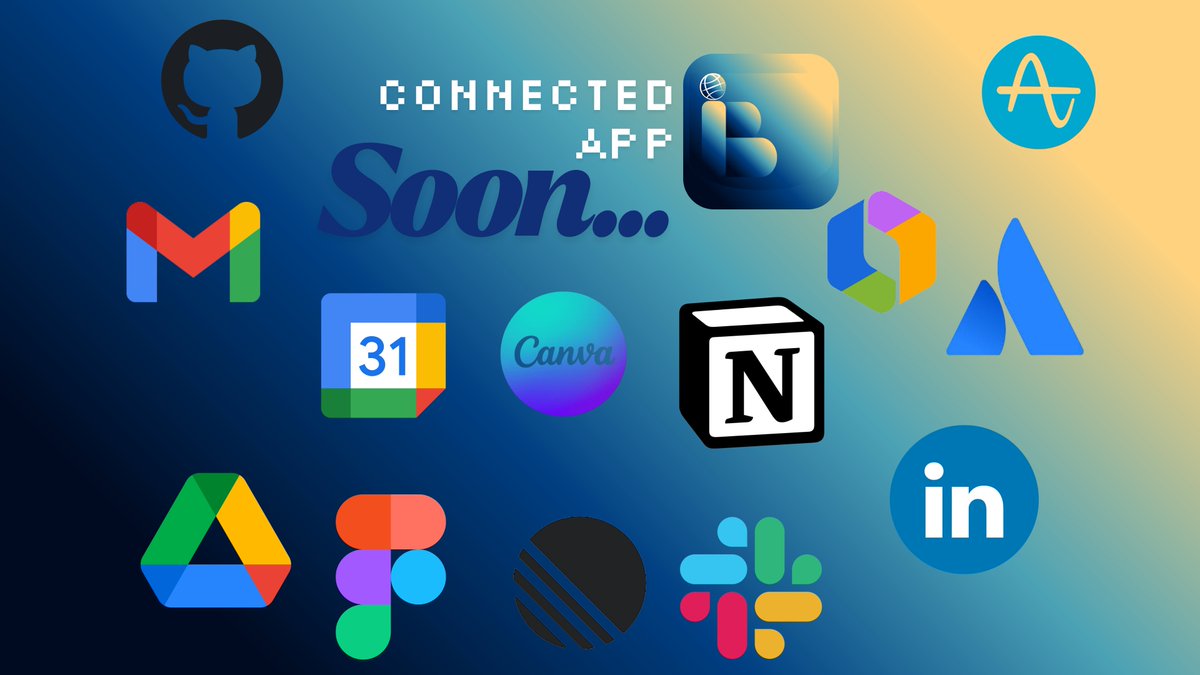
Your tools, connected in BrowserAi.
Google Gmail, Google Drive, Google Calender, Figma, Atlassian, Canva, GitHub, Slack, Notion, Linear, LinkeIn and more... @BrowserKi
Soon...
https://t.co/ayRUewIWe0
#BrowserAi#iOS#AI#AppStore
@AurelienWeiss@browsercompany@comet@OpenAI@LeakerApple@applenws Appreciate it, thank you so much for taking the time to check it out. Really interesting insight about “chat browser” too. We’ll definitely look deeper into that space and keep improving Browser-Ai 🤗
Hey! If you’re looking for an AI browser on iOS/iPadOS right now, check out Browser-Ai — it’s already available on the App Store: https://t.co/VH2NDpiIxC
It comes with a lot of features:
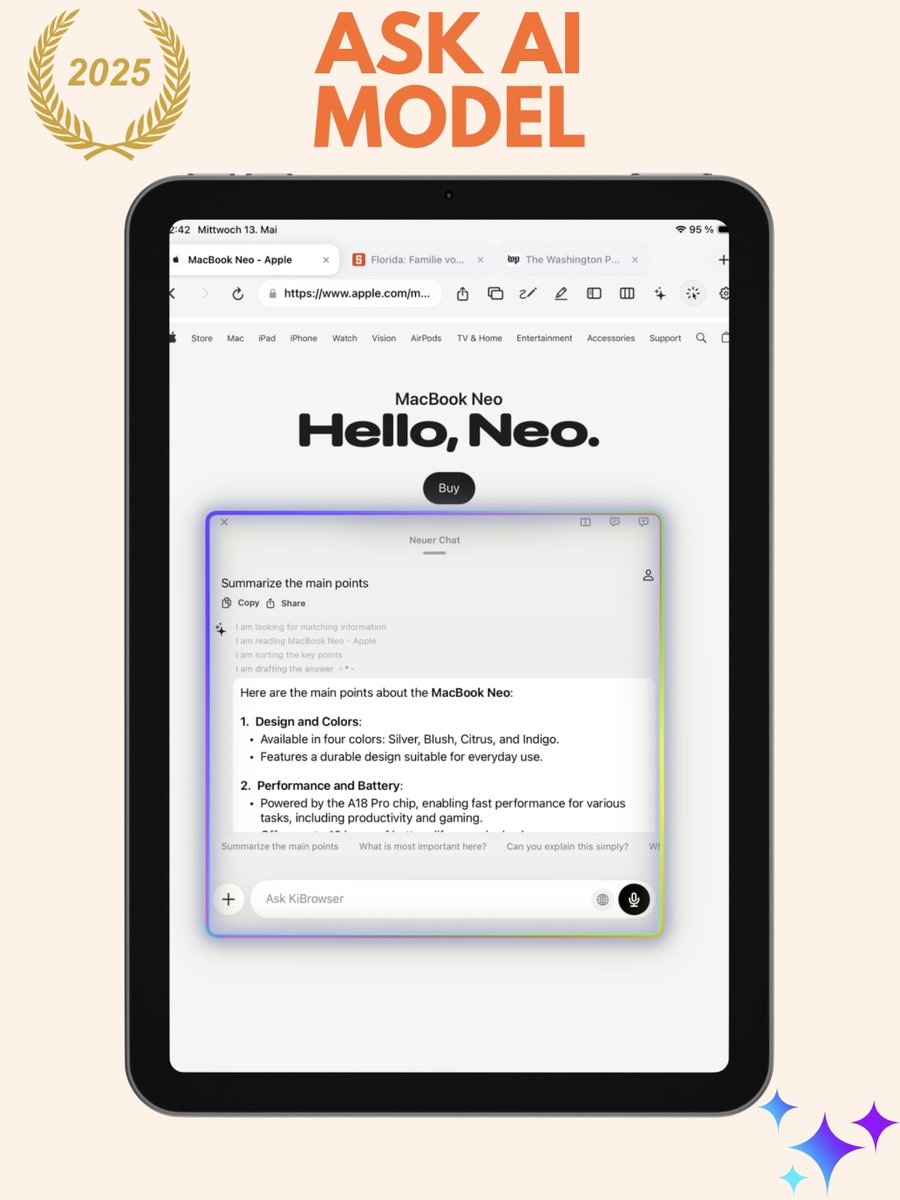
• AI Chat & Floating Chat right on top of any webpage
• Split View for side-by-side browsing on iPad
• Pin, sort & rename tabs
• Spaces & Tab Folders for organizing different projects
• Highlight & pin page content directly into chat
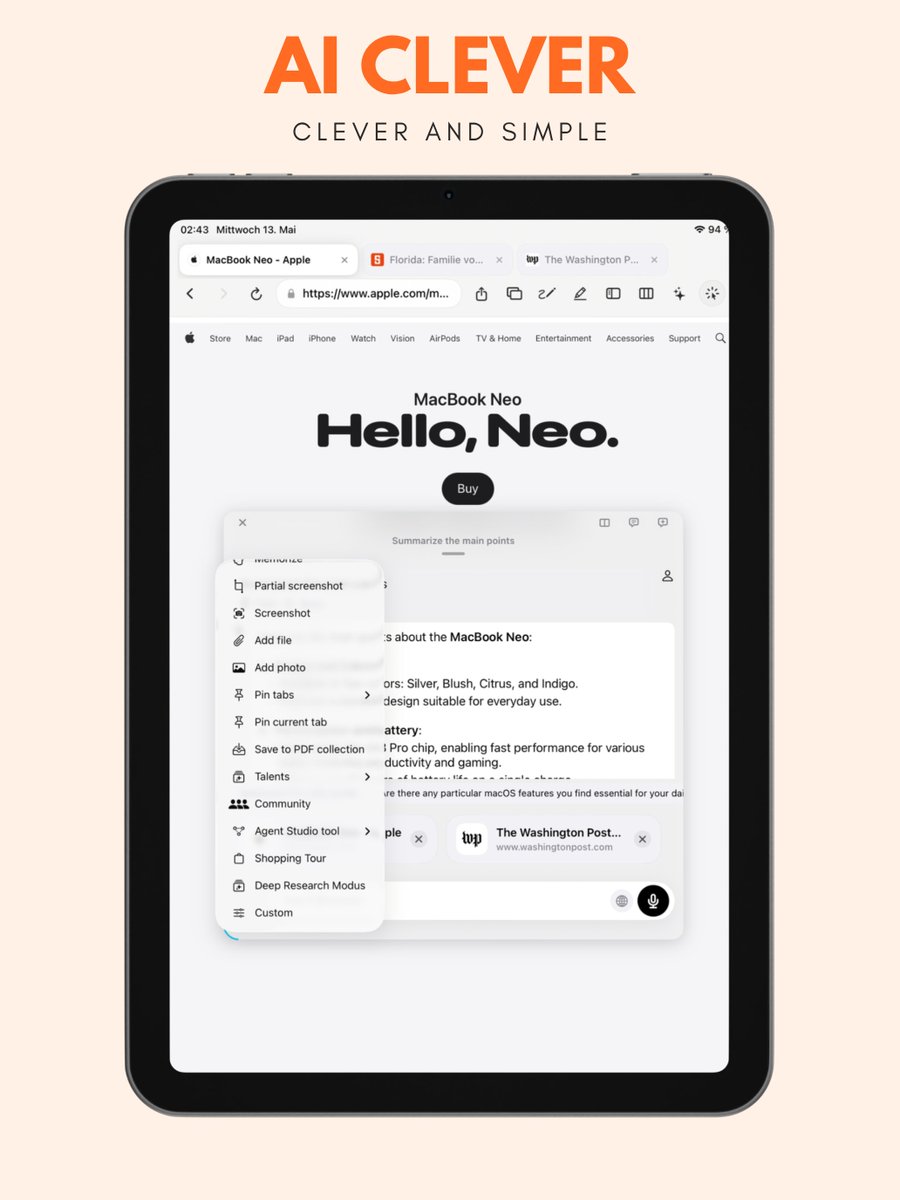
• Deep Research, Shopping Tour, Reader Mode, PDF Export
• AI Mouse on iPad — smart text detection on hover
• Talents — create your own custom AI helpers
• Currently supporting 15 languages, with 41 coming soon
Would love to hear your thoughts! 🚀
Great to see Dia open to everyone! For those asking about iOS/iPadOS — if you want an AI browser on mobile right now, Browser-Ai already has you covered:
• AI Chat & Floating Chat on any webpage
• Split View on iPad
• Spaces, Tab Folders & Pinned Tabs
• Deep Research & Shopping Tour
• AI Mouse for iPad
• Custom AI Talents
• 15 languages supported, 41 coming soon
Free on the App Store: https://t.co/VH2NDpiIxC
Hey! If you’re looking for an AI browser on iOS/iPadOS right now, check out Browser-Ai — it’s already available on the App Store: https://t.co/VH2NDpiIxC
It comes with a lot of features:
• AI Chat & Floating Chat right on top of any webpage
• Split View for side-by-side browsing on iPad
• Pin, sort & rename tabs
• Spaces & Tab Folders for organizing different projects
• Highlight & pin page content directly into chat
• Deep Research, Shopping Tour, Reader Mode, PDF Export
• AI Mouse on iPad — smart text detection on hover
• Talents — create your own custom AI helpers
• Currently supporting 15 languages, with 41 coming soon
Would love to hear your thoughts! 🚀
Love seeing the progress on @diabrowser ! Meanwhile, if anyone’s looking for an AI browser experience on iOS/iPadOS right now — Browser-Ai is already live on the App Store with AI Chat, Floating Chat, Split View, Spaces, Deep Research, and much more. 41 languages coming soon too.
https://t.co/VH2NDpiIxC
Hey! If you’re looking for an AI browser on iOS/iPadOS right now, check out Browser-Ai — it’s already available on the App Store: https://t.co/VH2NDpiIxC
It comes with a lot of features:
• AI Chat & Floating Chat right on top of any webpage
• Split View for side-by-side browsing on iPad
• Pin, sort & rename tabs
• Spaces & Tab Folders for organizing different projects
• Highlight & pin page content directly into chat
• Deep Research, Shopping Tour, Reader Mode, PDF Export
• AI Mouse on iPad — smart text detection on hover
• Talents — create your own custom AI helpers
• Currently supporting 15 languages, with 41 coming soon
Would love to hear your thoughts! 🚀
Hey! If you’re looking for an AI browser on iOS/iPadOS right now, check out Browser-Ai — it’s already available on the App Store: https://t.co/VH2NDpiIxC
It comes with a lot of features:
• AI Chat & Floating Chat right on top of any webpage
• Split View for side-by-side browsing on iPad
• Pin, sort & rename tabs
• Spaces & Tab Folders for organizing different projects
• Highlight & pin page content directly into chat
• Deep Research, Shopping Tour, Reader Mode, PDF Export
• AI Mouse on iPad — smart text detection on hover
• Talents — create your own custom AI helpers
• Currently supporting 15 languages, with 41 coming soon
Would love to hear your thoughts! 🚀
Hey! If you’re looking for an AI browser on iOS/iPadOS right now, check out Browser-Ai — it’s already available on the App Store: https://t.co/VH2NDpiIxC
It comes with a lot of features:
• AI Chat & Floating Chat right on top of any webpage
• Split View for side-by-side browsing on iPad
• Pin, sort & rename tabs
• Spaces & Tab Folders for organizing different projects
• Highlight & pin page content directly into chat
• Deep Research, Shopping Tour, Reader Mode, PDF Export
• AI Mouse on iPad — smart text detection on hover
• Talents — create your own custom AI helpers
• Currently supporting 15 languages, with 41 coming soon
Would love to hear your thoughts! 🚀
Hey! If you’re looking for an AI browser on iOS/iPadOS right now, check out Browser-Ai — it’s already available on the App Store: https://t.co/VH2NDpiIxC
It comes with a lot of features: • AI Chat & Floating Chat right on top of any webpage • Split View for side-by-side browsing on iPad • Pin, sort & rename tabs • Spaces & Tab Folders for organizing different projects • Highlight & pin page content directly into chat • Deep Research, Shopping Tour, Reader Mode, PDF Export • AI Mouse on iPad — smart text detection on hover • Talents — create your own custom AI helpers • Currently supporting 15 languages, with 41 coming soon
Would love to hear your thoughts! 🚀
Hey! If you’re looking for an AI browser on iOS/iPadOS right now, check out Browser-Ai — it’s already available on the App Store: https://t.co/VH2NDpiIxC
It comes with a lot of features:
• AI Chat & Floating Chat right on top of any webpage
• Split View for side-by-side browsing on iPad
• Pin, sort & rename tabs
• Spaces & Tab Folders for organizing different projects
• Highlight & pin page content directly into chat
• Deep Research, Shopping Tour, Reader Mode, PDF Export
• AI Mouse on iPad — smart text detection on hover
• Talents — create your own custom AI helpers
• Currently supporting 15 languages, with 41 coming soon
Would love to hear your thoughts! 🚀
Hey! If you’re looking for an AI browser on iOS/iPadOS right now, check out Browser-Ai — it’s already available on the App Store: https://t.co/VH2NDpiIxC
It comes with a lot of features:
• AI Chat & Floating Chat right on top of any webpage
• Split View for side-by-side browsing on iPad
• Pin, sort & rename tabs
• Spaces & Tab Folders for organizing different projects
• Highlight & pin page content directly into chat
• Deep Research, Shopping Tour, Reader Mode, PDF Export
• AI Mouse on iPad — smart text detection on hover
• Talents — create your own custom AI helpers
• Currently supporting 15 languages, with 41 coming soon
Would love to hear your thoughts! 🚀
Hey! If you’re looking for an AI browser on iOS/iPadOS right now, check out Browser-Ai — it’s already available on the App Store: https://t.co/VH2NDpiIxC
It comes with a lot of features:
• AI Chat & Floating Chat right on top of any webpage
• Split View for side-by-side browsing on iPad
• Pin, sort & rename tabs
• Spaces & Tab Folders for organizing different projects
• Highlight & pin page content directly into chat
• Deep Research, Shopping Tour, Reader Mode, PDF Export
• AI Mouse on iPad — smart text detection on hover
• Talents — create your own custom AI helpers
• Currently supporting 15 languages, with 41 coming soon
Would love to hear your thoughts! 🚀
Hey! If you’re looking for an AI browser on iOS/iPadOS right now, check out Browser-Ai — it’s already available on the App Store: https://t.co/VH2NDpiIxC
It comes with a lot of features:
• AI Chat & Floating Chat right on top of any webpage
• Split View for side-by-side browsing on iPad
• Pin, sort & rename tabs
• Spaces & Tab Folders for organizing different projects
• Highlight & pin page content directly into chat
• Deep Research, Shopping Tour, Reader Mode, PDF Export
• AI Mouse on iPad — smart text detection on hover
• Talents — create your own custom AI helpers
• Currently supporting 15 languages, with 41 coming soon
Would love to hear your thoughts! 🚀
Browse smarter, not harder. Browser-Ai turns any webpage into a study tool. Summarize articles, chat with AI, and stay focused while researching.
Free on iPhone and iPad.
https://t.co/hXXDD2X1n1
#BrowserAi#StudyTool#AIforStudents#EdTech#University#HighSchool#StudentLife #StudyHacks #Research #AIBrowser #BackToSchool #Students #School #CollegeLife #StudySmarter
Browse smarter, not harder. BrowserAi brings AI directly into your browser. Summarize pages, translate content, chat with AI while you surf, and do deep research without switching apps. Free on the App Store.
https://t.co/ayRUewIWe0
#BrowserAi#iOS#AI#AppStore
Browse smarter, not harder. KiBrowser brings AI directly into your browser. Summarize pages, translate content, chat with AI while you surf, and do deep research without switching apps. Free on the App Store.
https://t.co/92l90qbYkQ
#KiBrowser#iOS#KI#AppStore
most browsers just show you the web. KiBrowser helps you understand it.
summarize pages. ask questions. translate. research. compare. all from one app on your phone.
browsing with AI isn’t the future — it’s already here.
🔗 https://t.co/VH2NDpiIxC
#KiBrowser#BrowserAI #AIBrowser #SmartBrowsing #iOS #iPhone #iPad #AppStore #AI #ProductivityApps
what if your browser knew how you like things done?
with Talents in KiBrowser, you create your own AI helpers — custom instructions for different tasks. one for emails, one for research, one for learning.
your browser, your rules.
🔗 https://t.co/VH2NDpiIxC
#KiBrowser #BrowserAI #AIAgents #CustomAI #iOS #iPhone #iPad #AITools #AppStore
googling one thing → opening 12 tabs → forgetting what you were looking for
KiBrowser’s Deep Research mode explores topics across multiple pages for you. it connects the dots so you don’t have to hold everything in your head.
real research, not tab hoarding.
🔗 https://t.co/VH2NDpiIxC
#KiBrowser #BrowserAI #DeepResearch #AIResearch #iOS #iPhone #iPad #Productivity #AIBrowser