Big updates to BB!
- You can now customize Strict Mode
- Strict Mode can now block uninstalls as well
- Improvements to Daily Usage Conditions
- Improvements to schema processing
- More Siri Shortcuts for Custom Condition
Check it out! https://t.co/gvdaIunKLH
@DieStahlfaust It's the same as the built-in one, but with a lot more features. I built this because I wanted to do more advanced forms of blocking that the built-in feature couldn't do.
I had to focus my attention on marketing lately, but I have not forgotten to work on new features! I just finished giving the website a revamp and am now working on a feature that some of you have been requesting! 👀
You can now customize the contents of the block screen! This was a popular feature request, and you can now find it in the app's Settings tab after updating to BB's latest version. 😎
The latest update of BB (which is already out!) added support for home screen Widgets! You can now add a widget that shows which of your schemas are active. 🙂
Got an idea for another type of widget that you'd like BB to have? Let us know!
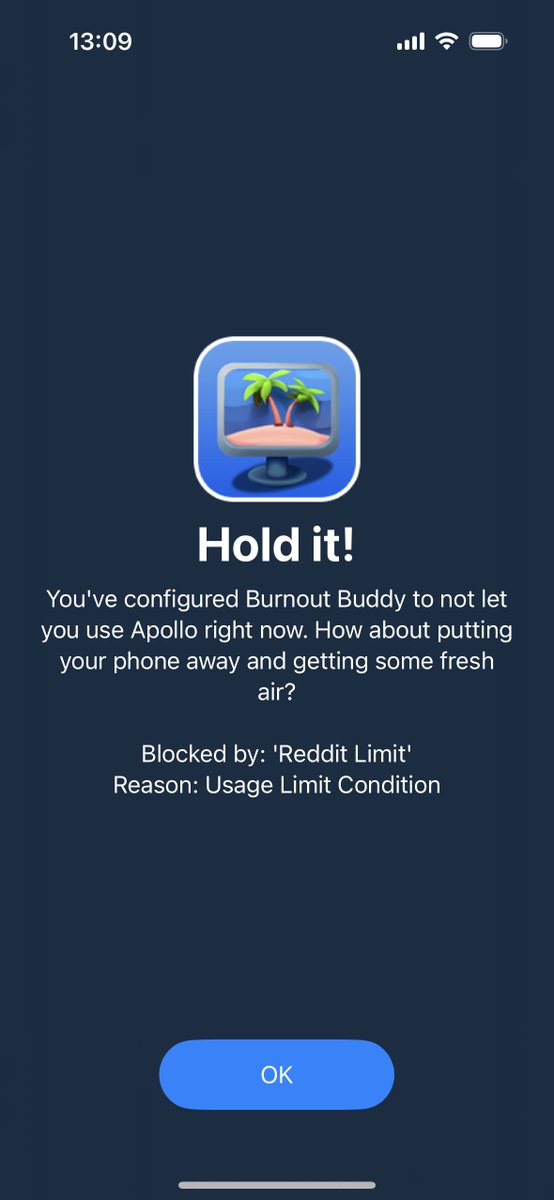
Just released a big update to Burnout Buddy! 🥳 Besides some UI/UX improvements, you're now able to see precisely which schema/condition is preventing an app from being launched. 😁
Some of you have been requesting the ability to use a 12-hour clock format instead of the 24 hours one, so the next update will automatically detect your phone's clock settings and show the appropriate format!
🇧🇷 Obrigado @MacMagazine pelo shoutout! Fico muito feliz que tenham achado o Burnout Buddy interessante o suficiente para escrever um artigo sobre 🥰 #iosdev
https://t.co/dyyhBCzjyP
Burnout Buddy now supports Siri Shortcuts! You can now integrate Burnout Buddy with other apps and features of your device to build your own custom blocking conditions like "when I'm physically at work", "when Focus mode is active", and virtually anything else your phone allows!
Burnout Buddy v1.2.1 is out and includes Strict Mode, Custom App Icons and more! Also, if you downloaded BB before December 2nd, open the Settings tab for a little surprise... 🎁
Want to know more about BB? https://t.co/YrH44zJnPE
#ios#mentalhealth#Socialmediadetox
The next update of @burnoutbuddy introduces "Strict Mode"! Many of you sent feedback that you developed the bad habit of "cheating" the app blocker by disabling it when it's convenient, and I was well expecting that. You'll now have the ability to make that _very_ frustrating!
Here are the other cool things in this release:
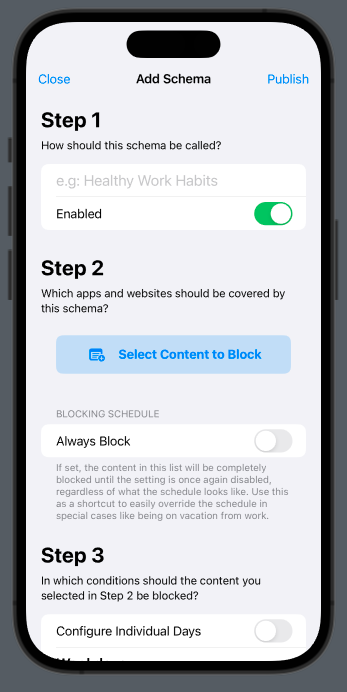
- The schema screen has been re-designed.
- Added more presets.
- Fixed a bug where changing a schedule's calendar type could fail.
- You can now also create schemas by selecting the new "+" button on the home screen.
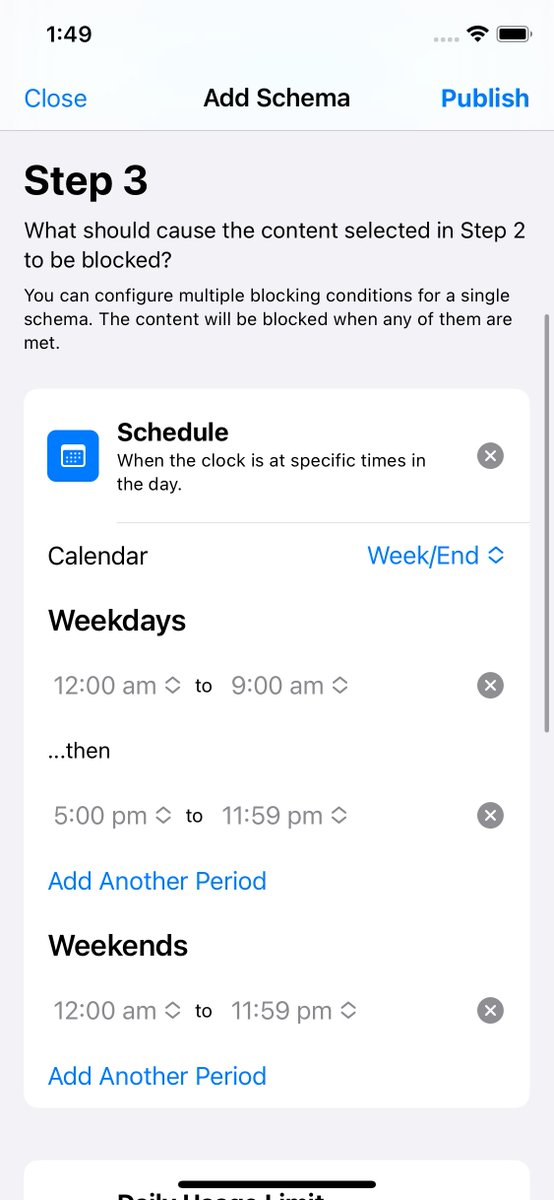
BurnoutBuddy v1.1.0 is out and is our biggest update so far! You can now _also_ block apps after they've been used for a specific amount of time. These limits can be set either independently or in conjunction with the usual schedules to give you maximum control over those apps.
The next update will add more ways for you to activate schemas! The first one will be a "time limit" condition just like in the Screen Time app, but I also to add support for Siri Shortcuts-based activation later on. But before that, we're improving the design a little bit...
This version also improves how the app handles errors and adds a new Settings screen with troubleshooting tools and a feedback button. Let me know of any feedback you might have!
1.0.4 is out! You can now create schedules that start/end at quarters (:15, :30, :45)! Might sound weird that you can't set any time you want, but this is a weird iOS limitation that we're working with Apple to fix.
There's a bug in iOS where the Screen Time APIs that BB use can silently stop working. We could detect this happening since 1.0.0, but I'm pushing an update that now shows you how to fix it. Submitted the bug to Apple in the meantime!
BurnoutBuddy is out for iOS! BB for iOS lets you fight smartphone/work addiction harder than the native Screen Time app and has more features than the macOS version. Check it out!
App Store: https://t.co/yAfr78zSUg
Wanna know more? https://t.co/vL9UIHkTZi @BurnoutBuddy
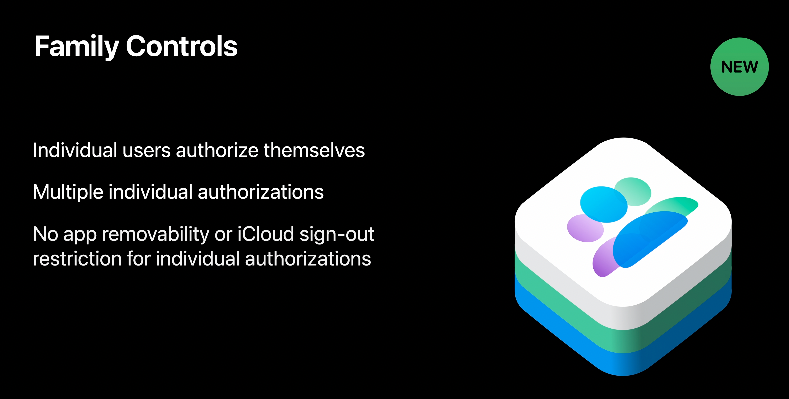
BurnoutBuddy is now coming to iOS! This is all thanks to iOS 16 now allowing you to use parental control features on your *own* phone, something which was previously only possible through awful workarounds. The macOS version can also be in the App Store as a result!