@KristenBrooks77 A4- Scaffold digital templates only as needed and let student choice determine how text and media are brought into create final products. #IKESmsEDU
@KristenBrooks77 A3- There are too many great #MicrosoftEDU tools to choose from! I would say any that students and teachers can engage through by sharing! The more minds collaborating, the more creative projects evolve! #IKESmsEDU
@KristenBrooks77 A1- Creativity in the classroom is the fostering of inquiry which nurtures curiosity! It’s the freedom to get frustrated, find solutions, and create beautiful end products, whatever that may be! #IKESmsEDU
A3- Academic vocabulary can be challenging for students! There are so many great programs that have hover-over features that define, pronounce, and provide examples of unknown words. It takes the fear out of the unknown!
#IKESmsEDU
A2- I love Class OneNote! It allows for unique teacher personalization, differentiation, and feedback. Bonus: is that the regular accessibility features are embedded within it. #IKESmsEDU
A1- There are so many student support opportunities using educational technology literacy tools! However, that can be a disadvantage too. Utilizing digital tools as proper scaffolds while still cultivating student growth has to be the middle ground! #IKESmsEDU
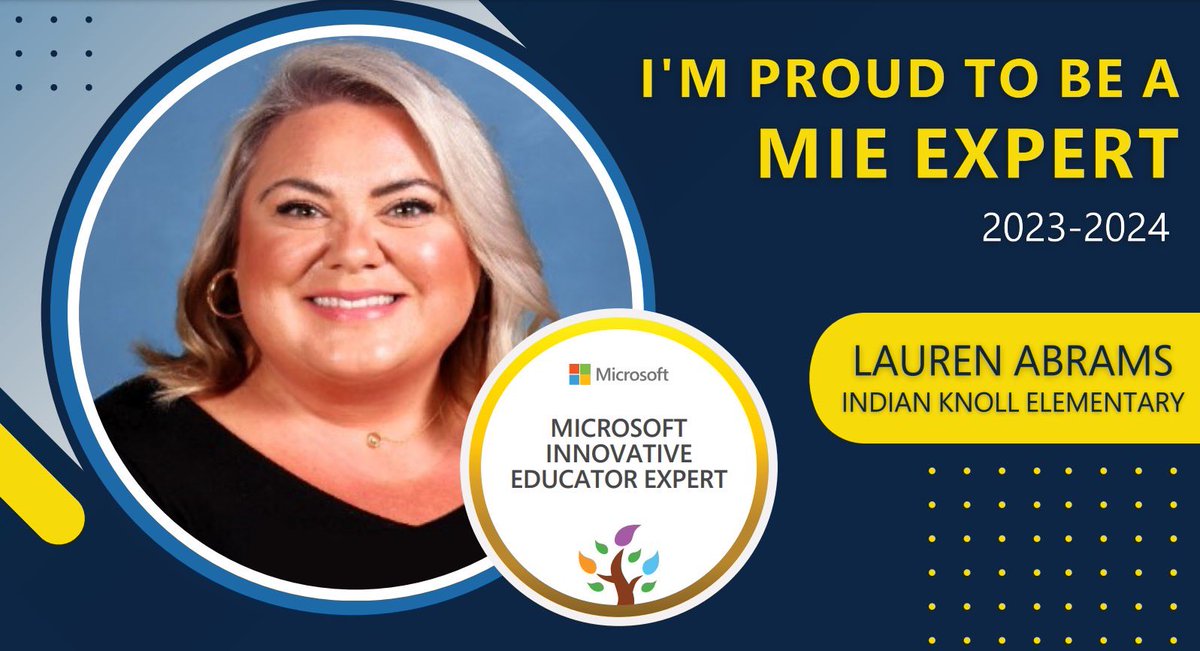
Hi Everyone! My name is Lauren Abrams and I am an Instructional Coach @IndianKnollES. My favorite children’s book is Tallahassee Higgins by Mary Downing Hahn. #IKESmsEDU
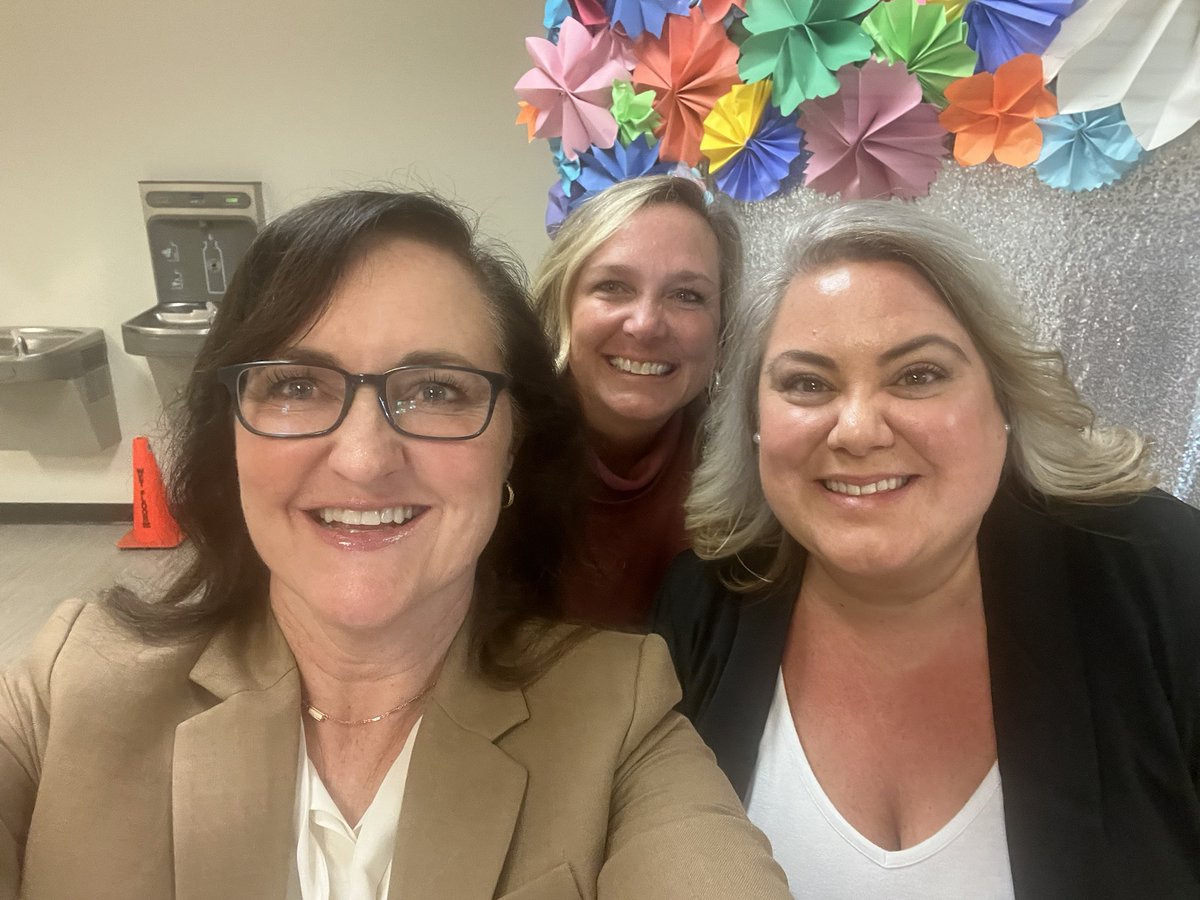
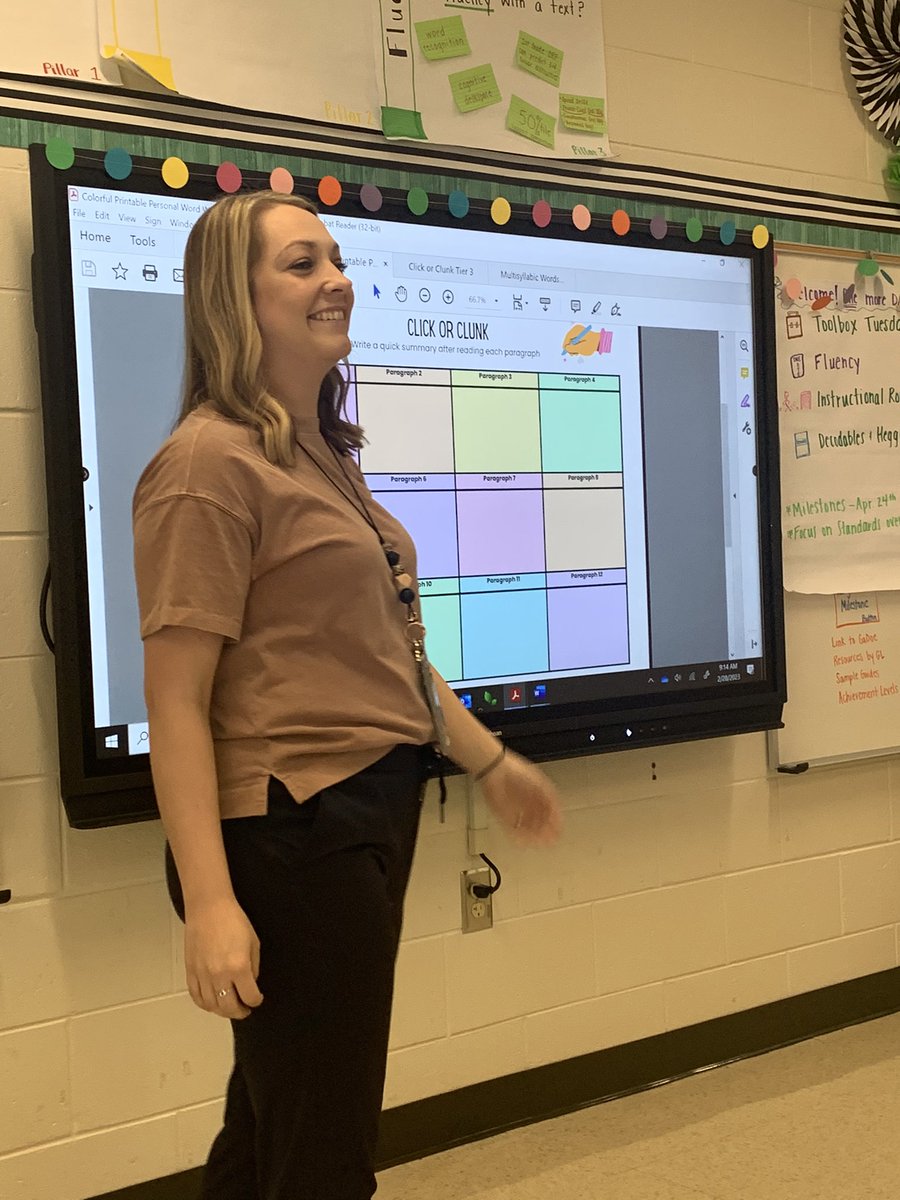
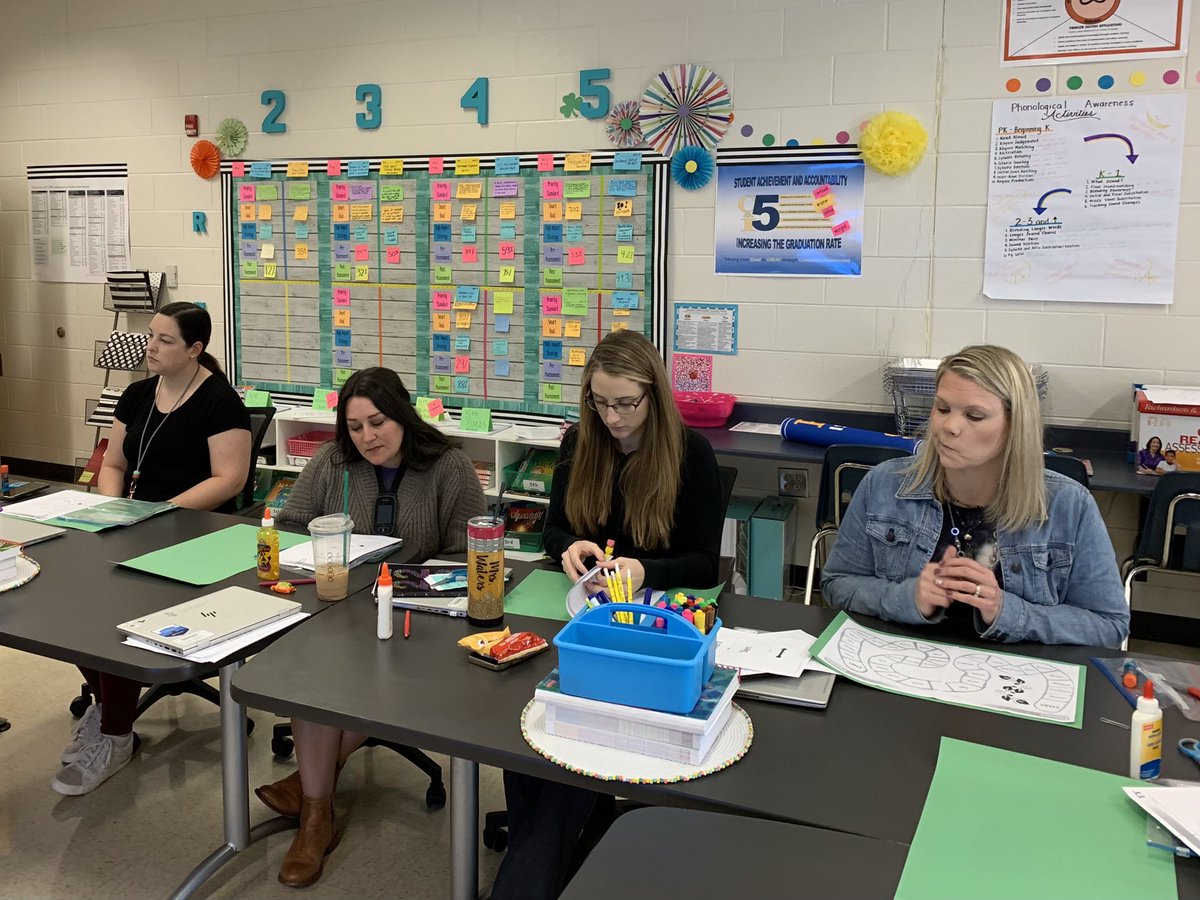
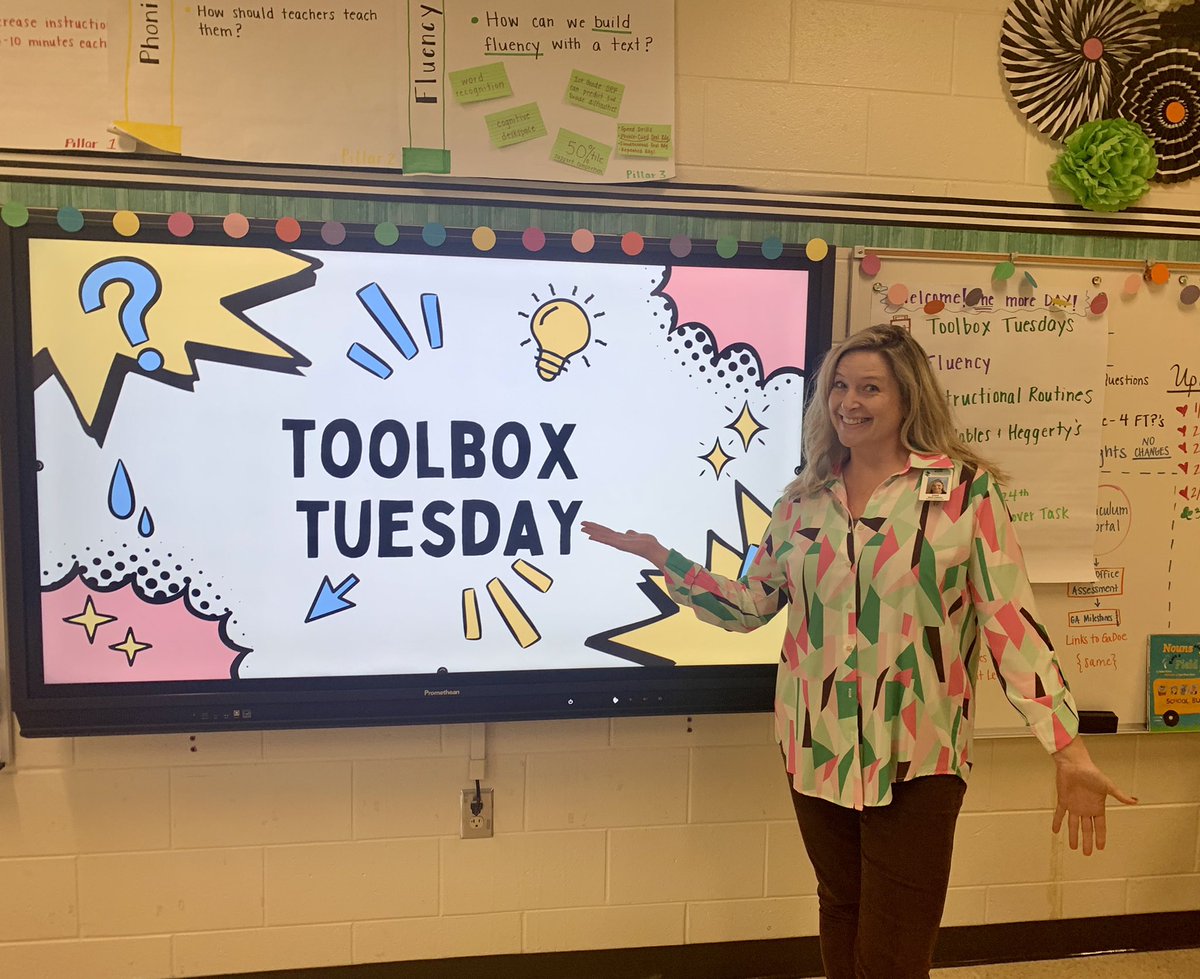
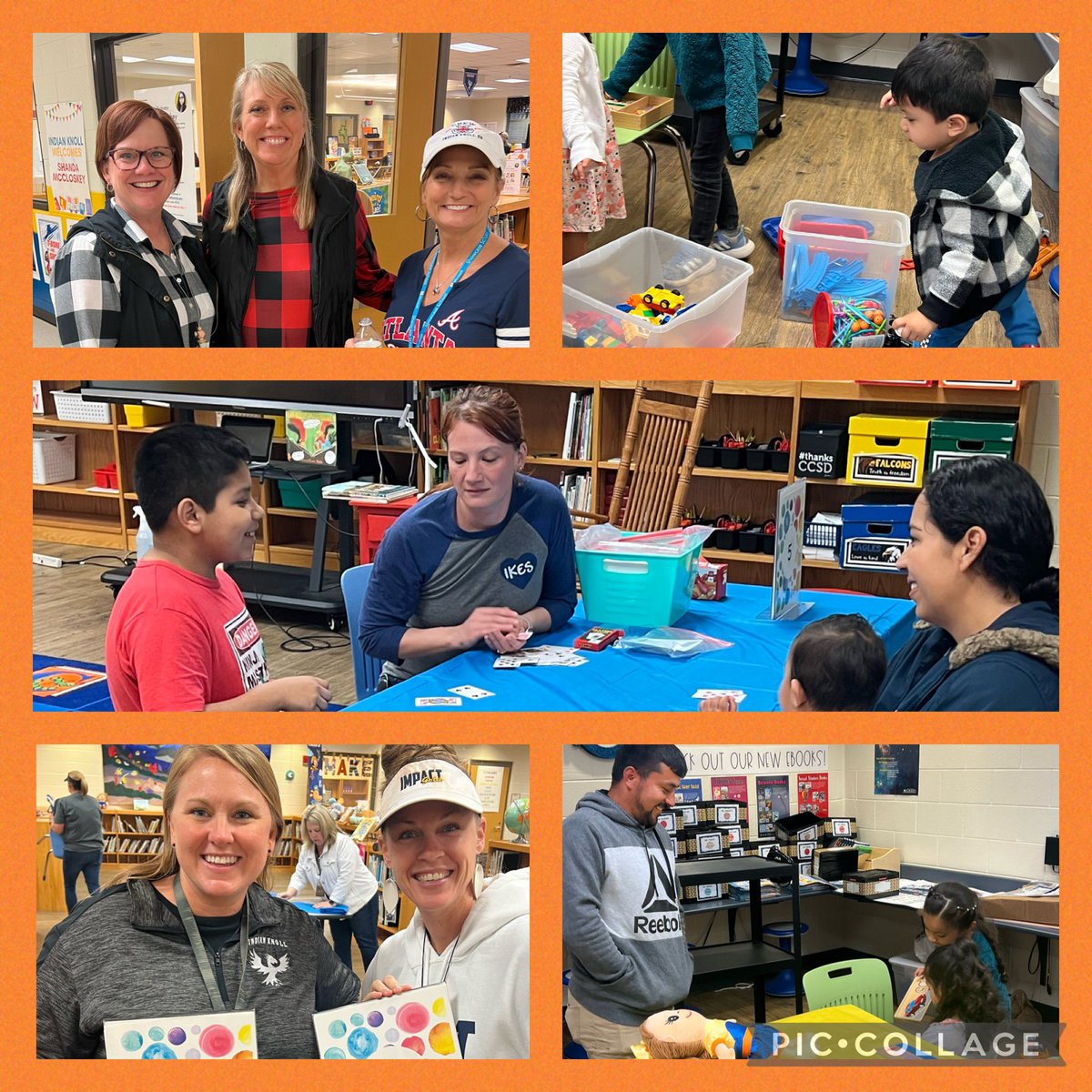
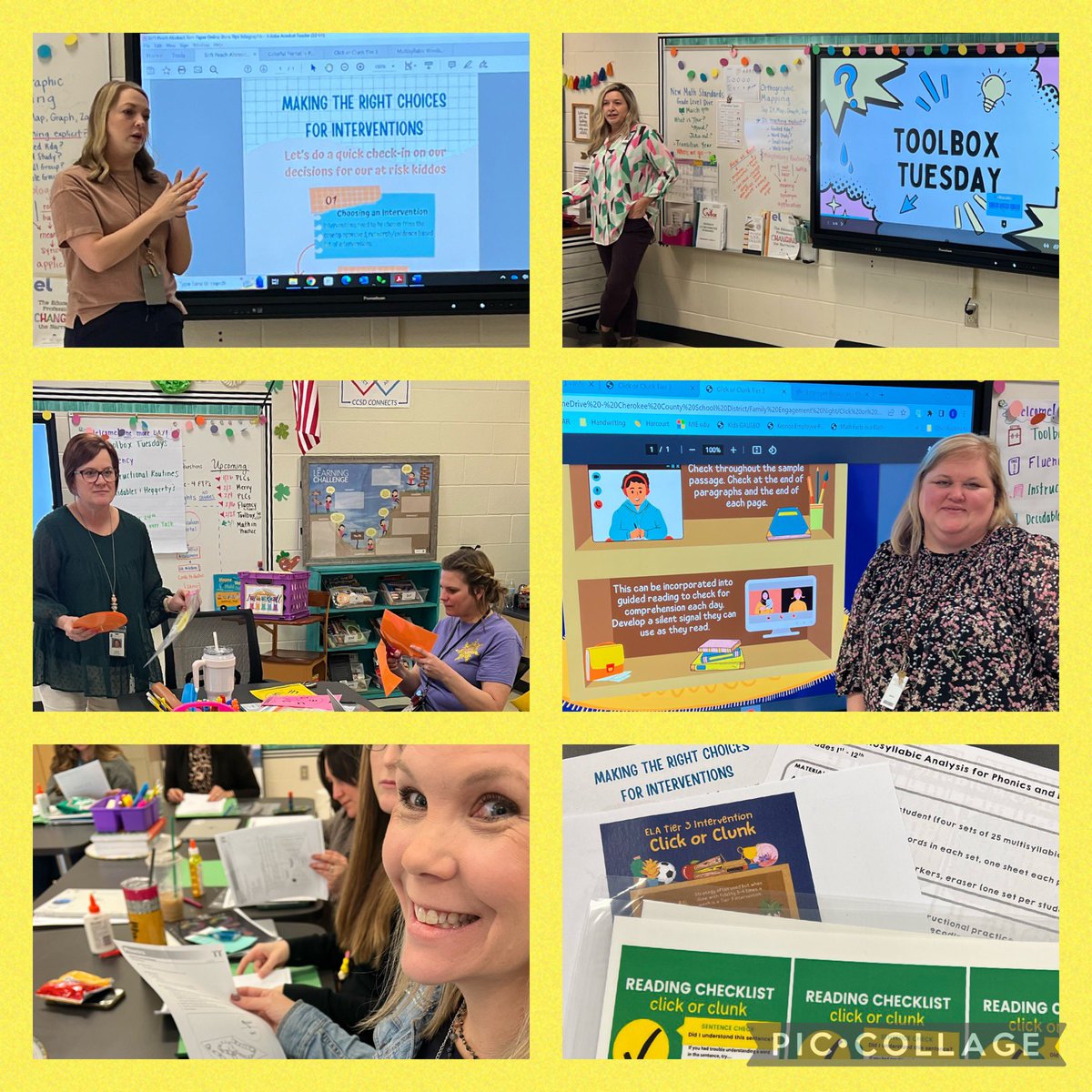
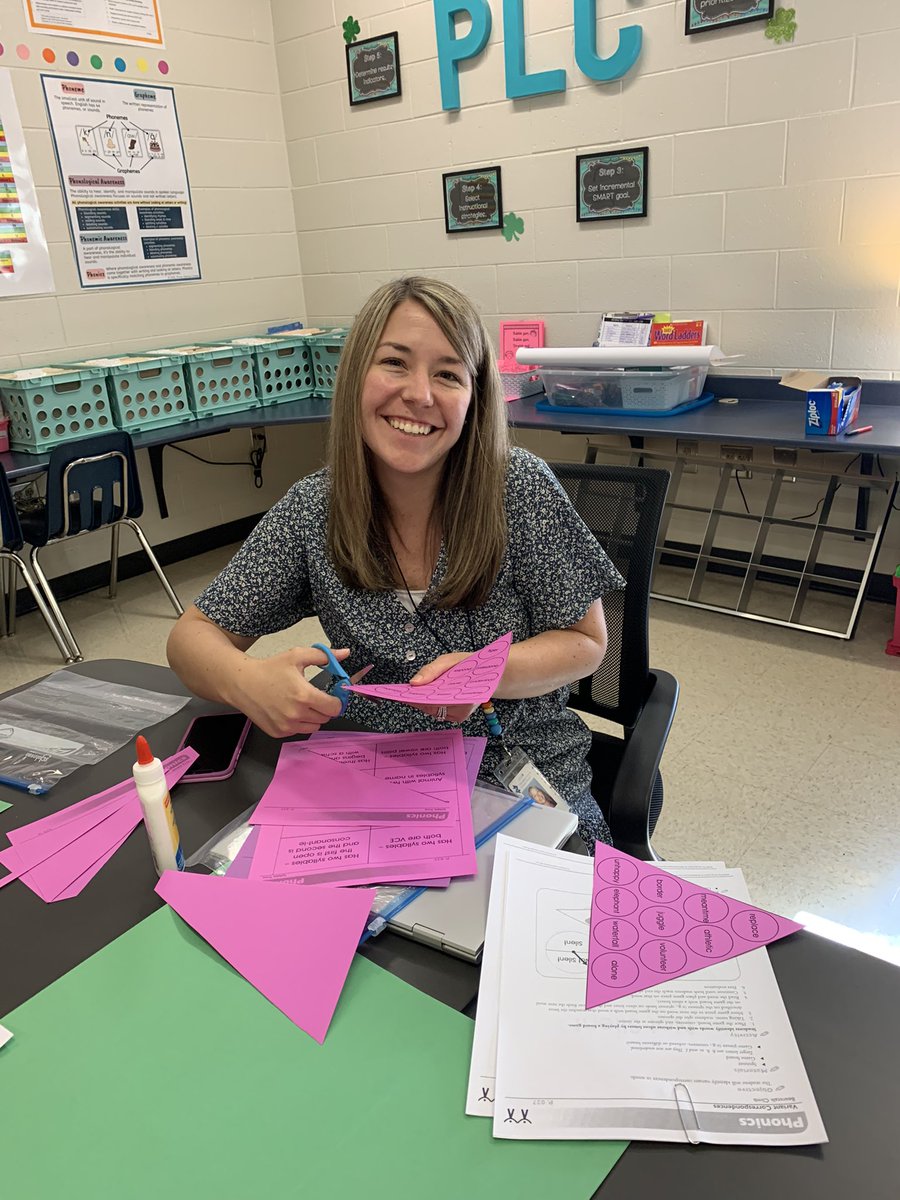
Major shoutout to Ms.Griffin, Ms.Snelson, Ms.Cloer, and Ms.Martineau for supporting teachers through our first Toolbox Tuesday @IndianKnollES 🧰📝 Ts facilitated make-and-take interventions to support our students! Such a collaborative success 👏 @CherokeeSchools#teamwork